Why Your Wi-Fi Band Selection Might Be Slowing Down Devices
Even with a high-speed internet subscription, choosing the wrong Wi-Fi frequency band can lead to unexpected slowdowns and buffering. Understanding your router's configuration can help restore optimal performance.
 Radwan AbdulhadiEditor and technology writer
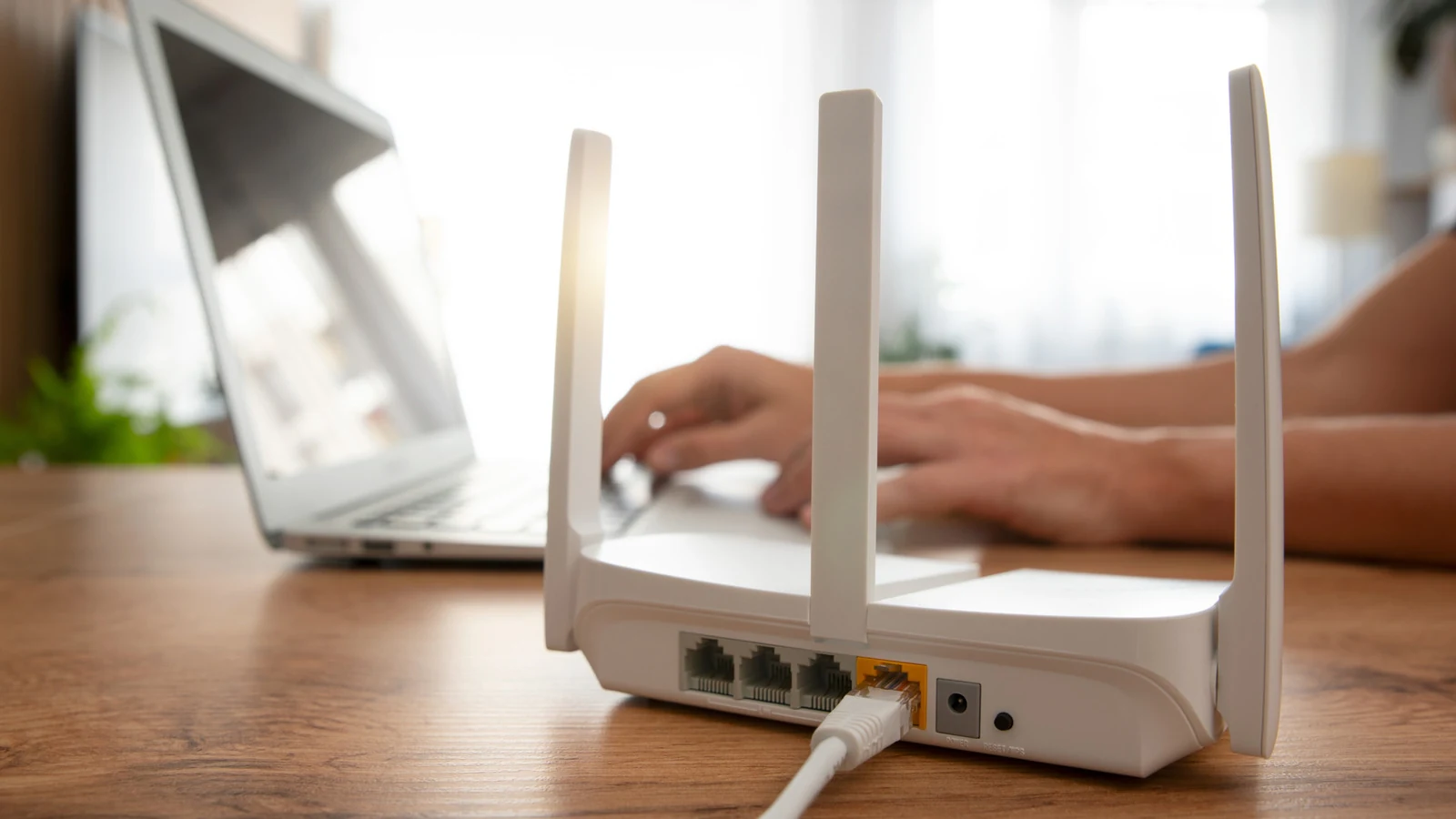
Understanding Wi-Fi Frequency Bands
The average internet speed in the United States has steadily climbed over decades, but a fast service plan does not automatically guarantee optimal performance across every device in a household. Consumers paying for hundreds of megabits or even a gigabit per second may still experience issues like slow downloads and buffering video on certain hardware. A strong Wi-Fi signal indicator on a screen can often mask these underlying performance bottlenecks.
To address these issues, it helps to examine how devices communicate with home hardware. Most routers support 2.4GHz and 5GHz Wi-Fi frequency bands, while newer hardware implementations introduce a third 6GHz band. Depending on network configuration settings, devices might automatically switch between these frequencies, potentially introducing real-world speed reductions or reliability concerns.
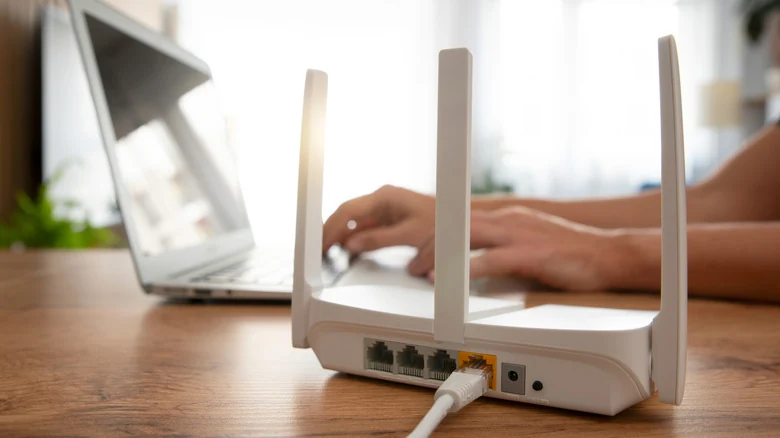
Strengths and Weaknesses of Each Frequency
Each Wi-Fi frequency band carries distinct operational characteristics. The 2.4GHz band originates from the original 1997 Wi-Fi standard and remains vital for legacy compatibility, particularly with smart home appliances. It excels at penetrating physical obstacles like walls, maximizing connection range. However, it suffers from slower maximum speeds and higher interference from neighboring electronics.
The 5GHz band became mainstream during the 2010s and handles significantly larger amounts of data, supporting gigabit connections and beyond. The primary trade-off is physical range, as higher frequencies struggle to penetrate solid obstacles effectively, requiring devices to remain relatively close to the wireless access point.
Additionally, the newer Wi-Fi 6E and 7 standards have expanded capabilities further by introducing the 6GHz frequency band, continuing the architectural trend of boosting connection speeds while narrowing operational range.
The Impact of Band Steering
A primary driver of sluggish wireless performance is band steering, a router feature that merges multiple Wi-Fi frequencies under a single network name or SSID. While designed to let routers and clients dynamically select the ideal frequency, real-world conditions often cause devices to stubbornly cling to the 2.4GHz band instead of shifting to a faster 5GHz option.
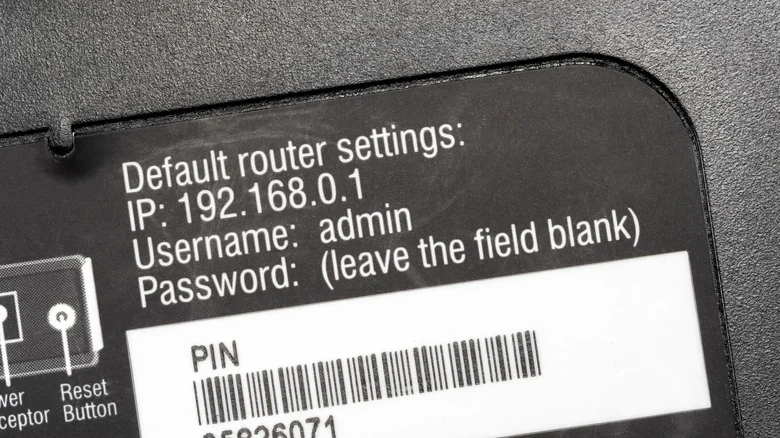
Disabling band steering grants administrators manual control over frequency assignments. Accessing a router's administration panel—via an admin URL, IP address like 192.168.0.1, or a companion smartphone app—allows users to locate and turn off smart connect or dynamic band selection features.
Turning off band steering typically generates distinct network names for each frequency, such as adding a suffix for the 5GHz network. Administrators can then reconnect smartphones and laptops to faster bands while reserving 2.4GHz for smart home appliances that prioritize range over raw throughput.
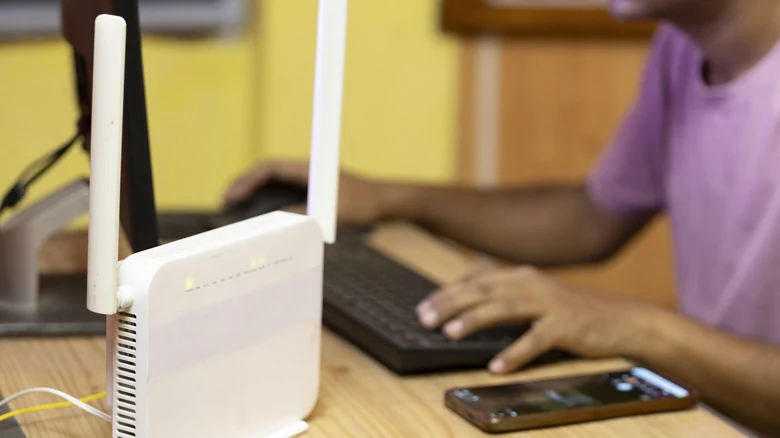
Multi-Link Operation and Network Congestion
For those seeking simultaneous multi-band communication, a capability called Multi-Link Operation (MLO) was introduced with Wi-Fi 7 to combine multiple frequency bands to enhance bandwidth or reduce latency. However, utilizing MLO requires compatible hardware on both ends of the connection, and real-world performance results can vary.
Beyond band configuration, wireless channel congestion can also degrade performance. Networks sharing identical channels in densely populated areas like apartment buildings compete for airtime, creating inconsistent speeds. Tools like Wi-Fi Analyzer on Android or AirPort Utility can assist in diagnosing channel usage so users can manually switch to clearer channels.
Sources
- EngadgetYour devices could be on the wrong Wi-Fi band, and it's slowing them down
Continue chronologically


Related stories
Why Wi-Fi Speeds Drop in the Evening and How to Fix Them
Discover why your internet slows down in the evening due to network congestion and Wi-Fi interference, plus practical steps to fix the issue.
Why Flat Ethernet Cables Might Harm Home Networks
Explore the performance tradeoffs, signal interference risks, and physical durability issues of flat Ethernet cables compared to traditional round ones.
Understanding Your Home Network: Modems, Routers, and Gateways
Learn the differences between modems, routers, and gateways, and discover why using your own networking equipment can improve your home setup.
Decluttering USB Gadgets and Dongles Can Fix Bad Wi-Fi
Struggling with slow wireless speeds? Discover how clearing out crowded USB devices, dongles, and peripherals can help improve your home network.