Why Wi-Fi Speeds Drop in the Evening and How to Fix Them
Evening internet slowdowns can ruin your streaming and gaming, but understanding the traffic causes helps you work around them.
 Radwan AbdulhadiEditor and technology writer
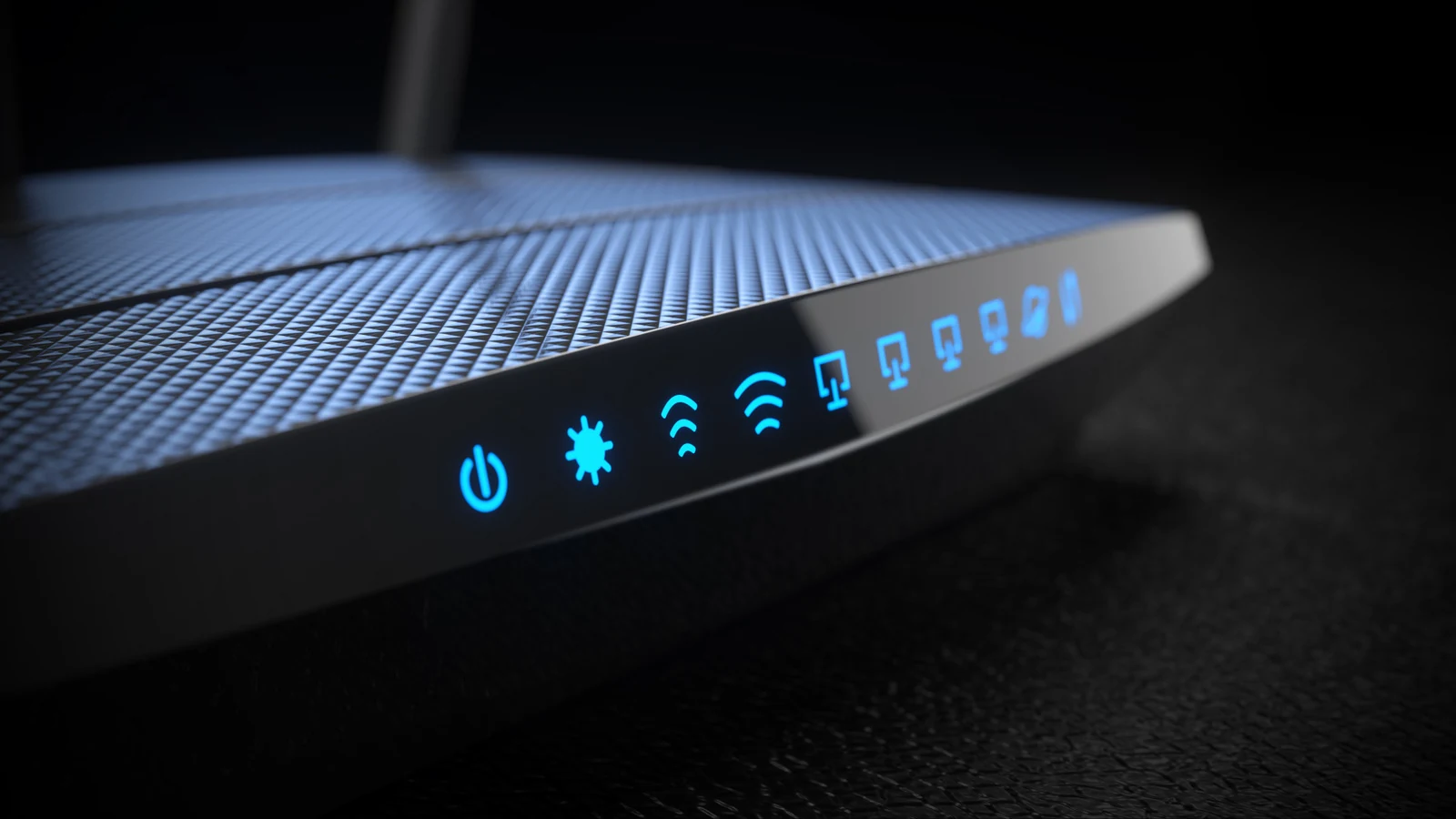
The Causes of Evening Internet Slowdowns
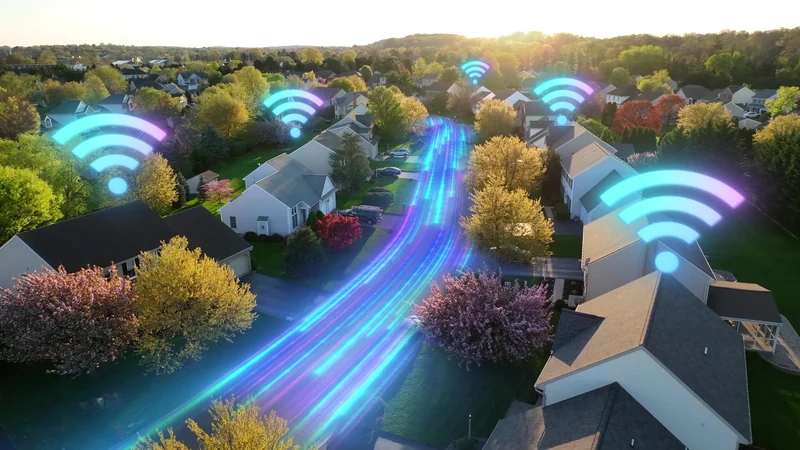
Evening internet slowdowns can be a frustrating experience when you are trying to unwind after work or school. Whether you are dealing with [poor video quality on Netflix](https://www.engadget.com/2190982/how-to-see-if-netflix-is-downgrading-your-picture-quality/) or suffering through low-quality video calls, the root cause is usually a traffic jam. Unless you live in a rural area or a sparse suburb, many like-minded people nearby are returning home and getting online at roughly the same time.
With cable internet, this behavior increases overall congestion because many houses in the same neighborhood share bandwidth. On the other hand, fiber internet [offers far greater bandwidth](https://www.engadget.com/2273852/internet-speeds-vs-bandwidth-differences/), helping mitigate some of these shared neighborhood strains. Furthermore, tons of people getting online simultaneously increases competition for the frequency bands that Wi-Fi routers share in common. In a large apartment complex, dozens or even hundreds of devices might fight for the same frequencies.
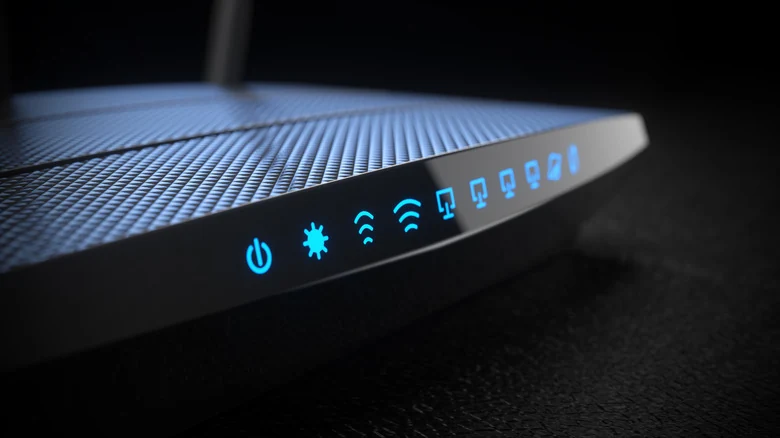
Power-Cycling and Router Settings
Solving these slowdowns can be difficult and may depend on reconfiguring your apps or power-cycling your equipment. One potential fix is to restart your modem and router. Unplug them for at least 30 seconds and then plug them back in, waiting for the modem to reconnect before restarting your router if they are separate devices. This forces the hardware to clear its caches and acquire fresh, potentially more optimal connections.
You can also change your router settings to create separate SSIDs for each frequency band. For instance, you can force your most data-hungry devices over to the 5GHz or 6GHz bands if they support them. The 2.4GHz band is long-range and easily congestible due to its channel structure, making it vulnerable to interference from Bluetooth devices and household appliances. It is generally best to reserve 2.4GHz for smart home accessories that require range rather than raw speed.

Adapting Network Usage Habits
Realistically, you may sometimes have to adapt your lifestyle to network conditions rather than expecting your network to handle everything instantly. This might involve using your home internet bandwidth more wisely when everyone is gathered together. For example, avoid running huge cloud sync operations or massive file downloads while other family members are trying to stream or work.
Consider having software updates run overnight instead of downloading them immediately. Many platforms allow you to configure automatic updates or let you manually check for updates right before you go to bed. Similarly, postponing heavy activities by an hour or two can make a major difference. When a popular television show drops a new episode, trying to stream it the exact second it goes live can lead to friction.
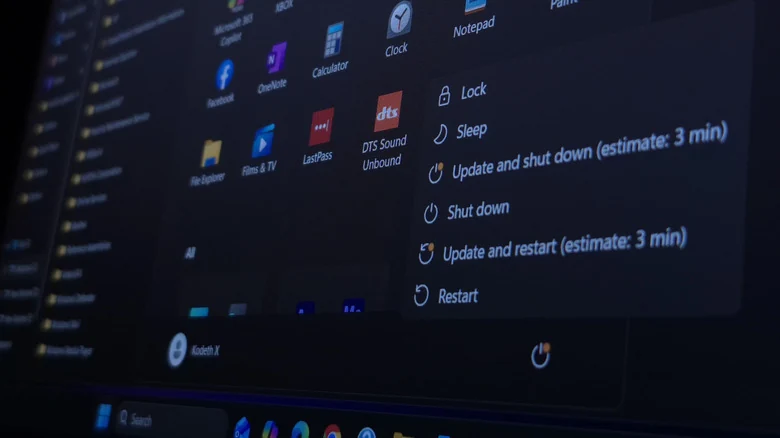
Switching to Wired Connections
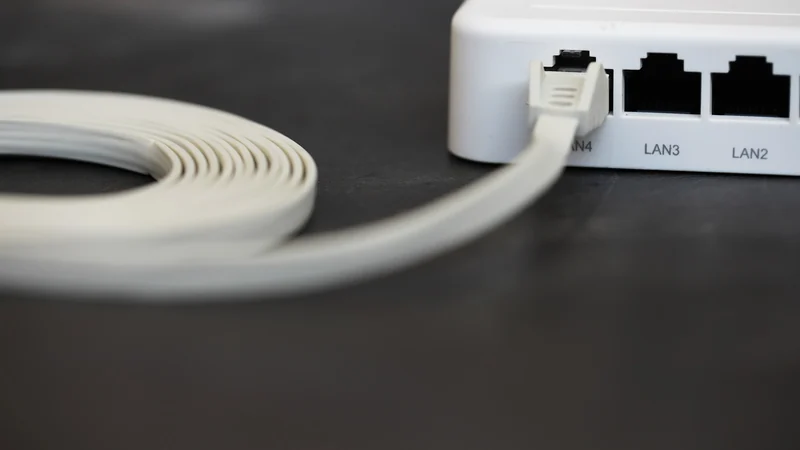
If wireless congestion continues to plague your household, you should consider [switching some devices over to wired Ethernet](https://www.engadget.com/2182061/how-to-get-wired-internet-without-ethernet-cable-in-walls/) if they support it and do not require mobility. While going wired will not solve broader external traffic issues originating outside your home, Ethernet is effectively invulnerable to range limitations and band congestion woes.
A wired setup ensures much more stable connections for online gaming and much faster download speeds on desktop computers and consoles. The primary challenge involves physically running cables to reach your router, but the performance payoff can completely eliminate evening Wi-Fi frustrations for stationary devices.
Sources
- EngadgetWhy your Wi-Fi speeds can drop in the evening, and what to do about it
Continue chronologically


Related stories
Why Internet Upload Speeds Are Slower Than Downloads
Explore the physical limitations and usage behaviors that cause home internet upload speeds to lag far behind download bandwidth tiers.
Why Flat Ethernet Cables Might Harm Home Networks
Explore the performance tradeoffs, signal interference risks, and physical durability issues of flat Ethernet cables compared to traditional round ones.
Why Your Wi-Fi Band Selection Might Be Slowing Down Devices
Learn how your router's Wi-Fi band settings, band steering, and channel congestion could be impacting your actual internet speed and device performance.
Decluttering USB Gadgets and Dongles Can Fix Bad Wi-Fi
Struggling with slow wireless speeds? Discover how clearing out crowded USB devices, dongles, and peripherals can help improve your home network.