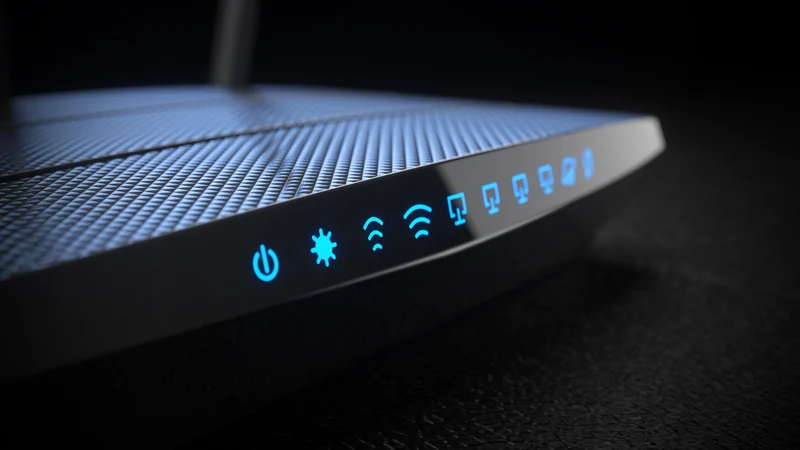
Understanding Your Home Network: Modems, Routers, and Gateways
A breakdown of the hardware that powers your home network reveals why separating your modem and router can offer better flexibility, coverage, and performance.
 Radwan AbdulhadiEditor and technology writer
Demystifying Home Networking Equipment
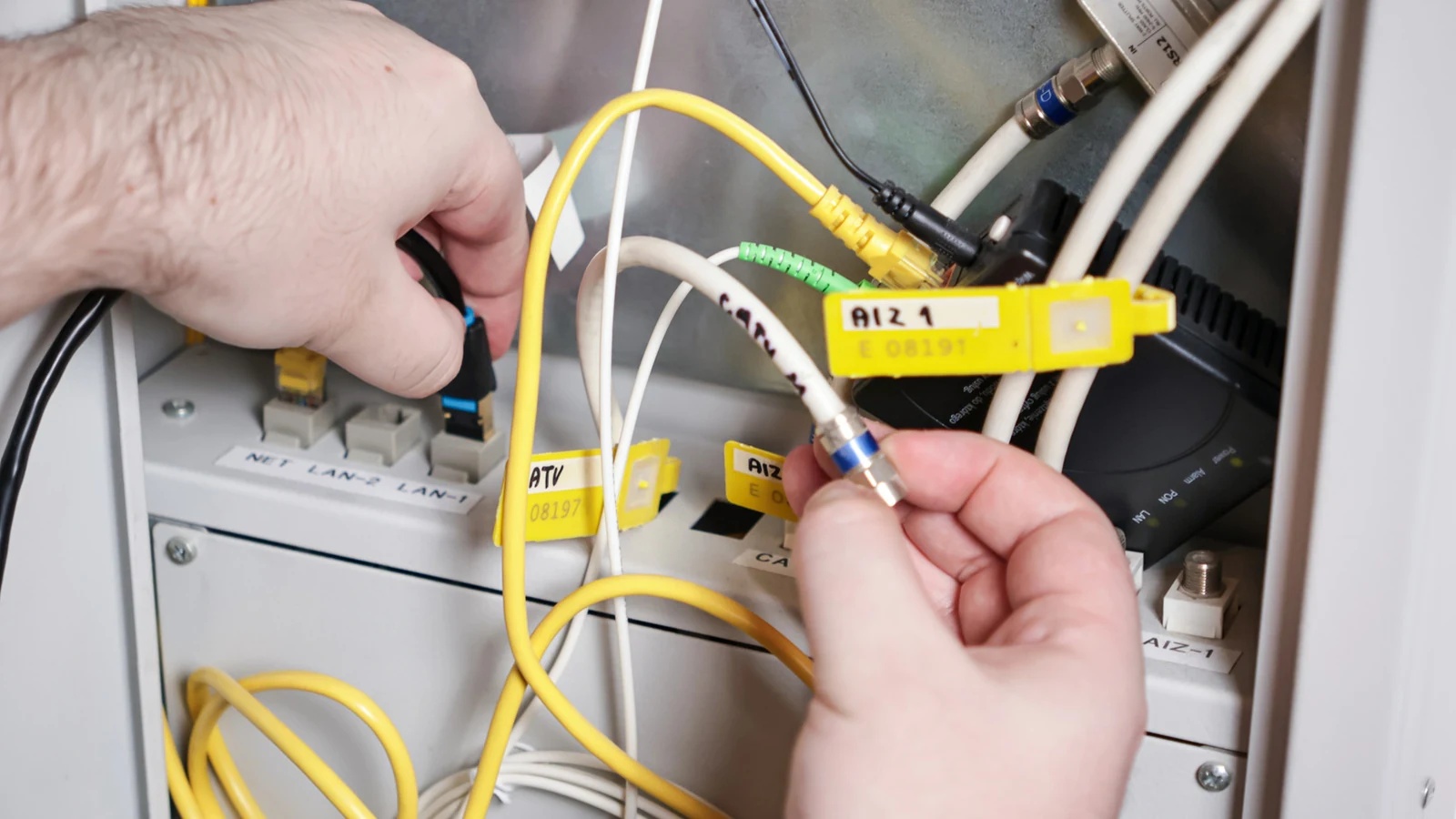
For many people, home networking terms only become relevant when they need to fix problems with their home network. The goal is typically for your network to blend seamlessly into the background of daily life. However, understanding the hardware behind your internet connection is useful not just for troubleshooting, but also for knowing what you are paying for and deciding what equipment you actually need.
It has long been common for internet service providers to charge rental fees for equipment, though this practice has seen a decline in recent years. If your ISP still enforces a fee, buying your own hardware can potentially save you money. Even when a unit is included in your plan at no extra charge, bringing your own equipment can unlock significantly more flexibility and options.
The Core Components: Modems and Routers
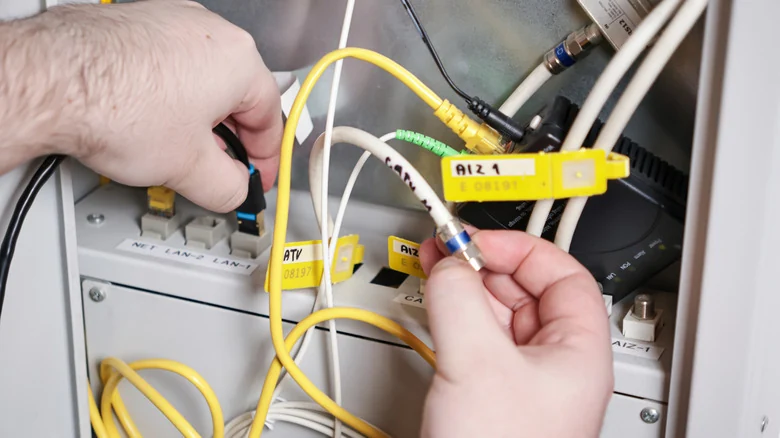
The vast majority of internet connections depend on a modem, which is short for modulator-demodulator. This hardware translates signals from a cable or phone line into a digital form that your devices can understand, and vice versa. In simpler terms, a modem is the device that talks directly to the internet. The only way to skip having a traditional modem is by having a pure fiber connection, which instead uses an optical network terminal (ONT)—a functionally similar device from a practical standpoint.
Meanwhile, routers have multiple responsibilities. Primarily, they steer modem data to and from individual devices over Wi-Fi or Ethernet cables. They can also direct entirely local data on your home network, such as when you are streaming movies from a Plex server to your TV. Furthermore, some routers double as smart home hubs by acting as Matter controllers or bridging Thread-based accessories with your local network and the internet, all while defending against intrusion through firewalls and guest networks.
What is a Gateway?
Within a home networking context, a gateway usually merges a modem and a router into a single physical device. The clear advantage of this approach is simplicity. ISPs frequently include a gateway in their monthly plans, sometimes at no additional charge. Conversely, you will not find as many consumer-facing gateways at normal electronics retailers; store-bought gateways are often targeted at businesses and organizations seeking advanced control over data.
Although combo gateways are common, it is usually more advantageous to use separate units for your modem and router to maintain greater control and flexibility over your home setup.
Why Buying Your Own Router Matters
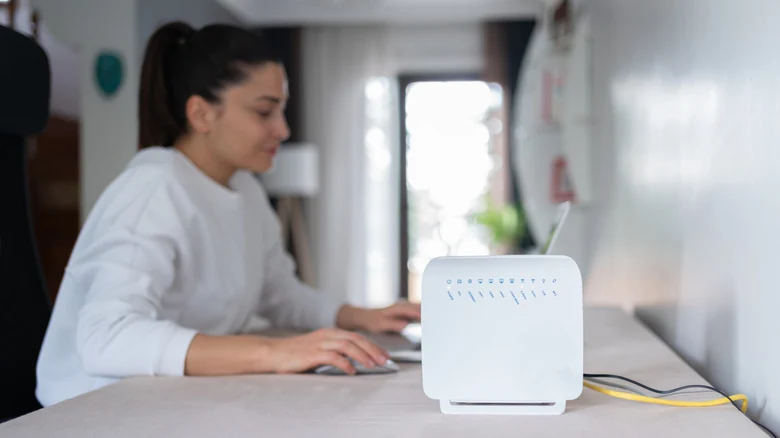
Whether your ISP supplies a gateway or a separate modem and router, you are likely receiving a basic, lowest-common-denominator networking setup. This often means older Wi-Fi configurations or non-mesh layouts. While older wireless standards remain viable for many scenarios, the format has been eclipsed by newer standards like Wi-Fi 6E and 7, which introduce a faster 6GHz band alongside standard 2.4 and 5GHz options.
To prevent dead zones and ensure consistent speeds throughout a large house, top mesh systems are often necessary. While some ISPs offer mesh or Wi-Fi 7 upgrades as part of an added monthly fee, these subscriptions increase long-term costs without providing the privilege of ownership.
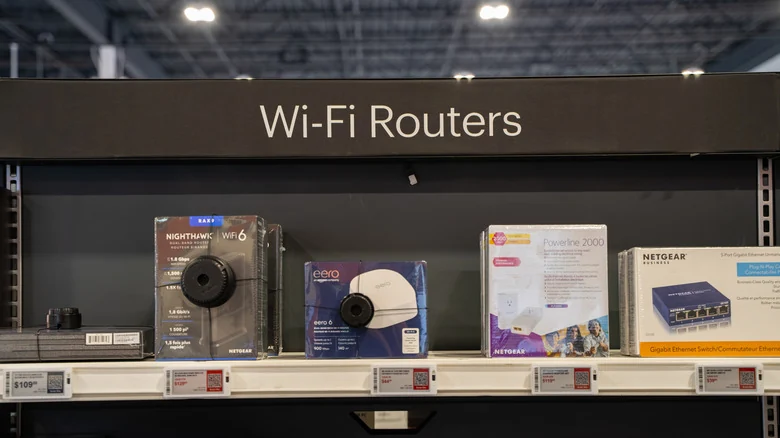
Cost Analysis and Equipment Ownership
For example, some provider-specific equipment programs can add substantial fees on top of an existing internet plan. Over the span of a year or two, those monthly rental charges can quickly surpass the cost of purchasing your own hardware outright.
By buying your own mesh system, you can avoid ongoing fees and easily bring your equipment with you if you switch to another internet service provider. To use your own router with ISP-supplied equipment, you simply need to put the provider's hardware into bridge mode.
Sources
- EngadgetRouter and modem or gateway: What's actually in your home network?
Continue chronologically


Related stories
Common home network mistakes and how to avoid them
Learn the most common home network setup mistakes to avoid, from poor router placement and weak security settings to ignoring wired Ethernet options.
Why Your Wi-Fi Band Selection Might Be Slowing Down Devices
Learn how your router's Wi-Fi band settings, band steering, and channel congestion could be impacting your actual internet speed and device performance.
Why Flat Ethernet Cables Might Harm Home Networks
Explore the performance tradeoffs, signal interference risks, and physical durability issues of flat Ethernet cables compared to traditional round ones.
Why Wi-Fi Speeds Drop in the Evening and How to Fix Them
Discover why your internet slows down in the evening due to network congestion and Wi-Fi interference, plus practical steps to fix the issue.