What to do with your unsupported first- and second-gen Nest
Google's discontinuation of support for early Nest Learning Thermostats has left many users wondering how to handle their aging hardware.
 Radwan AbdulhadiEditor and technology writer
The Impact of Discontinued Support
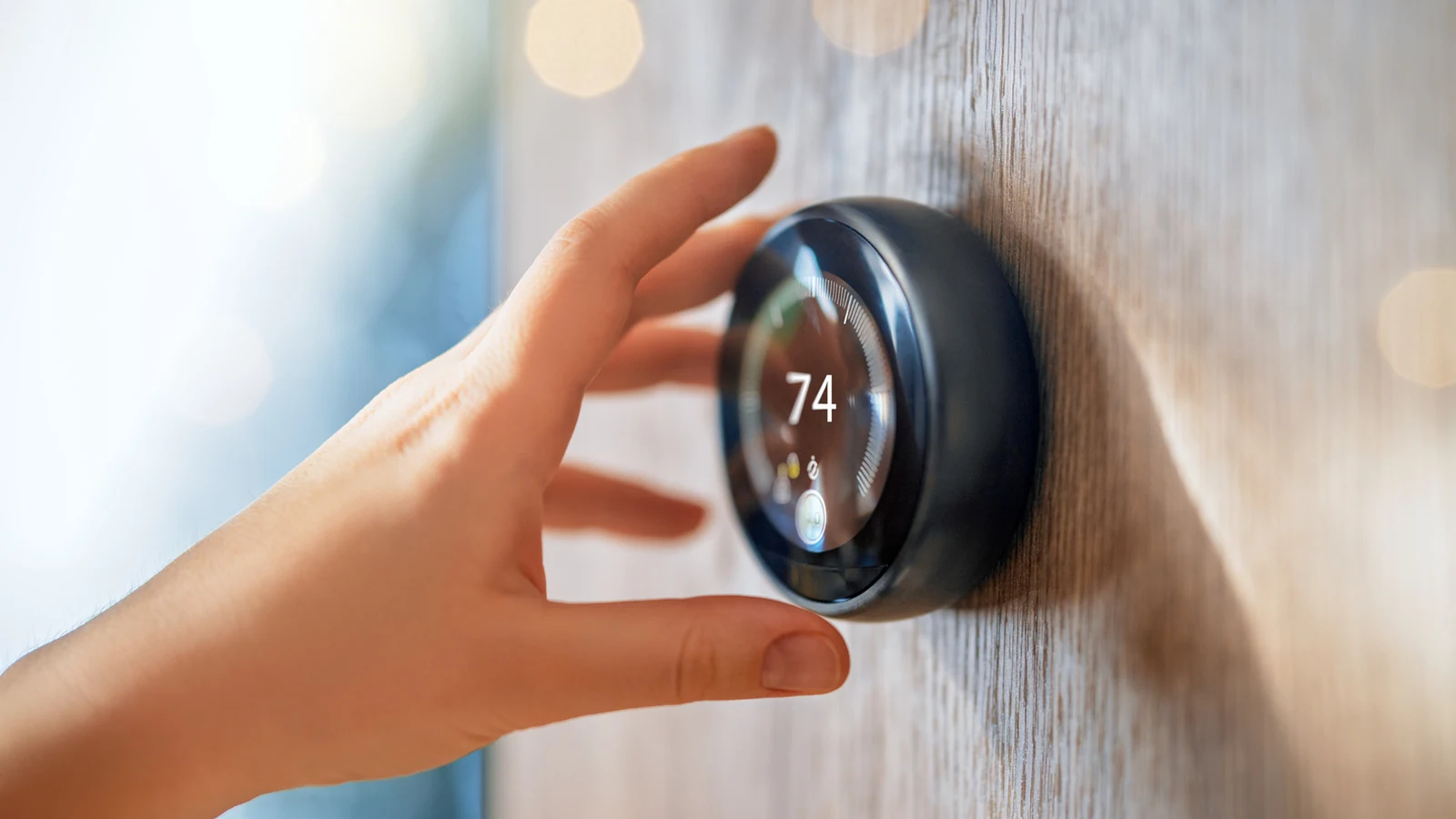
Google generated a bit of fury in October 2025 when it discontinued support for Nest's first- and second-generation Learning Thermostats. Thermostats are relatively permanent fixtures that users depend on for home comfort, making the loss of software updates and outside app connectivity a frustrating development for many households.
Despite losing connection to Google's cloud and external apps, these products are not entirely useless. Owners can still adjust on-device settings and temperatures, including the built-in auto-schedule functions. While Google has offered discounted upgrades to the fourth-gen Learning Thermostat, this approach is less appealing for consumers who prefer to avoid doubling down on a single ecosystem.
Resuscitating Older Hardware via Open-Source Firmware
For technically inclined users, a free open-source project called No Longer Evil attempts to breathe new life into unsupported devices. By flashing the thermostat with custom firmware, users can substitute advanced features that were disabled when Google disconnected the hardware from its cloud infrastructure.
The project allows owners to use the No Longer Evil cloud platform, run their own local server, or integrate the hardware directly into the Home Assistant ecosystem. However, this method carries a non-zero risk of bricking the device during the flashing process, which would render the thermostat completely unusable even in its basic offline state.
Recycling and Safe Disposal Options
If flashing custom firmware sounds too risky or complex, users can take advantage of Google's free recycling program. The service provides a prepaid shipping label, eliminating the need to travel or pay out of pocket, provided the user has access to a printer.
Before recycling or handing over any smart device to a stranger or local e-waste center, users should perform a thorough factory reset by navigating to Settings, then Reset, and choosing All Settings to ensure all personal data is completely wiped.
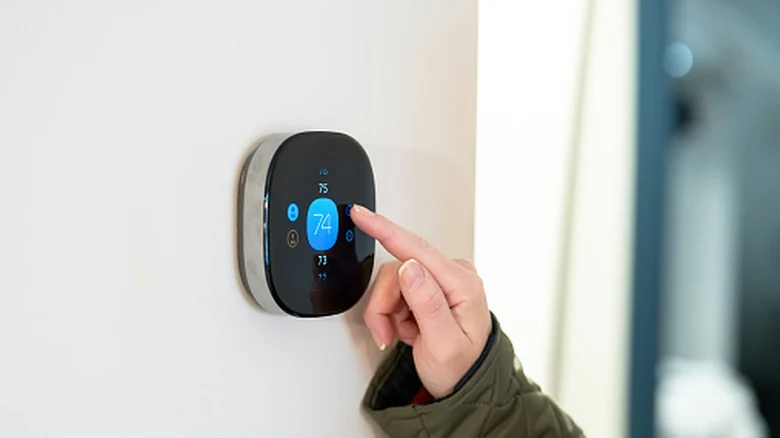
Evaluating Upgrades and Energy Efficiency
Investing in a newer smart thermostat from Google or another manufacturer can help cut energy bills through occupancy detection and cloud weather syncing. Yet, households with predictable daily habits may find that the built-in scheduling of an older Nest or basic device is entirely sufficient.
For those shopping for a replacement, checking for local energy provider rebates can significantly lower the overall cost. Entry-level thermostats and advanced models alike often become much more affordable when combined with utility rebate programs.
Sources
- EngadgetDon't throw away your old, unsupported Nest gadgets — Do this instead
Continue chronologically
Related entity coverage
Related stories
Ways to Reuse an Old Chromebook Instead of Discarding It
Discover practical ways to repurpose your old Chromebook, from acting as a second monitor to running a smart home control center or media server.
Google TV Streamer Sequel Highlights Smart Home Strategy Challenges
Google is reportedly preparing a next-generation TV Streamer, but the hardware lineup faces mounting competition and calls for ecosystem updates.
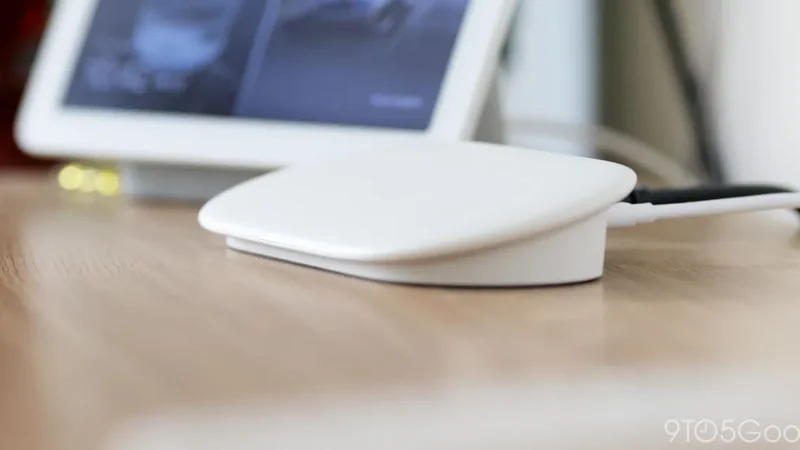
Google Rolls Out Software Updates for Older Nest Cams and Doorbells
Google is rolling out software updates to six older Nest Cam and Doorbell models, bringing Wi-Fi improvements, faster night vision, and bug fixes.
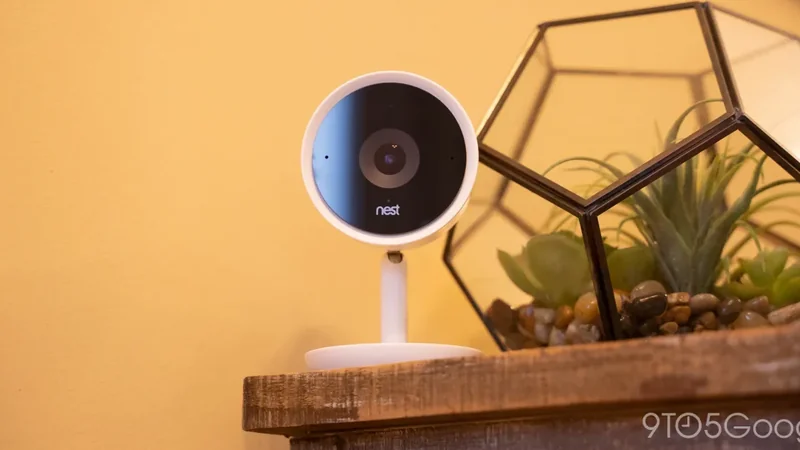
Creative Ways to Reuse Your Old Android Phone
Discover how to repurpose your aging Android phone into a handy smart home controller, kitchen display, security camera, and more.