Decluttering USB Gadgets and Dongles Can Fix Bad Wi-Fi
Before blaming your broadband provider for poor performance, a bit of physical decluttering and getting rid of unnecessary USB gadgets can significantly improve your home Wi-Fi speeds.
 Radwan AbdulhadiEditor and technology writer

The Hidden Culprits Behind Slow Wireless Networks
If you are experiencing poor wireless performance at home or in the office, filing a support ticket with your broadband provider might not be your best first step. According to a report by Engadget, your desk peripherals, wireless accessories, and dongles could actually be the ones to blame for your sluggish speeds.
Most wireless devices rely on the 2.4GHz frequency, a heavily utilized radio space designated back in the mid-1980s that is also shared by household appliances like microwave ovens. Because it is cheaper and simpler for manufacturers to build gadgets utilizing this band, it has become an extremely crowded environment.
Understanding the Congestion on the 2.4GHz Band
When you factor in similar electronic accessories operating in neighboring offices or adjacent apartments, a massive amount of wireless activity is being funneled through one tiny wavelength. Signals frequently get in each other's way, push against one another, and some packets never make it through the heavy traffic.
Unless your network operates exclusively on the 5GHz or 6GHz bands—such as modern Wi-Fi 6E or 7 standards—this congestion is likely impacting your overall throughput. While these newer bands offer faster speeds and less crowding, they have notable limitations regarding range and physical distance.
Cutting-edge networks can sometimes feel sluggish as signals struggle to penetrate solid walls. Consequently, devices often default back to the congested 2.4GHz band where numerous electrical devices are packed tightly together.

How USB 3.0 Interference Impacts Your Signal
Another major contributor to wireless contention is USB 3.0 technology. The high-speed data transfer happening across USB 3.0 connections creates electromagnetic radiation that spans from 2.4GHz to 2.5GHz. Inevitably, this radiation actively interferes with wireless networks operating within those exact same bands.
A practical solution to mitigate this specific issue is to use USB extension cables. By physically moving USB dongles further away from your computer ports, you can effectively reduce overall electromagnetic noise and clear up local signal interference.
This hardware interference, combined with poor router placement, overlapping channels in urban environments, and heavy file downloads, creates a severely degraded network experience.
Practical Steps to Declutter and Prioritize Your Devices
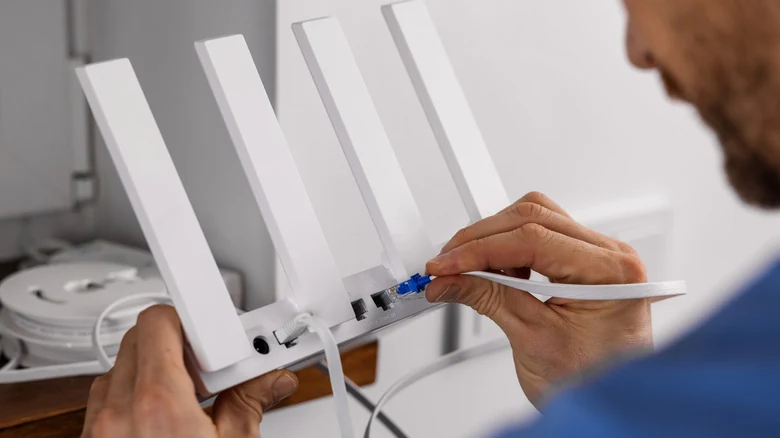
To restore your network performance, you must evaluate and prioritize your connected accessories. Determine which connected dongles and devices you can actually live without during daily use, and consider whether basic peripherals can connect via older USB 2.0 standards instead.
You can also create physical space between electronics by utilizing USB hubs or extension cables to connect devices at a distance. Furthermore, keeping items like cordless phones and microwave ovens directly beside your router is a setup best avoided.
The goal is to prune the excess devices crowding your network while establishing physical separation. Giving radio waves more room to travel helps your network manage activity more effectively and allows Wi-Fi signals to weave past digital detritus.
Rebooting Your Router for a Fresh Channel
Before you begin diving into router settings to manually adjust configurations, there is one critical maintenance task to perform: simply rebooting your router.
Rebooting clears the device's internal cache and forces the hardware to automatically select the least noisy channel available. This action provides your entire home network with much-needed breathing room in a less overpopulated radio space.
Sources
- EngadgetHow getting rid of some USB gadgets can improve your bad Wi-Fi
Continue chronologically
Related stories
Ethernet Cables Can Do Much More Than Just Connect to a Router
Discover how category cables can transmit video, audio, and power when paired with the right adapters, offering more than just home internet.
Understanding Audio Amplifiers and Sound System Quality
Explore what audio amplifiers do, how they impact your sound system quality, and whether you actually need a separate unit for your home theater.
How to Know It Is Time to Replace Your Apple Pencil Tip
Learn the key warning signs indicating when it is time to replace your Apple Pencil tip, from increased friction to exposed metal components.
Why DVI Cables Still Connect to Modern TVs with an Adapter
Discover how DVI cables work with modern TVs using a simple adapter, and explore the limitations and history of this legacy video standard.