Why You Should Avoid Using a Screen Protector on Your MacBook
While using screen protectors on smartphones is standard practice, applying one to a MacBook can lead to unintended consequences, display damage, and functional issues.
 Radwan AbdulhadiEditor and technology writer
The Risks of MacBook Screen Protectors
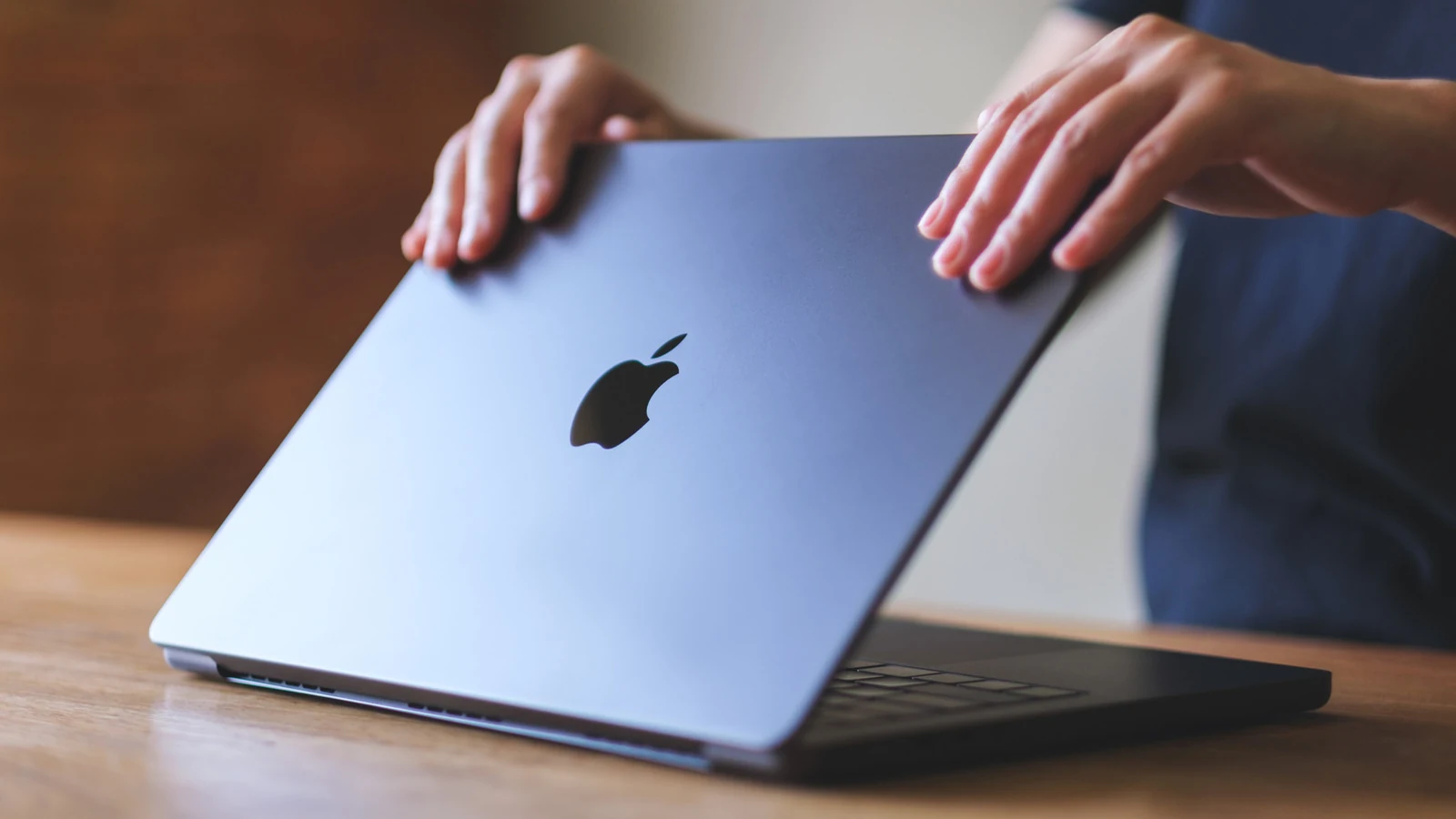
Putting a screen protector on expensive electronics is second nature for any experienced technology user, and in almost all cases is the smart choice for your device. Considering how much a new MacBook costs, it's a natural assumption that this same logic would apply. However, according to insights shared by Engadget, putting a screen protector on your MacBook can actually do more harm than good.
There are theoretical benefits to using a protector, particularly if you frequently transport your laptop and want privacy from prying eyes in public spaces. However, laptops differ from phones because they remain closed while on the move and are typically used on sturdy surfaces rather than held one-handed. In practice, the cons of using a MacBook screen protector heavily outweigh the benefits.
Impact on Display Clarity and Anti-Reflective Coating
From an aesthetic perspective, a screen protector can visibly dampen the display you spent good money on. Protectors can scatter light and reduce overall clarity, and achieving zero air bubbles across such a large surface area is difficult. The much larger threat, however, is to your screen's overall health and its top anti-reflective coating.
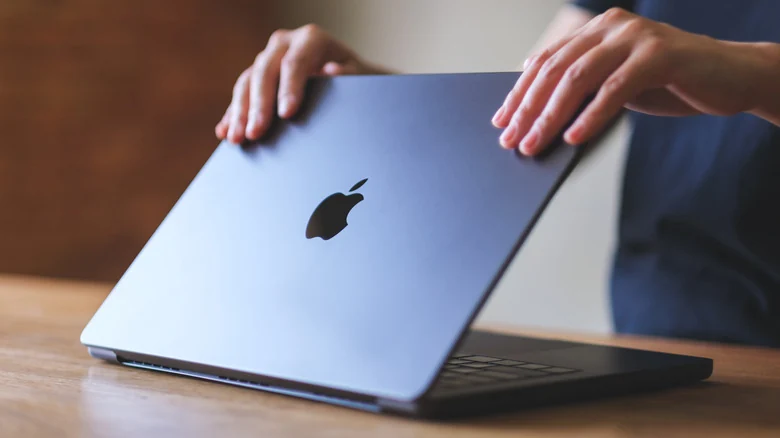
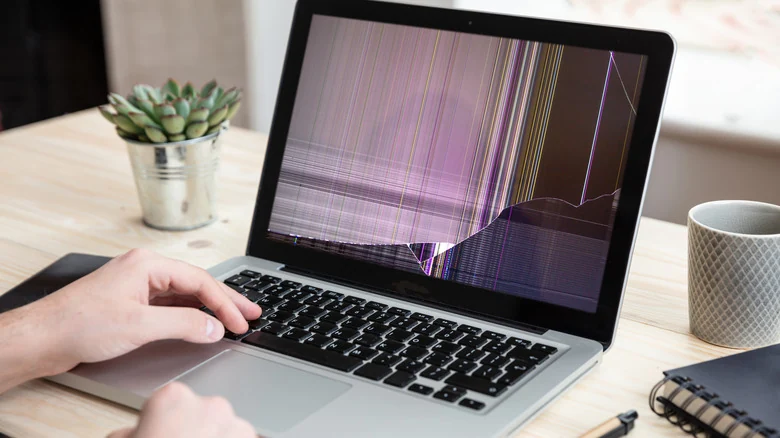
While this coating is normally imperceptible, removing an adhesive screen protector can leave the coating cracked, peeling, and visually unappealing. Depending on the material and thickness, a protector can also stop your laptop from closing properly and cause damage deeper than the top layer.
Because MacBooks are engineered with a very tight gap between the screen and keyboard, a thick glass screen protector can bridge that gap. The force of closing your laptop even slightly too hard can trigger a ripple effect from the base directly into the screen.
Safe Alternatives and Magnetic Filters
If you absolutely must use a screen protector on your computer, safer alternatives exist. For example, Apple offers the UltraThin Magnetic Privacy Screen Filter for select models on its official website. Because it relies on magnetism rather than adhesive, it avoids the associated chemical dangers, and its thinness eliminates the risk of force-based damage.
Other Accessories That Can Harm Your MacBook
When browsing through useful MacBook accessories, users should note that screen protectors are not the only add-ons capable of harming the computer. Many safeguards can act as a detriment if they are poorly designed.
For instance, heavier hardshell cases can wear out the MacBook's hinge and trap heat against the computer. To remain safe, hardshell cases should be very lightweight and feature proper vent cutouts while allowing the laptop to close fully.
Similarly, keyboard and webcam covers pose risks by disrupting the tight tolerance between the screen and base. Apple warns that accessories preventing full closure risk damaging the screen. Over time, keyboard covers can leave permanent marks, while thick webcam covers can damage the glass and disable the ambient light sensor. Apple recommends removing keyboard covers before closing the laptop and keeping webcam covers thinner than an average sheet of printer paper.
Sources
- EngadgetYou should avoid using a screen protector on your MacBook — here's why
Continue chronologically
Related entity coverage
Related stories
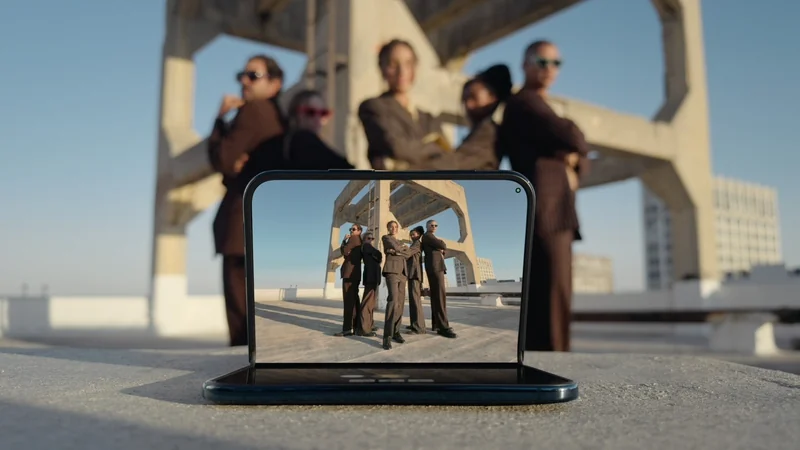
How the iPhone Duo Enhances Group Selfies with AI
Discover how Apple's foldable iPhone Duo combines new hardware placement options with AI features like Smart Take to revolutionize group selfies.
How to Improve Your iPhone Call Quality and Fix Issues
Discover actionable steps to improve your iPhone call quality, from utilizing Voice Isolation and toggling Airplane Mode to checking your hardware.

iPhone 18 Pro Launches With Variable Aperture and Upgrades
Discover what to try first on the new iPhone 18 Pro, featuring a 48-megapixel variable aperture camera, smaller Dynamic Island, and faster charging capabilities.
iPhone Duo vs. iPad Mini: Which Apple Device Is Right For You?
Compare Apple's foldable iPhone Duo and the iPad Mini to determine which device fits your tablet, multitasking, and workflow needs.