What to Know Before Buying a Wireless CarPlay Adapter
Converting wired CarPlay to wireless is possible with a relatively affordable plug-and-play adapter, but finding the right model requires checking compatibility, wireless standards, and features.
 Radwan AbdulhadiEditor and technology writer
Understanding Wireless CarPlay Adapters
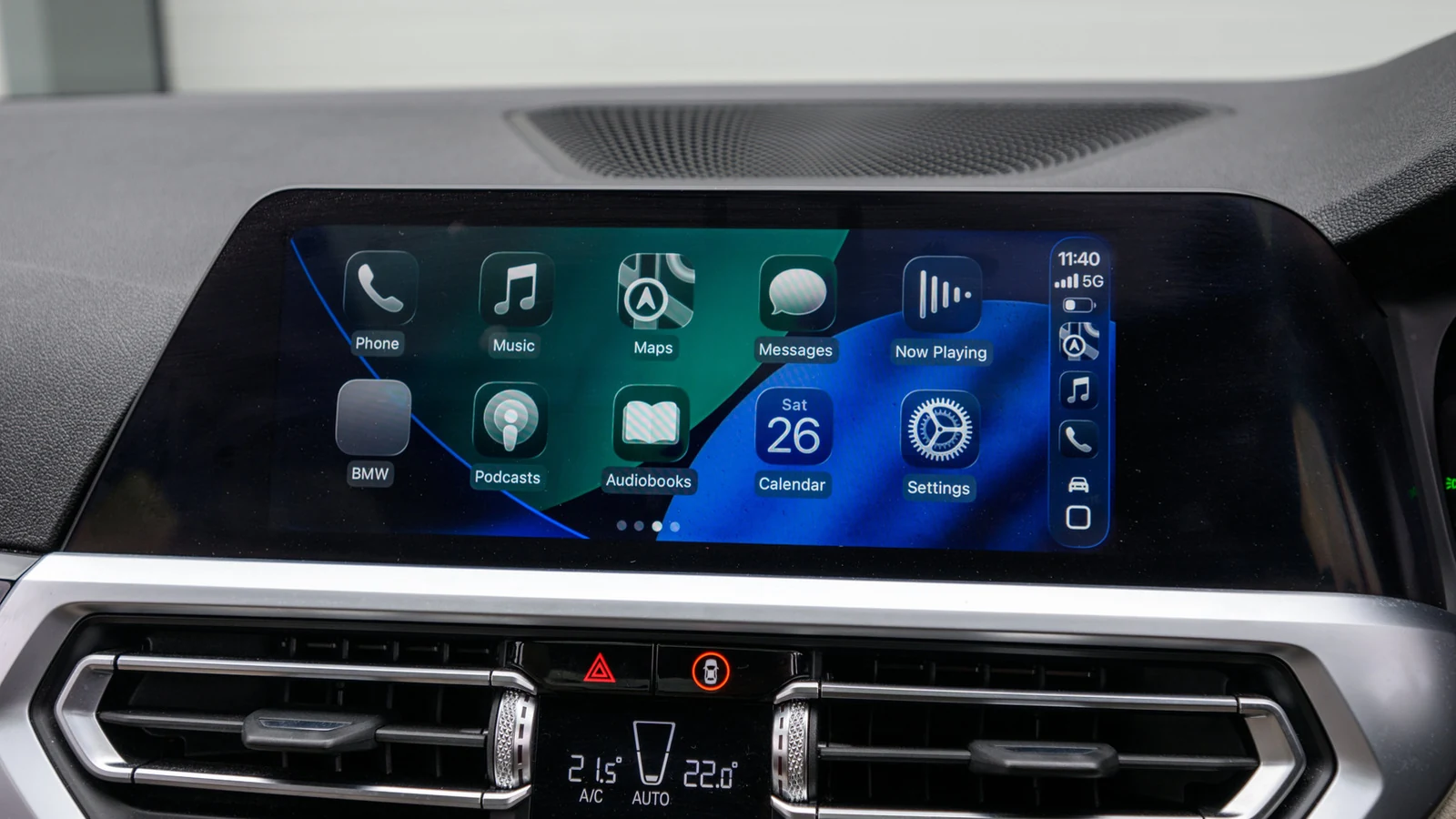
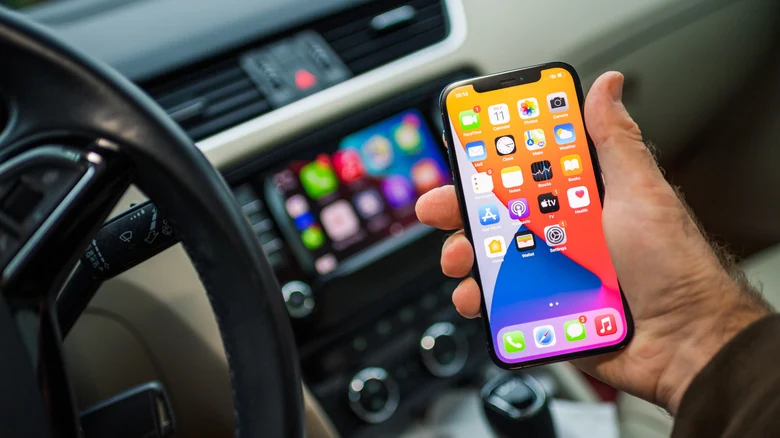
While wired CarPlay offers greater stability, going wireless gives you more freedom to place your phone anywhere. Many vehicle owners want the convenience of cutting the cord without replacing their entire car or infotainment system. In most cases, a relatively cheap adapter does the trick by acting as a bridge between your car's system and your iPhone.
However, navigating the market can be challenging since some devices take too long to connect or fail to work with specific infotainment systems. Choosing the right hardware requires checking technical specifications, such as whether a device supports the latest wireless standards and the newest versions of iOS.
Checking Vehicle Compatibility and Ports
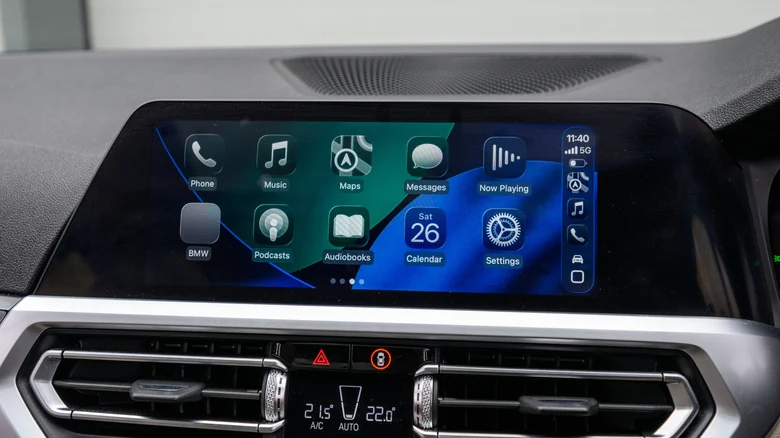
Before purchasing a wireless adapter, it is crucial to verify that your vehicle is compatible. These adapters only convert existing USB CarPlay to wireless and will not add CarPlay functionality to a car that lacks a built-in system. Drivers who lack a compatible infotainment system will need a portable CarPlay display instead.
Buyers should inspect compatibility lists provided by manufacturers. For instance, Amzfeel's adapter claims support for over 800 vehicle models. Additionally, consumers must examine their vehicle ports since older cars typically feature USB-A connections while newer models utilize USB-C.
Evaluating Performance and Wireless Standards
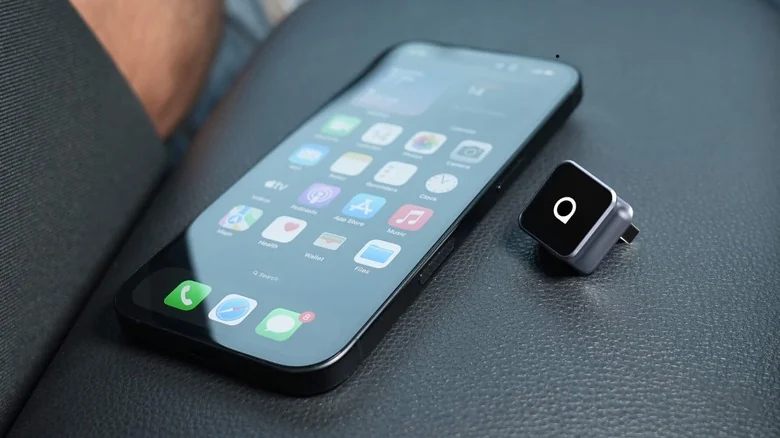
Hardware specifications heavily influence everyday performance. The Bluetooth and Wi-Fi standards matter, too, because units supporting 5GHz Wi-Fi help avoid network congestion while Bluetooth 5.0 ensures quick connections. Cheaper options relying on older standards frequently suffer from lag and signal interference.
Another essential feature to look for is auto-reconnect, which allows the iPhone to initiate wireless CarPlay automatically after the initial setup. Without this capability, drivers must manually pair the device every time they start the vehicle.
Additional Features and Pricing
Consumers should also check whether an adapter supports steering wheel controls or hands-free Siri if those functions are important. Advanced or more expensive models may introduce support for video streaming apps or Android Auto, and multi-device support is beneficial for households where multiple drivers share a vehicle.
Pricing for standard units typically ranges between $30 and $50, like the ones from Ottocast, though prices climb higher for devices featuring expanded capabilities. Ensuring software or firmware update compatibility with future iOS releases can also extend the lifespan of the hardware.
Sources
- EngadgetHere's what you need to know before buying a wireless CarPlay adapter
Continue chronologically

Related entity coverage
Related stories
How Using Your MacBook While Charging Affects Battery Life
Explore how modern MacBooks manage battery health while plugged in, along with tips to protect your device from overheating and wear over time.
Why Your Apple AirPods' Battery Drains So Fast
Discover why your Apple AirPods battery drains quickly, how to check for charging issues, and practical steps to make them last longer.

How to Fix Apple AirPods When They Won't Connect to iPhone
Learn why your Apple AirPods fail to connect to your iPhone and discover quick troubleshooting steps, from checking batteries to resetting devices.
What Happens to Google and Apple Accounts After You Die
Explore how Google and Apple handle user data, legacy contacts, and account deletion after a person passes away in the digital age.