Can a MacBook handle heavy games? What you should know
While macOS is a far healthier platform for gaming than it was just a few years ago, significant gaps remain when compared to Windows PCs.
 Radwan AbdulhadiEditor and technology writer
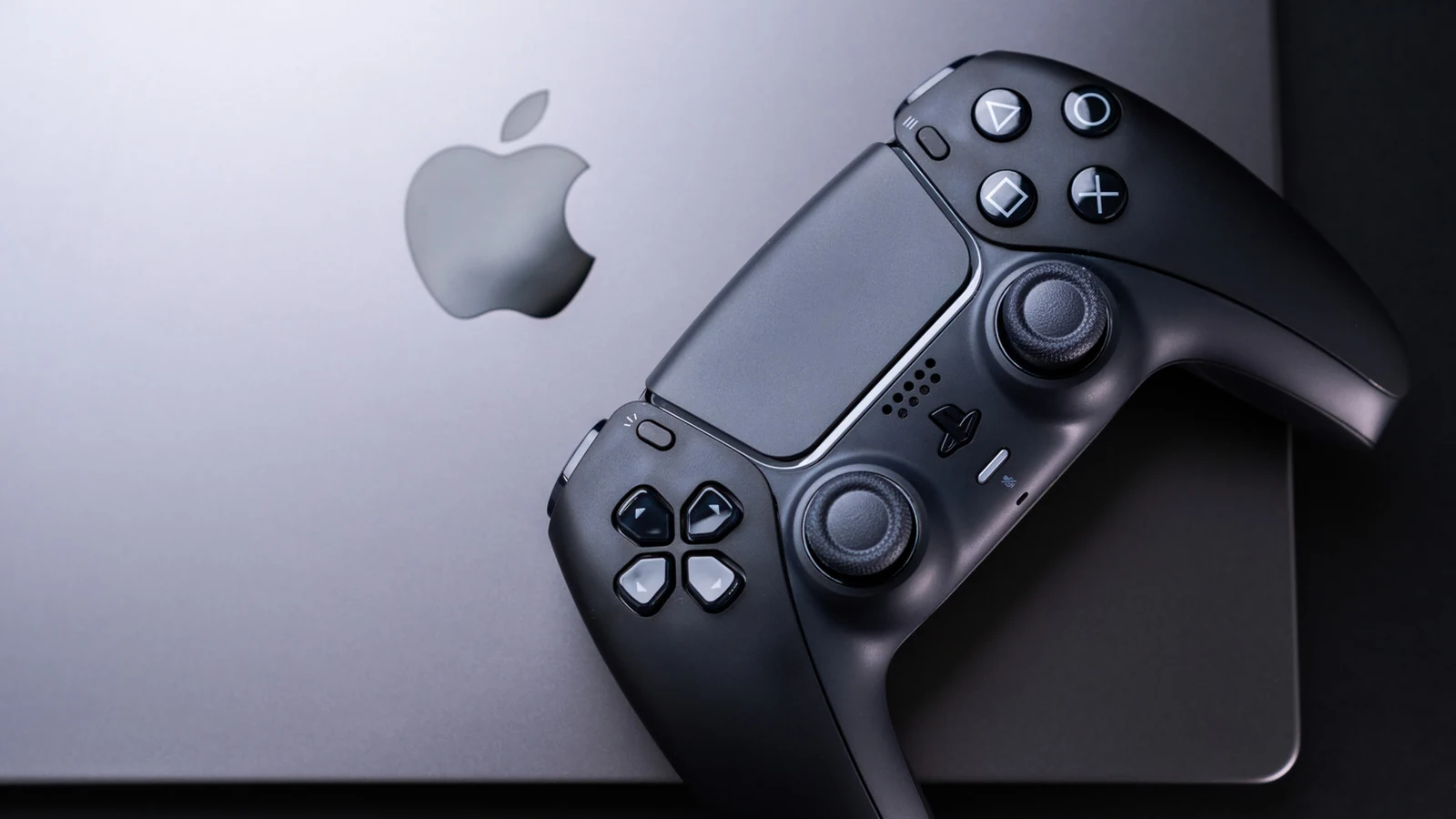
The Evolution of Gaming on macOS
Macs have historically struggled as gaming machines due to lacking hardware and a lack of developer support for macOS. However, the situation has shifted dramatically with the introduction of Apple silicon. The power of modern M-series chips, combined with new tools designed to easily port PC games to Mac, has closed the gap between Mac and PC. Despite these advancements, users should carefully weigh their options before selecting a Mac as their primary gaming platform.
According to Engadget, the gaming landscape on macOS is much improved compared to six years ago, yet a notable gap still persists between Apple's ecosystem and Windows PCs.
Hardware Capabilities and Native Support
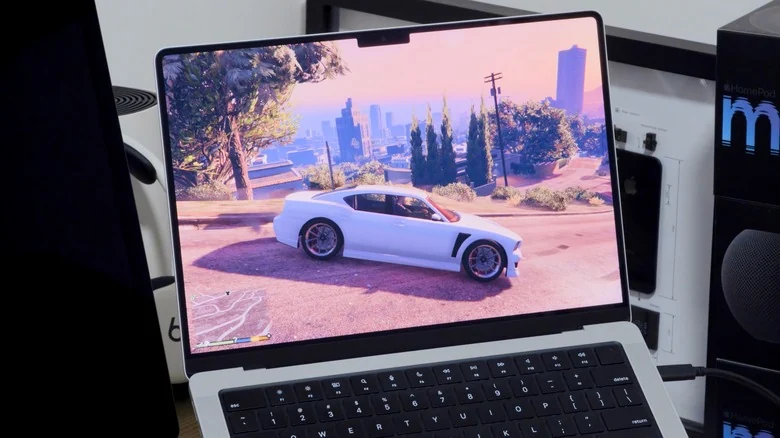
Hardware is no longer the primary weak point for Macs. Users equipped with advanced hardware, such as an M5 MacBook Pro, can expect most games to run well, including major releases that might have previously seemed out of reach. Apple highlights titles like Assassin's Creed Shadows, Dead Island 2, and Cyberpunk 2077 as games that run natively on the platform. The roster of Mac-compatible games continues to expand as more developers release titles simultaneously for both macOS and Windows.
Translation Tools and Compatibility Checking
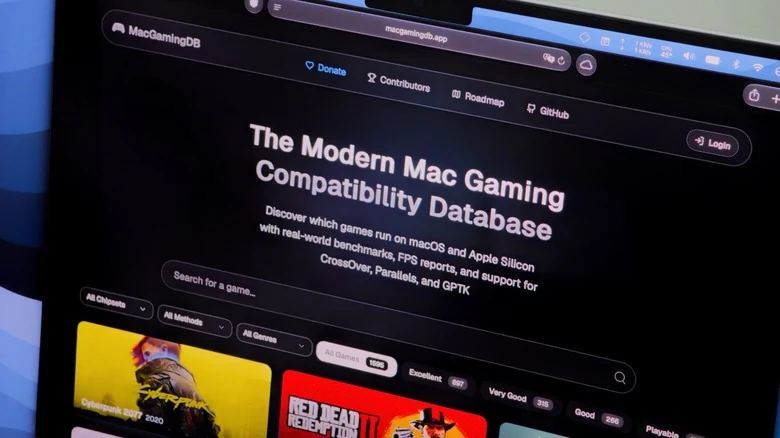
For titles lacking a native macOS port, alternatives still exist. Apple developed the Gaming Porting Toolkit to help developers transition Windows games to macOS using native translation methods. While intended primarily for developers, individual users can also leverage this utility with basic coding knowledge to run PC titles. Community-driven resources like MacGamingDB provide compatibility details for thousands of titles, allowing users to verify game performance before downloading gigabytes of data.
Choosing the Right MacBook Model
Consumers intent on gaming via a laptop will find the MacBook Pro to be the most viable hardware option. Even base configurations featuring the M5 Pro chip and adequate RAM offer enough processing power for modern titles to run smoothly. For heavier workloads, users can upgrade it with an M5 Max chip to secure a more robust GPU and additional memory.
Conversely, portable options like the MacBook Air and MacBook Neo feature lower-powered processors and lack internal fans, limiting their capability with demanding titles. While they can support certain games, performance is far from ideal, and players typically need to lower resolutions and graphics settings.
Weighing Macs Against PCs and Cloud Gaming
Gamers seeking serious performance may still find a traditional Windows PC to be a more practical investment. Windows systems generally deliver greater graphical power relative to their cost and run games natively without compatibility concerns. Alternatively, users can bypass local hardware limitations altogether by utilizing cloud gaming services like GeForce NOW or Xbox Cloud Gaming to stream titles directly to a MacBook, provided they maintain a stable internet connection.
Sources
- EngadgetCan a MacBook handle heavy games? Here's what you should know
Continue chronologically

Related entity coverage
Related stories
Why Is This the Only Pink MacBook Available Right Now?
Explore why Apple's vibrant color options remain scarce on higher-end laptops, leaving the MacBook Neo as the sole rosy hue in the lineup.
Why the Mac Mini Costs Less Than a MacBook
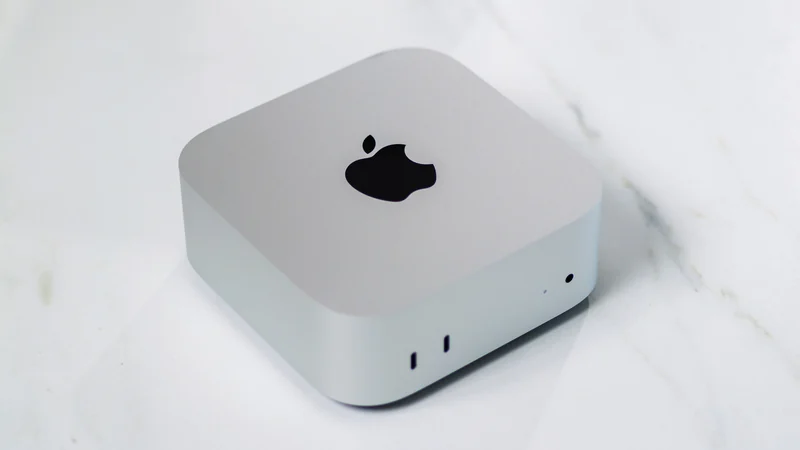
Explore the engineering and hardware differences that make the Mac mini more affordable than Apple's MacBook lineup, based on base configurations.
Why You Should Avoid Using a Screen Protector on Your MacBook
Discover why putting a screen protector on your MacBook can do more harm than good, risking your display, coating, and overall device health.

How the iPhone Duo Enhances Group Selfies with AI
Discover how Apple's foldable iPhone Duo combines new hardware placement options with AI features like Smart Take to revolutionize group selfies.