How to Keep Your Smart Home Running When the Internet Fails
Smart home devices often rely on Wi-Fi and cloud servers to function, leaving them vulnerable when internet access drops. However, proper planning and local networking protocols can keep your automated home running even during an outage.
 Radwan AbdulhadiEditor and technology writer

The Vulnerability of Wi-Fi Smart Devices
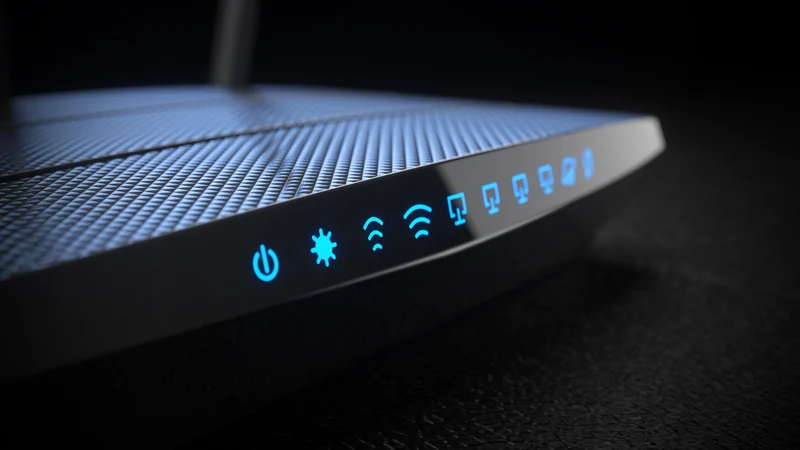
While smart home technology can greatly improve convenience and a home's overall look, it also introduces unexpected hazards when connectivity fails. Many smart home products most often harness Wi-Fi to function, connecting directly to the internet to fetch instructions from cloud servers. If internet access goes down or a Wi-Fi router encounters hiccups, these accessories can effectively go 'dumb,' maintaining their last state or failing to work entirely. While this is often just an inconvenience, it can turn into a legitimate crisis if you rely on an accessory for home security or health monitoring.
Furthermore, issues can arise even with daily routines when building a smart home. Overly ambitious automation rules might cause smart bulbs to switch off unexpectedly when people still need light. To prevent these frustrating scenarios, users can anchor their gear around alternative peripherals and protocols instead of relying solely on standard cloud-connected Wi-Fi devices.

The Power of Local Hubs
A primary strategy for maintaining offline resilience is utilizing accessories that route instructions through a local hub rather than directly to the cloud. While these hubs still connect to the internet for remote functions, they can store and process numerous automations locally as long as power remains available. The primary exceptions are automations dependent on live external data, such as current weather conditions, or those requiring remote data sharing.
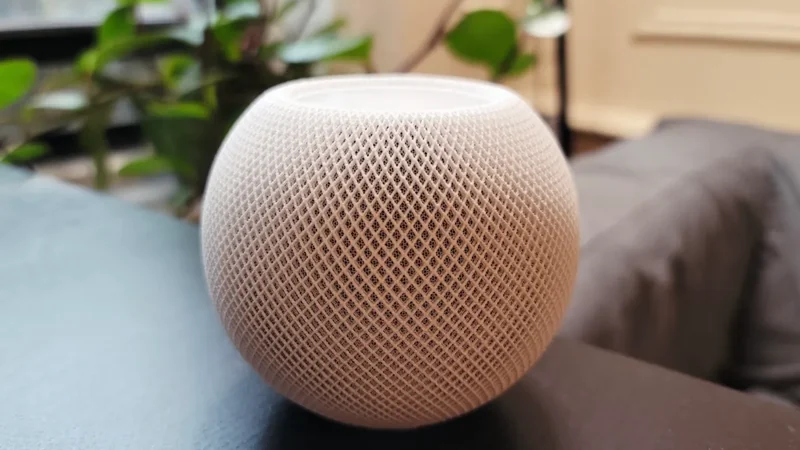
Local hubs take many different forms depending on the ecosystem you choose. For instance, Apple Home users can rely on HomePods and Apple TVs to serve as home hubs, which facilitate both remote access and local automations. Similarly, certain security cameras can record footage directly to local hub storage even if they require an online connection to trigger alerts or perform advanced functions.
Mesh Standards: Thread, Zigbee, and Z-Wave
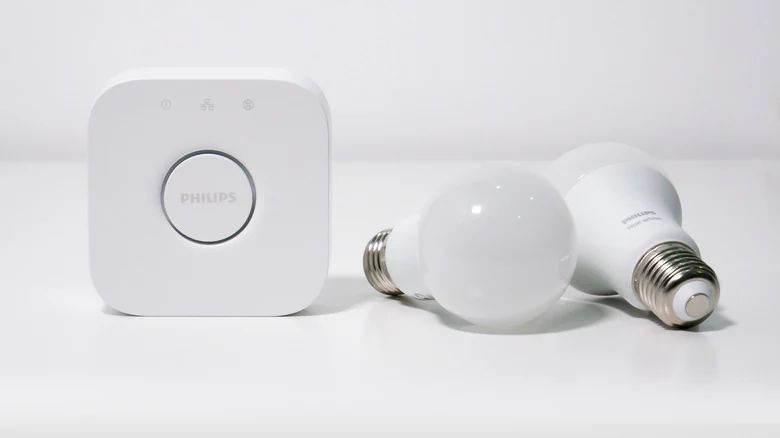
The most reliable hubs often link local hardware through dedicated low-power mesh standards like Thread, Zigbee, or Z-Wave rather than relying on standard Wi-Fi radios. These technologies can connect multiple compatible accessories simultaneously. Because they use a mesh topology, accessories located farther away from the central hub are much less likely to drop off the network.
Among these standards, Thread is often preferable because certain Wi-Fi accessories can function as Thread border routers. Reliable experiences are also common with dedicated Zigbee-based hubs like the Philips Hue Bridge. The primary limitation of these mesh technologies is their low bandwidth, which generally restricts them to operating devices like smart bulbs, door locks, and environmental sensors.

Hardware Redundancy and Practical Compromises
An ideal setup would involve an entirely hub-based smart home ecosystem combined with a whole-home power backup system. However, this approach is often impractical and expensive, as whole-home battery solutions can cost thousands or tens of thousands of dollars. For most households, investing at that scale is unnecessary unless safety or remote work continuity is strictly at stake.
Instead, a workable compromise involves shopping carefully for accessories that feature built-in redundancy, such as integrated batteries or physical backup controls. For example, a Philips Hue Go can connect to a Hue Bridge while also including an internal battery to operate as a portable lamp. It can continue providing illumination for hours during a power outage and cycles through basic effects using an onboard button or Bluetooth commands. Additionally, smart thermostats will generally continue operating on their last scheduled program as long as the heating and cooling system maintains electrical power.
Sources
- EngadgetHow to keep your smart home running even if the internet goes down
Continue chronologically

Related entity coverage
Related stories
Apple's "Ultra" Smart Home Robot Pushed to 2028
Apple has reportedly delayed its rumored smart home robot until next year at the earliest or 2028, as software challenges persist despite finished hardware.

Apple Enters Smart Home Market With New In-House Lineup
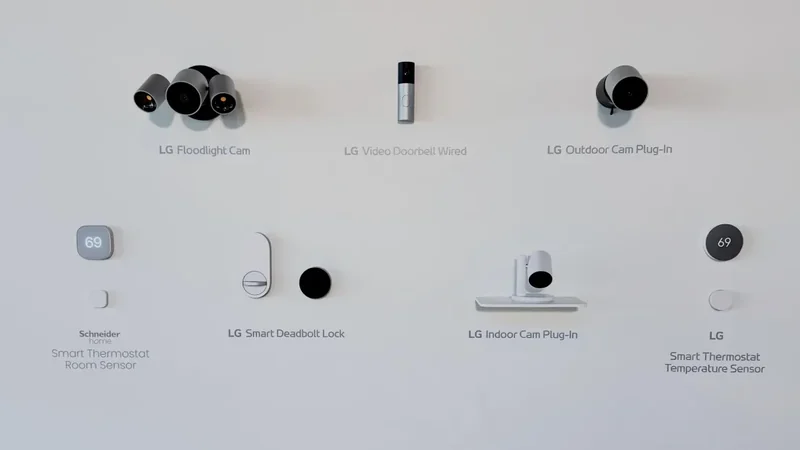
Apple launches its first in-house smart home lineup, featuring cameras, thermostats, sensors, a smart door lock, and the HomeView smart display.
Apple unveils HomeView and new smart home devices
Apple introduced the HomeView smart home hub, refreshed Apple TV 4K and HomePod mini 2, plus new cameras, thermostats and a smart lock.
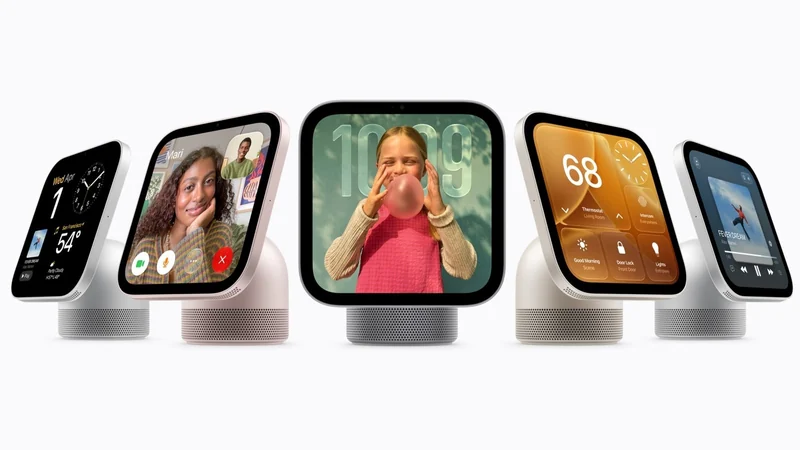
Apple to Reveal HomeView Smart Home Hub on Tuesday
Apple is reportedly set to announce its new Siri-powered HomeView smart home hub on Tuesday, alongside updates to the Apple TV and HomePod mini.