A Guide to Apple's Image Playground App and Features
Apple's on-device image generation tool features deep integration, natural language style inputs, and custom sticker creation.
 Radwan AbdulhadiEditor and technology writer
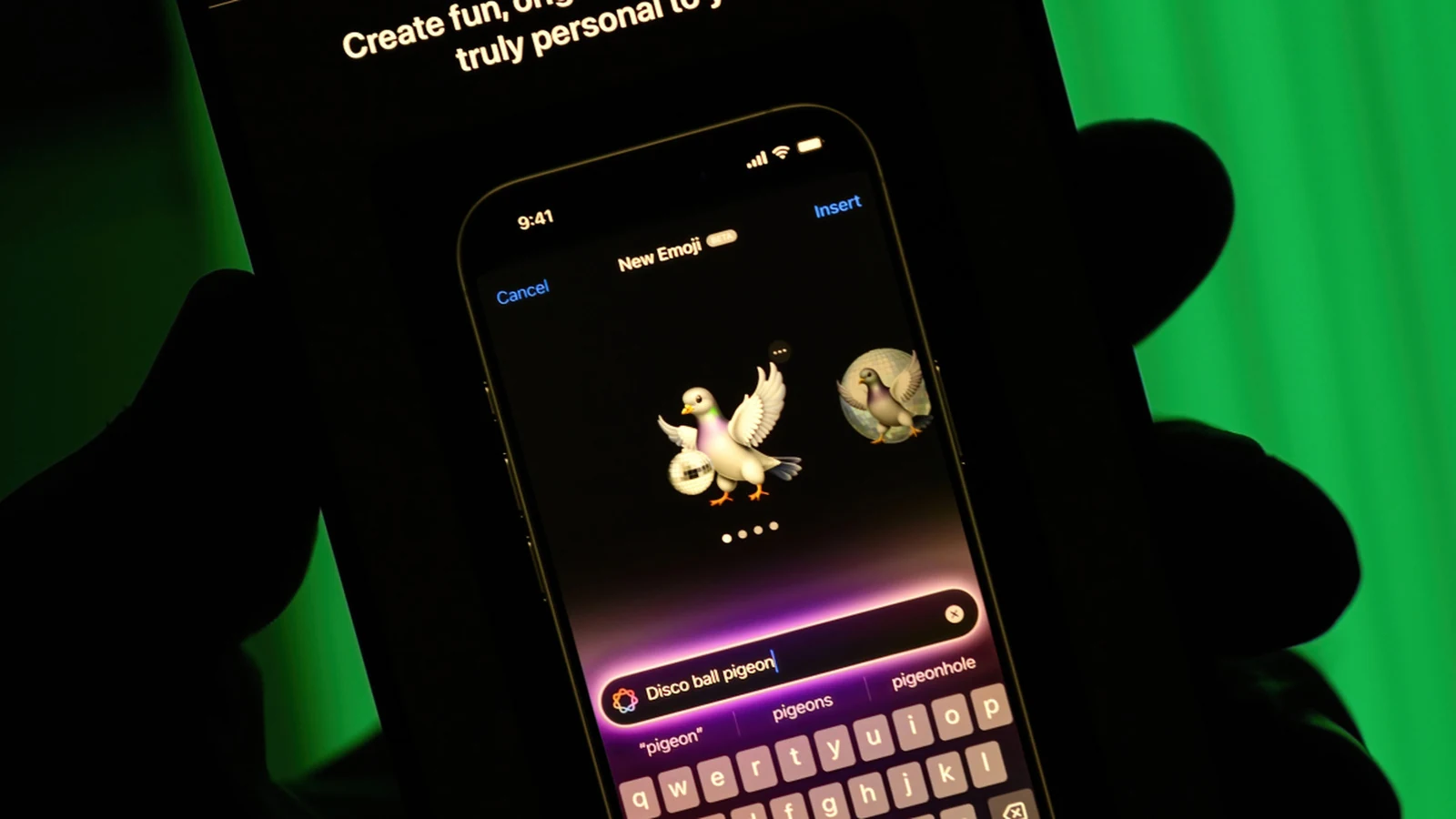
What is Apple's Image Playground App?
When users need a specific graphic to express a thought during a text exchange, finding the right visual can be challenging. Apple addressed this by introducing an on-device image generation tool. Originally, Apple launched Image Playground in December 2024 to give users a quick way to create, customize, and save graphics.
The software is designed to function alongside Apple Intelligence features, letting individuals build personalized artwork. Furthermore, the application connects directly with various default platforms, allowing users to generate content without opening a separate standalone utility.
Beyond saving custom images to share with friends, users can turn their creations into stickers. These personalized emoji options give individuals more creative flexibility during digital communication.
Device Compatibility and Requirements
Running the image generation software requires specific hardware capabilities and active software settings. For smartphone users, the feature is supported on an iPhone 15 Pro or Pro Max, as well as the iPhone 16 generation or later.
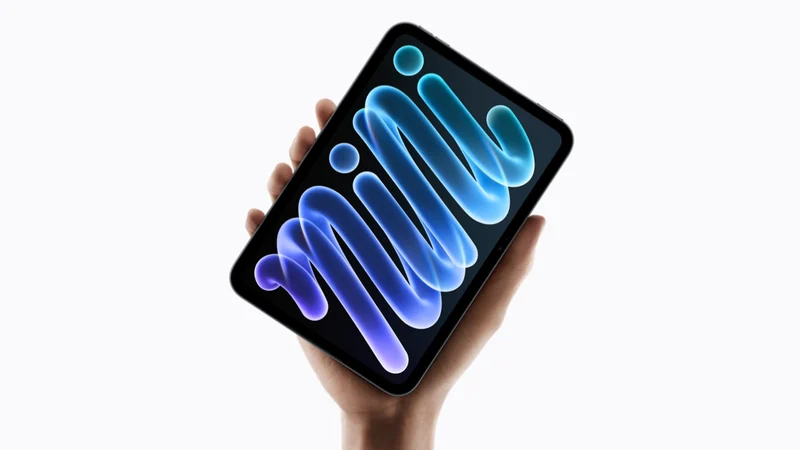
Tablet users can also utilize the generator provided they have compatible hardware. Supported tablets include iPads with an M1 chip or later, in addition to the iPad Mini powered by the A17 Pro processor.
Desktop and laptop users are likewise included in the ecosystem support. Apple makes the functionality available on Mac computers equipped with at least an M1 processor, ensuring wide availability across recent product lines.
Deep Integration Across Default Apps
A key design choice behind the system is its availability across multiple native software environments. Rather than requiring a dedicated workflow interruption, Image Playground is integrated directly into several core Apple utilities.
Users can access the image generator seamlessly inside applications like Messages, Keynote, and Freeform. This integration ensures that presentations, creative canvases, and ongoing chats can incorporate custom visuals immediately.
New Updates and Natural Language Style Controls
Fall updates brought significant enhancements to the generation software. Earlier versions restricted users to picking from predefined visual categories like traditional illustrations, but newer iterations introduce broader artistic control.
The updated software features an 'Any Style' option, allowing individuals to describe virtually any visual approach using natural language. Furthermore, users can modify existing creations through touch inputs and descriptive text adjustments, such as changing specific object colors or relocating elements.
How to Create and Customize Images
Starting a new creation involves multiple entry points within the utility interface. Users can type a text description directly into the prompt box or expand the style menu to choose categories like animation and sketch.
Additionally, individuals can select a person's face from their photo library as a reference point for the graphic, or upload an existing photo to serve as a visual foundation. Once finished, creations can be saved, transformed into Lock Screen wallpapers, converted into Contact Posters, or shared directly with contacts.
Sources
- EngadgetWhat is Apple's Image Playground app for and how do you use it?
Continue chronologically


Related entity coverage
Related stories
How to disable or restrict Apple Intelligence on your iPhone
Learn how to turn off or restrict Apple Intelligence features on compatible iPhones running iOS 27, from Siri settings to notification summaries.
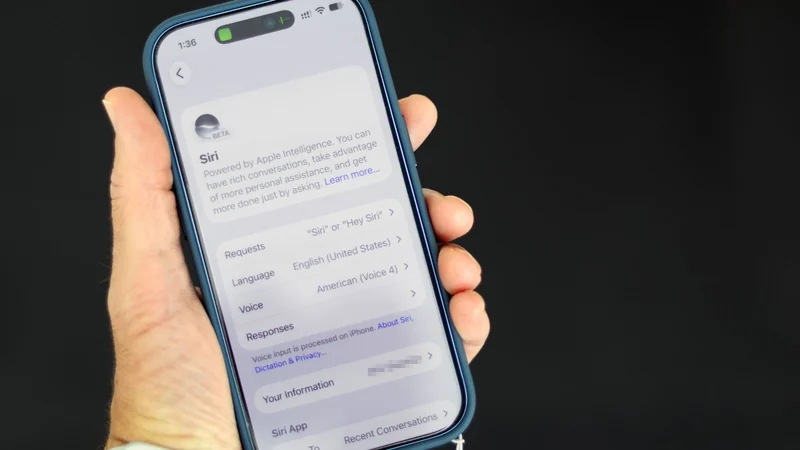
Apple Announces Expanded Language Support for Redesigned Health App
Apple has announced expanded language support for its redesigned Health app, bringing personalized insights and features to users worldwide.
Apple Announces New iPad Mini with OLED and A20 Pro
Apple has unveiled its biggest update ever for the iPad mini, featuring a thin design, an OLED display, the A20 Pro chip, and water resistance.
Siri AI Expands to New Languages With 27.2 Software Updates
Apple has released the 27.2 software updates, expanding Siri AI to French, Japanese, Korean, Portuguese, and Spanish with more languages coming soon.