Common home network mistakes and how to avoid them
Setting up a home network requires careful planning to avoid future buffering, coverage gaps, and unnecessary security vulnerabilities as your connected device count grows.
 Radwan AbdulhadiEditor and technology writer
The Impact of Poor Router Placement
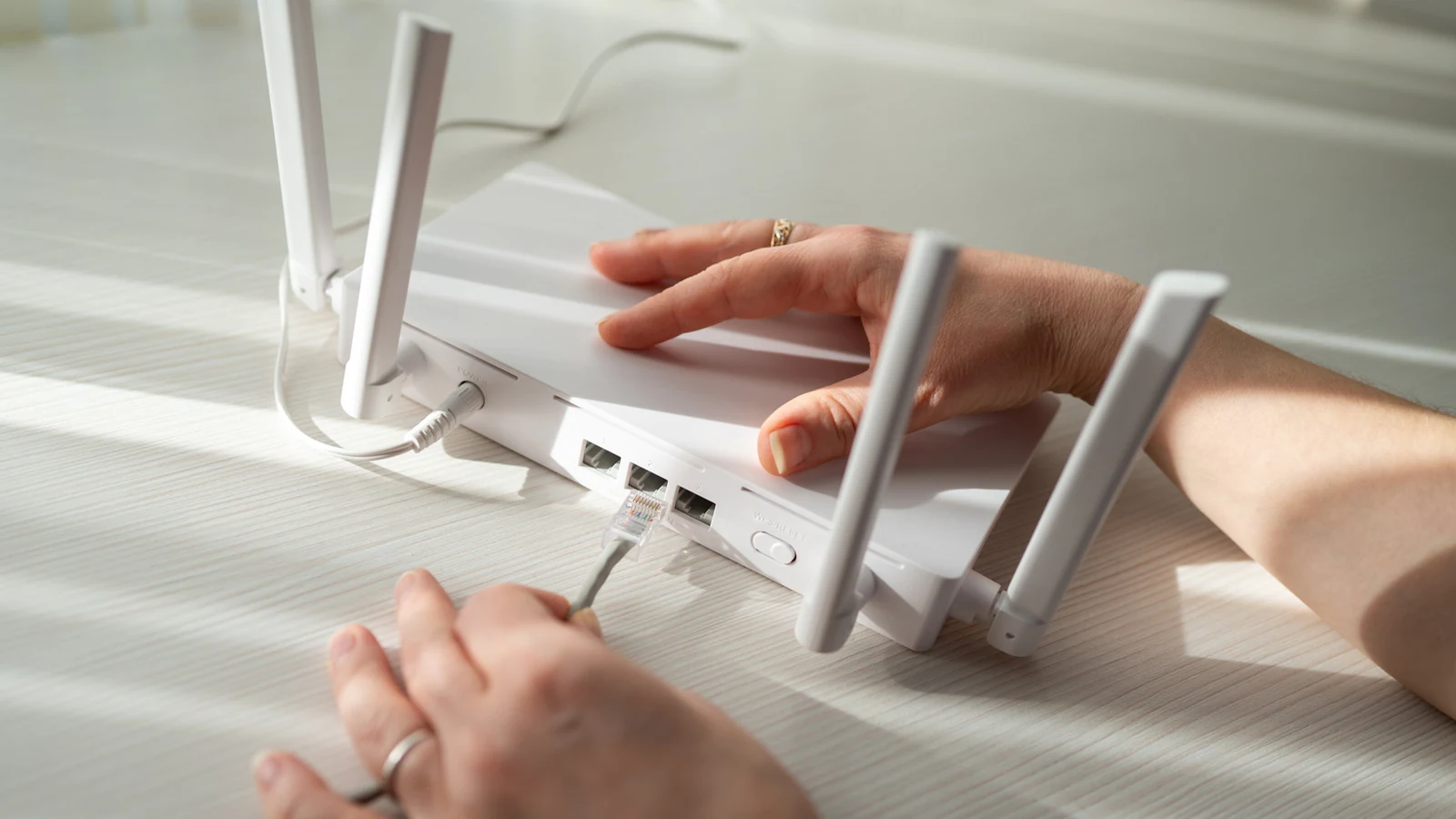
Setting up a home network is a multi-step process where small shortcuts or oversights can lead to persistent buffering and connection drops later on. One of the most frequent errors is poor router placement. While few people want to display large networking hardware prominently in the middle of a living room, tucking a device away into a distant corner can severely degrade signal coverage throughout the house.
Nearby electronics can also cause significant interference, meaning a router should never be placed directly next to a microwave. Other household items, including cordless phones and baby monitors, can similarly wreak havoc on a standard wireless signal. If a home's connection enters through an awkward corner, users do not necessarily have to keep all their equipment locked to that exact spot. Even with standard ISP-installed modems or gateways, it is entirely possible to set up another access point elsewhere using an Ethernet cable.
When buying standalone equipment, purchasers must ensure the hardware is properly matched to their internet plan. For example, if a home is located in a rural area where DSL or satellite is the only available option, investing in a high-speed gaming router is massive overkill. Users should carefully evaluate their layout and coverage needs across every room. Multi-story or larger residences can certainly benefit from a mesh system, though precise placement remains critical for achieving seamless whole-home coverage.
Balancing Wi-Fi Convenience and Ethernet Speeds
While widespread Wi-Fi coverage offers undeniable convenience, wireless connections are not ideal for everything. Modern households often juggle numerous active devices, including smartphones for every family member, bedroom televisions, tablets, smart speakers, game consoles, and a desktop gaming PC in a home office.
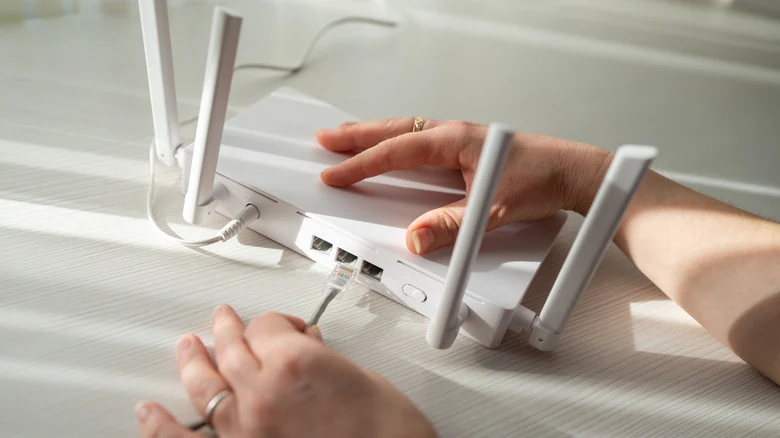
This massive collection of hardware creates intense competition for available bandwidth. Activities like competitive online gaming demand a stable, low-latency connection that wireless signals cannot always guarantee consistently. Forcing a gaming PC to fight every other device for airtime introduces unnecessary slowdowns that can be easily avoided by running a physical Ethernet cable straight from the router to the computer.
A wired Ethernet connection delivers superior speeds, lower latency, complete immunity to wireless interference, and enhanced security. This approach is particularly advantageous when prioritizing a dedicated gaming setup. Furthermore, standards like Cat6a can support robust 10-gigabit connections over cable channels up to 100 meters, making them exceptionally capable for households with ultra-high-speed internet service.
Securing Software and Managing Credentials
Network errors on the software side are particularly easy to overlook because the internet may appear to function normally despite underlying vulnerabilities. Utilizing weak router security settings ranks among the most disruptive and damaging mistakes an administrator can make.
Users should enable WPA3 Personal if both their router and connected client devices support the standard. If older hardware lacks compatibility, a WPA3/WPA2 transitional mode allows modern devices to benefit from WPA3 while legacy hardware connects securely using WPA2 Personal with AES. Outdated and insecure options such as WEP and TKIP should be completely avoided.
Additionally, administrators must change default router credentials and Wi-Fi passwords. These serve two distinct functions: administrator credentials prevent unauthorized individuals from managing network settings, while the Wi-Fi password controls who can join the local wireless airspace. Default credentials should always be replaced with a strong, unpredictable password rather than easily guessed information like a phone number. Keeping router firmware updated is equally vital to protect against known security vulnerabilities.
Avoiding Equipment and DHCP Conflicts
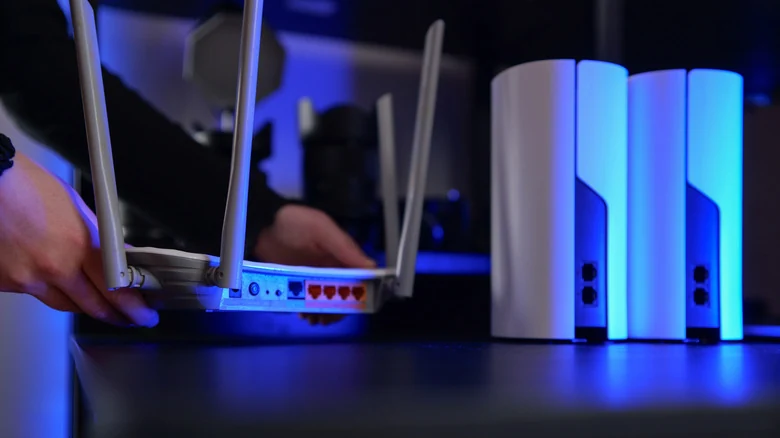
Another common pitfall involves purchasing new routers or mesh systems without verifying how they will integrate with existing network hardware. Having two active DHCP servers handing out IP addresses on the same local network causes severe addressing conflicts.
When introducing an additional router into an existing setup, administrators must configure the device correctly by utilizing bridge mode or access point mode. Checking manufacturer instructions and network equipment documentation will typically guide users through the proper configuration steps.
To minimize complications, experts recommend keeping network deployments simple, documenting changes, and adding new features or hardware gradually. While this methodical approach might feel excessive during initial installation, it ensures that troubleshooting remains manageable if an unexpected issue disrupts connectivity.
Sources
- EngadgetCommon mistakes you should avoid when setting up your home network
Continue chronologically


Related stories
Smart Switches vs Smart Bulbs: A More Inclusive Home Upgrade
Discover why smart switches offer a more inclusive, practical, and reliable alternative to individual smart bulbs for shared household lighting.

Improve Your Mesh Wi-Fi System With a Simple Cable
Discover how using an Ethernet cable to create a dedicated wired backhaul can boost your mesh Wi-Fi system speeds and free up network bandwidth.
Why Flat Ethernet Cables Might Harm Home Networks
Explore the performance tradeoffs, signal interference risks, and physical durability issues of flat Ethernet cables compared to traditional round ones.
Why Wi-Fi Speeds Drop in the Evening and How to Fix Them
Discover why your internet slows down in the evening due to network congestion and Wi-Fi interference, plus practical steps to fix the issue.