Improve Your Mesh Wi-Fi System With a Simple Cable
Mesh Wi-Fi networks typically deliver broader coverage than traditional standalone routers, but users can significantly enhance their system's performance and data rates by integrating a simple physical cable.
 Radwan AbdulhadiEditor and technology writer
Understanding Mesh Wi-Fi and Coverage
Once you've switched to mesh Wi-Fi , it is often difficult to return to traditional hardware. Standalone routers can still handle specific tasks effectively, particularly when managing smart home accessories that rely heavily on the slower yet further-reaching 2.4GHz frequency band. However, mesh configurations excel at eliminating household dead zones and maintaining consistent speeds across daily use.
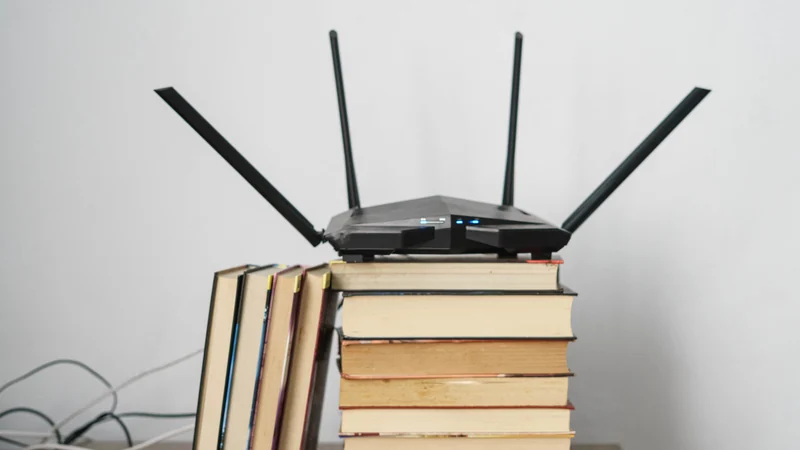
To achieve optimal performance from modern mesh technology, network administrators must carefully consider placement. Stashing a router inside a closet or behind dense barriers can accidentally slow down speeds or disrupt the mesh coverage entirely.
The Role of the Network Backhaul
Achieving the best possible mesh experience requires integrating Ethernet connections into the setup. All mesh systems rely on what is known as a backhaul connection, which functions as the underlying pipeline for shuffling data between individual routers rather than directly to client devices. By default, wireless mesh products establish this backhaul automatically without requiring manual setup.
However, relying exclusively on a wireless backhaul introduces potential performance bottlenecks. Just like traditional routers, signal strength diminishes over distance, which causes bitrates to drop. Furthermore, cheaper mesh hardware often merges wireless backhaul channels with the same bands used by client devices, causing both traffic streams to suffer. This is a primary reason experts advise that you should never buy a dual-band mesh product if maximum speed is a priority.
Upgrading to an Ethernet Backhaul
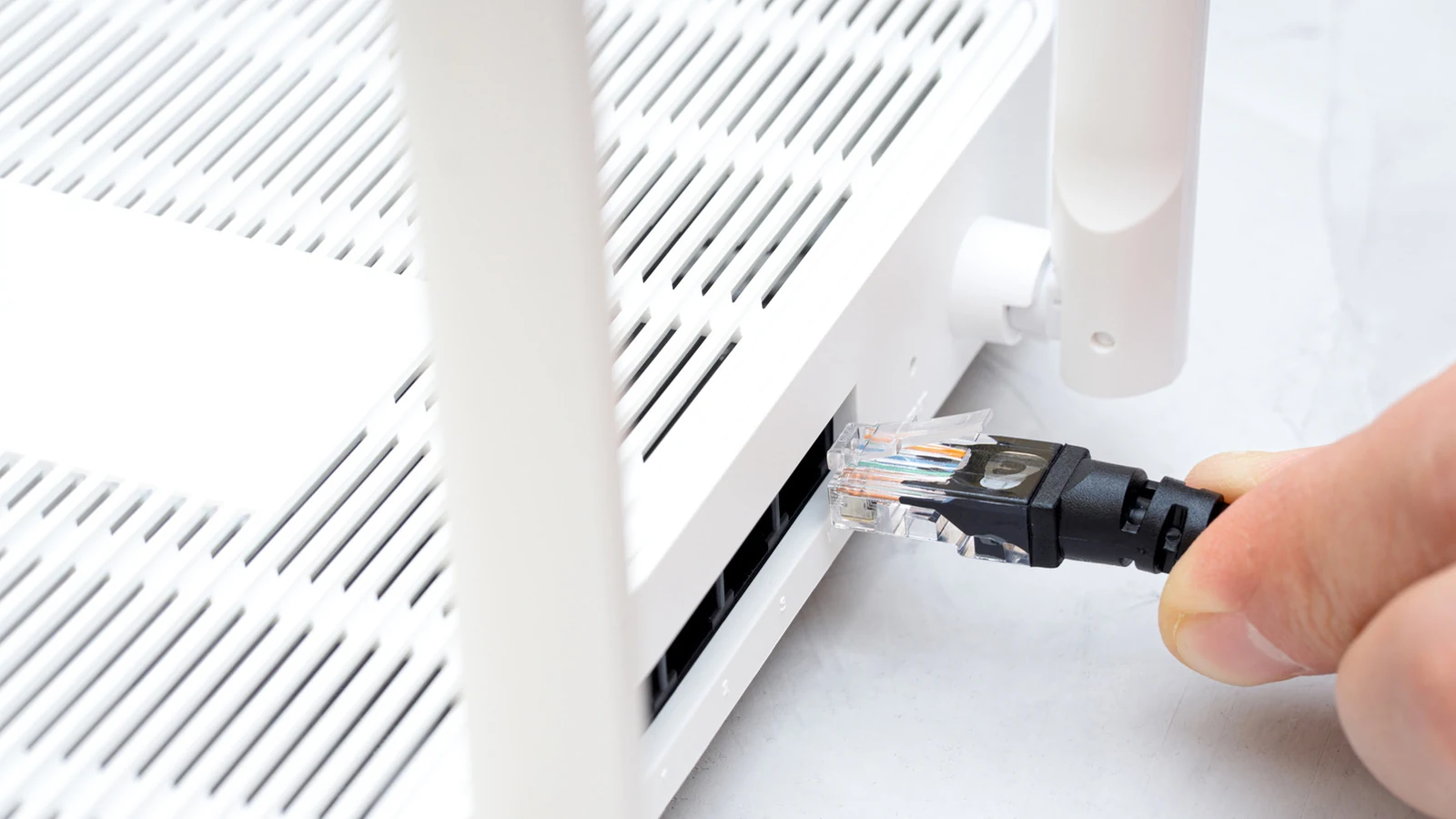
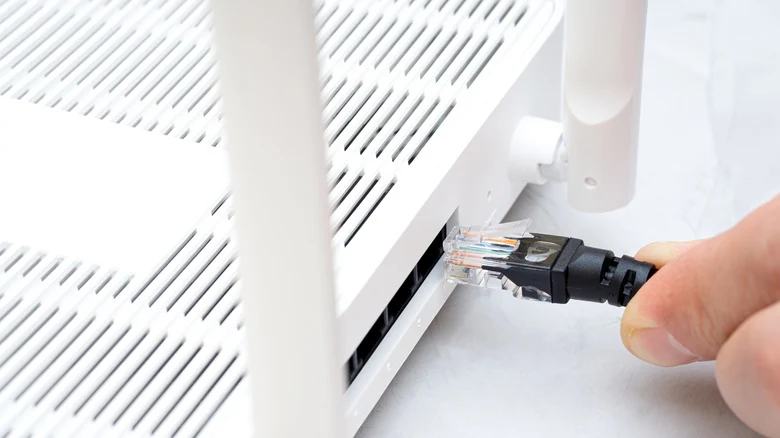
Transitioning to a wired Ethernet backhaul offers an immediate remedy to wireless distance degradation and band congestion. Over the distances typical of a standard home, a quality Cat 6 cable will not experience meaningful speed loss, generally delivering at least 1 Gbps or higher. While connected Wi-Fi devices may only utilize a fraction of that bandwidth, they avoid being kneecapped right at the connection stage.
Despite the performance benefits, implementing a wired backhaul involves notable logistical hurdles. Running cables across hallways or through multiple floors in a multi-story house can quickly transform into a demanding home improvement project, and many residents prefer to avoid visible wiring unless current Wi-Fi speeds are deemed insufficient.
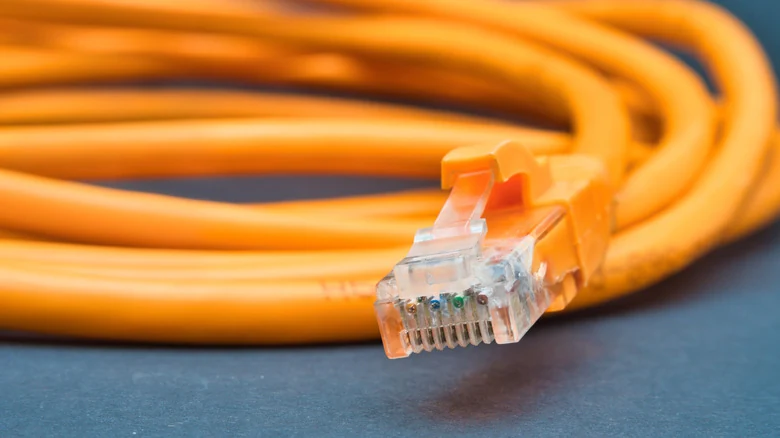
Hardware Compatibility and Port Considerations
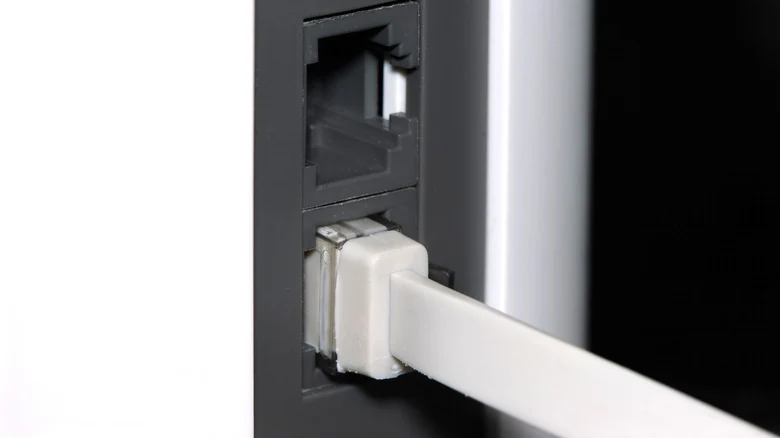
Another factor to evaluate is hardware compatibility and the availability of physical ports. Every router involved in the wired backhaul must feature at least one open Ethernet port. Because users often want to reserve ports for wired hardware like laptops or smart home hubs, expanding physical connectivity may become necessary.
When port shortages occur, an Ethernet switch is an obvious workaround that lets administrators add extra connections, though this additional hardware does incrementally raise the total cost of the network upgrade.
Additionally, network managers should verify port speeds before deployment. Standard 100 Mbps ports are too slow for modern demands, and even 1 Gbps connections can feel restrictive when paired with advanced Wi-Fi 7 systems capable of delivering multi-gigabit speeds.
Sources
- EngadgetEven the best mesh Wi-Fi system can be easily improved with a simple cable
Continue chronologically


Related stories
Common home network mistakes and how to avoid them
Learn the most common home network setup mistakes to avoid, from poor router placement and weak security settings to ignoring wired Ethernet options.
Why Wi-Fi Speeds Drop in the Evening and How to Fix Them
Discover why your internet slows down in the evening due to network congestion and Wi-Fi interference, plus practical steps to fix the issue.
Why Flat Ethernet Cables Might Harm Home Networks
Explore the performance tradeoffs, signal interference risks, and physical durability issues of flat Ethernet cables compared to traditional round ones.
Why Your Home Network And The Internet Need IPv6
Explore why the internet and your home network need IPv6, addressing IPv4 exhaustion, trillionfold address capacity, and setup considerations.