Why New Storage Drives Show Less Capacity Than Advertised
A noticeable gap often exists between the storage capacity promised on a drive's box or spec sheet and the usable space reported by your computer.
 Radwan AbdulhadiEditor and technology writer
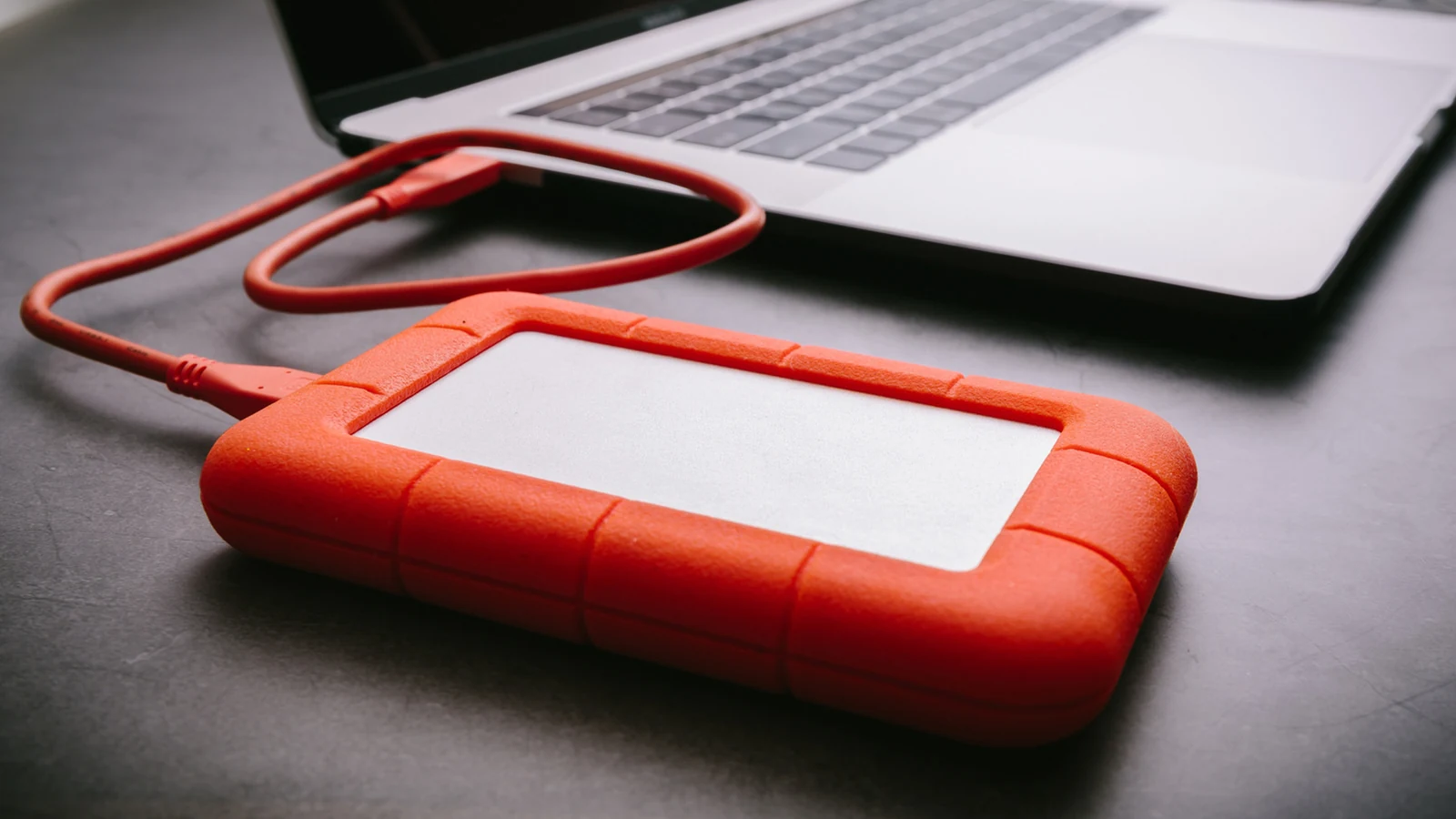
The Discrepancy Between Promised and Usable Storage
Device storage is extremely valuable these days, making any gap between promised and usable capacity particularly disappointing. According to an <a href="https://www.engadget.com/2286322/why-new-drive-shows-less-storage/">Engadget</a> report, the rabid appetite of AI datacenters is <a href="https://www.engadget.com/2252075/drive-price-rise-driven-by-ai-even-hdd-affected/">inflating drive pricing</a> so badly that companies have jacked up hardware prices <a href="https://www.engadget.com/2201524/apple-hikes-prices-for-most-of-its-hardware/">by hundreds of dollars</a>.
Furthermore, the expanding size of apps, media, and operating systems constantly fills available space, with some PC and console games easily topping 100GB. A recent investigation discovered that a 512GB internal or external drive only registered as offering 477GB accessible to Windows. On paper, that missing 35GB difference could easily hold a substantial photo library or <a href="https://www.engadget.com/2240352/how-converting-video-to-4k-works/">a converted 4K HDR movie</a>.
Decimal Versus Binary Calculations
In most instances, the root of these discrepancies boils down to how different entities calculate data rather than a deliberate attempt to mislead consumers. Storage manufacturers frequently calculate capacity using a base-10 decimal system. In this arrangement, a kilobyte is 1,000 bytes, a gigabyte is 1 billion bytes, and so forth, making it much easier to market products to the average consumer.
Conversely, software platforms like Windows gauge capacity in binary terms. This transforms a kilobyte into 1,024 bytes and a gigabyte into 1,073,741,824 bytes. As figures grow larger, the gap between decimal and binary calculations becomes vast. For example, a 1TB drive may show as holding just 931GB in Windows despite no actual data being lost.
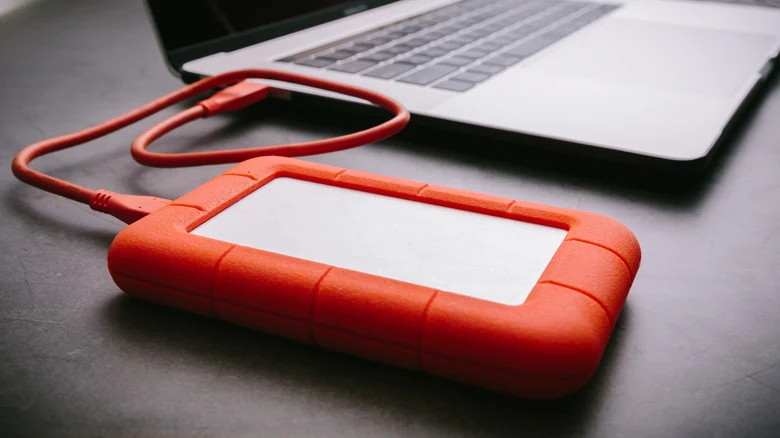
Platform Inconsistencies and Operating Systems
While Windows uses binary measurements, users will see the full 1TB available on a Mac, where the decimal system reigns supreme. Microsoft reportedly has no intention of switching Windows from binary to decimal, and Apple does not plan to revert the Mac, iPad, iPhone, or other products back to binary. Consequently, this inconsistency will likely persist in the technology market for quite some time.
There have been past attempts to clarify the situation by introducing binary-specific terms such as "kibibyte" (KiB) and "gibibyte" (GiB). However, these terms have largely failed to catch on, even within binary-based platforms. Checking file sizes in Windows 11 still displays standard KB or GB labels instead.

The Impact of Pre-Installed Software and Operating Systems
Beyond the decimal-binary split, the larger culprit behind missing space tends to be the device operating system, which must be pre-installed for any hardware to function. For instance, iOS consumes over 22GB in decimal terms on a 128GB iPhone 16 Pro, while Windows 11 occupies over 81GB in binary terms on certain gaming laptops.
This reality explains why 64GB devices are now effectively extinct and why even 128GB capacities are becoming increasingly impractical for everyday modern use.
Managing Storage Constraints and Performance
To compound matters, operating systems tend to grow larger every year as new features are introduced. Furthermore, devices require additional cache and swap space for temporary files to run smoothly.
If this temporary space is not strictly marked off-limits, users can accidentally harm performance by downloading too many files or installing excessive applications. Vanishing swap space can severely bog down system performance and lead to frequent application crashes or system freezes.
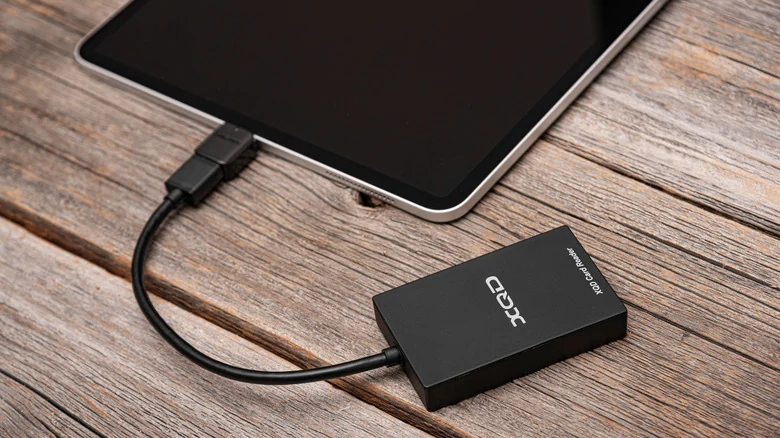
Tips for Storage Shopping
Navigating this complex storage landscape requires a thoughtful approach to shopping and device usage. Experts advise being conservative with data habits, avoiding unnecessary waste, and deliberately overestimating future storage requirements.
By planning ahead, losing a few dozen gigabytes to calculations or operating system overhead becomes an acceptable and manageable sacrifice during your next electronics haul.
Sources
- EngadgetThe reason why your drive shows less storage than you paid for
Continue chronologically

Related entity coverage
Related stories
How to Securely Wipe Your Old Laptop Before Disposal
Don't leave your personal data behind when upgrading your hardware. Follow these essential steps to back up, de-authorize, and securely wipe your laptop.

Why Your Apple AirPods' Battery Drains So Fast
Discover why your Apple AirPods battery drains quickly, how to check for charging issues, and practical steps to make them last longer.

How to Fix Apple AirPods When They Won't Connect to iPhone
Learn why your Apple AirPods fail to connect to your iPhone and discover quick troubleshooting steps, from checking batteries to resetting devices.

The AI Graveyard: Startups and Projects That Didn't Make It
Explore the growing AI graveyard of discontinued projects, failed hardware, and high-profile tech missteps from Apple, OpenAI, Microsoft, and more.