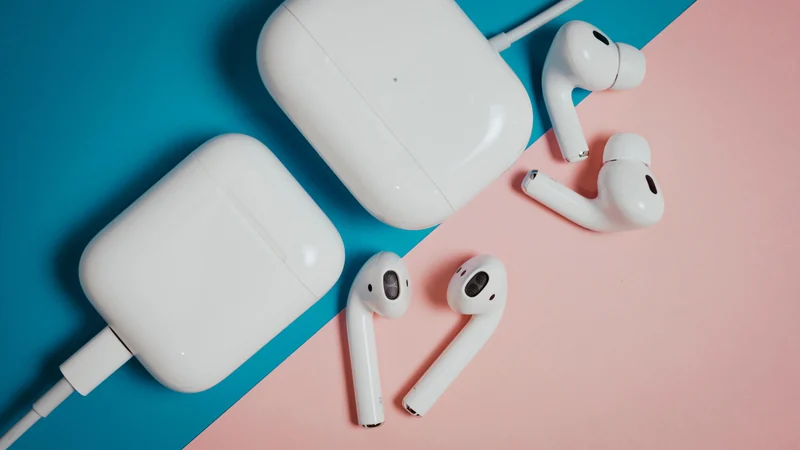
Why Your Apple AirPods' Battery Drains So Fast
If your Apple AirPods are running out of juice too quickly, it might not be time to replace them just yet; cleaning and minor settings tweaks could help.
 Radwan AbdulhadiEditor and technology writer
Understanding AirPods Battery Longevity
One of the biggest challenges manufacturers face with wireless earbuds is battery longevity, and Apple is no exception. Lithium-ion batteries like the ones used in AirPods typically get roughly 300 to 500 charge cycles before significant battery degradation kicks in, translating to about two to three years of typical use. If your device has not reached that stage of its lifecycle yet, it is worth checking Apple's battery-life rating for your specific model. For instance, Apple rates AirPods 4 with active noise cancellation at four hours of listening time with the feature enabled and five hours with it off.
A full battery indicator is not always a sign of a healthy battery. The percentage indicates how full the battery is, but 100 percent capacity after hundreds of charge cycles is not the same as a brand-new battery. Rechargeable power cells age and naturally lose capacity over time, meaning an older pair will deliver less listening time.
Common Culprits Behind Rapid Battery Drain
Leaving the earbuds out of their charging case can drain power rapidly. Each bud continues consuming energy as long as it remains connected to a device or is actively searching for one. Developing the habit of placing them back inside the case whenever you finish listening can prevent unnecessary power loss.
Furthermore, enabling advanced audio features puts additional strain on the hardware. While Spatial Audio provides an immersive listening experience, it requires extra energy. Similarly, keeping active noise cancellation engaged when it is not needed will deplete your battery faster.

Checking for Charging and Contact Issues
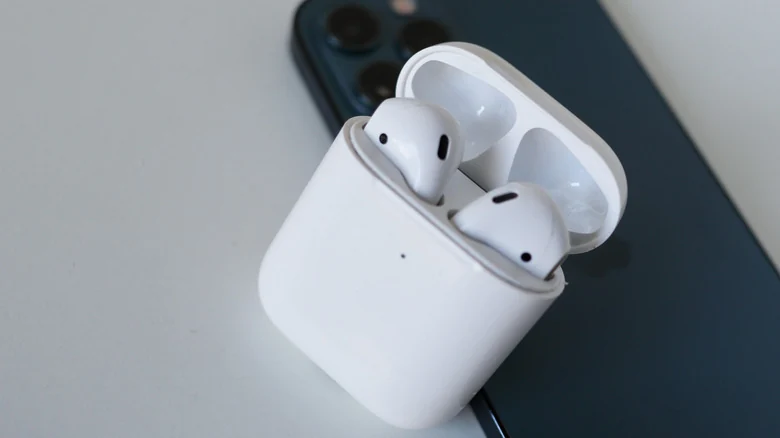
Before adjusting settings, verify that your earbuds are actually charging when placed in their enclosure. Even a small accumulation of dust or earwax can block the tiny contact points inside the case, preventing the circuit from closing and stopping the earbuds from charging. Because debris does not always build up evenly, you can check each AirPod's charge level on your iPhone. Uneven charge levels often indicate blocked contacts.
When maintenance is necessary, it is important to keep your AirPods clean carefully. Avoid jamming hard objects into the case to scrape the delicate contacts. Instead, Apple notes that wiping the case with a cloth slightly dampened with isopropyl alcohol is acceptable if done gently. You can also use a soft-bristled toothbrush dipped in micellar water for meshes, followed by a distilled-water rinse, ensuring everything is completely dry before charging.
Software Fixes and Resetting Your AirPods
If hardware blockages are not the issue, a simple reset can often help resolve erratic battery behavior. Place your AirPods in their case, open your iPhone settings, navigate to Bluetooth, select More Info, and choose Forget This Device. From there, follow Apple instructions specific to your hardware model to reconnect them as if they were brand new.
Users can also stretch out listening time by disabling power-hungry features. Turning off active noise cancellation in quiet environments or disabling Spatial Audio can help conserve battery life, though dropping these features typically buys only a minor amount of extra time.
Protecting Battery Health on New Purchases
For future hardware acquisitions, taking proactive steps can preserve long-term battery health. When you purchase brand-new AirPods, make sure to check the Optimized Battery Charging feature by opening them near your iPhone and going to Settings, selecting your device, and checking the battery menu to ensure Optimized Battery Charging is toggled on.
If troubleshooting steps fail to resolve rapid battery drain, users should reach out to customer support. Devices covered by AppleCare+ may qualify for battery service at no extra charge if the internal capacity drops below 80 percent of its original specification.
Sources
- EngadgetWhy your Apple AirPods' battery drains so fast and how to make it last longer
Continue chronologically


Related entity coverage
Related stories
How to Fix Apple AirPods When They Won't Connect to iPhone
Learn why your Apple AirPods fail to connect to your iPhone and discover quick troubleshooting steps, from checking batteries to resetting devices.
How to Improve Your iPhone Call Quality and Fix Issues
Discover actionable steps to improve your iPhone call quality, from utilizing Voice Isolation and toggling Airplane Mode to checking your hardware.

What to Do When Only One of Your AirPods Stops Working
Learn how to troubleshoot and fix your AirPods when only one earbud produces sound, from cleaning charging ports to resetting your device.

How to Identify Your Apple AirPods Model and Generation
Learn how to check your Apple AirPods model number or serial number using software settings, physical markings, or official warranty pages.