How to Identify Your Apple AirPods Model and Generation
Determining which generation of Apple AirPods you own is essential for buying compatible accessories, checking warranty coverage, and confirming update support. Users can verify their specific device generation through device settings, physical model numbers, or serial numbers.
 Radwan AbdulhadiEditor and technology writer
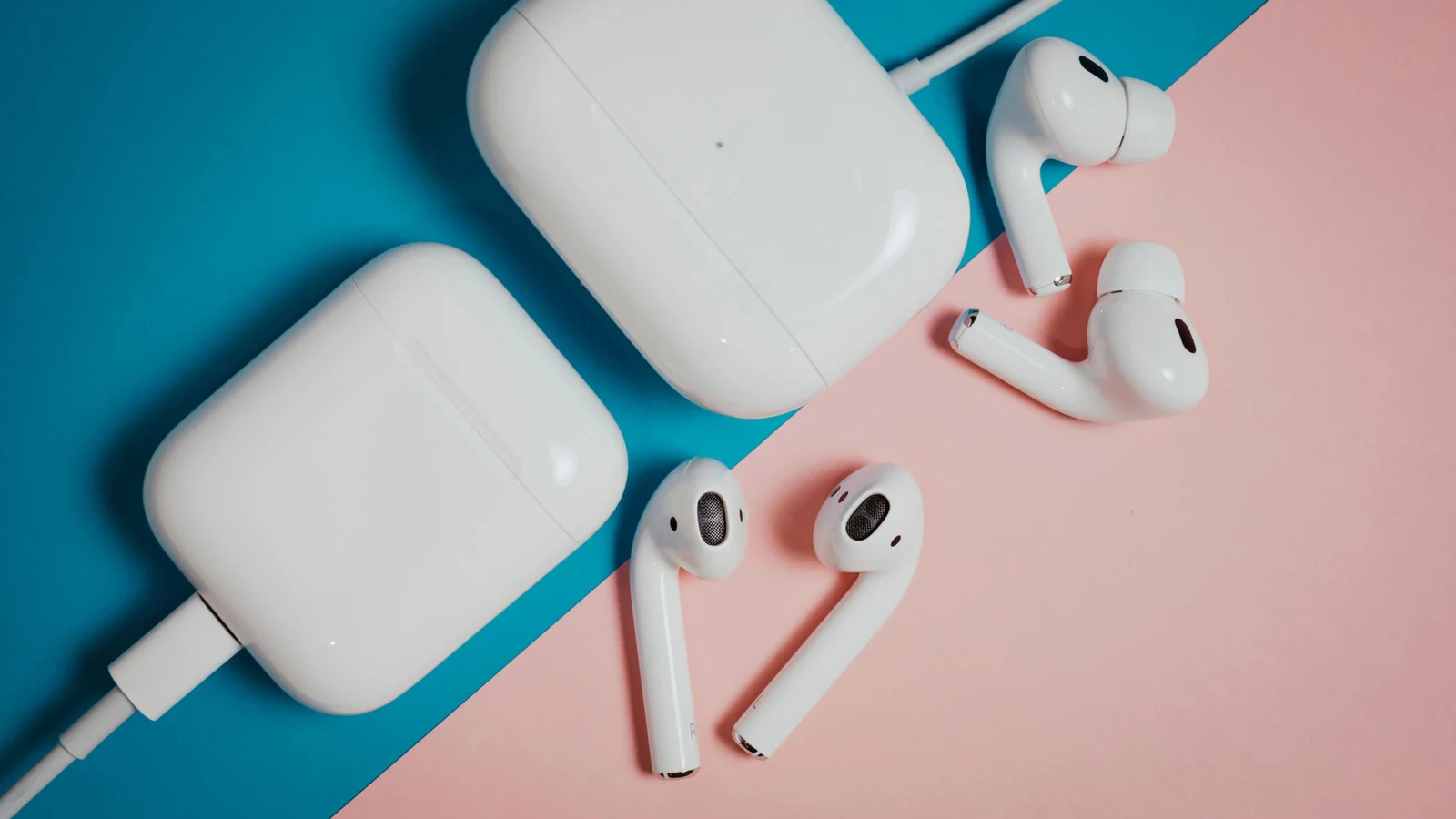
Why Identifying Your AirPods Generation Matters
For consumers using audio products from Apple, identifying the exact generation of wireless earbuds is not always straightforward. While owners who recently bought the newest AirPods 5 will likely remember their specific hardware, those who purchased their devices years ago or received them as gifts may face uncertainty. Determining the exact model is crucial when shopping for protective cases or replacement tips, evaluating remaining warranty coverage, or checking whether the hardware supports newly released software features.
The Limits of Visual Inspection
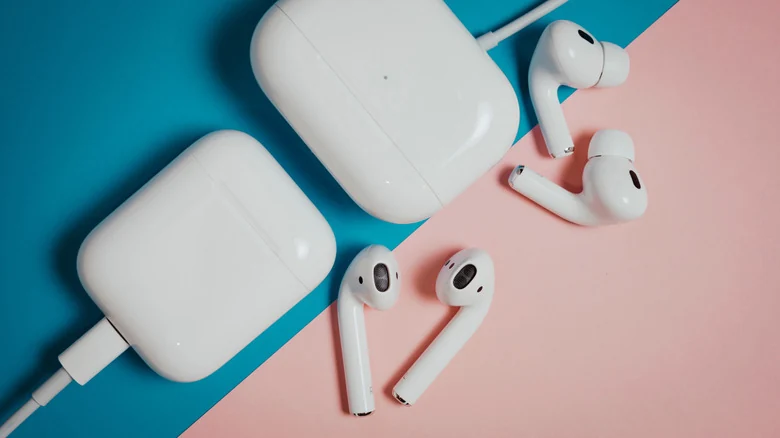
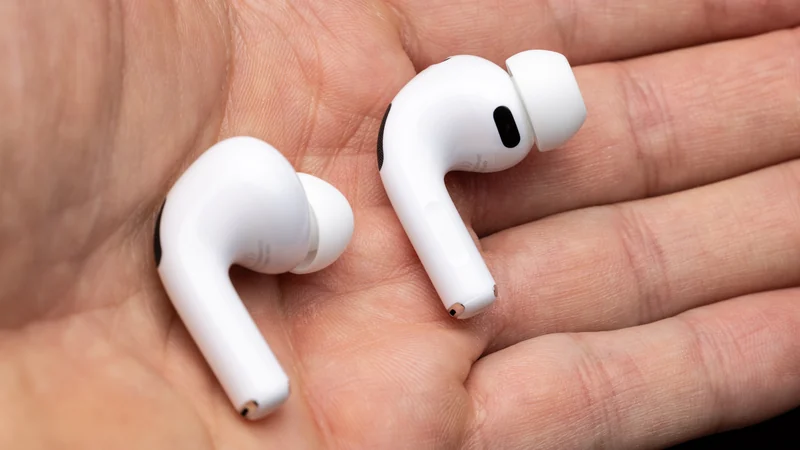
Attempting to distinguish between AirPods models by appearance alone is challenging because several generations share near-identical exterior designs. Certain visual traits can help narrow down the product category—for instance, replaceable silicone ear tips indicate that a pair belongs to the AirPods Pro line rather than standard AirPods. However, visual cues alone are rarely sufficient for conclusive identification, as multiple generations of both standard AirPods and Pro models share identical earbud contours and charging cases within their respective families.
Finding the Model Number in Software and on Hardware
The most reliable method for identifying AirPods is checking their model number, which always begins with the letter A regardless of generation. On an iPhone or iPad, users can open the Settings app and tap their AirPods near the top of the main menu. Alternatively, users can navigate to Settings, open the Bluetooth menu, locate their connected AirPods, and select the More Info button represented by a lowercase i icon. The model number is listed under the About section. Mac users can find the same information by accessing System Settings and following equivalent steps.
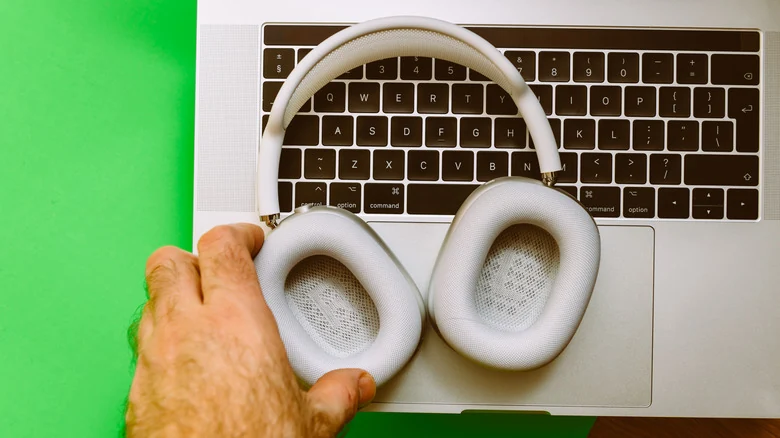
Model numbers are also printed directly on the hardware, though their location varies by form factor. On standard AirPods and AirPods Pro, the model number is located on the underside of each individual earbud. On over-ear AirPods Max, the number is situated behind the removable left ear cushion. Depending on charging capabilities or the inclusion of active noise cancellation, individual generations may feature distinct model numbers. Users should note that charging cases carry separate model numbers from the earbuds themselves.
Matching AirPods Model Numbers to Specific Generations
Once a model number is retrieved from the device software or hardware, it can be cross-referenced against official hardware documentation available on Apple's AirPods ID page. For instance, AirPods 5 equipped with a Wireless Charging Case correspond to model numbers A3439, A3440, and A3441.
Second-generation AirPods Pro feature two distinct sets of model numbers based on their port type and charging case design. The AirPods Pro 2 with a MagSafe Charging Case using a Lightning connector are identified by model numbers A2931, A2699, and A2698. The updated AirPods Pro 2 with a MagSafe Charging Case using USB-C correspond to model numbers A3047, A3048, and A3049.
Using Serial Numbers and Coverage Verification
If a model number cannot be read or retrieved, serial numbers offer an effective alternative for model identification. In iOS and macOS system settings, the serial number appears directly below the model number in the About menu. Physically, the serial number is printed on the underside of the charging case lid for standard AirPods and AirPods Pro, while on AirPods Max it is revealed by detaching the magnetic left ear cushion. Many models also feature the serial number printed on each earbud.
For users who retain original product packaging or purchase documentation, the serial number can also be found on the original box underneath the barcode or on the purchase receipt. Entering this code into the official AppleCare and Warranty page instantly resolves the exact model name and generation associated with the hardware identifier.
Sources
- EngadgetHere's how to tell which gen AirPods you own
Continue chronologically

Related entity coverage
Related stories
Why Your AirPods Keep Disconnecting and How to Fix It
Discover why your AirPods keep disconnecting or swapping devices without warning, and learn how to adjust your settings to fix the issue.
Why Your Apple AirPods' Battery Drains So Fast
Discover why your Apple AirPods battery drains quickly, how to check for charging issues, and practical steps to make them last longer.

How to Fix Apple AirPods When They Won't Connect to iPhone
Learn why your Apple AirPods fail to connect to your iPhone and discover quick troubleshooting steps, from checking batteries to resetting devices.
What Features Are Lost Using AirPods With Galaxy Phones
Discover which Apple AirPods features are lost when paired with a Samsung Galaxy phone, and what functionality remains on Android devices.