
Merge Watch App Lets Users Pair Apple Watch With Android Devices
Switching from an iPhone to an Android device no longer requires abandoning a favorite smartwatch, thanks to a third-party application designed to bridge the cross-platform gap.
 Radwan AbdulhadiEditor and technology writer
Bridging the Platform Gap
Apple's ecosystem is widely recognized for how well its hardware accessories integrate with one another. While devices like AirPods and the Apple Watch offer polished user experiences, they are fundamentally designed to work best when paired with an iPhone. Historically, the Apple Watch straight up does not work with Android devices without complex workarounds that typically require cellular versions.
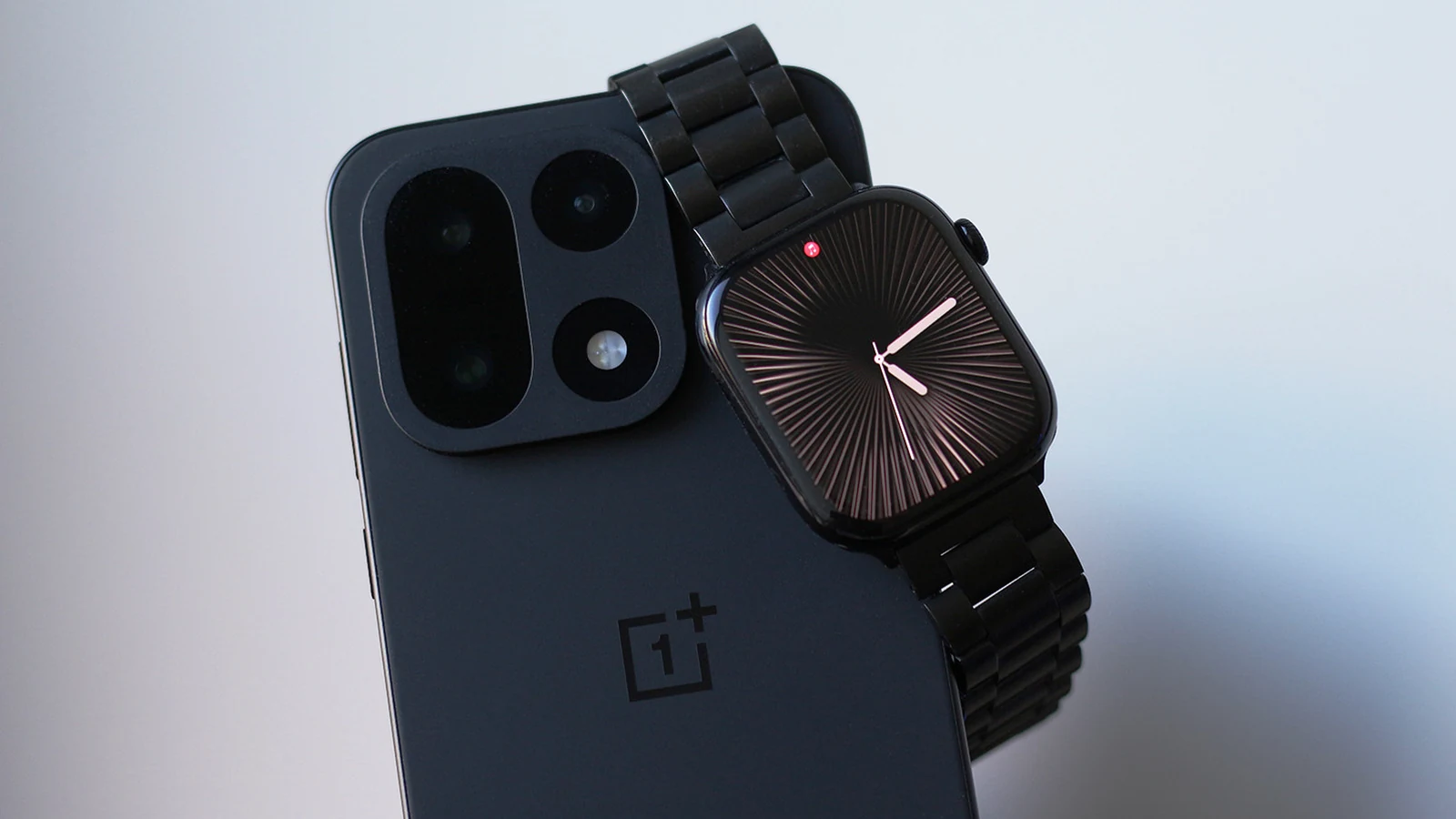
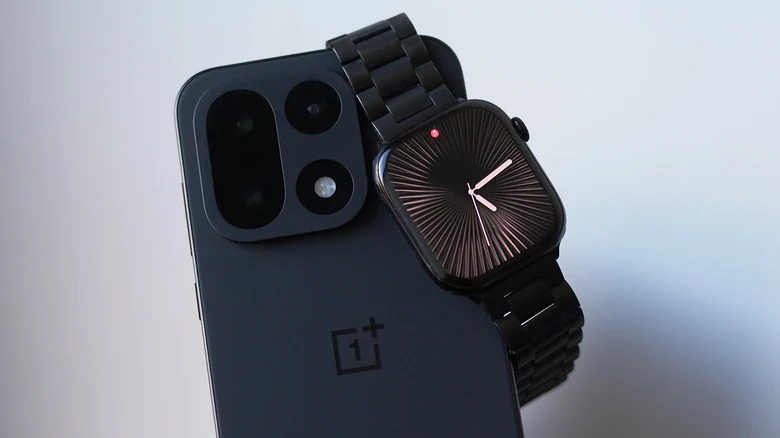
A new third-party software solution called Merge Watch aims to change this dynamic by allowing users to connect an Apple Watch to an Android phone. This application enables individuals who have switched to alternative platforms to continue utilizing their smartwatches without needing to carry an iPhone around simultaneously.
Setup and Configuration
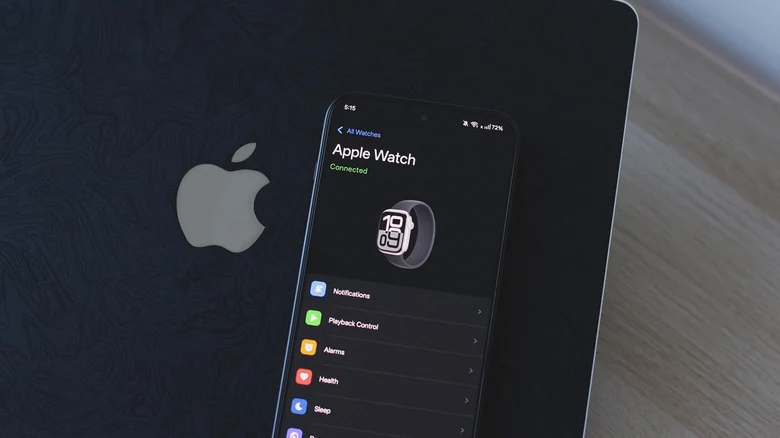
Getting the cross-platform pairing to function requires a specific initialization sequence. Users must first activate their Apple Watch using an iPhone before proceeding with the cross-platform configuration. Once completed, the Merge Watch app must be installed on both the Apple Watch via its App Store and on the Android device via the Google Play Store.
During the initial setup, users must grant several specific permissions, including Bluetooth access, health data access, notification access, and battery optimization exceptions. Pairing is finalized by tapping the phone's name on the watch and entering a six-digit code displayed on the phone.
Features and Health Data Syncing
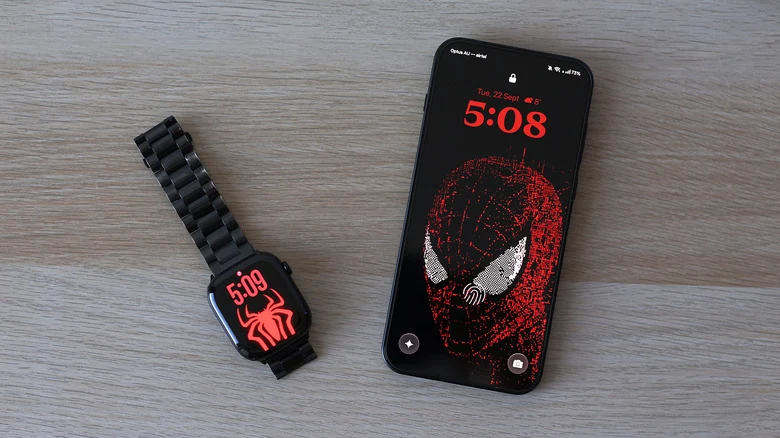
Once connected, the application handles notification forwarding and allows users to reply directly to messages from their wrists. When playing music through apps like Spotify, playback controls remain accessible on the watch face. Furthermore, health metrics collected by the Apple Watch are synced to Google Fit, including detailed sleep tracking data and ECG recordings.
Users retain control over their notification preferences, as unwanted alerts can be disabled on a per-app basis directly through the Merge Watch application on the Android phone. This helps prevent excessive buzzing from non-essential applications.
Performance and Limitations
Because the integration relies on third-party software working around platform restrictions, the experience differs from native watchOS operations. Every incoming notification arrives through the Merge app rather than appearing natively, creating an app-within-an-app interface for checking alerts. Additionally, notification mirroring means the Android phone continues to buzz even when the user is actively looking at the watch.
Testing across different hardware configurations—such as running watchOS on an Apple Watch Series 10 alongside a OnePlus 15 running Android 16—revealed occasional notification delays. Aggressive background activity management on certain operating systems can cause the companion app to sleep, requiring manual intervention to resume normal notification flow.
Privacy and Pricing
Handling sensitive personal health data requires stringent security measures. According to the privacy policy provided by Merge Watch, the majority of user data remains directly on the paired devices. When notifications are transmitted through an internet relay, they utilize end-to-end encryption to protect user information.
The service operates on a subscription model featuring multiple tiers. To unlock all available features and maintain full cross-platform functionality, users must pay a fee of up to $6 per month. Despite the recurring cost and minor performance quirks, the tool offers a viable path for users who refuse to abandon their Apple hardware after transitioning to Android.
Sources
- EngadgetThis app lets you use an Apple Watch with an Android phone