Understanding Theater Mode on Your Apple Watch
Theater Mode is a practical feature designed to keep your Apple Watch quiet and dim in settings that require your full attention without completely blocking notifications.
 Radwan AbdulhadiEditor and technology writer
What is Theater Mode and How Does It Work?
Apple Watches offer a wide variety of tools beyond telling time, ranging from biometric tracking to iPhone perks. Among these options are several underrated Apple Watch features that cater to specific scenarios. One such setting is Theater Mode, a neat toggle created to help users tone down their wearable device in a manner similar to Do Not Disturb.
Originally launched with watchOS 3.2, the setting is available across a wide range of hardware, meaning even the original Apple Watch, which first hit stores back in 2015, can utilize it. Activating the setting hushes the device down and ensures notifications remain as subtle as possible without blocking them entirely.
Visual Changes and Haptic Feedback
When enabled, Theater Mode will dim the Apple Watch bright lights by turning off the display, silencing the device, and disabling visual notifications. Furthermore, the display is prevented from waking up whenever you raise your wrist. To check the screen, users must tap it or press either of the physical buttons.
A key difference between this functionality and the total serenity of Do Not Disturb is how haptics are handled. Theater Mode allows users to keep haptic feedback active, meaning you will still feel a vibration on your wrist when a notification arrives, keeping you subtly in the loop.
How to Enable and Disable Theater Mode
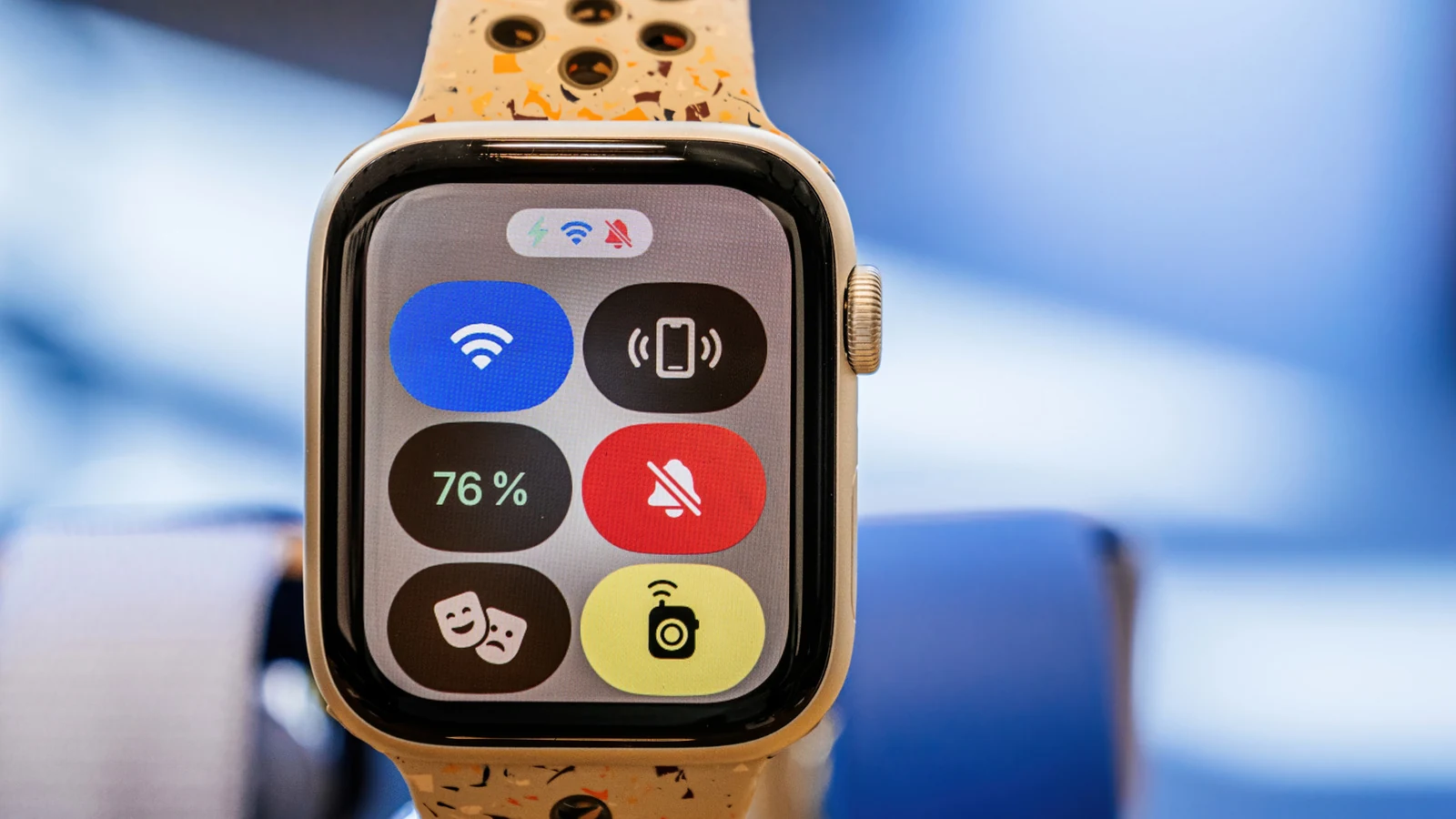
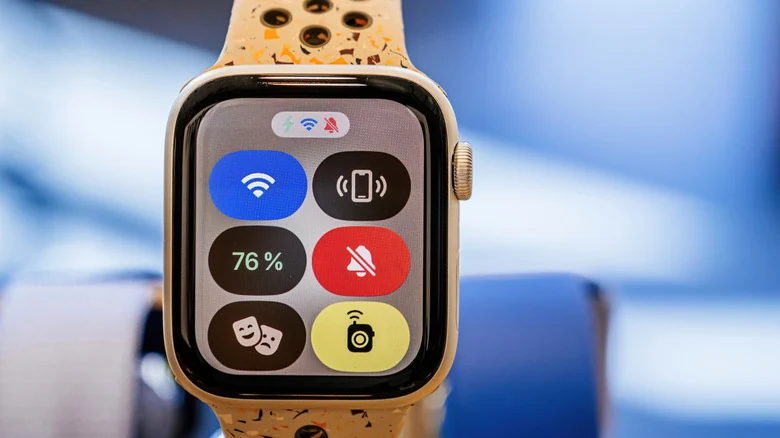
Turning on the feature is a straightforward process. You simply need to press your watch's side button, which is the flat oval button, to bring up the Control Center. From there, locate and tap the icon that resembles the theatrical comedy-tragedy masks to toggle the mode.
Unlike Do Not Disturb, there are no automated conditionals or options for disabling Theater Mode after a specific duration or event. Because of this, you must toggle the mode manually when you are ready to return your watch to its standard behavior.
When Should You Use Theater Mode?
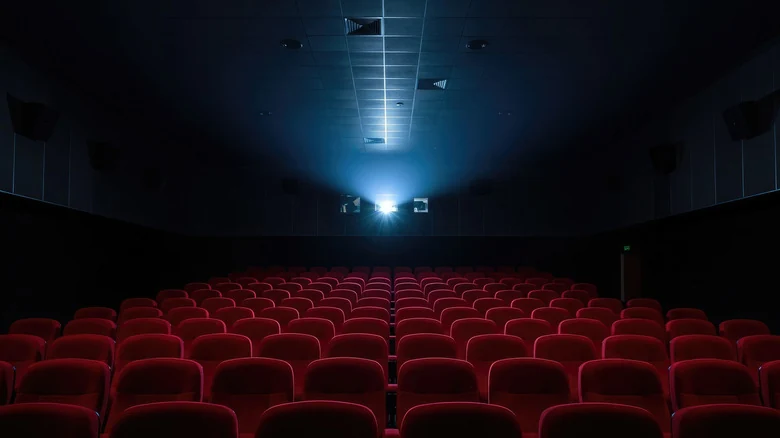
The feature is primarily intended for venues where consideration and quietness are essential, such as watching a play or a movie on the big screen. It is equally useful for professional meetings, social gatherings, or any other environment that demands your undivided attention.
By using this mode, you effectively block distractions that might irritate people around you while still remaining aware of incoming alerts through gentle vibrations.
Additional Benefits and Battery Savings
Beyond etiquette, Theater Profile offers functional advantages. Chief among them is a reduction in battery drain, achieved by stopping the display from waking up constantly at minor physical gestures throughout the day.
Additionally, users can choose to suppress specific biometric readings, such as blood oxygen measurements, while the watch operates in this mode. To adjust this preference, navigate to the Settings menu and select the specific reading you wish to keep active or disable during Theater Mode, if the option is applicable to your device.
Sources
- EngadgetWhat is Theater Mode on your Apple Watch and when should you use it?
Continue chronologically

Related entity coverage
Related stories
Understanding Apple Watch AssistiveTouch and Hand Gestures
Learn how AssistiveTouch on your Apple Watch lets you control your device using simple hand gestures without touching the screen.
Apple Announces Expanded Language Support for Redesigned Health App
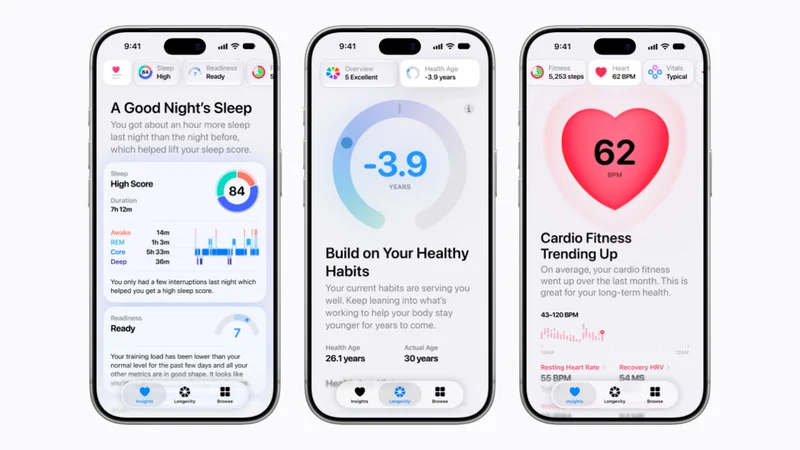
Apple has announced expanded language support for its redesigned Health app, bringing personalized insights and features to users worldwide.
Ceramic vs. Titanium Apple Watch: Durability Compared
Compare ceramic and titanium Apple Watch casing materials for durability, scratch resistance, weight, and overall strength to choose the best option.
Amazon Prime Day Wearable Deals Feature Apple, Google, Samsung
Explore the best Amazon Prime Day wearable deals on smartwatches and fitness trackers from Apple, Google, Samsung, and more before the sale ends.