Google Maps Performance on Android Auto vs Apple CarPlay
Testing Google Maps side by side on both Android Auto and Apple CarPlay reveals notable differences in functionality, interface controls, and AI integration.
 Radwan AbdulhadiEditor and technology writer
Core Navigation Fundamentals and Testing
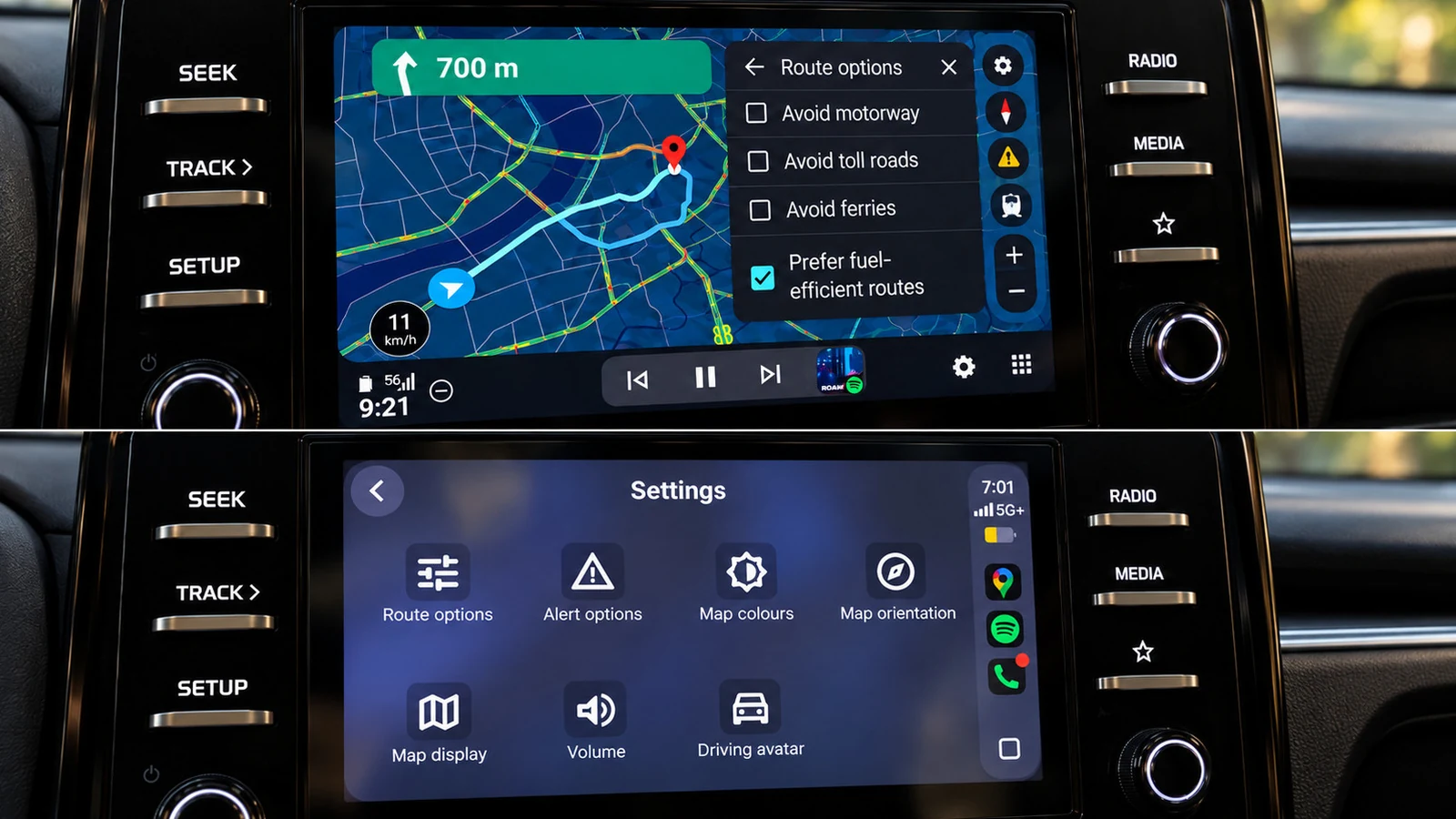
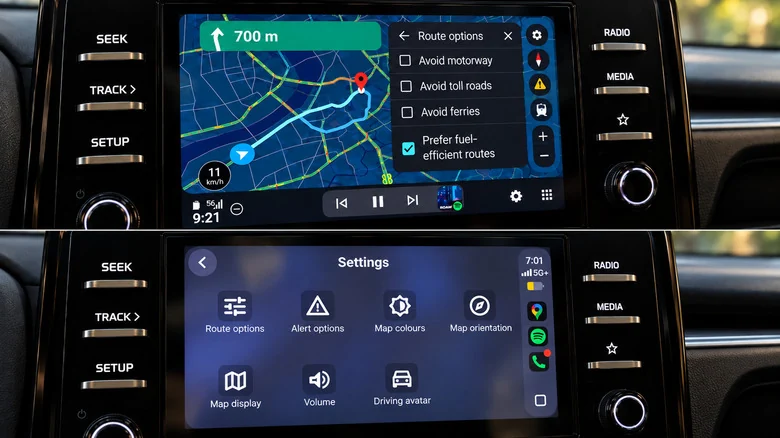
While Google Maps is available on both Android Auto and Apple CarPlay, the actual user experience differs even when using the identical application in the same car. Testing both platforms side by side demonstrates that while core fundamentals like speedometers, lane guidance, incident reporting, and alternative-route suggestions remain consistent, more advanced tasks highlight distinct platform advantages.
The benefits found on Google's platform range from minor interface adjustments to prominent features that simply operate more smoothly. Although Apple's interface maintains a few advantages of its own, Google Maps inherently feels more optimized for its native ecosystem.
Gemini Voice Integration and Route Changes
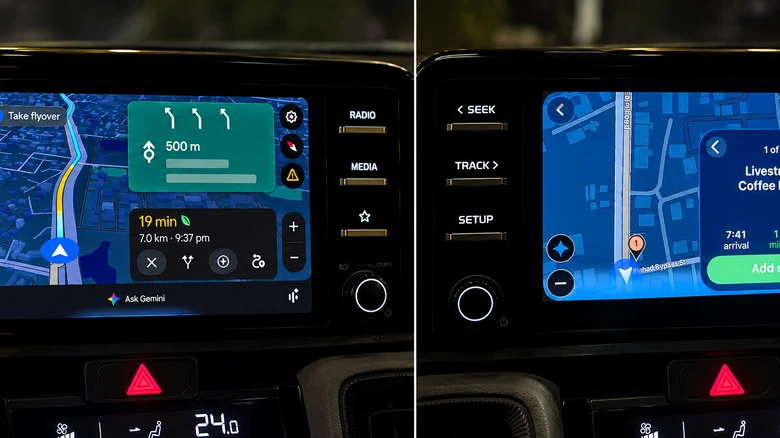
One of the most noticeable disparities involves how artificial intelligence handles queries and route modifications. Gemini is easier to invoke on Android Auto, allowing drivers to begin speaking without needing to physically touch the screen. Conversely, while a Gemini button eventually appears in Google Maps on CarPlay for conversational searches, hands-free summoning is restricted at the time of testing.
Furthermore, route adjustments happen more quickly on Android Auto. Drivers can request a fuel stop or pharmacy along a route without reopening conversations, whereas CarPlay handles similar requests at a noticeably slower pace.
Exploring Search Results and Map Gestures
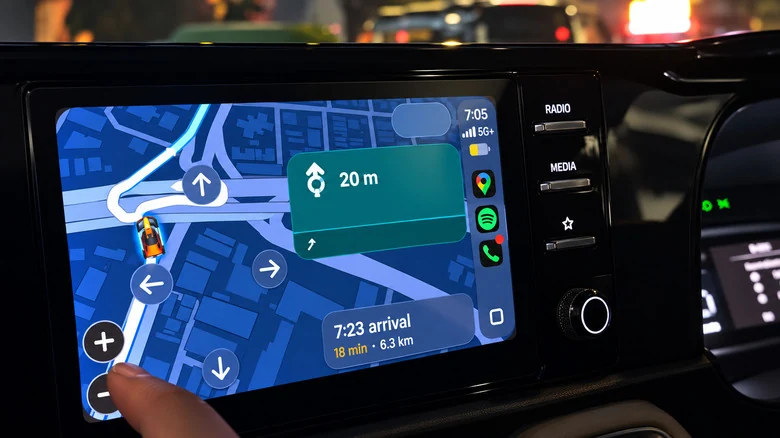
Finding places along an active route is also more streamlined on Android Auto. The interface presents multiple options alongside ratings and additional travel times simultaneously, eliminating the need to cycle through results individually.
In contrast, CarPlay displays search results one at a time using previous and next controls, which requires extra effort to compare options. Additionally, map interactions such as pinch-to-zoom and zoom controls function natively on Android Auto, whereas CarPlay relies on a standalone map-control mode where pinch-to-zoom gestures may not respond.
Destination Shortcuts and Fuel Efficiency
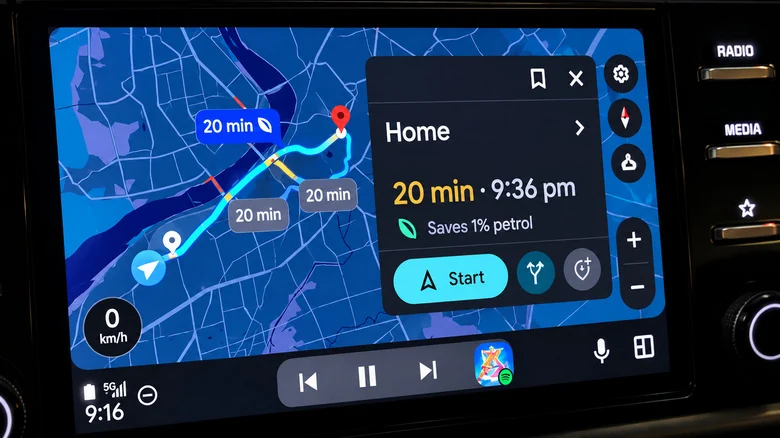
Before a destination is even entered, Android Auto provides immediate convenience by displaying a Home shortcut alongside a live estimated time of arrival and distance. The recent section also populates recently visited locations and relevant search suggestions instantly.
On the other hand, CarPlay presents a more basic initial screen that requires a manual search to reach similar information. When selecting routes, Google's fuel-efficient routing is also explained more transparently on Android Auto, clearly marking estimated fuel savings.
Advanced EV Trip Planning and Battery Integration
For electric vehicle owners, Google Maps offers substantially deeper integration on Android Auto for supported models in the US. The platform estimates battery consumption using vehicle characteristics, traffic data, road elevation, and weather conditions.
By entering the current battery level, it can then suggest charging stops, predict remaining battery power upon arrival, and factor charging times directly into the estimated time of arrival. A primary drawback for iPhone users is that energy-efficient EV routes on CarPlay lack this automatic charging stop integration.
Sources
- Engadget6 Google Maps features that work better on Android Auto vs. CarPlay
Continue chronologically


Related entity coverage
Related stories
How to Keep Your Phone Cool While Using CarPlay and Android Auto
Discover practical tips to prevent your iPhone or Android device from overheating while connected to CarPlay or Android Auto during drives.

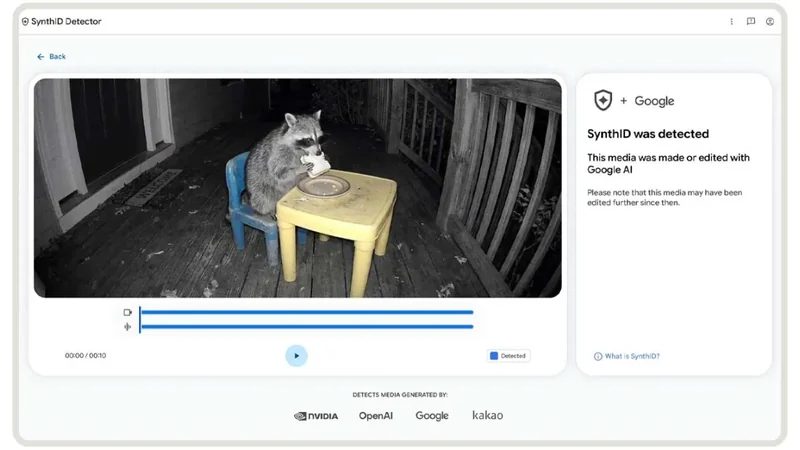
Google Expands SynthID Detector Globally with Apple Support
Google has rolled out its expanded SynthID AI content detector globally, introducing support for models from OpenAI, Nvidia, Kakao, and Apple.
Google's SynthID AI Detector Goes Public for Everyone
Google's SynthID Detector is now available globally for regular users, offering a simple way to check if images, videos, or audio files are AI-generated.

Google rolls out improved SynthID AI content detector globally
Google has launched an improved SynthID AI content detector on a new website, supporting watermarks from major partners including OpenAI and Nvidia.