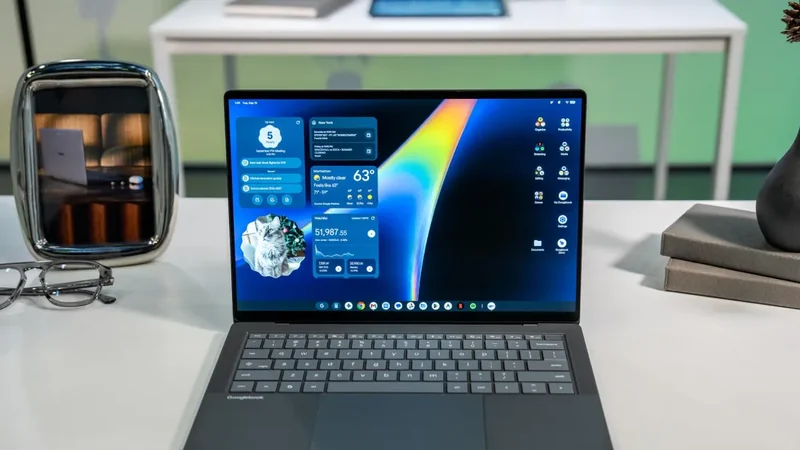
Googlebook OS struggles as apps lag behind hardware
A week of testing Google’s new Googlebook laptops suggests that strong hardware is being undermined by software that still feels unfinished. The Verge’s testers found problems across Android apps, window management and Linux support.
 Radwan AbdulhadiEditor and technology writer
Strong hardware, unfinished software
Google’s new Googlebook laptops have made a strong first impression on hardware, but a weak one on software. The Verge says four of its staff members are actively testing all five launch devices from Google’s partner manufacturers, including Dell, Lenovo, Asus, Acer and HP. After a week of use, their discussions have focused less on the laptops’ physical design than on frustrations, inconsistencies and unexpected behavior in Googlebook OS.
The central appeal of Googlebooks is the idea of an Android-based alternative to Windows or Mac that works closely with Android phones. The testers found that concept compelling, particularly where phone connectivity and app synchronization are concerned. But they also found that several problems appear to be rooted in Android’s long history as a mobile platform, rather than in the laptops’ hardware. The result is an operating system that can feel like an Android tablet adapted to a laptop instead of a laptop platform designed from the ground up.
Googlebook OS does not yet surpass ChromeOS
One tester repeatedly returned to Google’s claim that replacing ChromeOS with Android would enable faster software development. In practice, Googlebook OS currently feels like a step backward in some areas. It retains certain ChromeOS limitations, including the inability to run Chrome with separate Google accounts, while many Android apps remain just as awkward to use on a laptop as they were on ChromeOS.
The operating system also introduces interface decisions that make more sense on phones than on computers. Google has placed Android’s navigation buttons on the Googlebook keyboard, apparently giving poorly behaved apps a fallback method of navigation. The testers also found that windows cannot be dragged between virtual desktops. A Clear All control appears when moving to the left of the desktop view, and it closes every open app at once — a behavior borrowed from Android’s phone app switcher that feels poorly suited to laptop use.
Android apps remain the biggest obstacle
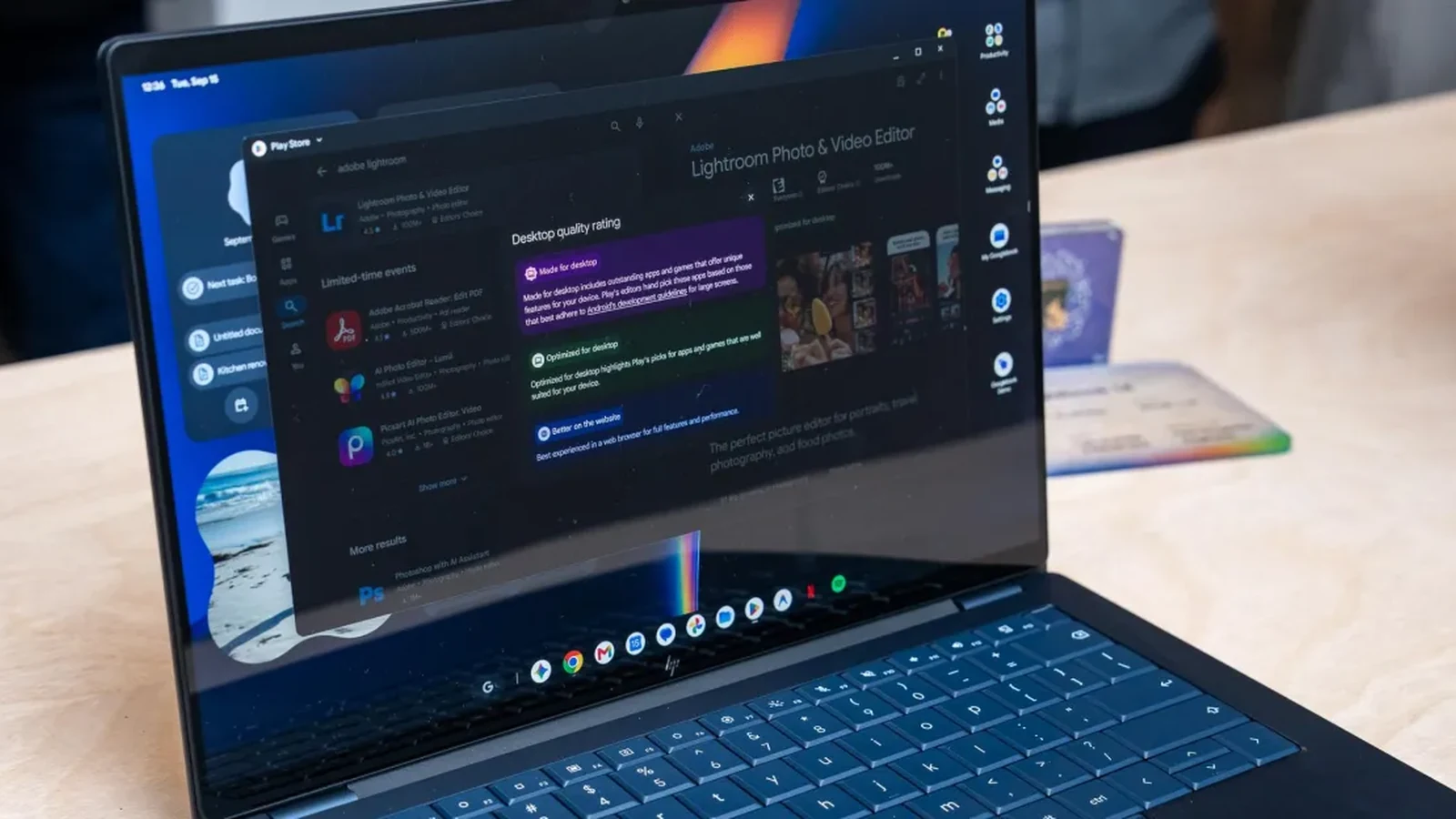
App compatibility is a recurring source of friction. Signal connected to a tester’s phone easily, but sending a message required pressing Ctrl+Enter, while selecting text did not work as expected. Clicking and dragging moved the page instead. Photoshop and Lightroom were considered adequate for basic image editing, but their mobile-first versions were judged less useful than the full desktop applications available on a cheap Windows laptop.
Netflix and other streaming applications generally open as full-screen tablet-style interfaces. Users can reveal windowing controls by moving the pointer over the top bar, but the behavior is not obvious, and repeating the process for each app quickly becomes tiring. Even applications that are optimized for Googlebooks can fail to display their content while a window is being resized. Some Google apps behave this way, while YouTube and Messages were described as scaling more naturally.
Keyboard and mouse support is similarly inconsistent. Some apps respond properly to laptop controls, while others remain optimized for touchscreens. The testers argued that basic actions such as pausing a video with the space bar should work reliably if an application is meant to function on a laptop. Installing Slack as a progressive web app also produced problems, leaving an open question about whether the responsibility lies with Slack or Googlebook OS.
Linux support adds separation, not simplicity
Linux apps offer another possible route around Android’s limitations, but the testing so far suggests they are not a straightforward solution. One tester installed the Linux versions of Slack and GIMP, along with Steam, through the Debian virtual machine included in the Googlebook Terminal app. The applications ran, but they remained isolated from the rest of the operating system.
Programs installed in the virtual machine do not receive app drawer icons or appear in the Googlebook taskbar in the same way as Android apps. Switching between Linux and Android applications requires manually moving the mouse and keyboard between environments. The two systems also do not automatically share files or clipboard contents, making routine work slower and less cohesive.
Gaming exposed another limitation. Steam launched inside the virtual machine, but the games tested were too laggy to be playable, despite not being especially demanding. The tester said a fuller account of the gaming experience would follow, but concluded that Linux support had not yet removed the friction created by Googlebook OS’s separate software environments.
Google needs faster development and developer support
The early testing does not dismiss the Googlebook concept. Deep phone integration, synchronized applications and selected phone-style interface features can make sense on a laptop. The problem is that these benefits are repeatedly offset by apps that do not understand larger screens, keyboard input or desktop window management.
For Googlebook OS to become a credible alternative to Windows or Mac, Google will need to address its own operating-system inconsistencies while encouraging developers to optimize their applications for laptops. The Verge’s testers found hardware that ranges from great to excellent, but software that still feels like a work in progress. Until development accelerates, early buyers may feel less like customers of a finished platform than testers of its first release.
Sources
- The VergeA week with Googlebooks: four notes from our testing so far
Continue chronologically

Related entity coverage
Related stories
Google Launches Googlebook Laptops for Android Users
Google has officially unveiled Googlebooks, a new line of laptops designed to provide seamless connectivity and synergy with your Android smartphone.
Google Unveils New Googlebook Laptop Lineup
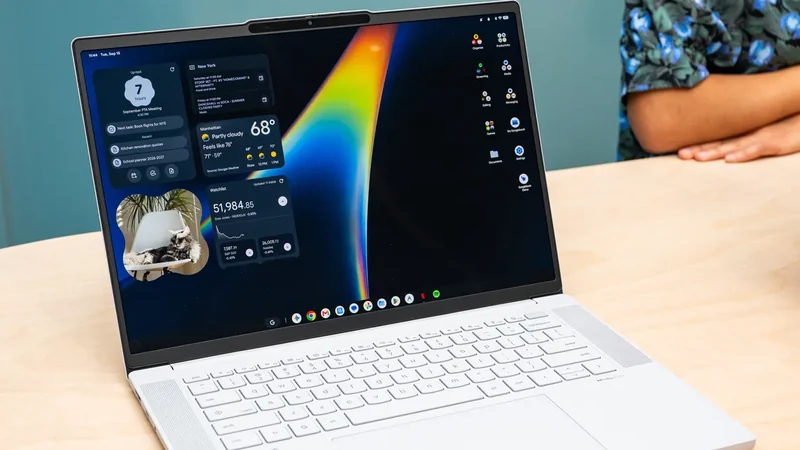
Google launches a new series of premium laptops featuring a hybrid OS, deep Android integration, and advanced Gemini AI capabilities to rival Mac hardware.
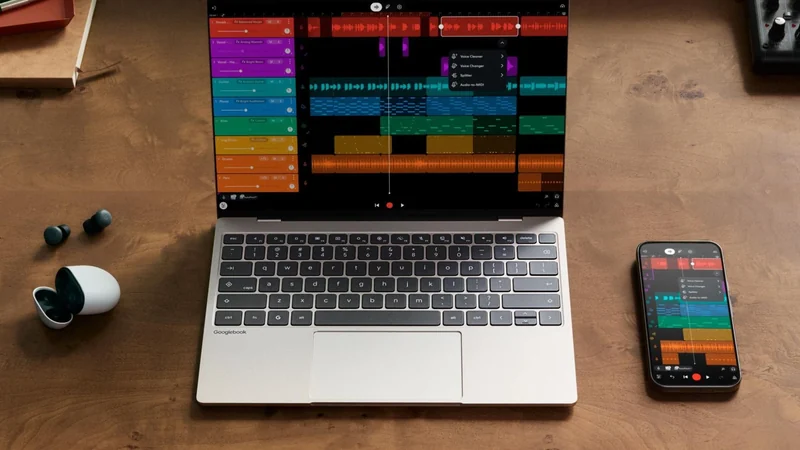
Google Launches Android-Powered Googlebook Laptop Lineup
Google is introducing its new line of Android-based Googlebook laptops on October 4th, featuring deep mobile integration and Gemini AI capabilities.
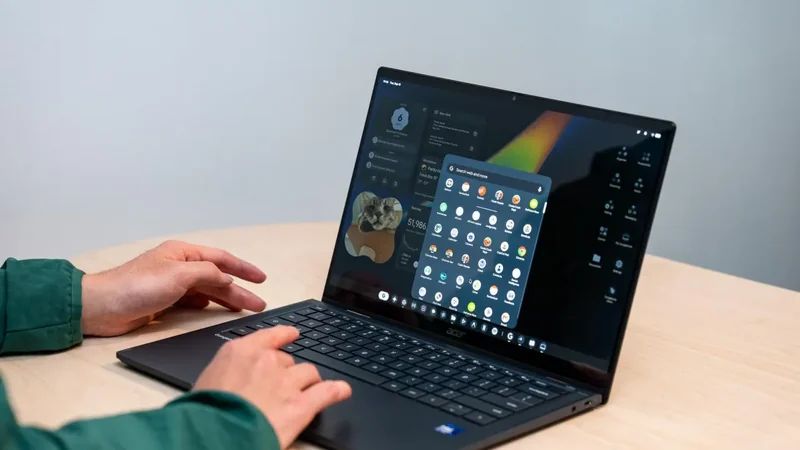
Google Admits Intel Googlebooks Face Android App Issues
Google acknowledges that Intel-based Googlebooks may encounter performance issues with a small handful of Android apps upon launch.