Mini PC vs. Laptop: Which Setup Wins Your Home Office?
Choosing between a compact mini PC and a docked laptop for a home office setup depends on how much you travel and whether you want to manage a single machine.
 Radwan AbdulhadiEditor and technology writer

Comparing the Desktop Experience
Setting up a home office involves deciding between different computer form factors, where both mini PCs and laptops present distinct advantages. A mini PC provides a small footprint on a desktop, allowing the hardware to fade into a workspace that revolves around a chosen monitor, keyboard, and mouse. This setup naturally complements [an organized desk](https://www.engadget.com/how-to-organize-your-desk-work-from-home-setup-133015500.html) without taking up unnecessary surface area.
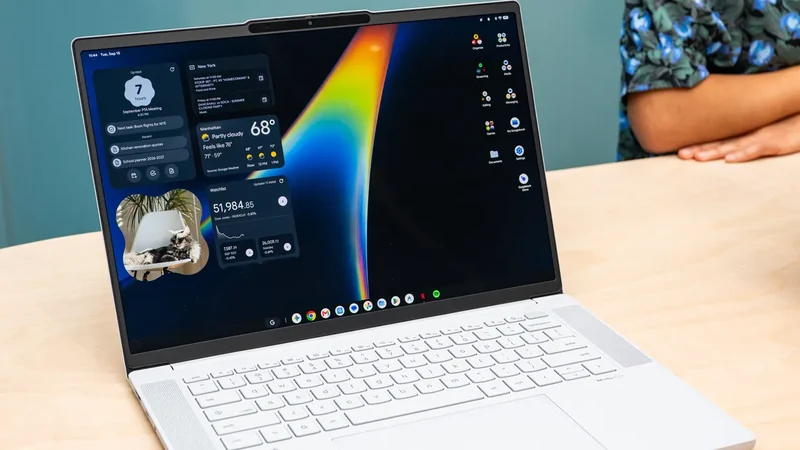
Conversely, a laptop can achieve a similar desktop experience. By plugging a laptop into a large screen via HDMI and adding a wireless keyboard and mouse, users can replicate a traditional desktop setup. The experience improves further when incorporating [a compatible docking station](https://www.engadget.com/computing/accessories/best-docking-station-160041863.html) to manage multiple displays, peripherals, network connections, and charging through a single connection point. When both computer types reside on a desk, the performance gap between them shrinks significantly.

Hardware, Components, and Performance
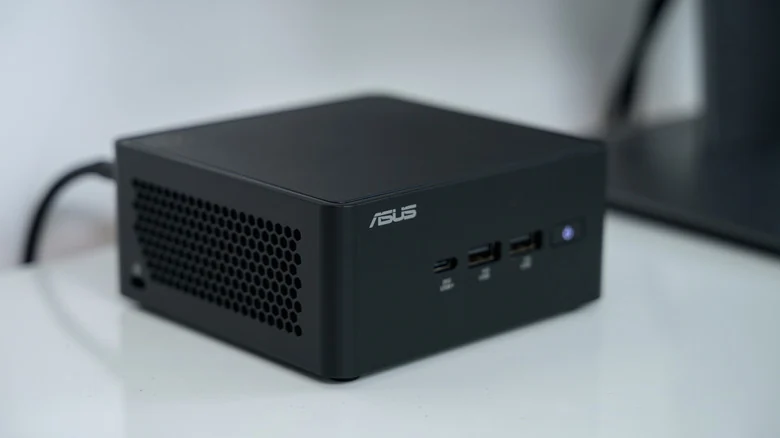
Although mini PCs resemble traditional desktop computers scaled down in size, many models rely on hardware typically found in laptops. For example, the ASUS NUC 15 Pro features Intel's Core Ultra 7 265H mobile processor alongside SO-DIMM memory and M.2 SSD storage.
Utilizing laptop components makes it practical to fit an entire computer into a compact chassis that mounts behind a monitor. However, similar hardware does not guarantee identical performance. Factors such as cooling systems, firmware configurations, and manufacturer-set power limits influence sustained processor speeds during demanding tasks.
Upgradeability and Cost Considerations
Hardware flexibility varies across different models, which remains one of [the main downsides of a mini PC](https://www.engadget.com/2240318/mini-pc-pros-cons/). While the ASUS NUC 15 Pro includes two SO-DIMM slots and two M.2 storage slots for configurations, providing better memory and storage flexibility than thin laptops with soldered RAM, not all variants ship with pre-installed memory or storage.
Buyers must factor in the additional costs of purchasing RAM, an SSD, and an operating system separately. What initially appears to be an affordable barebones mini PC can ultimately require a higher total investment before it is ready for daily use.
Graphics Capabilities
Graphics performance requires careful evaluation when choosing between these devices. Integrated graphics perform adequately for everyday office tasks, email management, web browsing, and video calls.
Users engaging in heavy video editing, 3D rendering, or other GPU-intensive workloads should not assume that a compact desktop box inherently delivers greater graphics power than a modern laptop.
Portability and Workflow Management
The primary appeal of a mini PC involves purchasing computing hardware without paying for an integrated screen, battery, keyboard, or trackpad that might remain unused most of the time.
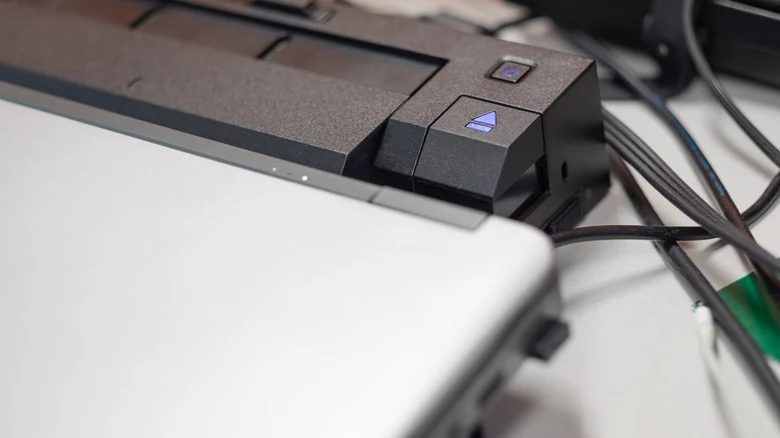
However, a docked laptop offers a compelling alternative. Connecting a laptop to a dock allows users to interface with external monitors, Ethernet networks, and USB accessories simultaneously. Closing the lid and placing the machine in a vertical stand replicates a mini PC desktop environment.
The key differentiator emerges when travel is required. Unplugging a laptop allows users to take their complete computing environment—including local files, applications, and browser sessions—on the road. Maintaining a single machine eliminates the risk of missing documents saved on a separate desktop system.
Sources
- EngadgetMini PC vs. laptop: Which is better for your home office?
Continue chronologically
Related stories
Google Admits Intel Googlebooks Face Android App Issues
Google acknowledges that Intel-based Googlebooks may encounter performance issues with a small handful of Android apps upon launch.
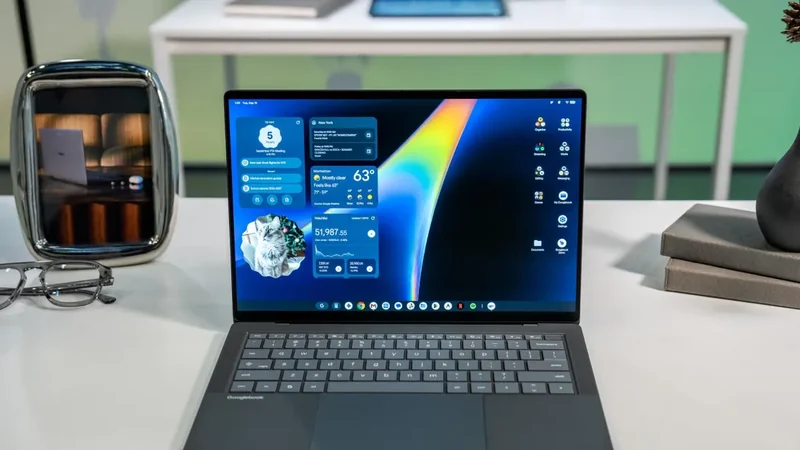
Intel Googlebooks May Struggle With Some Android Apps
Google reveals that certain Android apps may face performance issues on Intel-based Googlebooks due to their original design for Arm chips.
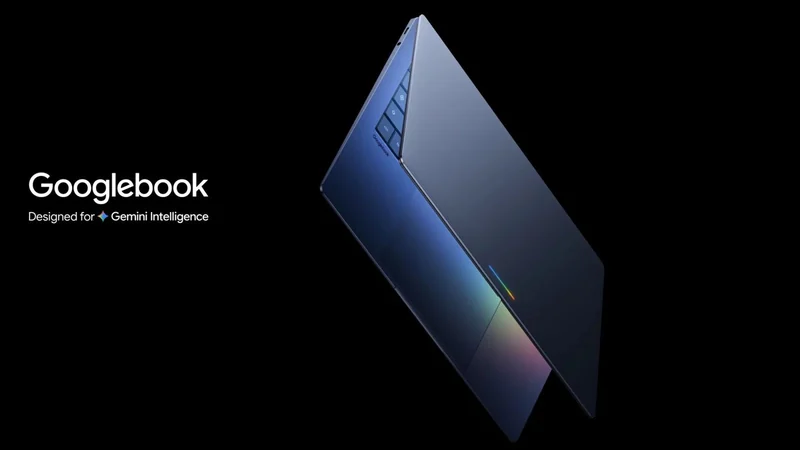
Google Launches Android-Powered Googlebook Laptop Lineup
Google is introducing its new line of Android-based Googlebook laptops on October 4th, featuring deep mobile integration and Gemini AI capabilities.
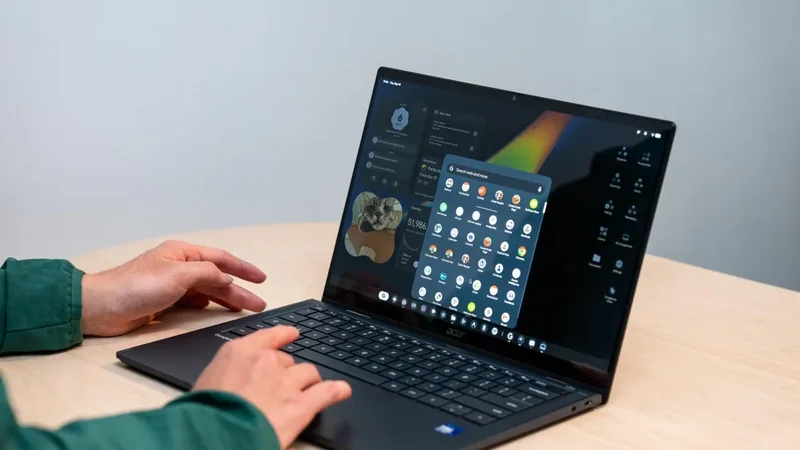
Google Launches Googlebook Laptops for Android Users
Google has officially unveiled Googlebooks, a new line of laptops designed to provide seamless connectivity and synergy with your Android smartphone.