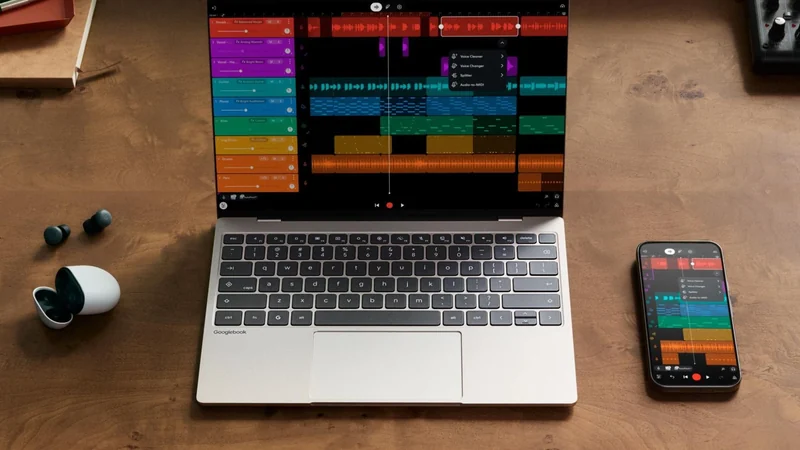
Evaluating Googlebooks and the New Android Laptop OS
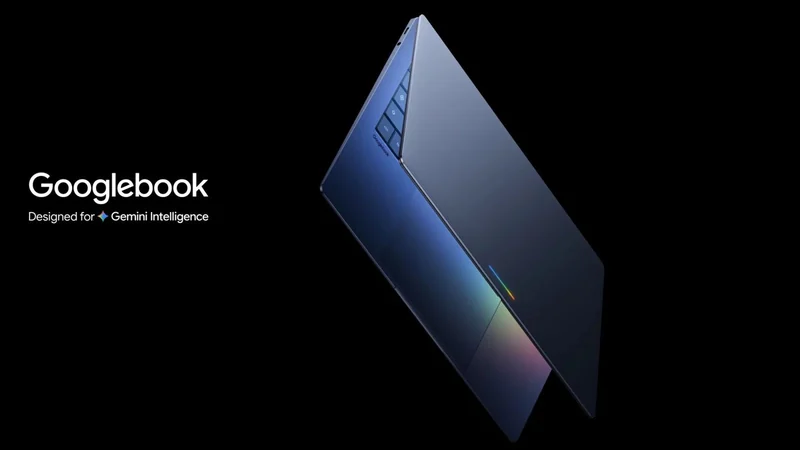
Google and hardware partners recently launched Googlebooks, introducing an Android-powered laptop operating system designed to replace ChromeOS.
 Radwan AbdulhadiEditor and technology writer
The Transition From ChromeOS to Android
It has been nearly two and a half years since Google announced plans to migrate its laptop operating system from ChromeOS to Android. Following an initial Googlebook introduction in May, Google and its hardware partners officially launched Googlebooks earlier this month.
The platform promises tight integration with Android phones, numerous AI-powered capabilities, and premium hardware options. However, evaluating the operating system reveals that while internal benefits may exist for developers, the current experience lacks a complete upside for buyers given the high cost of the devices.
Hardware Lineup and Premium Pricing
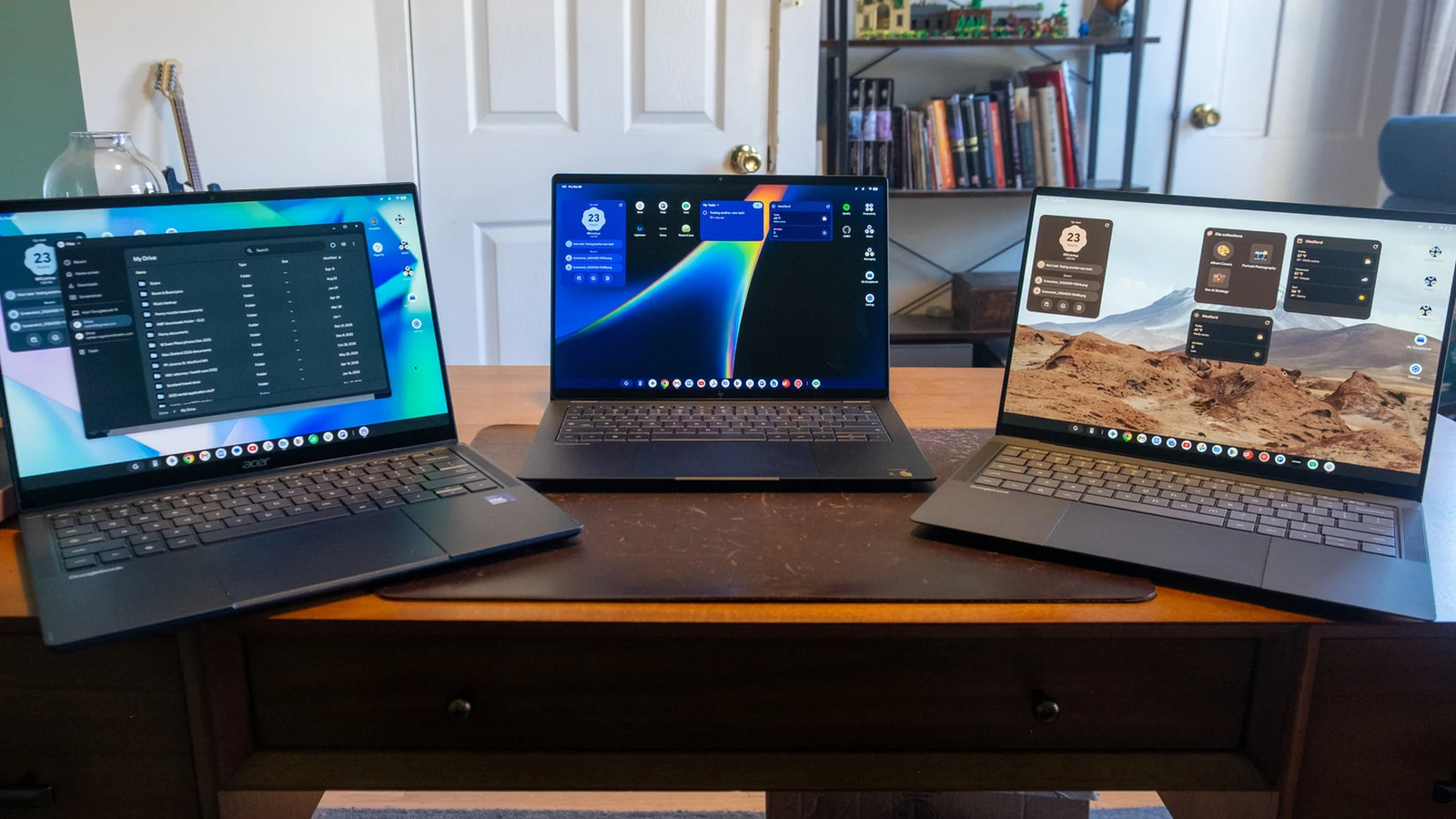
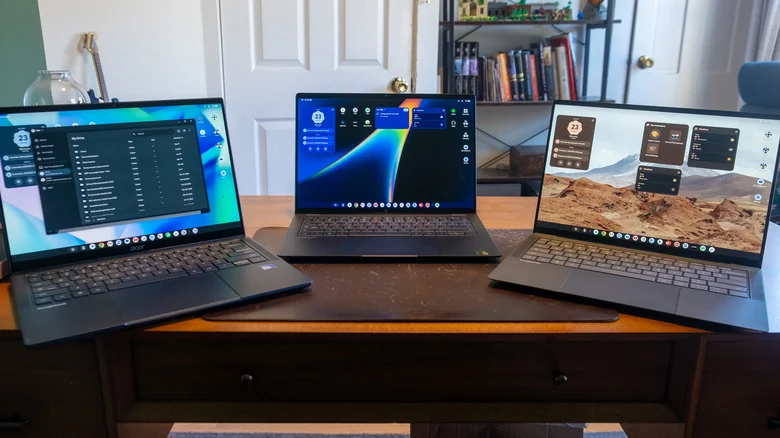
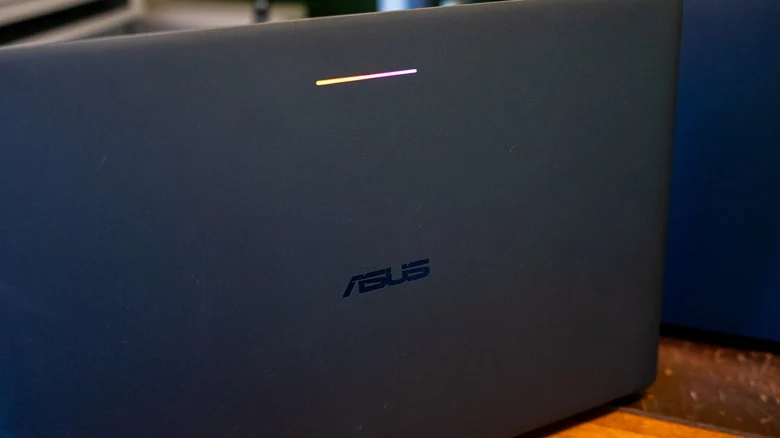
The initial hardware rollout consists of premium devices positioned at high price points. Extensive testing across the new ecosystem highlights several key machines, including the ASUS Googlebook 14, which retails for $1,299.
The ASUS model features an extremely thin and light chassis weighing 2.2 pounds, an OLED touchscreen equipped with Corning's Gorilla Matte glass to reduce reflections, an Intel Core Ultra 5 chip, 16GB of RAM, and 512GB of storage. Additional devices tested include the Acer Googlebook 14 and HP's Googlebook 14, the latter of which runs on a Snapdragon X Elite X1E-80-100 processor.
Pricing for these machines starts at $899 for the Acer Googlebook 14, making it the only option under $1,000. Because Googlebooks will eventually fully replace ChromeOS, future device waves are expected to target more affordable price points. At present, however, the lineup remains strictly a premium experience.
Android Integration and Device Setup
Setting up a Googlebook places heavy emphasis on connecting an Android phone from the very first step. Users are prompted to configure the laptop using an Android device, iPhone, or iPad.
Selecting an Android device triggers a notification on a paired phone, such as a Pixel 11, while the laptop displays a QR code. Scanning the code connects the laptop to Wi-Fi, transfers the Google account, confirms user details, sets a login password, and registers a fingerprint.
Users can also choose to copy apps and data from their phone, customize shared settings, and view a walkthrough of Gemini-powered features like Magic Pointer, the Quick Insert key, and Gemini Live voice chat. Additional permissions allow users to view phone notifications and files directly on the laptop.
User Interface and Subtle Layout Changes
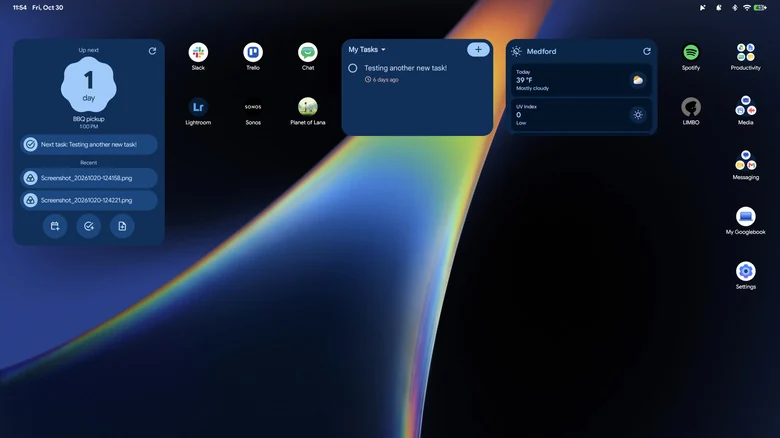
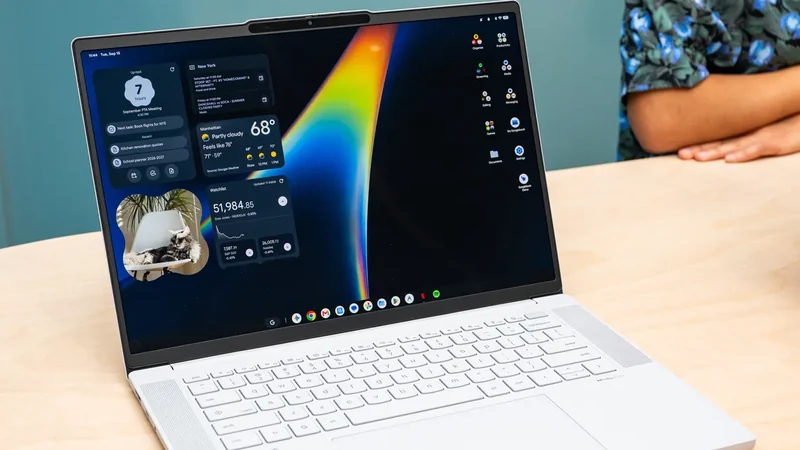
The desktop environment closely resembles ChromeOS, featuring a taskbar with shortcuts to Chrome, Gemini, Gmail, and various productivity, media, and messaging folders. An in-depth walkthrough guides users through quick settings, changing wallpapers, managing windows, and finding files upon first boot.
Subtle differences separate the new OS from ChromeOS. The taskbar is reserved exclusively for applications, while the time, date, notifications, and quick access settings are relocated to a thin strip at the top of the screen.
Certain ChromeOS conveniences were removed during the transition. For instance, clicking the date and time no longer displays a calendar or Google Tasks list, and the dedicated button for pinned and recently opened files is absent. Google reportedly expects users to rely on desktop widgets instead.
Browser Syncing and Ongoing Development
Chrome serves as the primary browser for web computing, yet the Googlebook operating system exhibits unexpected limitations during daily tasks.
Saved tab groups created on other desktop, Android, or iOS versions of Chrome fail to synchronize or appear on a Googlebook, highlighting areas where the software still requires considerable refinement.
Sources
- EngadgetEverything you need to know about Googlebooks
Continue chronologically

Related entity coverage
Related stories
Google Admits Intel Googlebooks Face Android App Issues
Google acknowledges that Intel-based Googlebooks may encounter performance issues with a small handful of Android apps upon launch.
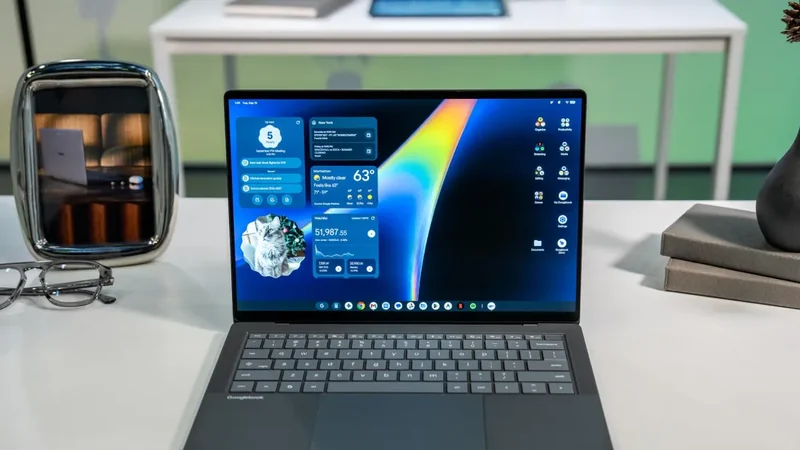
Intel Googlebooks May Struggle With Some Android Apps
Google reveals that certain Android apps may face performance issues on Intel-based Googlebooks due to their original design for Arm chips.
Google Launches Googlebook Laptops for Android Users
Google has officially unveiled Googlebooks, a new line of laptops designed to provide seamless connectivity and synergy with your Android smartphone.
Google Unveils New Googlebook Laptop Lineup
Google launches a new series of premium laptops featuring a hybrid OS, deep Android integration, and advanced Gemini AI capabilities to rival Mac hardware.