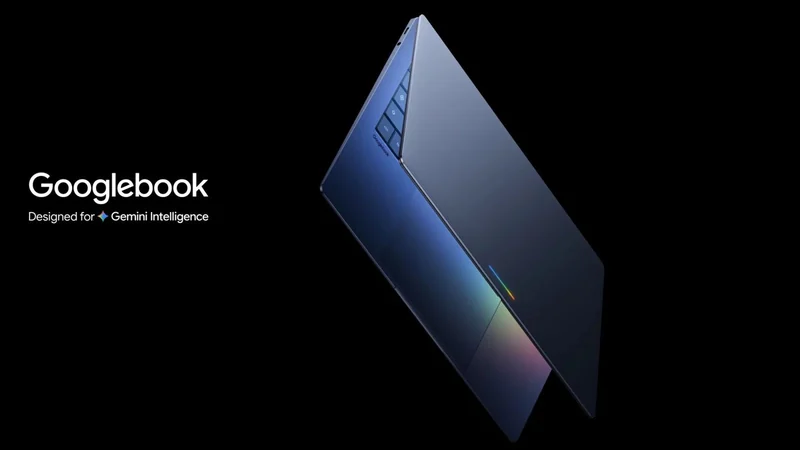
Lenovo Googlebook 15 Review: Great Hardware, First-Gen OS
Lenovo delivers exceptional hardware for Google's new platform, but the first-generation Googlebook OS currently appeals most to dedicated Android fans.
 Radwan AbdulhadiEditor and technology writer
Hardware and Design
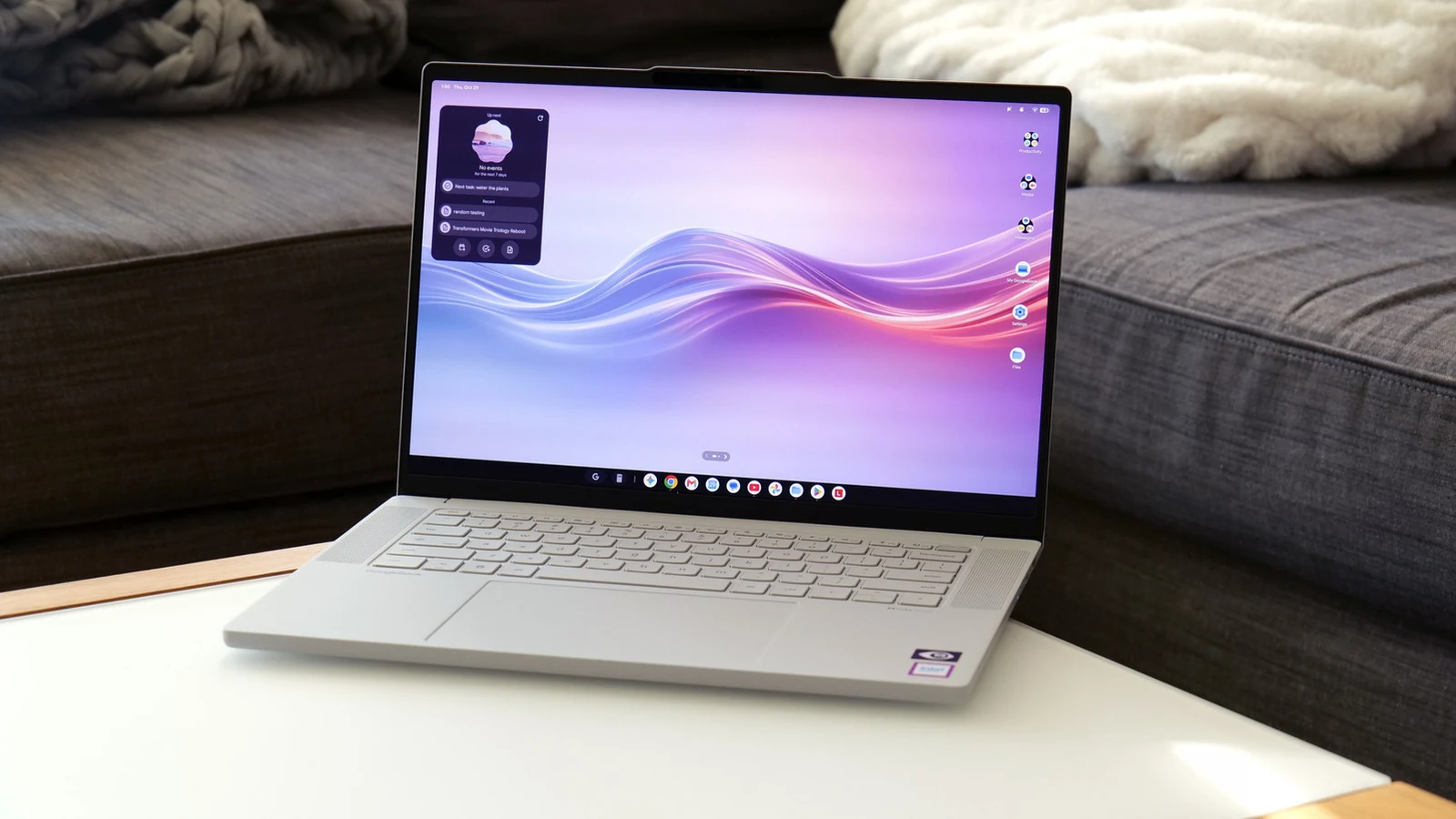
The introduction of a new operating system brings both operational challenges and opportunities for the computing status quo. Google's <a href="https://www.engadget.com/2263649/googlebooks-a-laptop-that-works-better-with-your-android-phone/">new family of notebooks</a> aims to blend Android and Chrome OS into a mobile-friendly device category. While <a href="https://www.lenovo.com/us/en/pc/">Lenovo</a> has constructed impressive hardware for the <a href="https://www.lenovo.com/us/en/p/laptops/googlebook/googlebook-series/lenovo-googlebook-15/len101o0001">Googlebook 15</a>, the overarching platform encounters typical first-generation software growing pains.
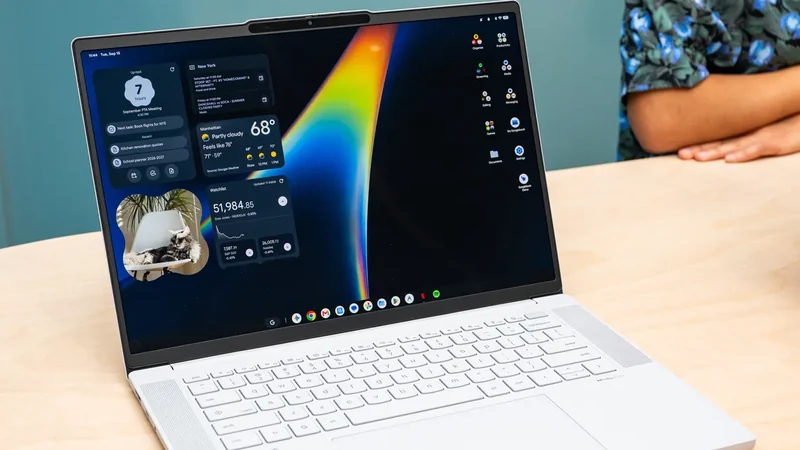
The laptop features a 15.3-inch OLED display supporting a 120Hz refresh rate, a 500-nit typical brightness, and HDR True Black 1000 certification. Lenovo built the chassis using a blend of plastic, carbon fiber, and magnesium-aluminum alloy for increased strength and lightness. Covered in a silk-touch finish resembling unglazed porcelain, the 2.85-pound device actually weighs less than a standard 14-inch MacBook Pro.
Peripherals and Features
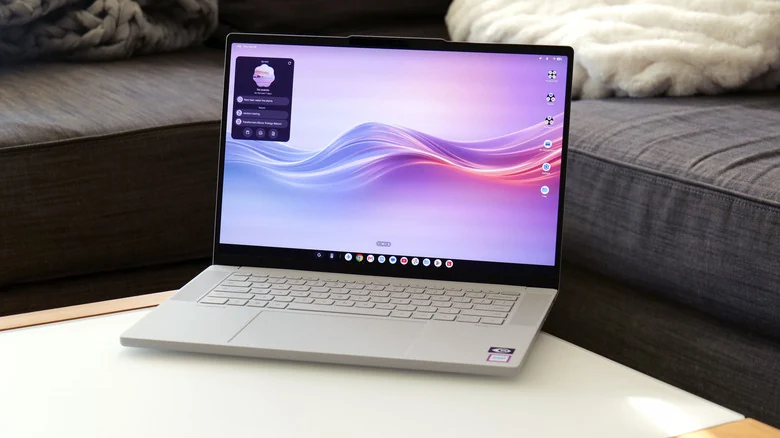
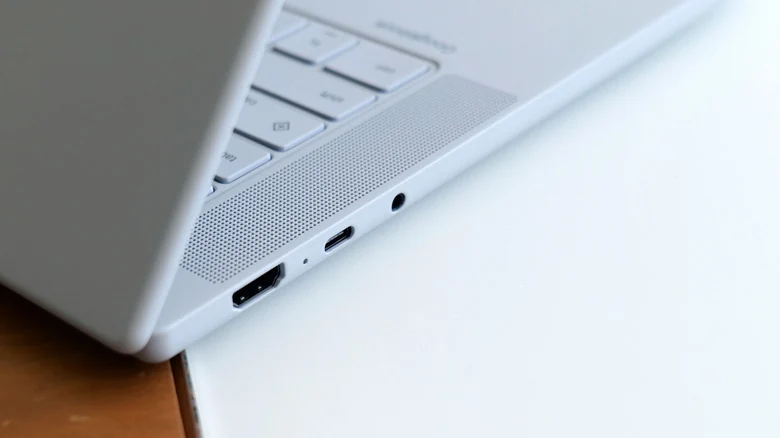
The Googlebook 15 includes punchy up-firing quad speakers with Dolby Atmos flanking the keyboard, a port selection consisting of two USB-C ports, one USB-A port, an HDMI port, and a 3.5mm audio jack. The keyboard offers a responsive bounce, accompanied by a dedicated Google key for shortcuts and a massive haptic touchpad. Security features include a built-in camera with a physical shutter and a separate fingerprint sensor supporting facial recognition.
A distinguishing physical trait of the platform is the lid's lightbar, which displays white during normal operation and shifts colors depending on battery status. During startup or Gemini interactions, the LEDs display multi-color animations. However, because users typically interact with laptops while open, the exterior LEDs are often more visible to people sitting opposite the user than to the operator.
Performance and Architecture
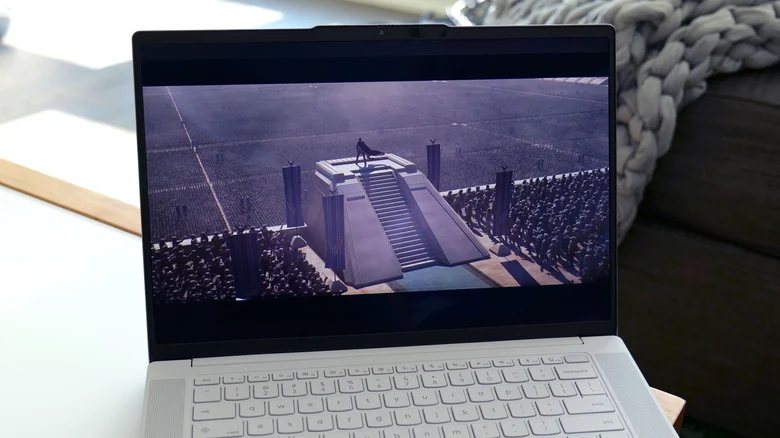
Google mandates a minimum of 16GB of RAM across participating Googlebook systems to support basic productivity tasks. Paired with an Intel Core Ultra 5 325 chip and 256GB of base storage, the platform handles core computing demands effectively. Geekbench 7 testing demonstrated a multi-core CPU score of 9,011, performing comparably to or better than similarly priced midrange PCs.
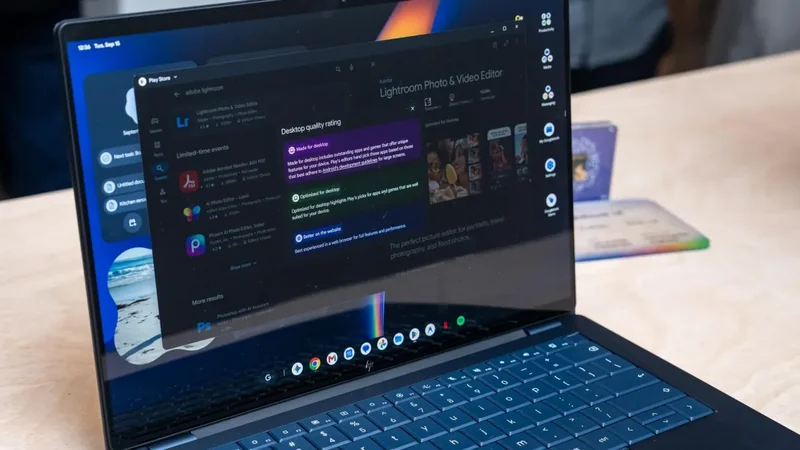
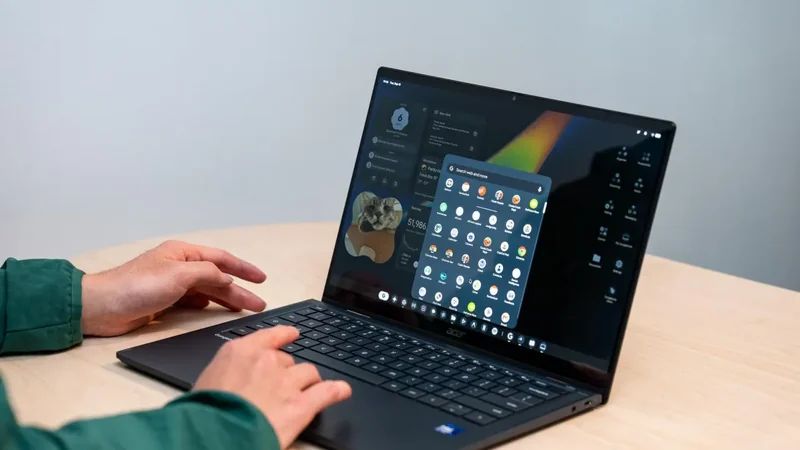
Because users are encouraged to install mobile applications, software optimization presents mixed results. For instance, downloading Photoshop via the Google Play Store yields the mobile edition rather than a full desktop application. Additionally, running Android apps designed for ARM-based chips on silicon with x86 architecture can occasionally introduce bugs or performance stutters.
Software and Ecosystem Integration
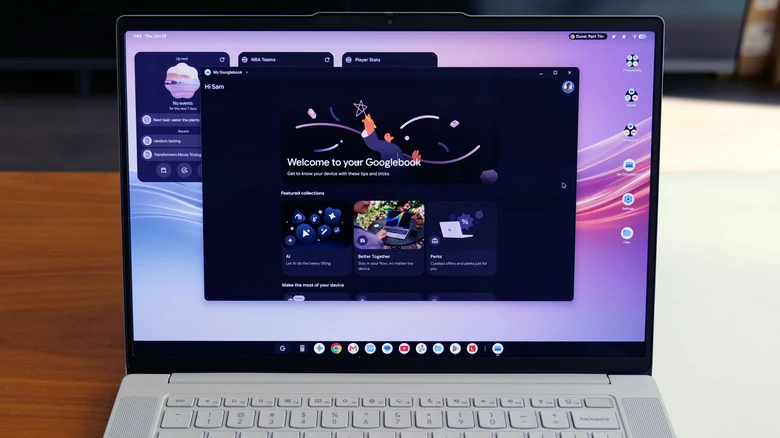
Googlebook OS blends Android and Chromebook characteristics, presenting a familiar layout with a top-right notification and quick settings area, a bottom taskbar, and an app drawer. Multitasking is straightforward, allowing users to drag windows to the left or right side of the screen for automatic window snapping during web browsing and productivity work.
Cross-device synergy serves as a central platform capability. Supported by Google's <a href="https://googlebook.google/">Better Together</a> ecosystem features, pairing an Android handset with the laptop involves scanning a QR code. The integration enables drag-and-drop file transfers via the Files app, seamless app casting, notification synchronization, and browsing continuity between devices.
Certain software limitations remain present. Direct file transfers are currently capped at items under 200MB, requiring the Quick Share tool for larger files. Furthermore, casting applications from a phone to the laptop can exhibit stuttering and a drop in framerate when handling fast-paced visual tasks like mobile gaming, though static user interfaces run smoothly.
Sources
- EngadgetLenovo Googlebook 15 review: Your Android phone's new best friend
Continue chronologically

Related entity coverage
Related stories
Googlebook OS struggles as apps lag behind hardware
The Verge’s week of testing finds Googlebook hardware impressive but Googlebook OS held back by awkward Android apps, Linux limits and bugs.
Google Launches Googlebook Laptops for Android Users
Google has officially unveiled Googlebooks, a new line of laptops designed to provide seamless connectivity and synergy with your Android smartphone.
Google Launches Android-Powered Googlebook Laptop Lineup
Google is introducing its new line of Android-based Googlebook laptops on October 4th, featuring deep mobile integration and Gemini AI capabilities.
Intel Googlebooks May Struggle With Some Android Apps
Google reveals that certain Android apps may face performance issues on Intel-based Googlebooks due to their original design for Arm chips.