
Googlebook Laptops Launch With Android Foundation
Googlebook arrives as a new category of laptops built on a shared Android foundation, combining mobile convenience with desktop power from major hardware partners.
 Radwan AbdulhadiEditor and technology writer
Introduction to Googlebook
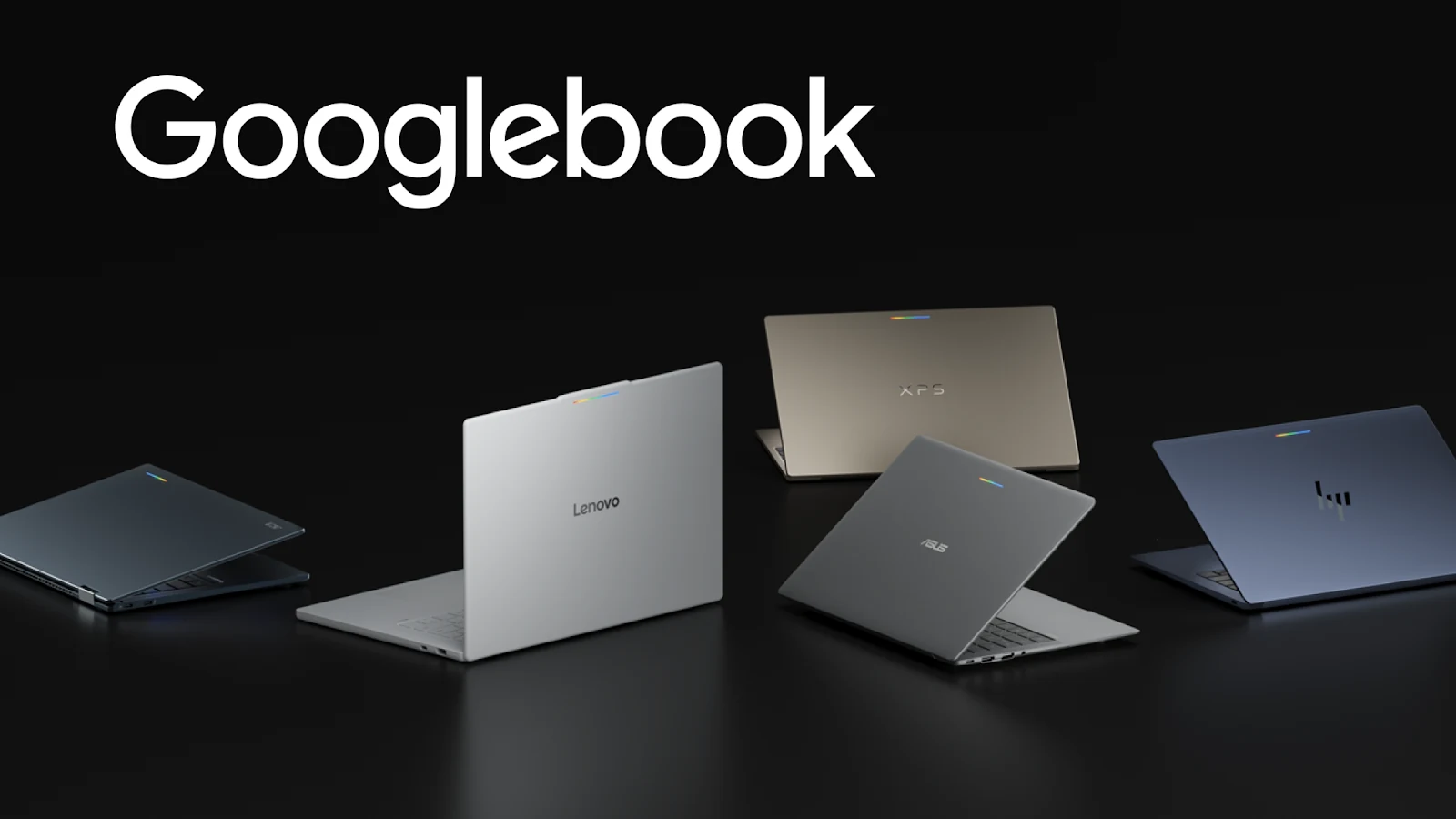
Google has announced Googlebook, introducing a new category of laptops built on a shared Android foundation. According to the Android Developers blog, high-performance hardware from manufacturing partners such as HP, Dell, Lenovo, Acer, and Asus combines mobile convenience with desktop power.
The new devices offer high-resolution OLED touchscreens, dedicated keyboards, precision trackpads, all-day battery life, and OS-level Gemini Intelligence. Googlebook allows users to transition fluidly from quick interactions on their phones to immersive sessions on their laptops.
Ecosystem Opportunities and Store Visibility
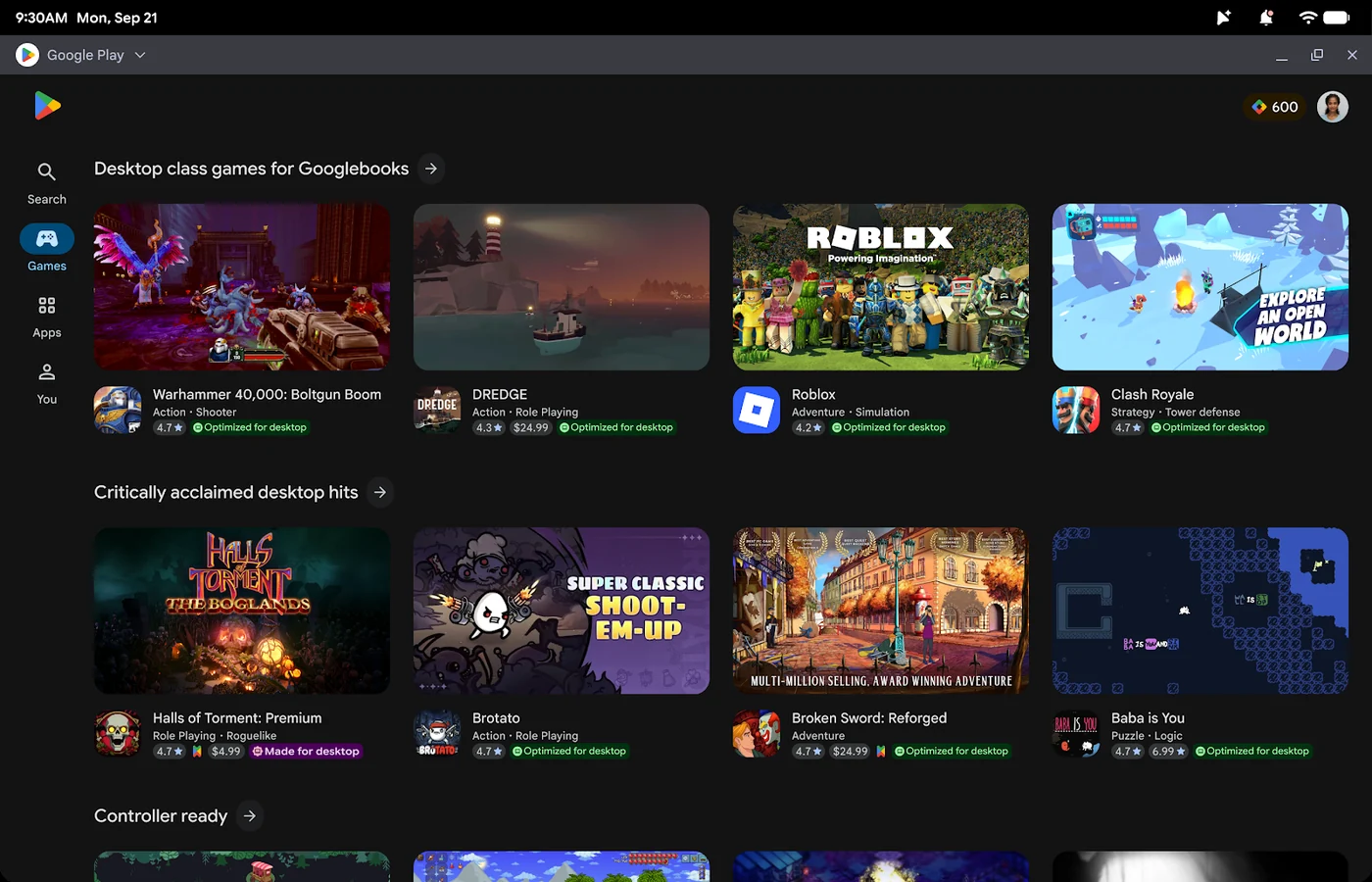
Bringing applications to Googlebook opens valuable opportunities across the broader Android ecosystem. Google Play highlights optimized titles with dedicated badging, enhanced search features, and prominent spots across curated store homepages.
Furthermore, delivering this level of quality prepares applications for the Apps Experience Program, allowing developers to enroll and unlock a new program rate card designed for business growth. When users set up a new Googlebook using an Android phone, optimized apps are prominently highlighted for easy transfer, establishing a day-one presence on the new device.
Scaling Apps via Adaptive Development
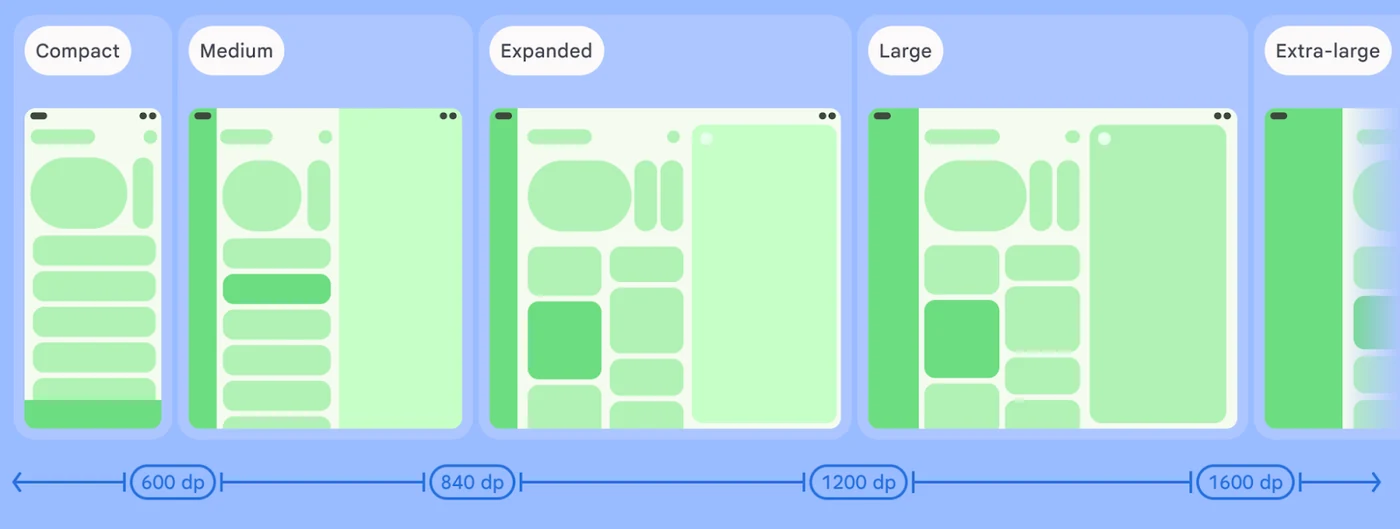
Developers do not need to build a separate application from the ground up. Adaptive development enables modern Android apps to naturally scale across large displays, new device postures, and emerging form factors. Existing foundations of adaptive UI, window size classes, and multi-input support can be leveraged to deliver optimized experiences.
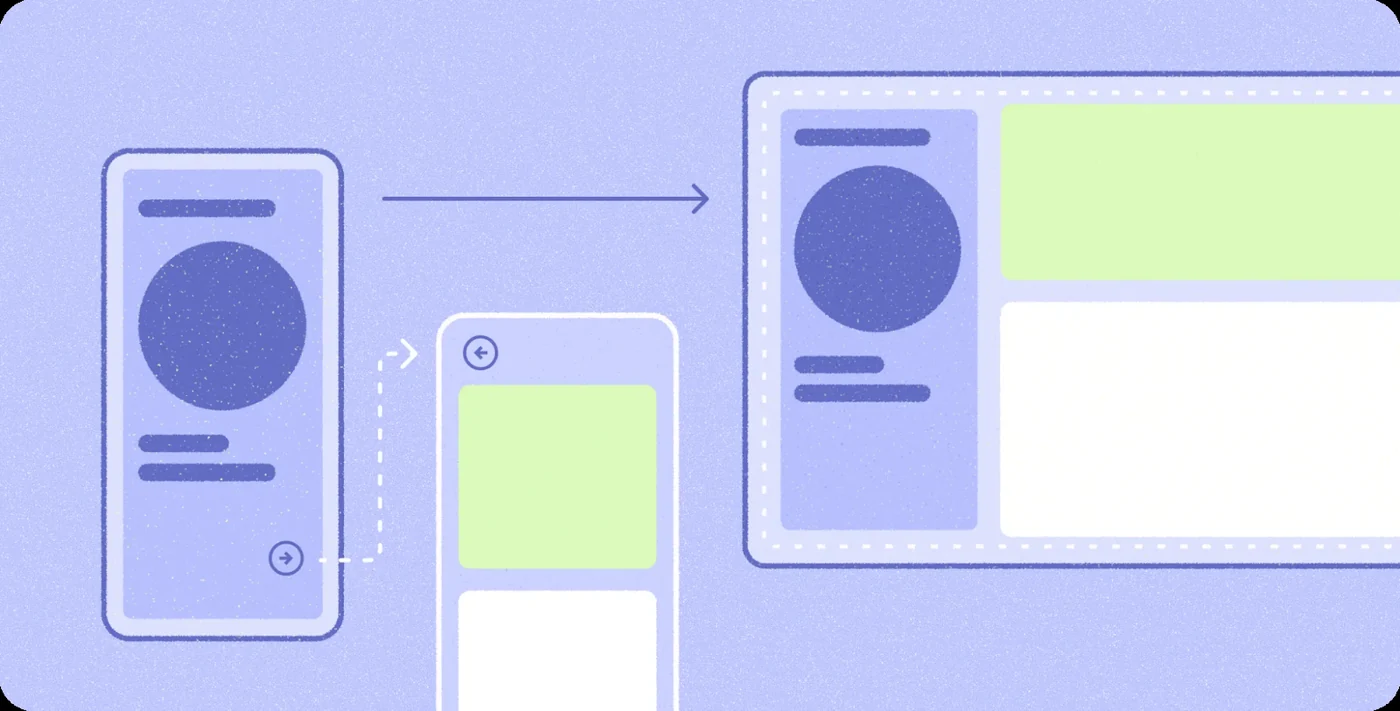
On a laptop, applications operate within a desktop environment where user expectations shift toward higher information density, precision input, and active multitasking. Adopting a multi-pane architecture allows user interfaces to expand, reflow, or reveal richer detail as window boundaries change. Developers can utilize tools and libraries found in Jetpack to coordinate multi-pane layouts directly from their back stack.
Enhanced Desktop Input and Multitasking
Once core layouts are adaptive, developers can enrich applications with differentiated features suited for desktop environments. Everyday productivity relies on versatile input methods, and Kotlin alongside modern UI frameworks supports physical keyboard navigation, pointer selection, and right-click context menus.
Googlebook runs apps in free-form windows where users can handle multiple tasks simultaneously. Developers can unlock side-by-side workflows by enabling multi-instance support, giving users the ability to launch independent windows for comparing content or managing multiple documents. Pairing this with drag-and-drop functionality lets users move text, images, and files fluidly between windows.
Workflow Acceleration and Developer Tooling
Testing and optimizing applications for Googlebook fits naturally into existing development workflows. A desktop emulator available in Android Studio lets developers run a virtual desktop environment directly on their workstations to test free-form window resizing, verify multi-instance interactions, and debug mouse, trackpad, and keyboard behaviors.
Additionally, developers can speed up layout modernization using AI-assisted development tools. Adaptive skills provide AI agents with necessary context to help refactor mobile layouts into responsive Compose containers automatically.
Sources
- Android DevelopersLand your apps on Googlebook with adaptive development