Do You Need to Turn Off Your Phone to Swap SIM Cards?
Swapping a physical SIM card is generally straightforward on modern smartphones, but taking a few precautions can help prevent network glitches and physical mishaps.
 Radwan AbdulhadiEditor and technology writer
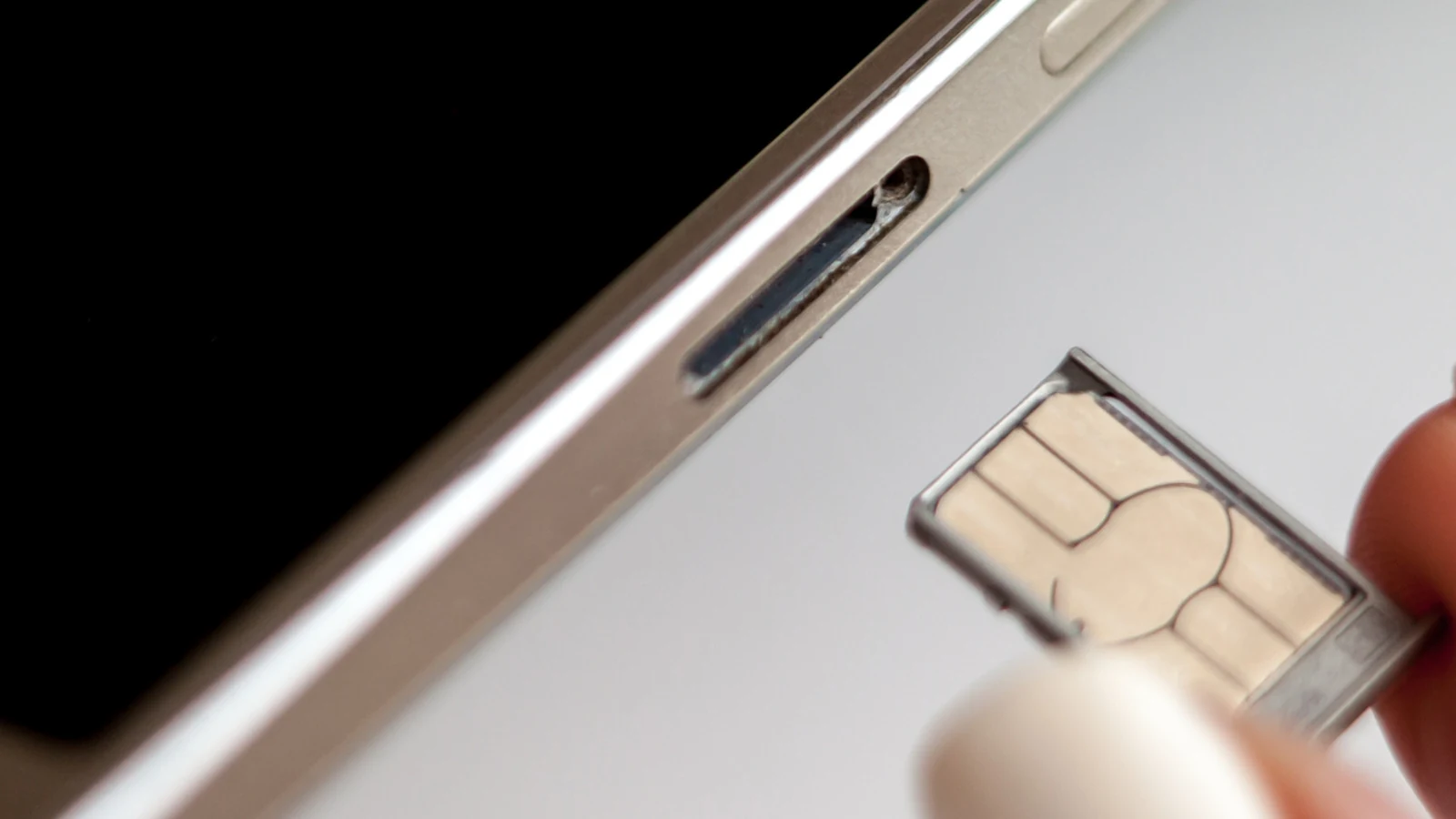
Understanding Physical SIM Card Replacement
Swapping a physical SIM card is not something most users do on a regular basis, but it remains a necessary task under certain circumstances. According to an <a href="https://www.engadget.com/2285099/why-turn-off-phone-remove-sim-card-explained/">Engadget</a> report, individuals might change cards when <a href="https://www.engadget.com/2246399/how-to-save-money-phone-bill-with-mvno/">switching to an MVNO to save money</a>, when using a temporary local carrier while traveling, or if a carrier issues a replacement for a damaged card.
While many technology observers <a href="https://www.engadget.com/2017-06-19-its-esim-time.html">argue eSIM is a superior technology</a> because it lacks moving parts, physical SIM cards continue to provide convenience and relative privacy, making over-the-counter pay-as-you-go accounts easy to install and use.
The Evolution of SIM Card Slots
Before the 2010s, SIM slots were commonly positioned underneath a smartphone's removable battery, requiring the device to be powered off during access. Over time, <a href="https://www.engadget.com/2227779/smartphone-developers-stop-making-removable-batteries-reason/">as removable batteries became less common</a>, manufacturers moved SIM trays to the outside of mobile devices.
Early external tray designs frequently displayed network errors if users swapped SIMs while the device remained powered on. Over time, devices quickly evolved to support hot-swapping, making active card replacement standard practice across the mobile industry.
Do You Actually Need to Turn Off Your Phone?
Most current smartphones permit users to change physical SIM cards while the device remains fully powered on. However, experts note that minor benefits remain if you choose to turn your phone off or enable airplane mode beforehand.
Powering down forces the mobile device to process the fresh information provided on the newly inserted card upon booting up again. This process assists the device in registering onto its new network more swiftly by reading updated carrier settings, thereby reducing the likelihood of encountering a software-based network error message.
Users who prefer not to completely shut down their devices can achieve a similar result by enabling airplane mode, waiting roughly 30 seconds, swapping the SIM card, and then disabling airplane mode. This alternative helps prevent potential carrier communication hiccups during the swap.
Physical Risks and Safety Measures
The primary risks associated with physical SIM card replacement are physical rather than software-based. Users run the risk of introducing dirt, moisture, or grime into the open SIM tray slot, forcing an incorrectly sized card into the slot, or bending the tray itself.
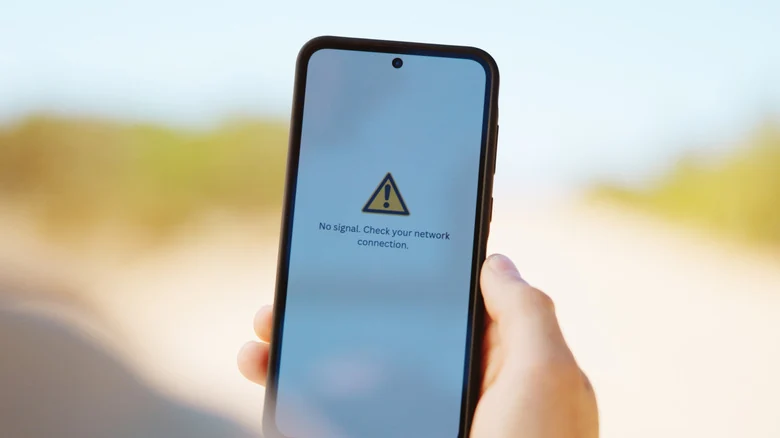
A damaged or improperly inserted SIM card can cause a phone to repeatedly attempt and fail to establish a network connection, which can lead to rapid battery drain and device overheating. Taking your time and exercising care during the procedure generally prevents these issues.
Handling MicroSD Cards on Android Devices
Unlike iPhones, certain Android smartphones continue to feature a dedicated microSD card slot, which occasionally shares physical space within the same pull-out tray as the SIM card.
When a microSD card shares space on the tray, much like <a href="https://www.engadget.com/2267984/why-its-important-to-properly-eject-external-drives/">when ejecting an external drive</a>, it is crucial to properly unmount the storage card before removing the assembly to prevent potential data corruption or loss.
On Samsung devices, for example, users can unmount the card by navigating to the My Files application, locating the SD Card entry, selecting the three-dot menu, and choosing the unmount option. Checking specific manufacturer instructions or device settings documentation is recommended if the process varies by model.
Step-by-Step SIM Swapping Best Practices
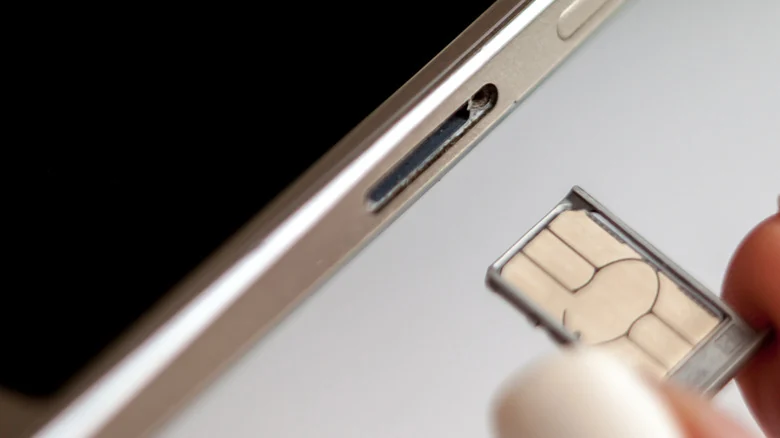
For dual-SIM phones supporting two physical cards, users should verify which specific SIM slot they intend to modify before starting the extraction process. To replace a card safely, optionally power down the device or enable airplane mode, gently insert a paperclip or SIM ejector tool into the ejection pinhole, and pop out the tray.
After changing the card and confirming correct sizing, reinsert the tray gently. If the phone prompts for a PIN or requires a restart, follow the on-screen instructions. In the event that an unexpected network error occurs after completing the swap, restarting the device is typically the most effective troubleshooting step.
Sources
- EngadgetYou don't have to turn off your phone to switch SIM cards (but you probably should)
Continue chronologically

Related stories
Fixing App Scaling Issues on Samsung Galaxy Z Fold 8
Learn how to easily fix scaling and app size issues on your Samsung Galaxy Z Fold 8 by adjusting individual aspect ratios.
What to Look For When Buying a Cheap Android Phone
Discover the essential non-negotiable features you need to look for when shopping for a budget Android phone priced at $300 or less.
What Does the Shield Icon Mean on Your Samsung Galaxy?
Discover why the shield icon appears next to your Samsung Galaxy battery indicator, and learn how Battery Protection manages smartphone battery degradation.

How to lock apps on your Samsung Galaxy phone
Learn how to secure your Samsung Galaxy phone using Secure Folder and app pinning to protect sensitive data and restrict access for kids.