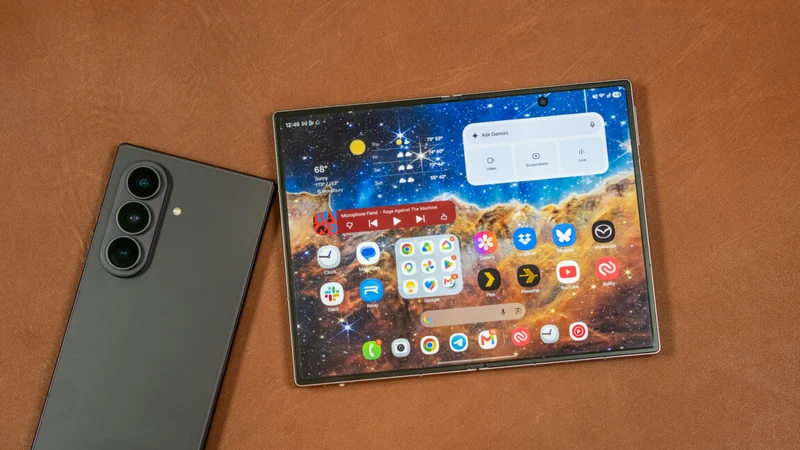
Fixing App Scaling Issues on Samsung Galaxy Z Fold 8
Some owners of Samsung's latest foldable are encountering scaling challenges on the internal screen, but built-in display settings offer a straightforward fix.
 Radwan AbdulhadiEditor and technology writer
Understanding Foldable Screen Scaling
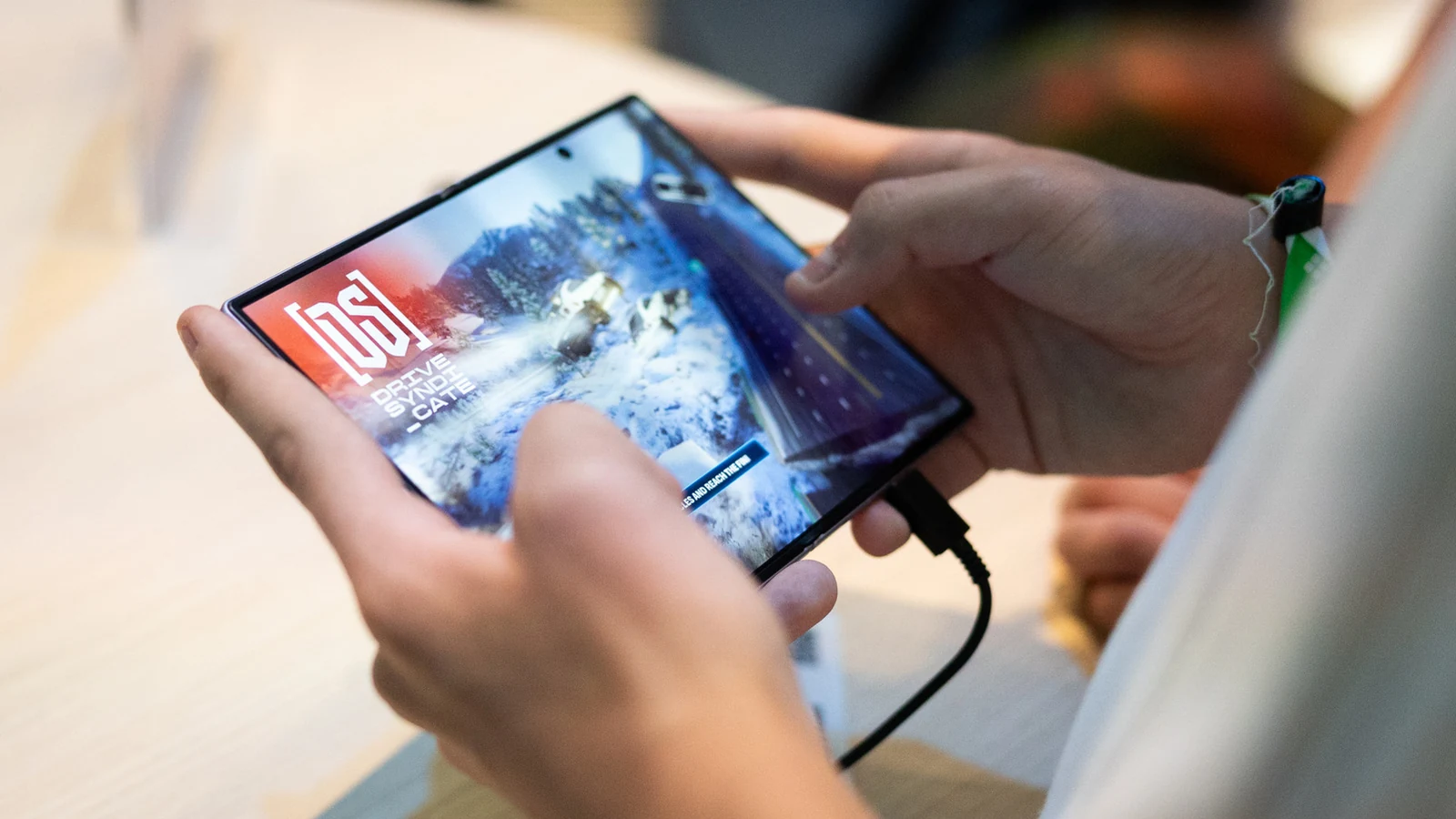
The extra screen real estate that comes with the design of a foldable phone can be pretty enticing. Whether you are looking to play games, watch videos, or read, a foldable offers more room for your favorite activities. But the expanded space can also complicate how apps adapt to a device that changes the aspect ratio of its screen depending on how it is being used.
Samsung unveiled the Galaxy Z Fold 8 at its Unpacked event in July. The phone's App Continuity feature lets you switch between the displays without interruption. However, some owners are running into issues with apps that may not scale correctly to their phone's internal 4:3 display, prompting discussions across various forums to find potential fixes for the foldable screen experience.
Adjusting Aspect Ratios via Settings
Though many applications are designed to work across different screen sizes found among phones and tablets, they might not automatically adjust to the Samsung Galaxy Z Fold 8 inner screen. Fortunately, there is a way to change an app's aspect ratio on an individual basis.
Aspect ratio refers to the proportional relationship between the width and height of something like a video or image. When you unfold your device, you can navigate to Settings > Display > Aspect ratio. Depending on your One UI sub-menu, you might also find this through Settings > Apps. From that screen, you can pick the app you want and select either full screen, 4:3, or 16:9 as the default opening ratio.
Alternative Method Using App Icons
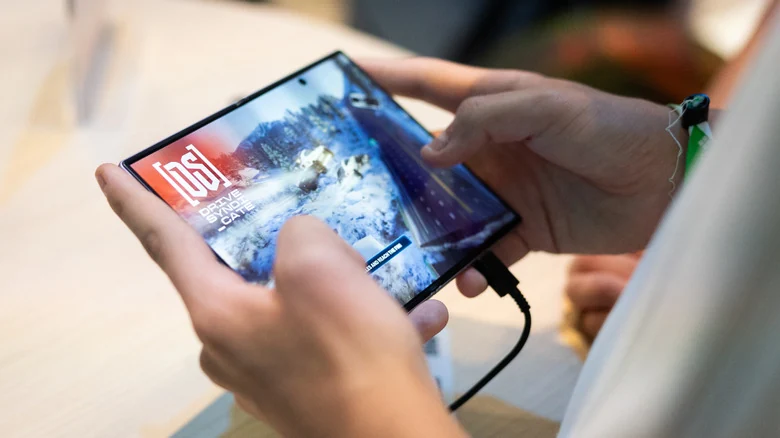
An additional way to accomplish this is by pressing and holding the app icon on your home screen and tapping the small info button located on the top right. From there, you can tap on App aspect ratios and choose which ratio you want to set as the default for that specific program.
Even after setting your preferred aspect ratio, an app might not always scale perfectly to the screen. Some users have reported awkward positioning or cropping if the software itself has not been fully optimized by its developers.
Evaluating the Main Display Trade-Offs
Despite minor app compatibility hiccups, reviews of the hardware have highlighted the benefits of the main screen configuration. The internal 4:3 ratio successfully cuts down on letterboxing around widescreen content compared to the more square internal screens found on previous generation foldable models.
Ultimately, utilizing the available software display options allows users to tailor their device experience, proving that a refined screen aspect ratio can outweigh the occasional need for manual adjustments.
Sources
- EngadgetHow to fix scaling and app size issues on your Samsung Galaxy Z Fold 8
Continue chronologically
Related stories
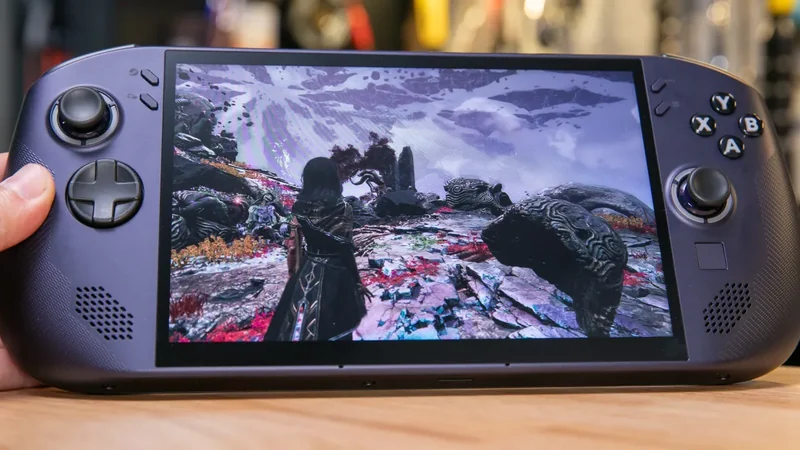
iPhone Duo Software Restricts Display Unlike Galaxy Z Fold 8
Apple’s first wide foldable, the iPhone Duo, faces software criticism over a restricted small display, contrasting with the Samsung Galaxy Z Fold 8.
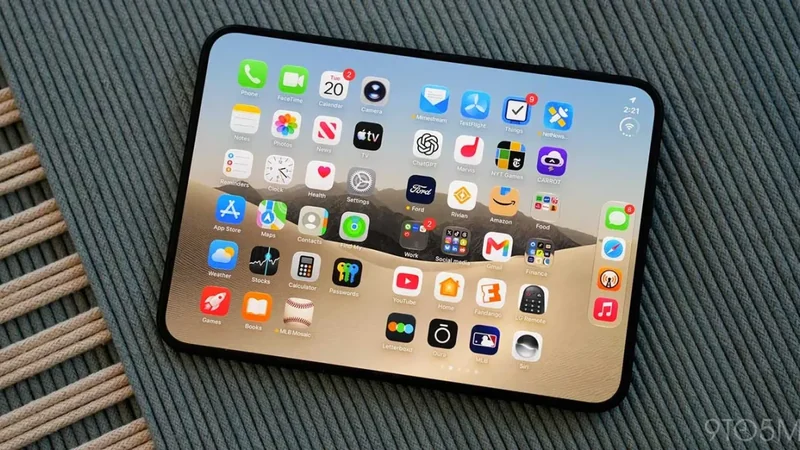
Samsung Galaxy Z Fold 8 Sees Surge in Demand After iPhone Duo Launch
Samsung reports a 16% increase in Galaxy Z Fold 8 demand and 300% spike in search interest following Apple's iPhone Duo release, boosting foldable market visibility.
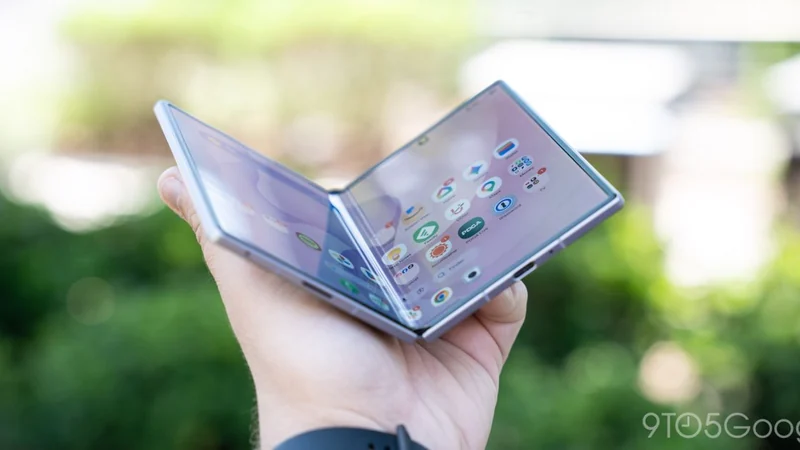
How to Run Samsung DeX on Your Galaxy Z Fold 8 Inner Screen
Unlock a desktop-like experience on your Galaxy Z Fold 8 by using the Gadesk app to run Samsung DeX directly on the device's main inner display.
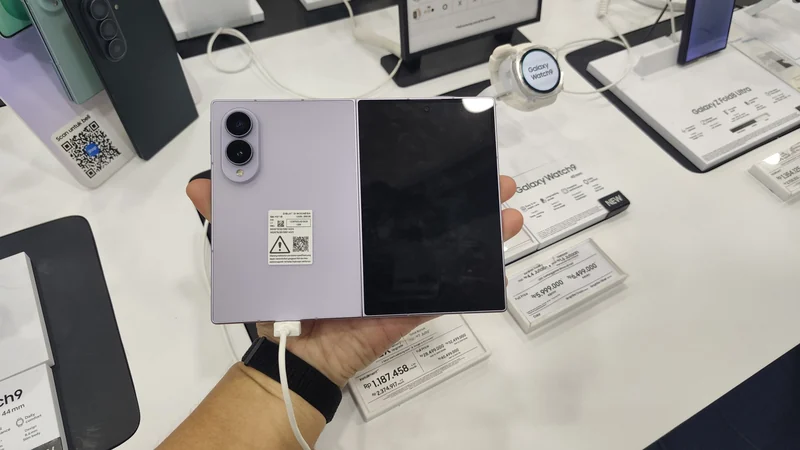
Samsung Confirms iPhone Duo Boosts Galaxy Z8 Sales
Samsung data reveals surging European sales and search volumes for Galaxy Z8 foldables following the official unveiling of Apple's folding phone.