Why Syncing Your Phone to a Rental Car Risks Your Privacy
Connecting your smartphone to a rental vehicle's infotainment system for music or navigation can inadvertently leave behind sensitive personal data for the next driver.
 Radwan AbdulhadiEditor and technology writer
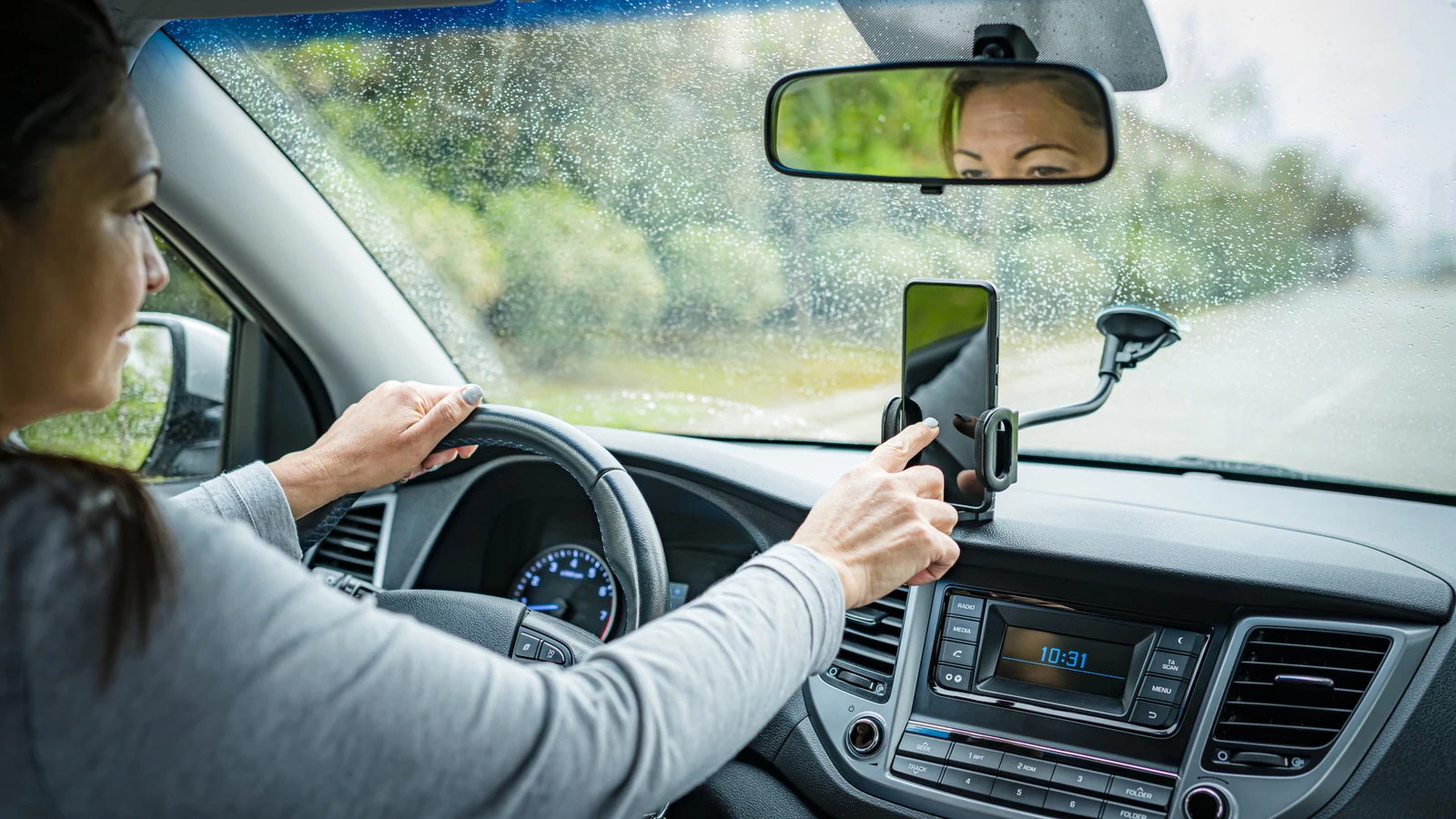
The Hidden Privacy Risks of Rental Cars
When renting a car in a new city, travelers frequently sync their phones to the vehicle's system to navigate or stream music. According to a report by Engadget, this innocent move could cost you your privacy when the vehicle is returned, as contacts, names, and log-ins can end up stored in the car.
Linking a device may expose a variety of information to the next driver. Phone and account names can reveal unexpected details; for instance, a Baltimore man was able to track down the teens who stole his car via one of their phones, which had a name matching a public Instagram handle.
Bluetooth Versus USB and Encryption
Whether it is safe to connect a phone to a rental car depends heavily on the method used. Bluetooth carries more risk, while utilizing a USB cable allows drivers to connect to Apple CarPlay or Android Auto, both of which are encrypted to protect transmitted data from outside access.
Typically, car entertainment systems do not access your phone by default. When connecting via Bluetooth, a pop-up usually appears on the vehicle or phone screen asking if you want to sync all contacts. Selecting 'no' allows users to enjoy music and navigation without sharing unnecessary information.
Rental Company Policies and Liability
Most rental car privacy policies explicitly state that customers are responsible for any data transmitted while using the vehicle. For example, Avis states that connected vehicles may automatically transmit data to the manufacturer, and drivers who choose to sync devices should know that information can remain stored in the infotainment center indefinitely.
The Avis policy advises customers to always unpair their devices and take necessary steps to remove personal information from the system before returning the vehicle, noting that the company is not responsible for left-behind data.
Steps to Secure and Clear Your Data
To improve safety before returning a rental car, the first step is to disconnect completely within your phone's Bluetooth settings and remove the vehicle from your list of paired devices. Following this, you should go directly into the vehicle's navigation system to delete your phone from its history.
According to guidelines from the Federal Communications Commission, drivers should also clear any saved addresses or travel history if in-car navigation was used without connecting a phone.
For a more thorough option, many vehicles offer a factory reset process detailed in the car manual that will completely wipe away traces of your driving history. Alternatively, avoiding connection entirely ensures your personal data remains completely untouched.
Sources
- EngadgetWhy you shouldn't sync your phone to a rental car
Continue chronologically

Related stories
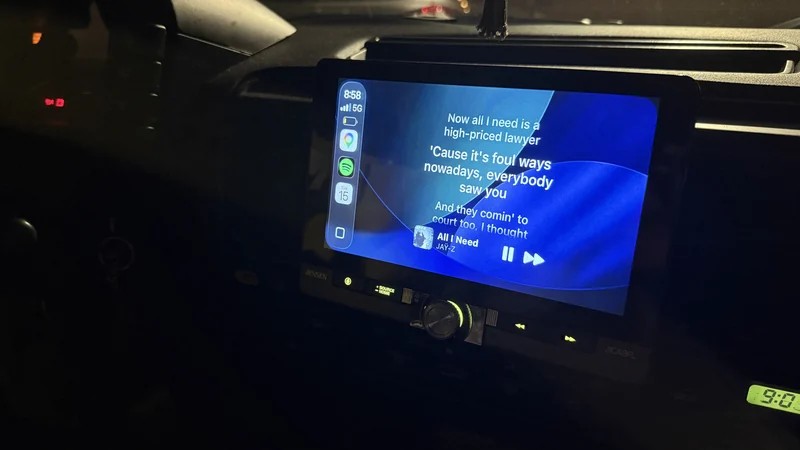
Display Song Lyrics on Apple CarPlay Using Dynamic Lyrics
Learn how the little-known Dynamic Lyrics app brings time-synced song lyrics directly to your Apple CarPlay infotainment display screen.
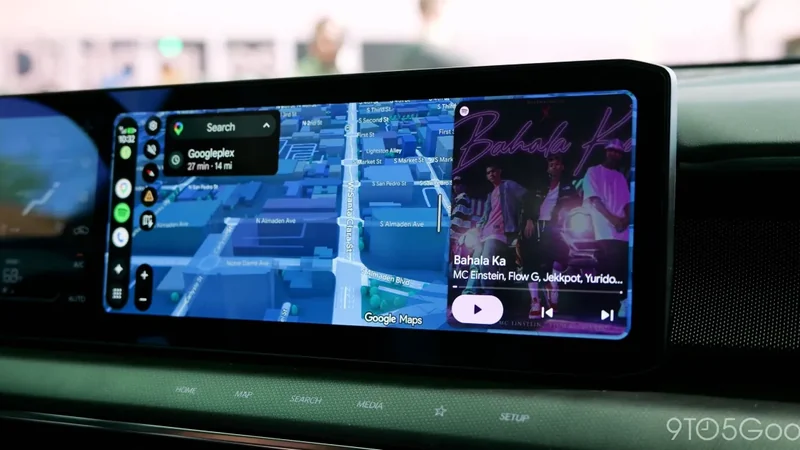
Google Confirms Android Auto Updates and Fixes for Media Apps
Google has recapped several recent Android Auto updates and fixes for media apps, confirming that the divisive squiggly line design is here to stay.
Android Games Officially Expand to Car Screens
Google has officially moved its games category for Android Auto and Android Automotive OS from beta to general availability for developers.
Understanding Audio Amplifiers and Sound System Quality
Explore what audio amplifiers do, how they impact your sound system quality, and whether you actually need a separate unit for your home theater.