Google Pay vs. Google Wallet: Understanding the Differences
The history and frequent rebranding of Google's payment platforms have sparked widespread confusion among users trying to tell the two services apart.
 Radwan AbdulhadiEditor and technology writer
The Evolution and Confusion of Google's Payment History
The history of Google Wallet and Google Pay has led to a great deal of confusion among consumers trying to navigate digital financial services. According to an <a href="https://www.engadget.com/2273339/google-pay-vs-wallet-differences-explained/">Engadget</a> report, digital wallets and NFC-based contactless payment methods represent one of the decade's biggest leaps in technology convenience, helping users pay fast and travel light.
Not only do these modern measures help consumers manage transactions efficiently, but <a href="https://www.engadget.com/2254024/are-digital-wallets-safe-than-physical/">digital wallets can be even safer than physical ones</a>. That reality does not eliminate confusion surrounding specific payment options, with the functional differences between Google Pay and Google Wallet serving as a prime example of changing tech branding.
Tracing the Metamorphosis From 2011 to 2022
Google Wallet has long been available on Android devices, though it has operated under many distinct guises over the years. Initially revealed as a peer-to-peer payment system in 2011, the platform has undergone a number of notable metamorphoses.
The branding shifted to Android Pay in 2015, transitioned to Google Pay in 2018, and finally returned to the Google Wallet name in 2022, which is where the application stands at present. All of that merging, splitting, and renaming over the years has naturally made things a little unclear for everyday users.
Distinguishing Google Wallet From Google Pay
<a href="https://www.engadget.com/2258792/how-to-fix-common-google-wallet-problems/">A common problem with Google Wallet</a> is the widespread confusion regarding where the app ends and Google Pay starts. This confusion is fundamentally rooted in the fact that Google Pay used to function as a standalone application.
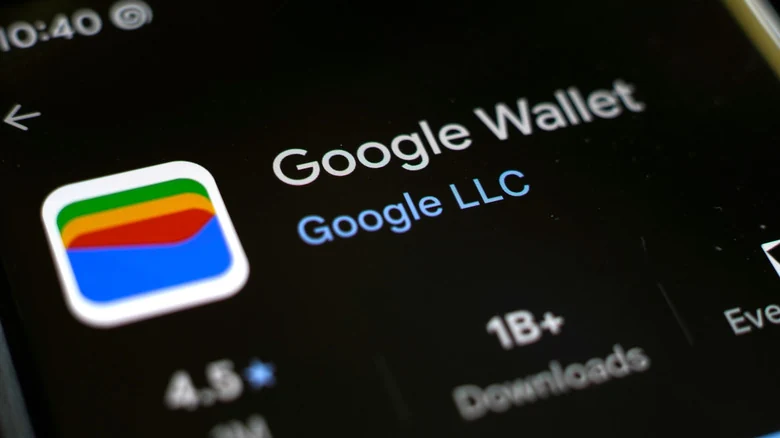
These days, the only primary app in this equation is Google Wallet. It operates as a digital storage application that holds cards digitally alongside vouchers, boarding passes, and gym or library cards. Crucially, Google Wallet is the underlying application that allows Google Pay to work, storing the cards that are subsequently utilized during transactions.
How Google Pay Functions Today
The original standalone Google Pay app has been completely replaced by the Wallet application. Now, Google Pay acts as a specific payment option that automatically popups during online transactions, serving much like PayPal or traditional card detail insertion.
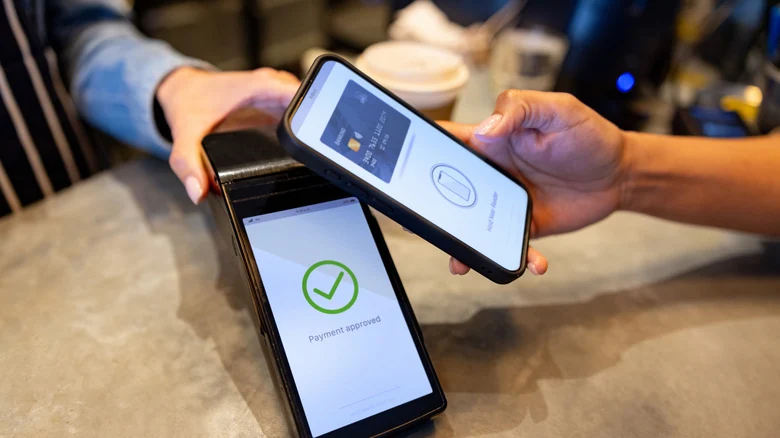
In addition to online checkouts, Google Pay provides the mechanism for Android phones to execute contactless payments utilizing Near Field Communication (NFC) technology. Because both use cases require a card stored within an attached Google Wallet, Google Pay is best understood today as a feature of Google Wallet rather than a completely separate standalone entity.
Platform Availability and Device Support
These built-in features chiefly manifest on Android mobile devices, where Google Wallet and its integrated Google Pay functionality handle both online and NFC transactions seamlessly. Furthermore, Google Wallet can be accessed directly via its online website, allowing users to leverage Google Pay across a wider variety of hardware devices for online purchases.
Consumers are also not strictly limited to a single ecosystem approach for digital payments, as <a href="https://www.engadget.com/2261083/google-vs-samsung-digital-wallet-features-comparison/">Google and Samsung digital wallets</a> demonstrate. Samsung mobile device users can maintain and utilize both platforms simultaneously to access NFC payments via either ecosystem, whereas owners of Pixel or Motorola smartphones will find Google to be their primary digital wallet option.
Sources
- EngadgetWhat's the difference between Google Pay and Google Wallet?
Continue chronologically
Related entity coverage
Related stories
How to Block and Unblock Numbers on Your Android Phone
Tired of spam? Learn how to effectively manage your block list on Android phones, including specific steps for Samsung and Google Pixel devices.
Google Fined $463 Million for EU Location Data Violations
Ireland's Data Protection Commission has fined Google €403 million ($463 million) for failing to comply with GDPR rules regarding user location data.
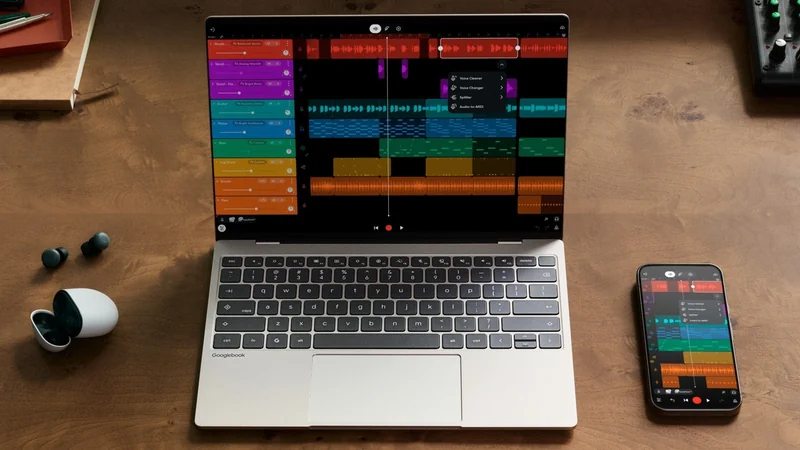
Google's Googlebooks Aim to Bridge Android Phones and Laptops
Google's first Googlebooks go on pre-order October 4, promising deeper Android phone integration, AI tools, and a new Android-based foundation.
Google Fined €403 Million Over GDPR Location Data Breaches
Ireland's Data Protection Commission has fined Google €403 million for failing to meet transparency and retention requirements regarding user location data.