Apple's Hidden iPhone Measure Tool: How It Works
Buried in the Utilities folder of almost every modern iPhone sits a digital measuring tool that utilizes the device's camera and LiDAR capabilities.
 Radwan AbdulhadiEditor and technology writer
Discovering the Hidden iPhone Measure App
While a traditional tape measure remains the gold standard for accuracy, users without one on hand can rely on a built-in tool that ships directly on Apple devices. As noted by Engadget, the application sits quietly in the Utilities folder, waiting to be discovered by unsuspecting owners.
Unless an iPhone is truly ancient, the Measure app should already be present. Apple has included it preinstalled on every model from the iPhone 6s and first-gen iPhone SE onward. For users who previously removed the software, it is possible to redownload it from the App Store.
How Pro Models and LiDAR Enhance the Experience
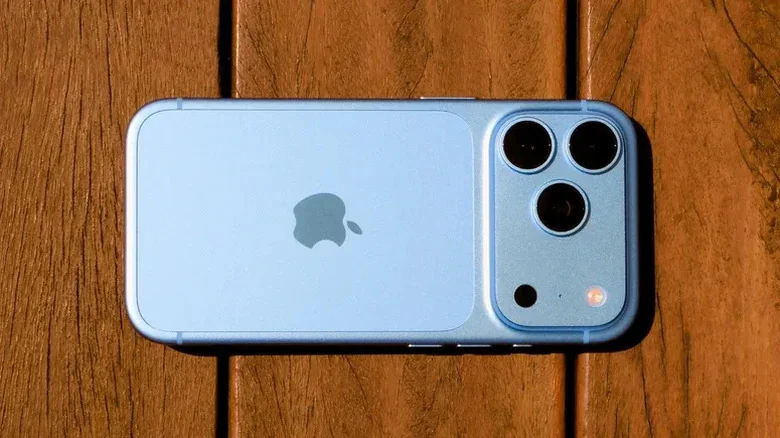
Pro-series models benefit from enhanced hardware capabilities. Apple added a LiDAR scanner starting with the 2020 release, and the technology has remained a staple in all subsequent Pro-series iPhones.
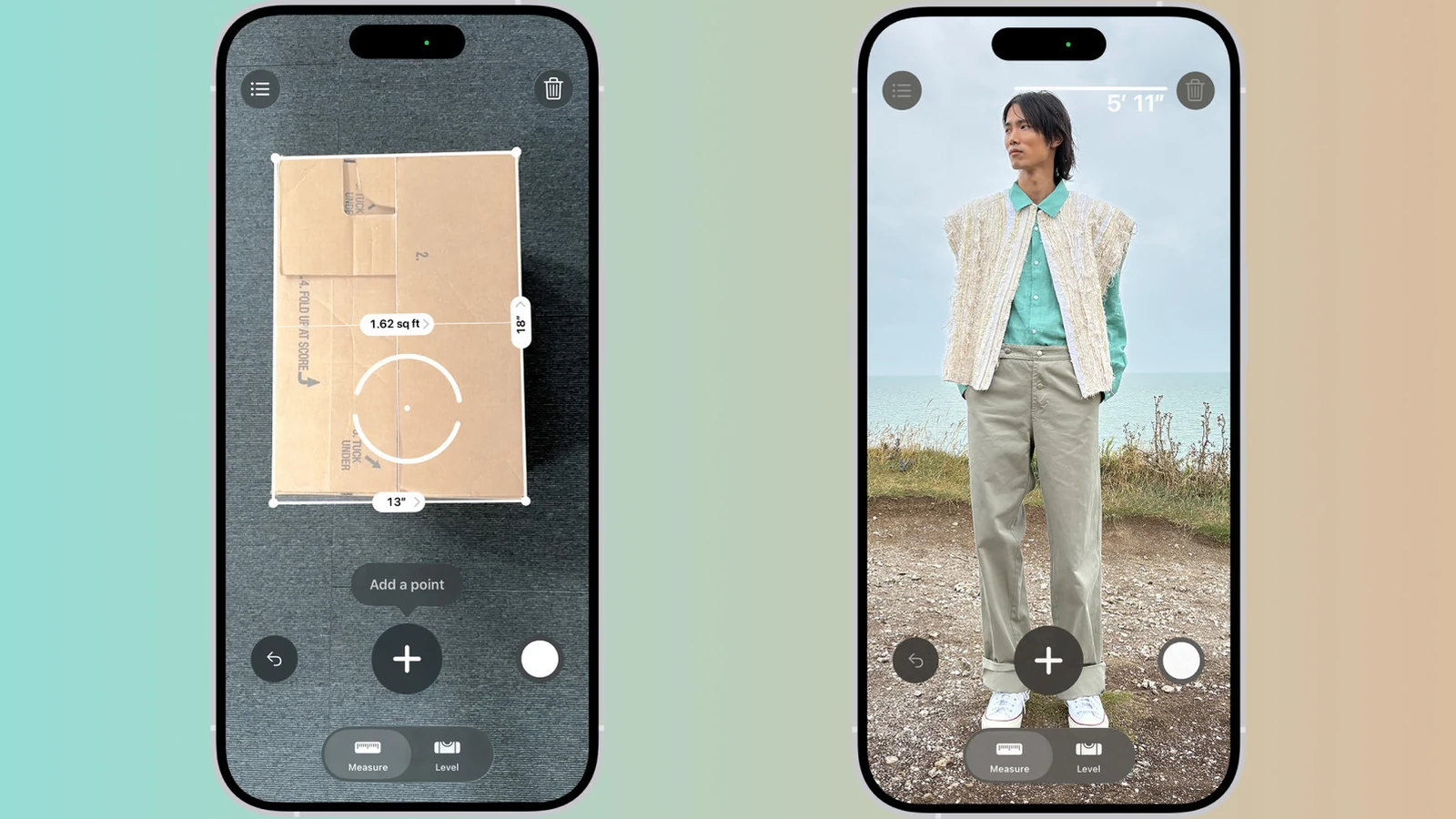
LiDAR fires invisible lasers to judge depth, which significantly improves the usefulness of the Measure app. The enhanced setup includes instant height measurements for people, guide lines that snap directly to object edges, a ruler view with detailed tick marks when users get close, and a comprehensive list of measurements recorded during the current session.
Step-by-Step Guide to Digital Measuring
Using the utility requires a quick calibration sequence upon opening. Each time the app is launched, users must slowly move the device around to let it map the surrounding environment accurately.
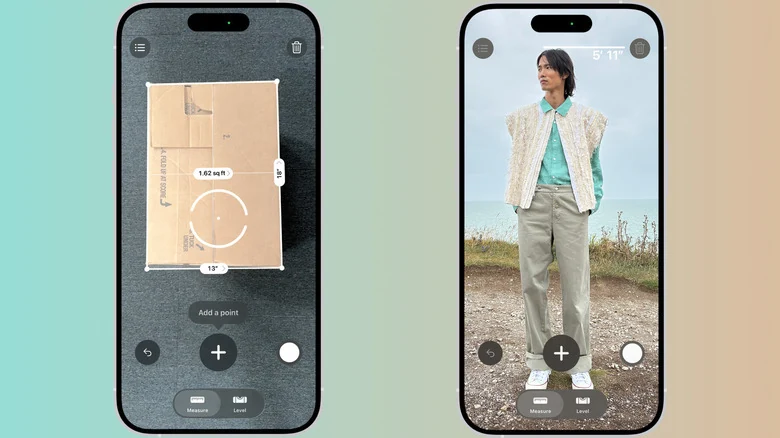
Once the initial scan is complete, users aim the on-screen dot at one end of an object and tap the plus button. Shifting the camera view to the opposite end and tapping plus again reveals the final length on the screen.
Additional controls include a shutter button to save screenshots directly to Photos, an undo button to backtrack, and a trash can icon to start over. Pro models maintain a list of measurements until the application is closed, meaning users must copy them elsewhere or save a snapshot if they need to revisit the data later.
Automatic Rectangles and the Level Tab
The software is also capable of automatically measuring rectangular objects. When the camera detects clear edges around a rectangle, a white box highlights the item. Tapping the white box or the plus button instantly displays its overall dimensions.
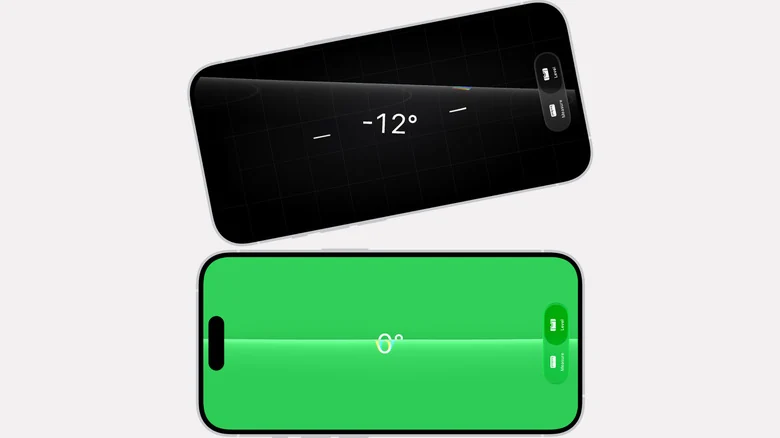
Beyond linear distances, a Level tab sits at the bottom of the screen. Laying the phone flat on a surface like a shelf or a picture frame shows how many degrees the object is off by. Users can also compare slopes by tapping the screen to capture a first angle, placing the iPhone on a second surface, and rotating it until the display turns green.
Practical Use Cases and Limitations
A digital tape measure in your pocket proves handy in various scenarios. Travelers can quickly check if a carry-on bag complies with airline size limits before heading to the airport. Shoppers can also evaluate furniture dimensions on the fly to see if a piece will fit at home.
However, Apple notes that the app works best for objects featuring clear edges situated roughly two to ten feet away. High-stakes projects that involve significant expense or potential danger still warrant a physical tape measure, as the tool is meant for quick, on-the-fly estimates rather than definitive measurements.
The Android Landscape and Alternatives
Android users face a different reality regarding first-party tools. Google previously offered an alternative, but it was never as stable as Apple's version, and the company quietly abandoned it in 2021.
Meanwhile, Samsung's Quick Measure app, which arrived preinstalled on select Galaxy devices, is scheduled to shut down at the end of 2026. Until that time arrives, users can still download it, and Samsung reports that existing installations should continue functioning past the cut-off date. The manufacturer claims the service will eventually return at an unspecified future date with improved features.
Because mainstream Android phones lack built-in LiDAR scanners comparable to Pro iPhones, third-party store options rely on more limited toolsets and are frequently weighed down by advertisements and aggressive subscription prompts.
Sources
- EngadgetThe most unexpected everyday tool can be found on your phone
Continue chronologically
Related entity coverage
Related stories
iPhone Duo vs Pixel 11 Pro Fold: Foldable Flagship Comparison
Compare Apple's iPhone Duo and the Google Pixel 11 Pro Fold across screens, cameras, design, and performance to see how these foldables differ.

Finding the Android Equivalent to the New iPhone Duo
Explore how the iPhone Duo compares to major Android foldables from Samsung, Google, and Motorola in display size, cameras, durability, and price.
iPhone Duo Packs Bigger Battery Than Fold 8 and Pixel Fold
Apple's iPhone Duo features a larger battery capacity than competitors like the Galaxy Z Fold 8 and Pixel 11 Pro Fold, according to EU energy labels.
Amazon Prime Day Wearable Deals Feature Apple, Google, Samsung
Explore the best Amazon Prime Day wearable deals on smartwatches and fitness trackers from Apple, Google, Samsung, and more before the sale ends.