How Apple's Thunderbolt Ports Differ From Standard USB-C
While modern Macs use the same physical connector shape for both connections, Thunderbolt and standard USB-C ports offer vastly different capabilities.
 Radwan AbdulhadiEditor and technology writer
Understanding the Connector Shape
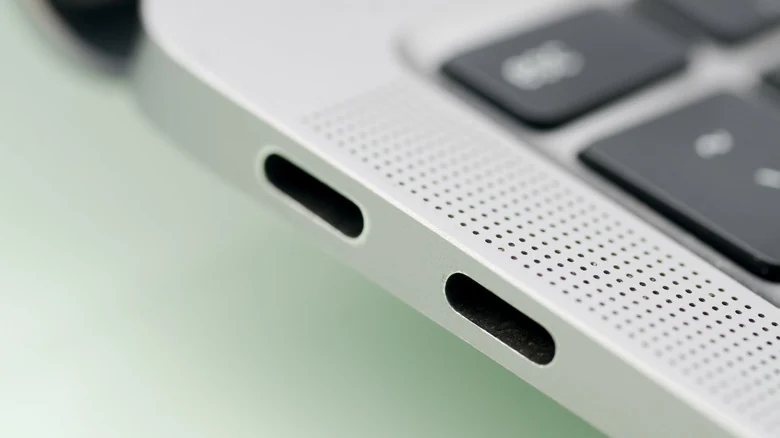
Many computer users wonder if Thunderbolt is the exact same thing as USB-C. The simple answer is that they are not identical. USB-C is not a charging standard or a specific speed tier; it simply describes the shape of the port and connector. Modern iterations of Thunderbolt utilize this same physical USB-C connector. Consequently, on a modern Mac, every Thunderbolt port is USB-C, but not every standard USB-C port supports Thunderbolt functionality.
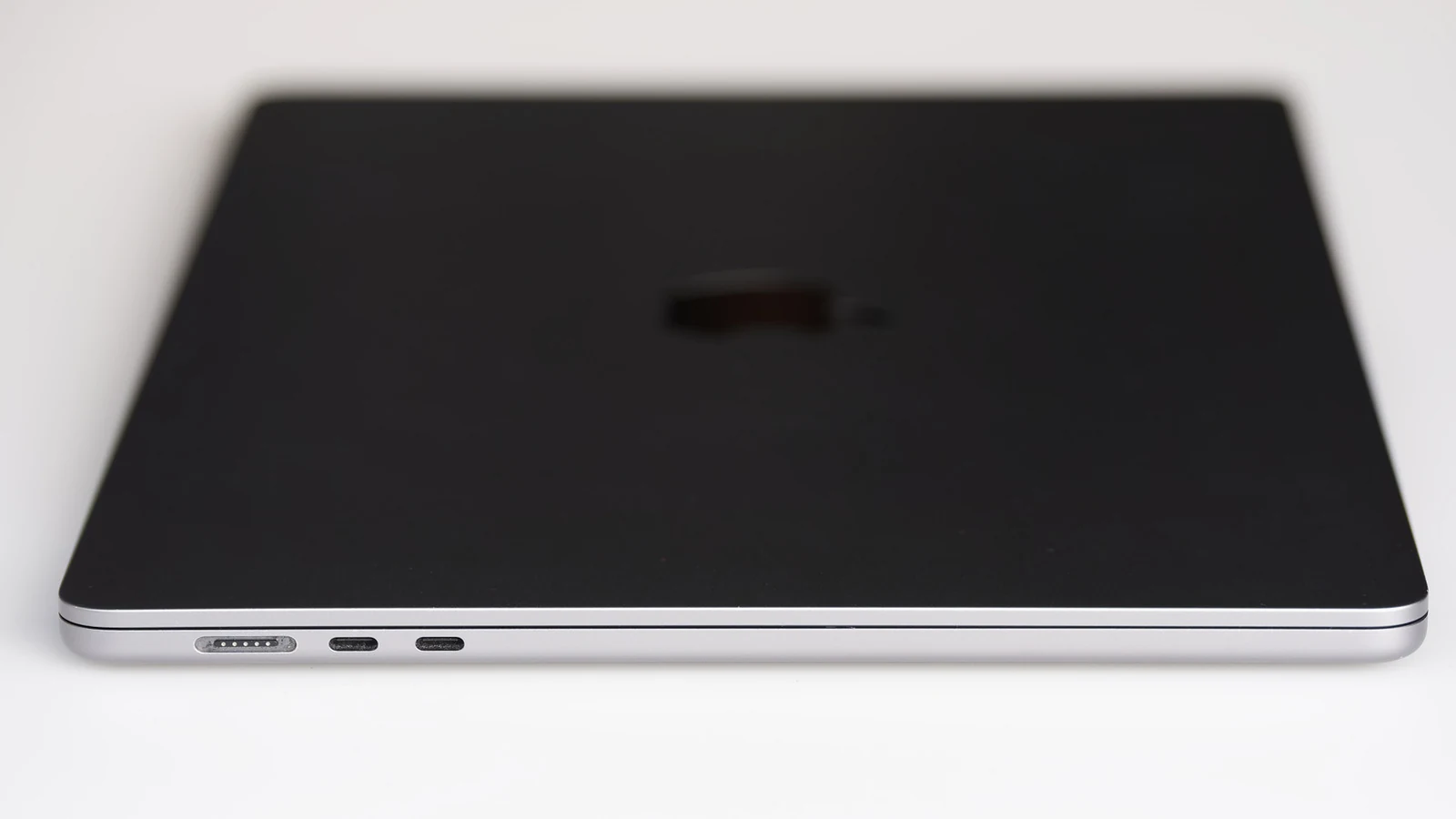
To visualize how these connections operate, picture USB-C as a physical door. On a modern Mac, every door looks identical, but what lies behind each opening can be entirely different. For instance, testing a device like the MacBook Neo reveals two distinct ports with very different throughput capacities and capabilities.
Speed and Performance Discrepancies
The most significant functional difference between Thunderbolt ports and regular USB-C connections is raw speed. Standard USB-C ports support a wide range of speeds, spanning anywhere from 480 Mbps on older USB 2 implementations up to 80 Gbps on USB4 Version 2.0. Meanwhile, newer iterations such as Thunderbolt 4 and 5 top out at 40 Gbps and 80 Gbps respectively, with Thunderbolt 5 reaching up to 120 Gbps when data moves in a single direction.
Although paper specifications might place USB4 Version 2.0 on par with newer Thunderbolt iterations, manufacturers retain the freedom to configure standard USB4 ports to run as slowly as 20 Gbps. By contrast, every official Thunderbolt 5 port must support the full 80 Gbps baseline. This performance difference means that moving a large 500GB file can take roughly seven minutes on a slower USB 3 port, whereas high-end hardware utilizing technologies found on options like the MacBook Pro M5 Max can complete the task in under a minute.
Guaranteed Features Versus Optional Specifications
Another major differentiator involves guaranteed hardware features. Across various non-Thunderbolt USB generations, determining precisely what a specific USB-C port supports can prove difficult because speed tiers, DisplayPort Alt Mode, and Power Delivery are often entirely optional for manufacturers to include. A computer might feature two identical-looking USB 3 ports, yet only one port supports video output.
Compounding this ambiguity is USB's confusing naming scheme, where labels like USB 3 can indicate speeds anywhere from 5 Gbps to 20 Gbps depending on the exact hardware implementation. This unpredictability is avoided with Thunderbolt because every port must support a mandatory, defined list of capabilities, including fast data transfers, external display connections, and charging support.
Certification Costs and Hardware Pricing
Hardware costs also set these standards apart, as Thunderbolt ports and cables generally command higher prices than standard USB-C alternatives. Because Thunderbolt was co-developed by Intel and Apple rather than the USB Implementers Forum, manufacturers must submit their ports and cables to a rigorous testing process. Obtaining Intel's official certification is required to use the Thunderbolt name and logo, and those testing and licensing expenses are ultimately passed along to consumers.
Compatibility and Identifying Your Ports
Compatibility between the two standards is generally straightforward when connecting basic peripherals. Plugging a standard USB-C drive into a Mac's Thunderbolt port works seamlessly, with the device simply operating at its native speed. However, the reverse scenario can be problematic; plugging a Thunderbolt-only external solid-state drive into a standard USB-C port may fail to function entirely, though many modern accessories can fall back to slower USB speeds to improve compatibility.
Because Apple does not explicitly label the ports on many MacBook models, identifying which port possesses specific capabilities can present a challenge. Users looking to verify their machine's hardware specs can utilize Apple's official support resources by copying their model name from the About This Mac menu and checking the designated technical specifications page.
Sources
- EngadgetHow Apple's Thunderbolt ports are different from USB-C
Continue chronologically
Related entity coverage
Related stories
Apple Limits Mac Disk Access Due to AI Agent Risks
Apple is introducing new controls to limit full disk access on macOS, citing substantial security risks posed by increasingly autonomous AI agents.
Leaked Intel Nova Lake Product List Features Three 'BFC' Chips
A leaked SKU table for Intel's upcoming Nova Lake desktop processors reveals three 'BFC' models featuring up to 144MB of L3 cache and 28 cores.
Intel Nova Lake Platforms Pass USB and PCIe Compliance Checks
Intel's upcoming Core Ultra 400-series Nova Lake platforms clear compliance and interoperability testing with the USB-IF and PCI-SIG standards bodies ahead of launch.
Apple Updates Final Cut Camera and Creator Studio Apps
Apple has rolled out an update to Final Cut Camera to support the iPhone 18 Pro's variable aperture alongside new Creator Studio app features.