
Why a Second Monitor is a Major Workflow Upgrade
Adding a second monitor provides more screen real estate, helping users stay productive without constantly swapping between active applications.
 Radwan AbdulhadiEditor and technology writer
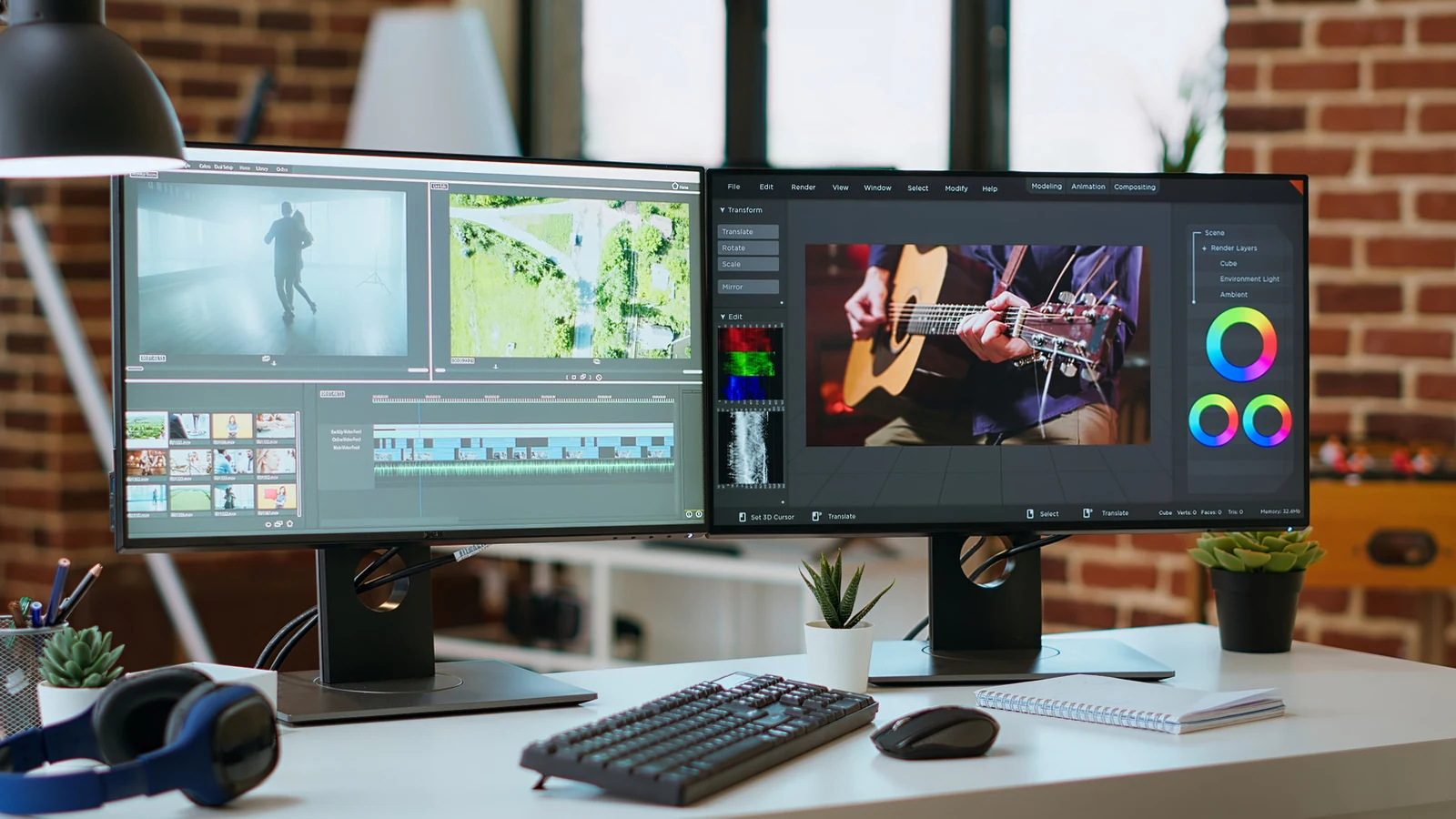
Boosting Productivity and Workflow
Upgrading to dual monitors is considered the best workflow upgrade you can make, with some studies indicating that it can significantly boost productivity and user satisfaction. Whether the setup is used for multitasking, expanding a split-screen view, gaming, or handling everyday office tasks, adding extra display space offers substantial value.
While dual screens are often associated with gamers or professionals in computer-intensive fields like music production, video editing, and accounting, everyday office workers also benefit greatly. For example, copying and pasting information directly between documents or keeping communication software open on one screen while working on another streamlines daily operations.
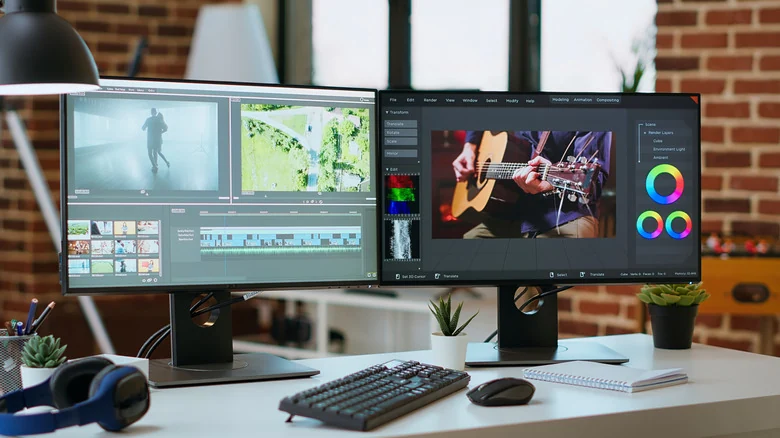
Applications for Multitasking and Creative Work
The most obvious advantage of setting up two of the best monitors is the ability to spread work across multiple displays. Writing on one half of a screen while conducting web research or reviewing PDF briefs on the other is a common workflow, but having two full-sized monitors removes the cramped feeling of working with small fonts on a split screen.
Creative professionals, data analysts, traders, and programmers can all leverage multiple screens to see more data at once. For most users, however, a two-monitor configuration represents the sweet spot for handling tasks like writing a resume on one screen while searching job listings on the other.
Gaming, Video Calls, and Communication
Beyond text-based documents and spreadsheets, dual screens provide distinct advantages for gamers. Players can run a game on one display while managing game recordings, chatting with an audience, or accessing communication tools like Discord on the second screen without leaving the game environment.
Similarly, video calls become more efficient when users can take notes on one display while viewing participants on the other. Scriptwriters and content creators can also keep a script open on one monitor while executing steps on the second display.
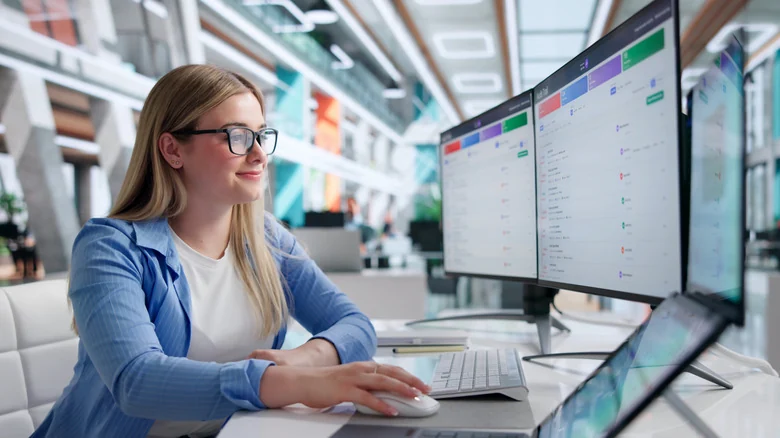
Organization and Hardware Considerations
A secondary display also helps reduce physical desk clutter by eliminating the need to print reference documents. Furthermore, avoiding reliance on a tablet as a second screen helps users steer clear of mobile distractions.
Setting up a dual display does not necessarily require a high-end panel. High refresh rates and premium specs matter most for the primary display, whereas a more affordable option is often sufficient for a secondary monitor used only when necessary.
To achieve a seamless look, users should look for a second monitor that matches the size and pixel density of their primary display to ensure proper text and image scaling. Proper mounting hardware can keep both displays at the same level.

Ergonomics and Technical Setup
Proper ergonomics remain crucial when deploying multiple displays. Users should pay close attention to how far you should sit from your monitor and ensure correct eye-level alignment during setup.
Connecting multiple displays requires two video outputs, appropriate cables, and proper configuration of display settings such as brightness and contrast. Laptop users may also need to configure their devices to stay running when the lid is closed.
Fortunately, hardware support for multi-display setups is widely available. For instance, most modern MacBooks can support at least two monitors, making external display integration easier than ever.
Sources
- EngadgetWhat are the benefits of having a second monitor?
Continue chronologically
Related stories
Why You Should Avoid Using a Screen Protector on Your MacBook
Discover why putting a screen protector on your MacBook can do more harm than good, risking your display, coating, and overall device health.
Understanding Audio Amplifiers and Sound System Quality
Explore what audio amplifiers do, how they impact your sound system quality, and whether you actually need a separate unit for your home theater.
When is it worth getting a sound card for your PC?
Discover whether adding a dedicated sound card to your PC is still worth it for gaming, spatial audio, lossless formats, and professional production.
Do Gaming Routers Really Make a Difference for Network Lag?
An analysis of gaming routers explores whether premium hardware, traffic management, and specialized designs truly improve network performance.