Do Gaming Routers Really Make a Difference for Network Lag?
Gaming routers offer striking designs and specialized software tools, but they may not fix every underlying network or lag issue in your home setup.
 Radwan AbdulhadiEditor and technology writer
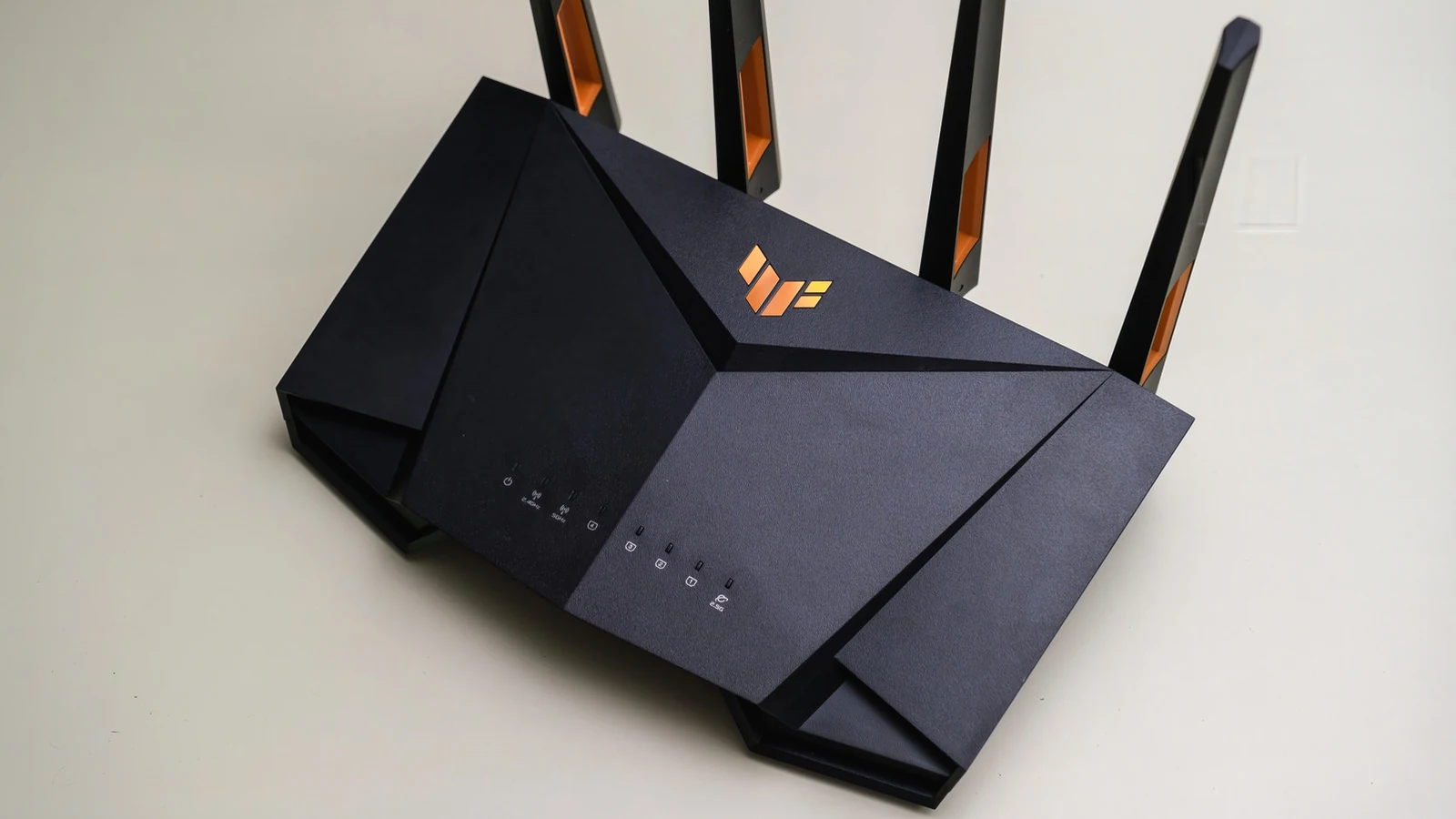
Beyond the Aesthetics: What Makes a Gaming Router Different?
Gamer-specific hardware has become ubiquitous across desk setups, ranging from PCs and chairs to peripherals like mice and [gaming monitors with high refresh rates](https://www.engadget.com/gaming/pc/best-gaming-monitor-140008940.html). However, evaluating a gaming router requires looking past the aggressive designs and large antennas. While these devices promise lower latency and optimized traffic prioritization, ordinary routers often provide similar core tools and functionality.
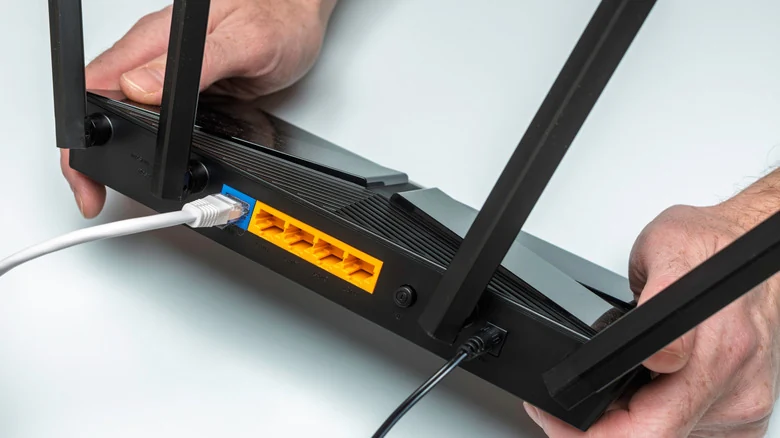
Beneath the packaging, gaming routers utilize familiar network technology and standard components. Newer models [Expect Wi-Fi 7 support](https://www.engadget.com/2240148/wi-fi-6-vs-wi-fi-7-whats-the-difference-and-which-is-better-for-home-internet/), [along with tri-band radios](https://www.engadget.com/2247846/dual-band-vs-tri-band-routers-difference-between/), fast Ethernet jacks, and [at least one USB port](https://www.engadget.com/2252851/wifi-router-usb-port-explained/) for external drives. These specifications are not exclusive to gaming hardware; standard alternatives like TP-Link's entry-level Archer BE550 feature comparable technology.
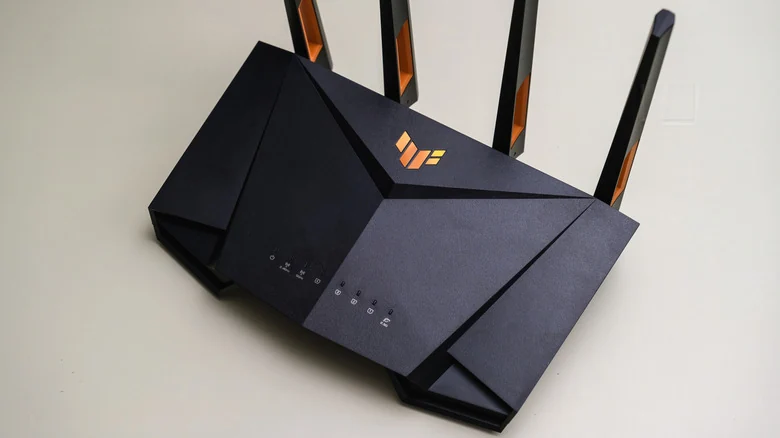
Software Differentiation and Traffic Management
The primary distinction often lies in the software. Products such as Netgear's Nighthawk Pro Gaming XR1000 include specialized dashboards displaying connection performance metrics alongside settings like Geo-Filter, which restricts server connections to specific geographical regions to lower latency.
Traffic management plays a significant role when multiple network users create congestion. When background downloads saturate a connection, standard traffic causes high ping spikes. Quality of Service (QoS) functions allow users to prioritize specific devices, while gaming routers take this further by automatically identifying gaming traffic through tools like Asus' Adaptive QoS.
Furthermore, smart queue management (SQM) helps maintain responsiveness under heavy loads by managing excessive data queues. Testing conducted by [RTINGS saw](https://www.rtings.com/router/learn/research/router-latency) nine out of 11 routers achieve improved network latency using QoS or SQM, though several tested devices lacked gaming branding, demonstrating that these controls are widely available.
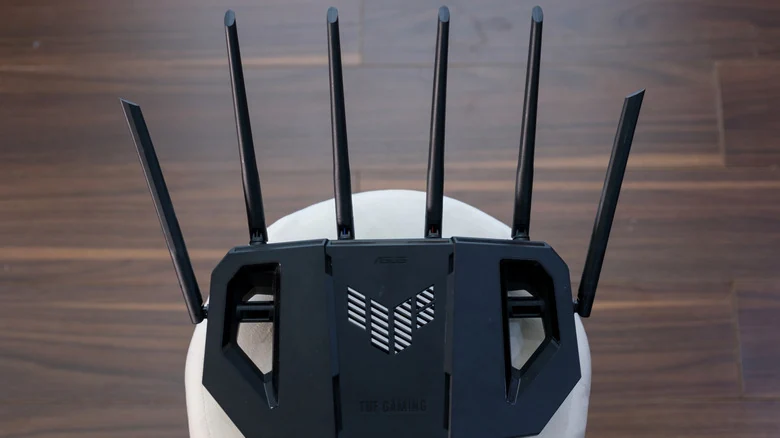
Diagnosing Actual Network Bottlenecks
Before purchasing new hardware, users should analyze [the current pressure points in your network setup](https://www.engadget.com/2222919/how-to-speed-up-downloads-router-settings/). While a new router can resolve Wi-Fi connectivity issues caused by physical distance or interference, it cannot overcome the physical latency introduced by distant game servers or an inherently slow internet service provider plan.
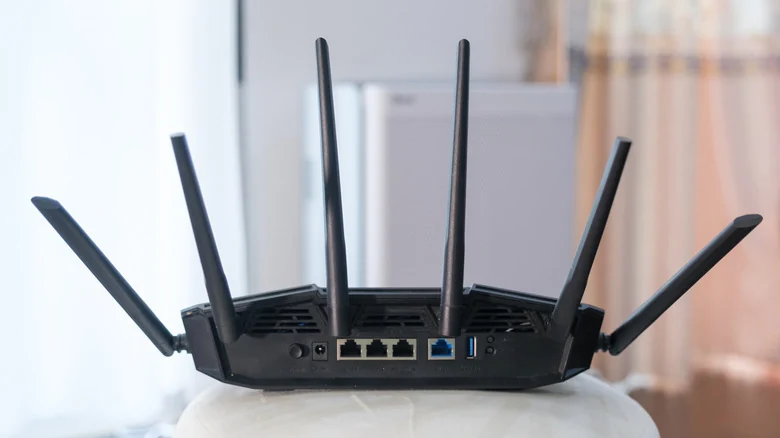
The Wired Connection Advantage
For dedicated online players, prioritizing wireless router upgrades may be secondary to utilizing a physical cable. [A wired Ethernet connection between your router and PC](https://www.engadget.com/2182061/how-to-get-wired-internet-without-ethernet-cable-in-walls/) or console completely bypasses Wi-Fi interference and signal congestion.
Standard cables such as Cat 5e or higher support Gigabit Ethernet over domestic distances without requiring specialized 'gaming' labeling. Users can test performance variations between Wi-Fi and wired setups during heavy network traffic to determine whether wireless stability or overall bandwidth represents the true bottleneck.
Sources
- EngadgetDo gaming routers really make a difference?
Continue chronologically
Related stories
Decluttering USB Gadgets and Dongles Can Fix Bad Wi-Fi
Struggling with slow wireless speeds? Discover how clearing out crowded USB devices, dongles, and peripherals can help improve your home network.

FCC Restrictions on Foreign-Made Consumer Routers Explained
The FCC has implemented a ban on new foreign-manufactured routers and mobile hotspots. Learn what this means for your home network and future hardware.

Ethernet Cables Can Do Much More Than Just Connect to a Router
Discover how category cables can transmit video, audio, and power when paired with the right adapters, offering more than just home internet.

A Guide to Starlink Dish Options for Every Setup
Explore the full lineup of Starlink dishes, from the portable Mini and compact V5 to heavy-duty performance models built for fixed or mobile use.