Google Prepares System Status Bar for Future Wear OS Release
Google has detailed plans to introduce a persistent system status bar to app windows on its wearable platform in a later platform update.
 Radwan AbdulhadiEditor and technology writer
Introduction to the System Status Bar
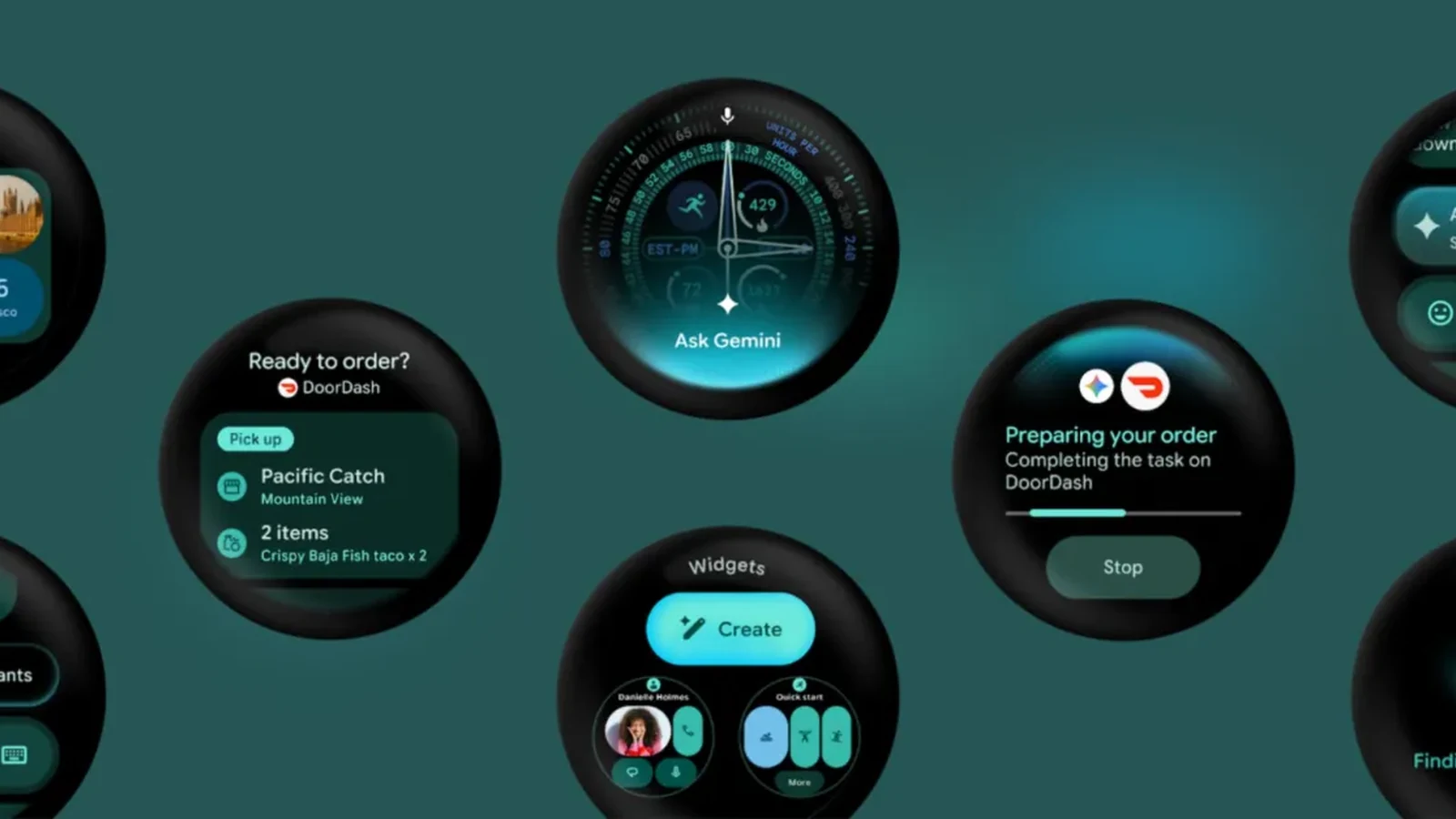
Earlier this week, Google revealed that a "later platform release of Wear OS" is adding a "system status bar." According to reports from <a href="https://9to5google.com/2026/11/01/wear-os-status-bar/">9to5Google</a>, this upcoming feature is designed to bring a persistent system status bar over app windows at the top position of the circular display.
The incoming design element will display the current time and system status indicators, functioning similarly to how the status bar operates on Android phones and tablets. These indicators will feature standardized clock typography, placement, and backplates across the platform and various applications.
Canary Emulator and Developer Testing
On October 26, Google <a href="https://developer.android.com/training/wearables/versions/emulator/2026/10">released</a> a Wear OS canary emulator in Android Studio. This release gives developers the ability to test upcoming platform features and user interface changes before they become officially available in a consumer platform release on physical hardware devices.
Within this preview environment, the system status bar currently displays a placeholder star icon in place of final system status indicators. Furthermore, applications that specifically require a full-screen experience will retain the capability to hide the status bar entirely.
Jetpack Compose Integration and Automatic Coordination
For developers utilizing Jetpack Compose for the <a href="https://9to5google.com/guides/wear-os/">Wear OS</a> ecosystem, the system introduces automatic coordination. When an application targets API level 35 or higher and compiles against Compose for Wear OS version 1.8.0-alpha02 or higher, components like AppScaffold and ScreenScaffold automatically opt the app in to the system status bar.
Under this system, AppScaffold suppresses its in-app TimeText clock so that only the system status bar time remains visible. Meanwhile, ScreenScaffold applies padding to the top status bar window inset and automatically hides the status bar while users actively scroll through list content. After roughly two seconds of user idle time, the time text reappears.
Immersive Mode and Full-Screen Components
The platform handles immersive scenarios by automatically hiding the system status bar during specific full-screen interactive components in Wear Compose Material 3. Elements such as AlertDialog, Dialog, Stepper, TimePicker, and DatePicker will suppress the status bar while displayed on screen.
For other custom screens that require a full-screen immersive experience, developers can utilize StatusBarSuppression to ensure proper layout behavior without interference from the top status overlay.
Wear OS 7.1 and Release Timeline
The canary emulator responsible for showcasing these features is published as Wear OS 7.1, operating as API level 37.2-beta1 based on Android 17 "CinnamonBun" under build ID CP41.260831.001.E8. This details the upcoming arrival of Wear OS 7.1.
However, Google clarified that the system status bar itself will launch in a subsequent release. While included exclusively in the canary emulator to support early testing and feedback, it will not be bundled into the upcoming stable Wear OS 7.1 emulator.
Sources
- 9to5GoogleWear OS adding ‘system status bar’ to apps, Wear OS 7.1 coming
Continue chronologically
Related entity coverage
Related stories
Android November 2026 Updates Patch Over 200 Vulnerabilities
Google has announced its November 2026 security updates for Android, addressing over 200 vulnerabilities, including a critical remote code execution flaw.
Gemini 4 Argon Arrives for Android Developers
Google launches Gemini 4 Argon for Android developers, bringing advanced agentic engineering, closed-loop build self-correction, and production-ready Jetpack Compose UI features.
Android Studio Introduces Bring Your Own Agent Support
Android Studio now supports the Bring Your Own Agent feature, allowing developers to integrate preferred coding agents into the platform.
Android Dev Summit Highlights New Tools and Agent Integrations
Discover the latest Android developer tools, performance updates, and AI agent integrations announced during the Android Dev Summit.