Discover Overlooked iPad Widgets to Enhance Your Screen
Many iPad owners stick to basic weather and calendar tools, missing out on powerful options that leverage the device's large display.
 Radwan AbdulhadiEditor and technology writer
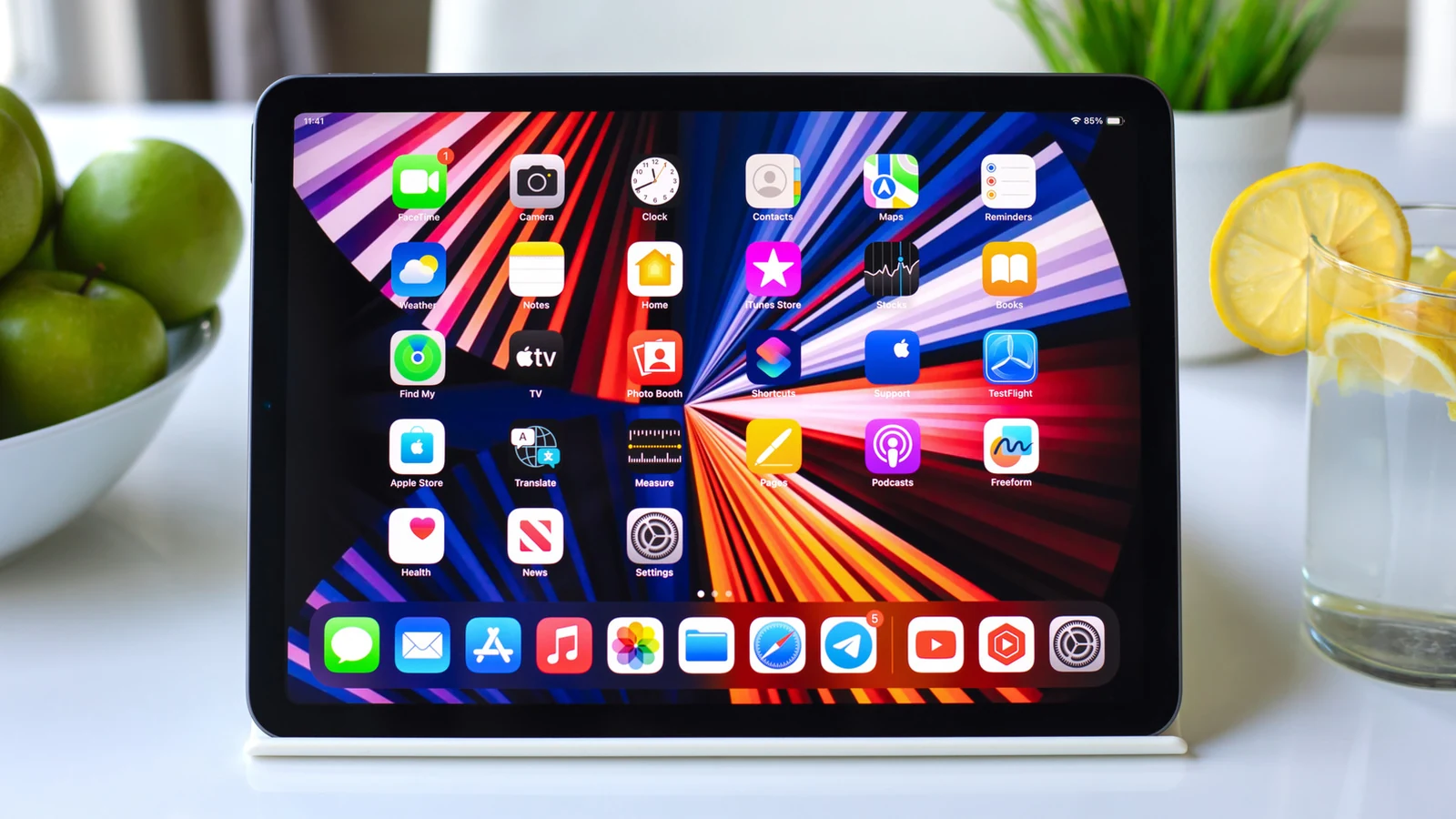
Unlocking the Full Potential of iPad Widgets
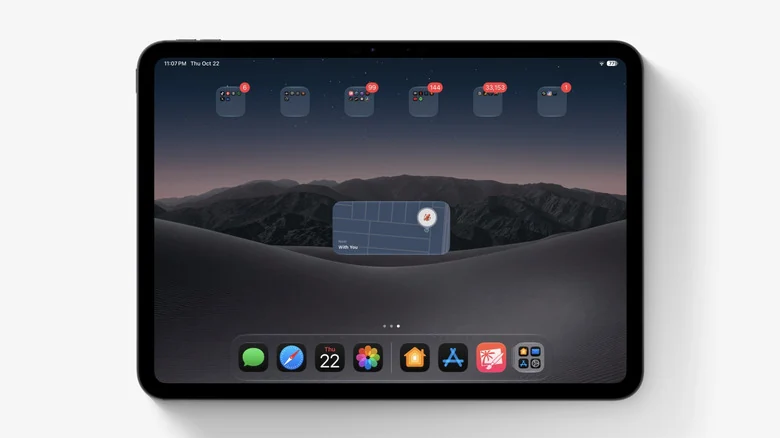
Basic iPad widgets are great, but there are many more exciting options to discover beyond standard weather and calendar displays. Many iPad owners never truly grasp the full capabilities of widgets. Adding a basic Weather or Photos widget can be limiting, as these tools can do much more than just show the temperature or your next meeting. With iPadOS 27, Apple even brought extra-large widgets to Today View, giving them more room to take advantage of the bigger screen.
Between Apple's in-house offerings and third-party options available through platforms like the App Store, there is a wide array of tools for new iPad owners and power users alike. To explore available widgets, users can touch and hold an empty spot on the Home Screen, tap Edit, and hit Add Widget. Depending on the app, various sizes and options are available for placement.
Tracking Packages and Deliveries with Parcel
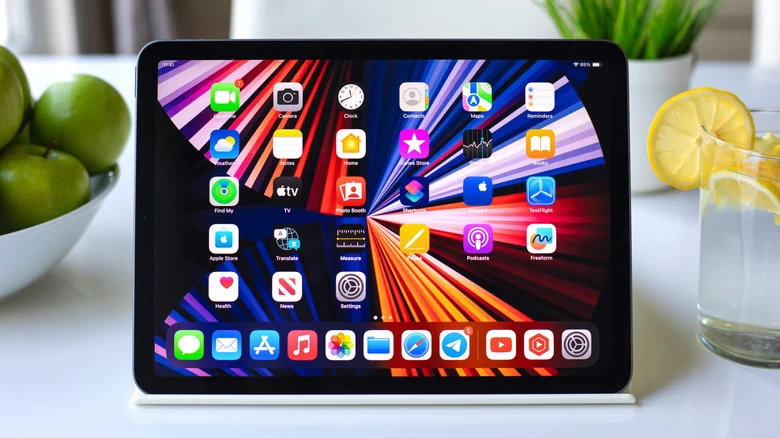
For users who are constantly waiting on packages, the <a href="https://apps.apple.com/us/app/parcel-delivery-tracking/id375589283">Parcel</a> widget displays upcoming deliveries without requiring users to open the application. It supports up to 300 delivery services, including major couriers like UPS, USPS, FedEx, DHL, and Amazon Logistics. It also features map widgets in different sizes that show where a package is currently located.
Getting deliveries into the app is streamlined by connecting an Amazon account, which adds orders automatically without manual copying and pasting of tracking numbers. For other shipments, users can scan a shipping label barcode with the built-in scanner. Additionally, delivery management extends across devices through <a href="https://web.parcelapp.net/">Parcel's web access</a> and a native Mac app.
Controlling Smart Homes and Locating Devices
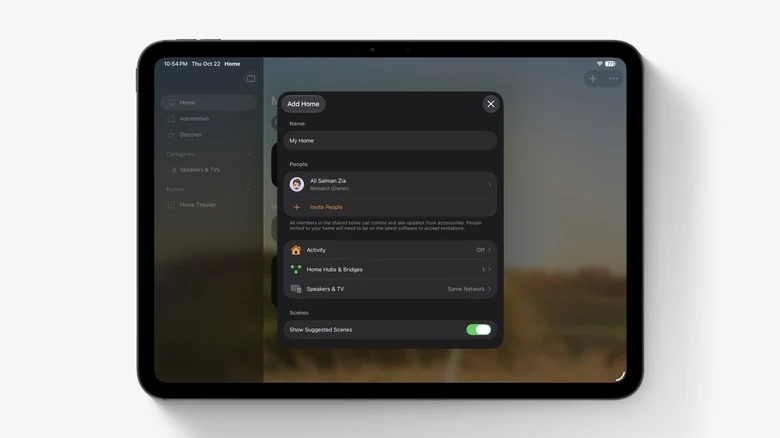
The built-in Home widget provides one-tap control for smart home accessories. Instead of launching the Home app for minor adjustments, the widget enables quick actions like turning lights on and off, as well as locking and unlocking garage doors with a HomeKit-compatible controller. Users can customize the widget to display specific accessories and scenes.
Similarly, the Find My widget tracks Apple devices, AirTags, and trusted individuals directly on the Home Screen. Each entry displays its last known location to help users quickly trace missing items. The underlying system remains functional even when hardware is offline, as <a href="https://www.engadget.com/2247577/how-to-find-iphone-when-off/">Find My can locate devices even when they're offline or powered off</a> using the broader Find My network.
Interactive Visuals and Focus Soundscapes
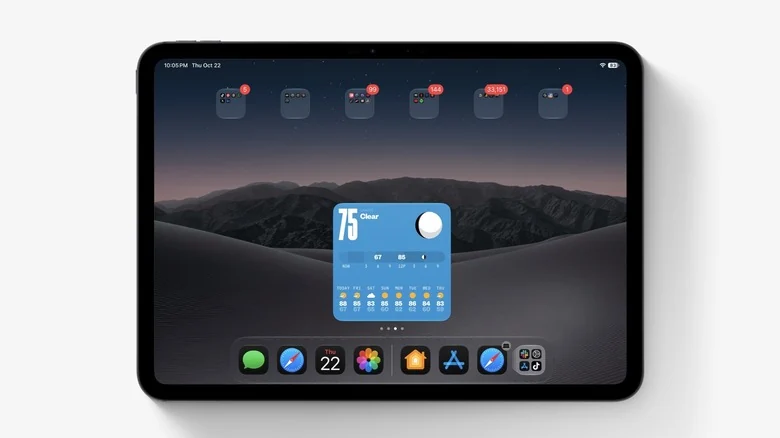
For weather forecasts with a distinct aesthetic, <a href="https://apps.apple.com/app/id1531063436">(Not Boring) Weather</a> introduces a 3D, video game-inspired design with interactive visuals. The widget displays temperature, conditions, precipitation, UV index, and wind for both the Home Screen and Lock Screen, while sourcing data from established providers.
Users looking to concentrate or relax can utilize <a href="https://apps.apple.com/app/endel/id1346247457">Endel</a>, an app that creates AI-powered soundscapes tailored to circadian rhythms. Its Home Screen widgets grant one-tap access to different modes, making it convenient on iPads used for work or study sessions.
Managing Important Communications
Apple's stock Mail widget extends beyond standard inbox previews by offering options to display recent unread messages, specific mailboxes, or communications exclusively from a designated VIP list. By selecting VIP senders such as managers, clients, or family members, important messages remain readily accessible on the Home Screen rather than getting buried beneath newsletters and automated notifications.
Sources
- Engadget10 iPad widgets you probably didn't realize existed
Continue chronologically

Related entity coverage
Related stories
No Man’s Sky lands on iPhone and iPad October 28
Hello Games is bringing the full No Man’s Sky experience to iPhone and iPad on October 28, with a free trial and a $19.99 purchase price.

How to Add and Customize Your CarPlay Widgets
Learn how to add, customize, rearrange, and remove CarPlay widgets on your vehicle display to view quick, glanceable info on the road.
Why Your AirPods Keep Disconnecting and How to Fix It
Discover why your AirPods keep disconnecting or swapping devices without warning, and learn how to adjust your settings to fix the issue.

No Man's Sky is coming to iPhone and iPad later this month
Apple and Hello Games announce that No Man's Sky is arriving on iPhone and iPad on October 28, bringing a decade of updates to mobile devices.