
Android Studio Introduces Bring Your Own Agent Support
Android Studio is expanding its developer tools by introducing support for custom coding agents, offering teams a wider variety of ways to build Android applications.
 Radwan AbdulhadiEditor and technology writer
Expanding AI Flexibility in Android Studio
AI-powered developer tools have transformed engineering productivity, prompting teams to adopt specialized coding assistants, autonomous tools, and custom enterprise harnesses. To accommodate these diverse workflows, Google announced the introduction of the Bring Your Own Agent (BYOA) feature in the latest <a href="https://developer.android.com/studio">Android Studio</a> Canary release, building upon last year's opening of the platform to any AI model.
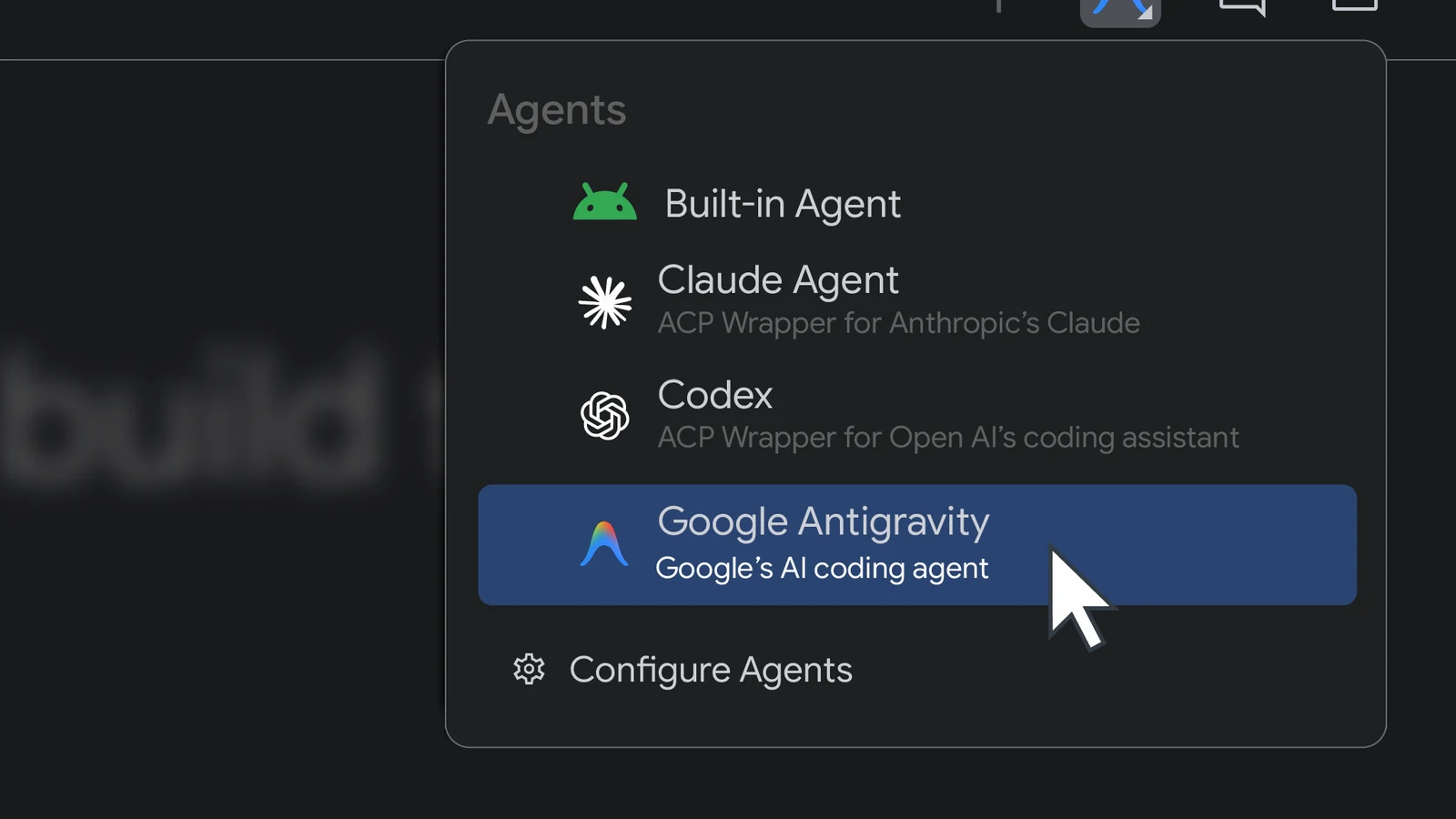
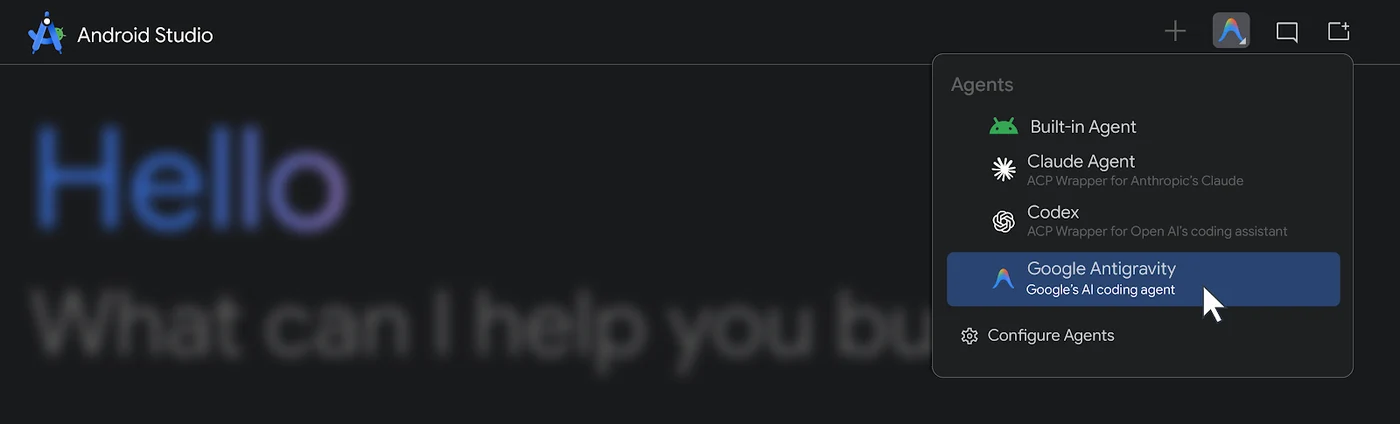
The new BYOA capability allows developers to integrate their preferred coding agents directly into the development environment. Supported integrations include Anthropic’s Claude Agent, OpenAI’s Codex, and Google’s Antigravity, all supercharged with AI-optimized infrastructure and native tool support.
Codebase Awareness and Token Efficiency
By pairing favorite coding agents with IDE-native intelligence, the BYOA feature aims to deliver faster, more accurate, and more cost-effective results. Android Studio provides agents with the full project graph, platform details, and build setups directly using the Agent Client Protocol (ACP).
This setup allows the agent to filter relevant files and details efficiently, resulting in lower latency, sharper answers, and optimized token usage. Developers can also maintain workflow continuity by transitioning smoothly between multiple conversational agent prompts and purpose-built development tools.
Agent Flexibility and Native Tool Injection
The integration supports any ACP-compliant agent connected directly into the IDE, allowing users to sign in with their preferred plans. If one agent runs out of quota or falls short of performance expectations, developers can switch to another agent seamlessly.
Furthermore, Android Studio wires up build diagnostics, Android SDK tools, emulator controls, and UI tools like Jetpack Compose Previews. This infrastructure ensures that connected agents have the direct access necessary to test, diagnose, and execute technical tasks within the environment.
Executing Workflows and Maintaining Control
Coding agents running inside the development environment are capable of planning and executing complete technical workflows. They can read, write, and edit files, execute shell commands, run tests, and perform web searches.
To handle complex workloads, agents can delegate subtasks like testing or code review to specialized subagents. Granular permissions allow developers to let routine work run automatically while pausing for approval on riskier actions, alongside persistent long-running sessions that load project skills and memory.
Gemini Options and Enterprise Security
While developers can continue using the built-in Gemini agent, Google recommends selecting the Google Antigravity agent for access to models like Gemini Flash 3.8 and increased usage quotas. Users can log in using a Google AI Pro or Ultra plan, or utilize a Gemini API key with pay-per-token rates.
Organizations utilizing Gemini Enterprise can maintain their workflows through either the built-in agent or the Antigravity agent, continuing to benefit from the security and privacy guarantees provided by Google Cloud.
Getting Started with BYOA in Canary
BYOA support is rolling out in preview starting with the canary release of Android Studio Rabbit 2. Supported consumer and enterprise AI plans vary depending on the specific agent provider.
To connect an agent, developers must update to the latest version from the canary release channel. In the agent window, users can select an agent such as Claude Agent, Codex, or Antigravity, provide an API key, or sign in. Additional options are accessible within the registry settings under Tools, AI, and Agents.
Sources
- Android DevelopersBuild your way: Use any AI agent of your choice in Android Studio