Android Dev Summit Highlights New Tools and Agent Integrations
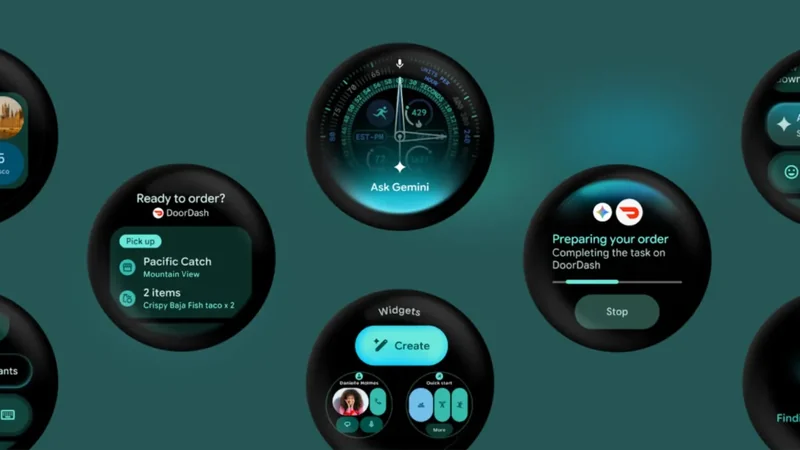
The Android Dev Summit showcased major updates to developer tools, emphasizing flexibility with AI agents, new command line capabilities, and enhanced performance features for Android engineers.
 Radwan AbdulhadiEditor and technology writer
Bring Your Own Agent and AI Enhancements in Android Studio
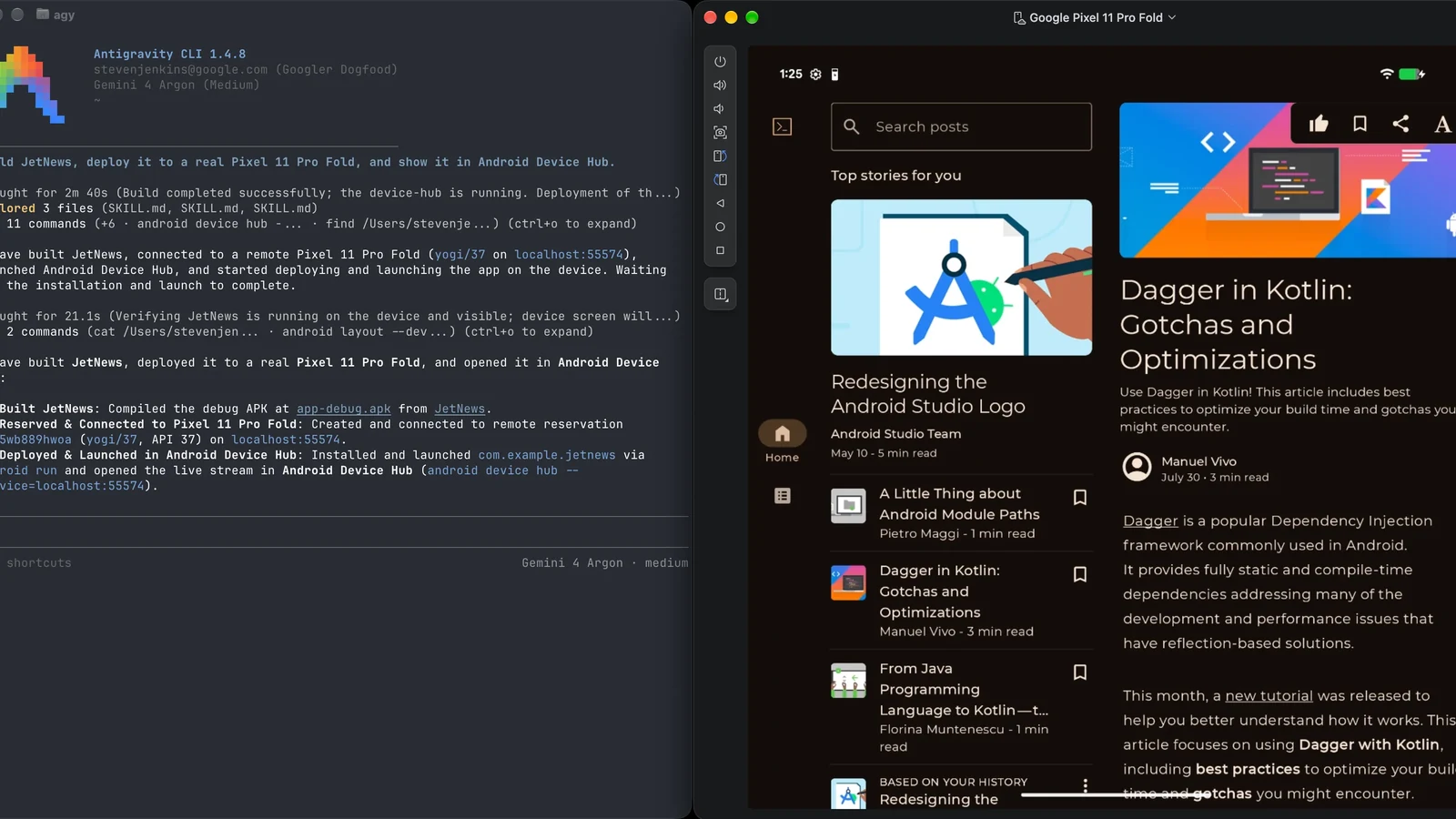
At the Android Dev Summit, developers received a comprehensive look at how Android developer tools are evolving to support coding alongside modern AI agents. Whether working inside Android Studio or from the terminal via the Android CLI, the focus remains on building high-quality apps faster. As highlighted in the Android Dev Summit keynote , these updates aim to bridge the gap between human engineers and autonomous coding assistants.
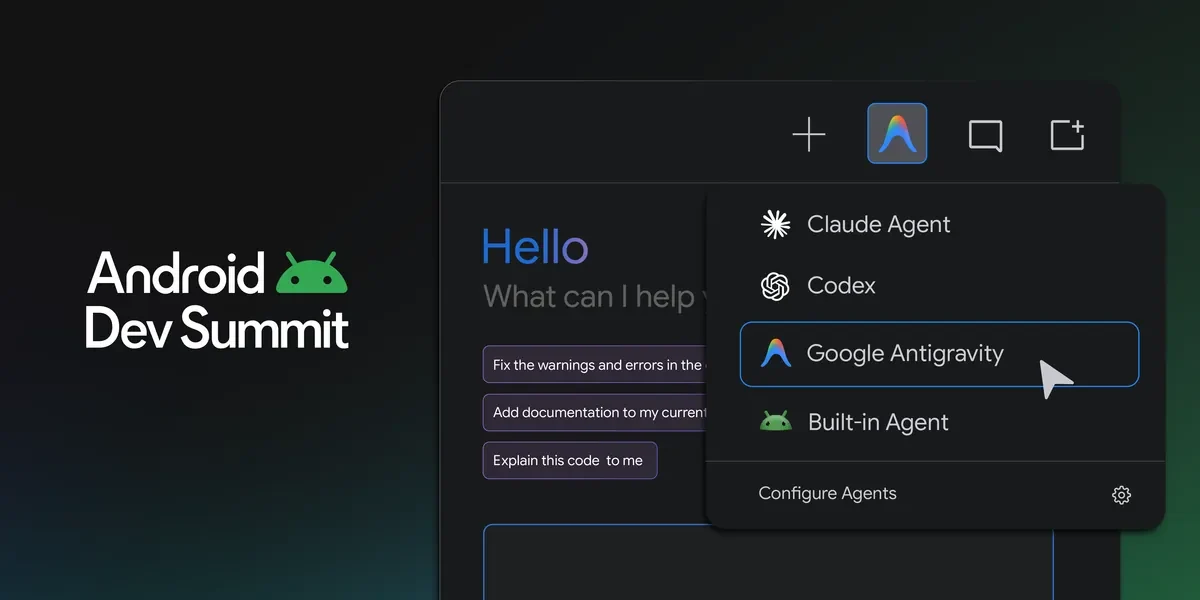
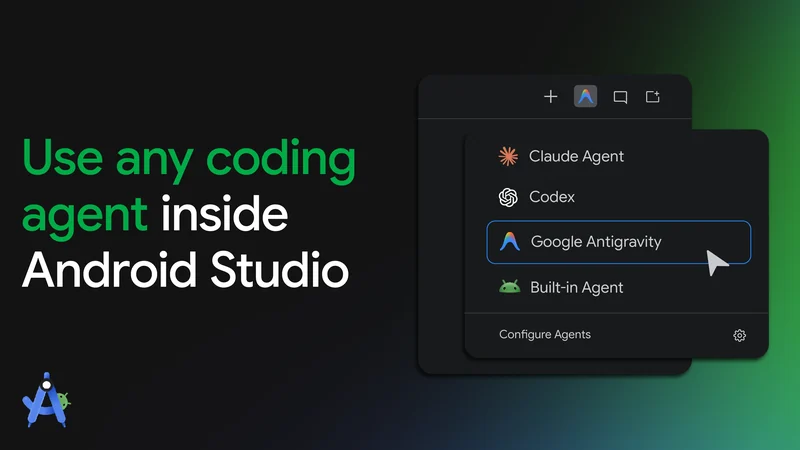
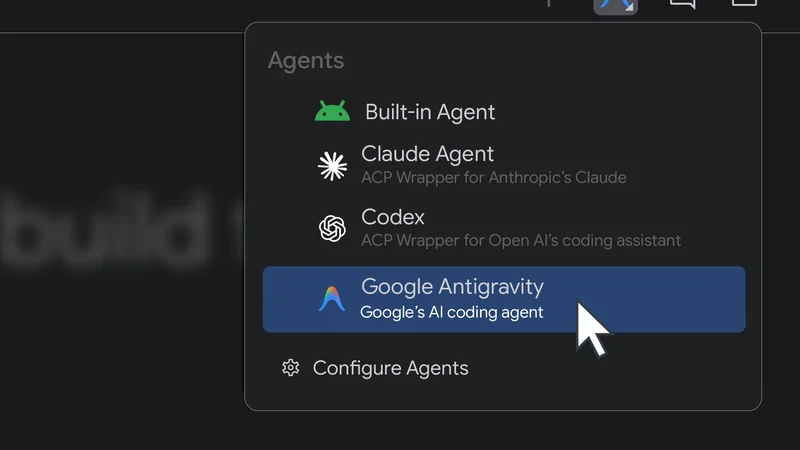
To give development teams maximum flexibility, Android Studio now supports over 40 ACP-compatible coding agents natively through a feature called Bring Your Own Agent (BYOA). Reaching stability with today’s release of Android Studio Rabbit 2 , BYOA allows developers to browse, install, and seamlessly switch between multiple agents directly from the settings menu.
This integration combines the custom agent of choice with Android Studio's deep understanding of project structures, symbol resolution, Compose Preview rendering, Logcat, and the Emulator. Furthermore, developers gain direct access to Google Antigravity capabilities and Gemini models as they roll out.
Evaluating LLMs and Reviewing Code Changes
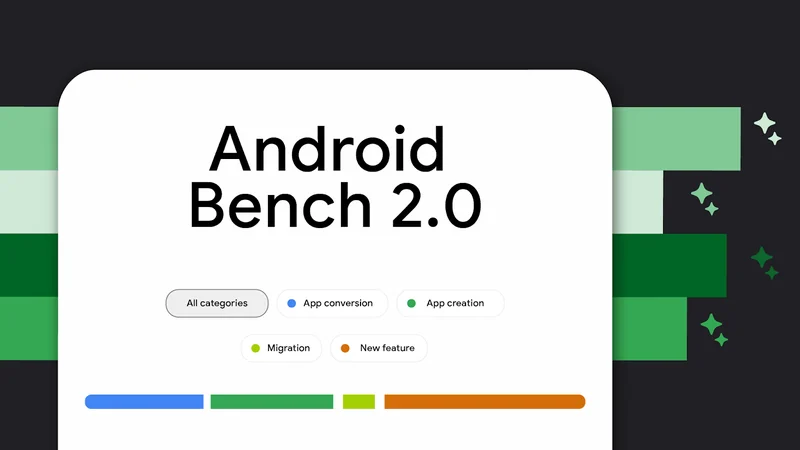
Navigating the wide variety of available models and agents can be challenging. To bring greater transparency, the team introduced Android Bench 2.0, an LLM leaderboard designed to evaluate how models and agent harnesses handle long-running, real-world development tasks. Developers can review the latest results to understand how different systems perform on complex jobs like UI migration.
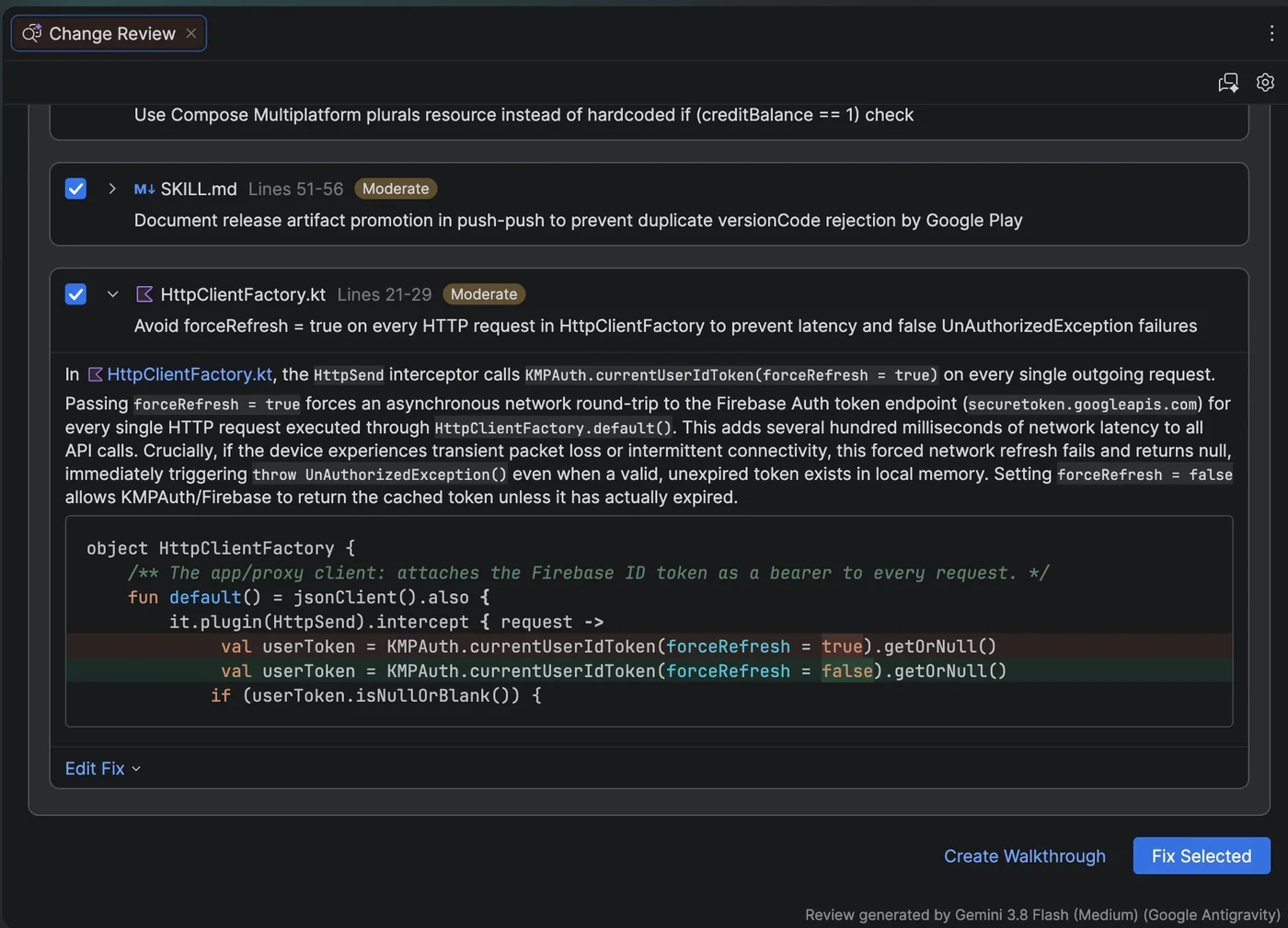
Reviewing large sets of AI-generated code changes has also been streamlined. Android Studio now features an agentic code review experience that generates potential issue reports from pending modifications. Developers can invoke this review flow using the /review command or ask for an AI-guided walkthrough to understand longer changes.
XR Emulators and XML-to-Compose Migration
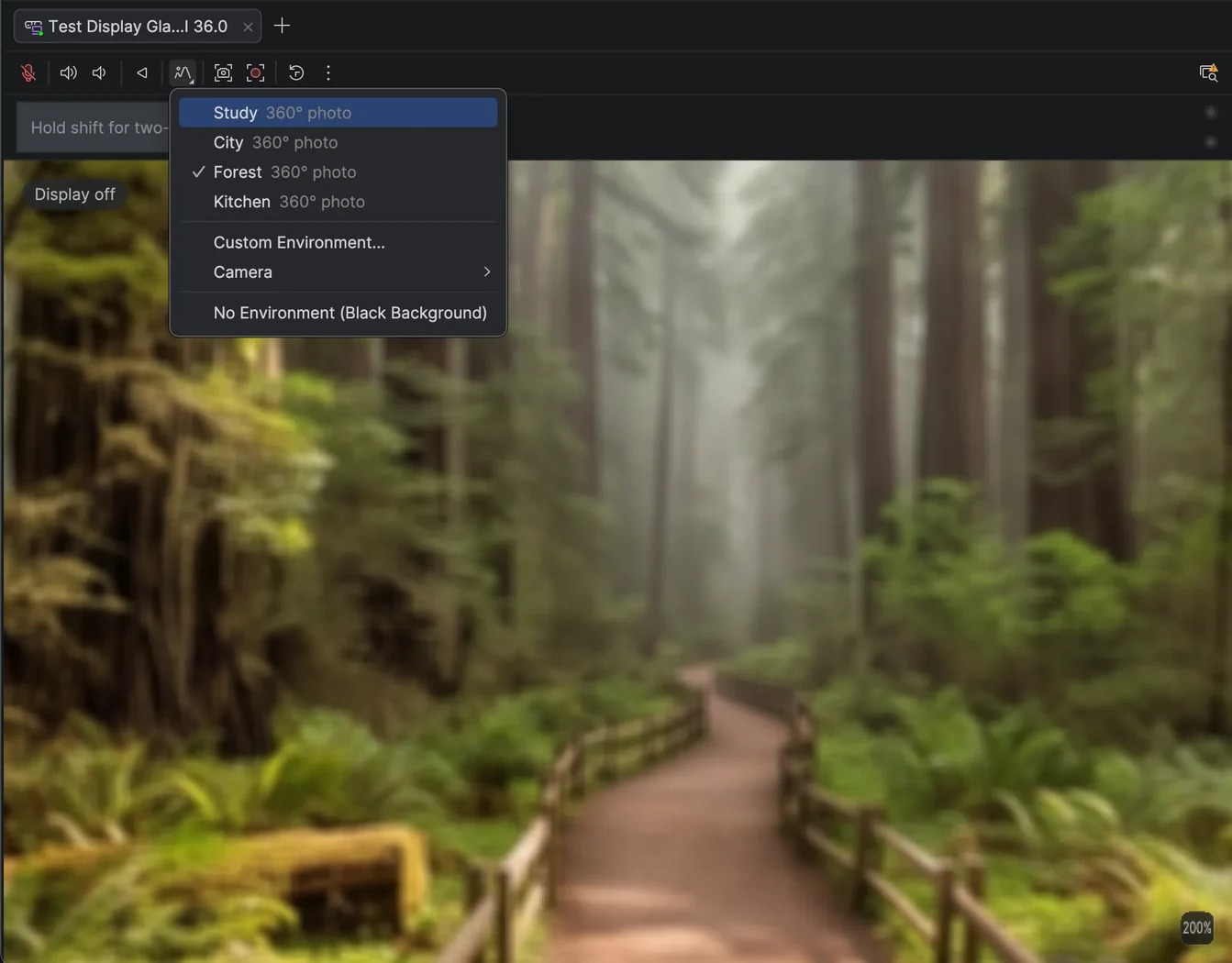
Hardware testing capabilities received a significant boost with the stabilization of emulators for XR glasses, audio glasses, and display glasses. Developers can now customize virtual environments with 360-degree photos or live camera feeds to test physical locations from any workspace. The updated emulator also features new hardware LED indicators for microphone and camera states.
Additionally, modernizing app interfaces is easier with the new Migration Assistant in Android Studio. By right-clicking any XML layout and selecting the migration option, an agent will draft a plan and convert legacy views, view-binding code, and logic into idiomatic Compose. A progress timeline tracks each conversion step for convenience.
Expanding Capabilities with Android CLI and Remote Hardware
For developers who prefer terminal workflows or CI pipelines, the Android CLI continues to expand its feature set, giving autonomous agents direct access to the Android toolchain. The latest updates introduce remote physical device streaming, allowing teams to provision real hardware from a secure device lab.
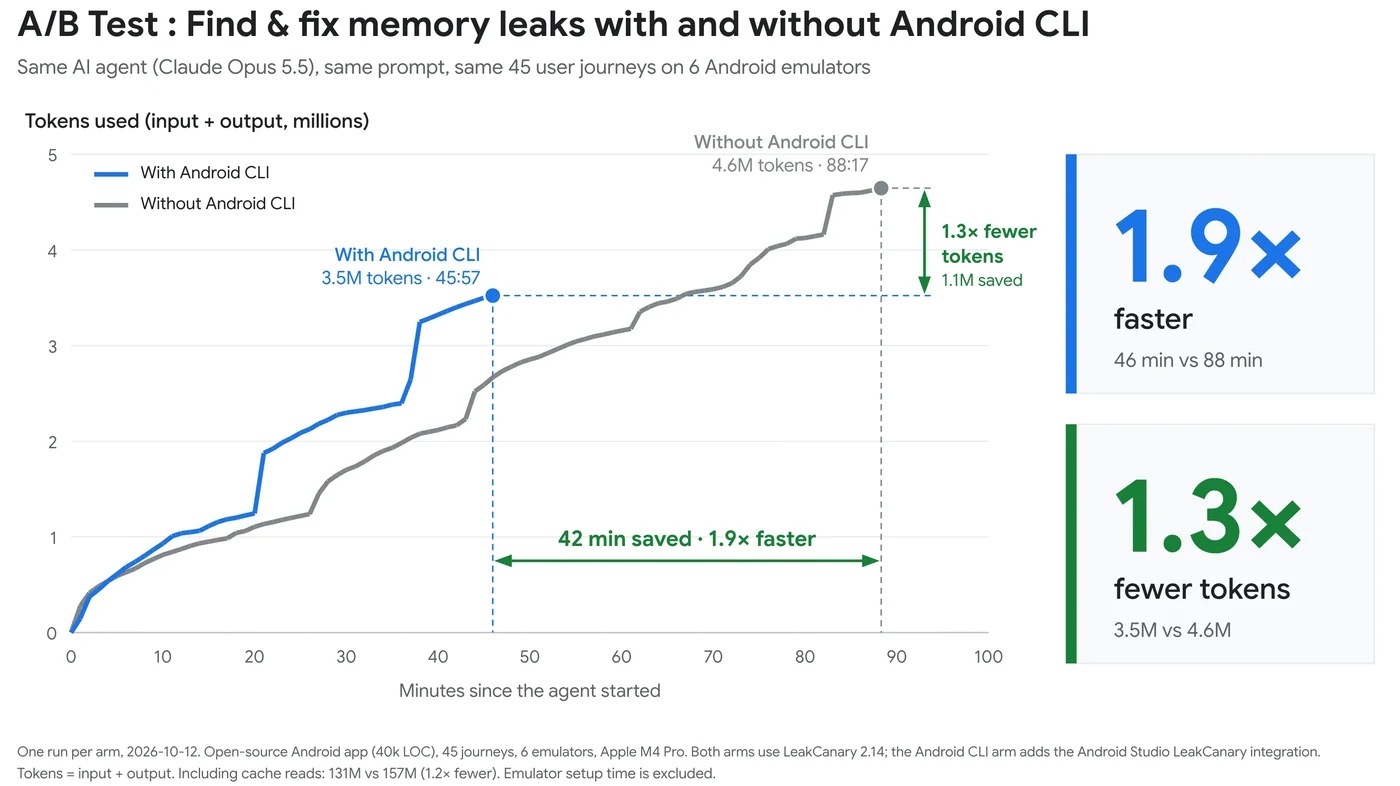
The command line interface also introduces the android preview command, which renders Compose Previews without requiring an emulator or opening the IDE. According to internal testing, this feature enables agents to complete UI tasks significantly faster while consuming fewer tokens. For more details on terminal capabilities, developers can consult the Android CLI documentation.
Sources
- Android DevelopersWhat's new in Android developer tools and performance at Android Dev Summit
Continue chronologically
Related entity coverage
Related stories
Android Studio Introduces Bring Your Own Agent Support
Android Studio now supports the Bring Your Own Agent feature, allowing developers to integrate preferred coding agents into the platform.
Gemini 4 Argon Arrives for Android Developers
Google launches Gemini 4 Argon for Android developers, bringing advanced agentic engineering, closed-loop build self-correction, and production-ready Jetpack Compose UI features.
Google launches Android Bench 2.0 for long tasks
Google’s Android Bench 2.0 adds long-horizon tasks, agent evaluation and continuous scoring to measure AI performance on complex Android work.
Google Prepares System Status Bar for Future Wear OS Release
Google reveals plans to add a persistent system status bar to Wear OS applications in a future platform release, previewed via a canary emulator.