Understanding HDMI Cable Length Limits and Bandwidth Challenges
While HDMI technology offers remarkable reliability over short distances, extending cables across rooms or through walls introduces complex bandwidth and signal challenges.
 Radwan AbdulhadiEditor and technology writer
The Reality of HDMI Cable Lengths
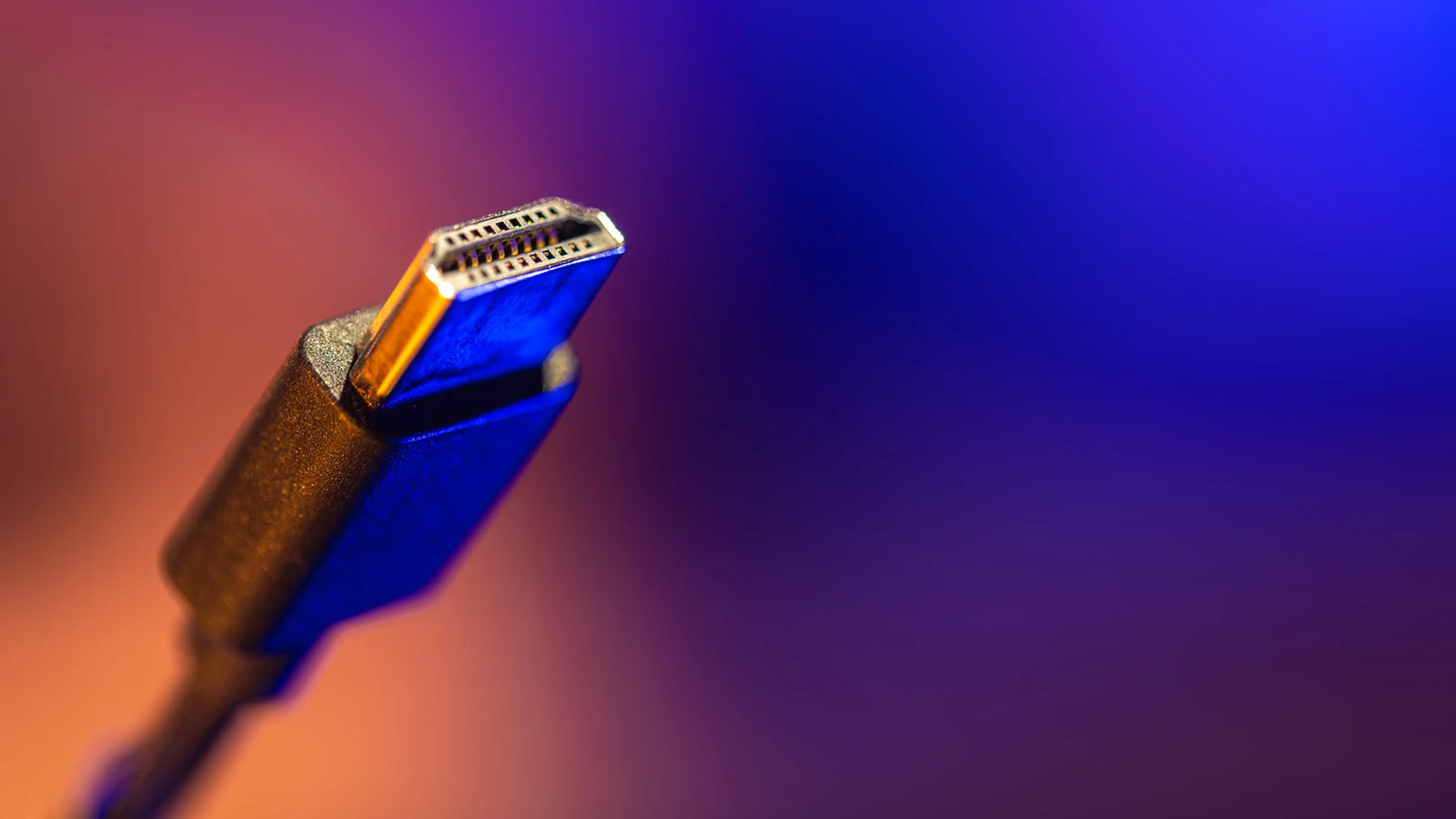
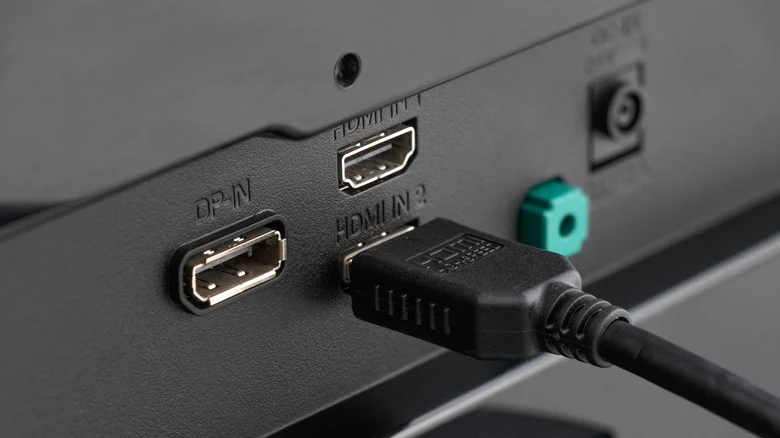
For many users, a short cable connecting a streaming box to a television serves its purpose reliably for its entire lifespan. However, running a cable across a room, through a wall, or up to a ceiling-mounted projector introduces unpredictable variables according to insights reported by <a href="https://www.engadget.com/2290438/how-long-should-hdmi-cable-be-maximum-length/">Engadget</a>.
Unlike older analog connections, HDMI does not have an official maximum length. The HDMI Licensing Administrator does not define a hard cap because usable distance depends entirely on the specific cable, the signal being transmitted, and the hardware connected at either end. Consequently, common length guidelines such as 10, 25, or 50 feet function more as flexible recommendations than absolute physical limits.
Bandwidth and Signal Degradation
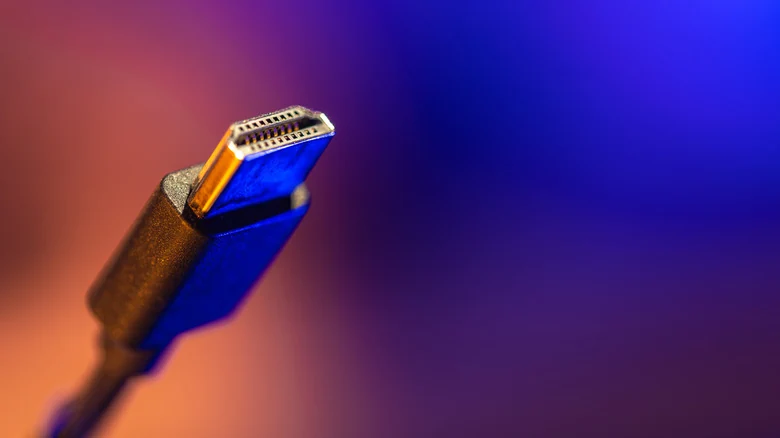
Bandwidth remains a critical factor when determining how far an HDMI signal can travel without failure. For example, an <a href="https://www.engadget.com/2200155/hdmi-2-0-vs-2-1-streaming-tv-upgrade/">old DVD player doesn't demand much from a cable</a> compared to heavy modern tasks like 4K video at 120Hz combined with HDR and VRR. The longer the physical run, the less room there is for transmission errors.
Passive HDMI cables transmit electrical signals over copper conductors, which naturally weaken over distance. While there is no universal distance cutoff, maintaining higher-bandwidth streams over extended runs becomes increasingly difficult. A passive cable that handles a 1080p signal effortlessly may struggle or fail completely when tasked with 4K/120 at the same physical length.
Furthermore, passive HDMI does not experience a gradual degradation in picture quality similar to old analog televisions. Instead, users typically encounter sudden disruptions such as flickering, sparkling pixels, audio glitches, temporary black screens, or a complete loss of signal.
Cable Categories and Specifications
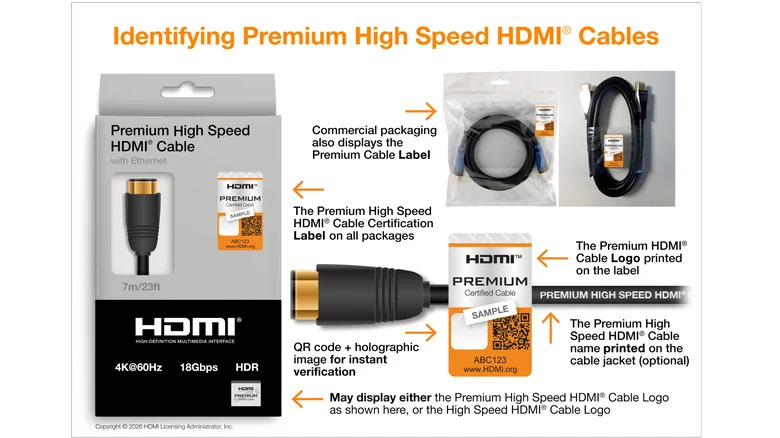
Choosing the correct cable category is vital for matching hardware capabilities. Premium High Speed cables corresponding to HDMI 2.0 are certified for up to 18Gbps. Meanwhile, Ultra High Speed models conforming to HDMI 2.1 support up to 48Gbps for demanding applications like 4K/120 gaming. Additionally, the newer Ultra96 category for HDMI 2.2 elevates the bandwidth ceiling to 96Gbps.
Despite these high speeds, greater bandwidth does not improve long-distance transmission. In fact, carrying more information decreases the effective distance a passive cable can reliably maintain. When purchasing hardware, experts advise consumers to determine the required cable category and look for proper certification labels <a href="https://www.engadget.com/2246414/are-expensive-hdmi-cables-worth-buying/">rather than paying extra</a> for vague marketing claims of superior quality.
Active and Optical Solutions for Long Runs
When passive copper cables reach their functional limit, active copper cables serve as the next logical step by utilizing integrated electronics to compensate for signal loss. For even greater distances, active optical HDMI cables convert high-speed electrical signals into light, allowing them to stretch well over 100 feet in specific applications.
However, active and optical solutions introduce potential user errors. Many of these specialized cables feature directional designs where one designated end connects to the source and the other connects to the display. Plugging a directional cable in backward will result in a black screen, a frustrating discovery after the cable has already been routed behind a wall.
Troubleshooting and Permanent Installation Tips
Home theater enthusiasts frequently find that long cables function properly until higher-bandwidth display modes are activated. Consequently, comprehensive testing before permanent installation is crucial. Verifying the highest resolution, refresh rate, HDR, and VRR combination prevents unexpected failures after setup is complete.
The broader signal chain also influences performance. Wall plates, <a href="https://www.engadget.com/2251471/useful-accessories-help-extend-hdmi-on-a-budget/">extension tools like couplers</a>, and intermediate hardware like <a href="https://www.engadget.com/2231585/hdmi-splitter-vs-switch-how-different/">switches or AV receivers</a> can introduce points of failure. Testing a direct source-to-display connection remains a reliable troubleshooting step, and utilizing conduits with pull strings for in-wall runs helps future-proof setups against changing HDMI standards.
Sources
- EngadgetHow long is too long for an HDMI cable?
Continue chronologically

Related stories
Is Your PlayStation 5 Plugged Into the Wrong HDMI Port?
Discover if your PlayStation 5 is connected to the right HDMI port to unlock 4K, 120Hz, VRR, and other advanced display features.
Understanding Audio Amplifiers and Sound System Quality
Explore what audio amplifiers do, how they impact your sound system quality, and whether you actually need a separate unit for your home theater.
Why Flat Ethernet Cables Might Harm Home Networks
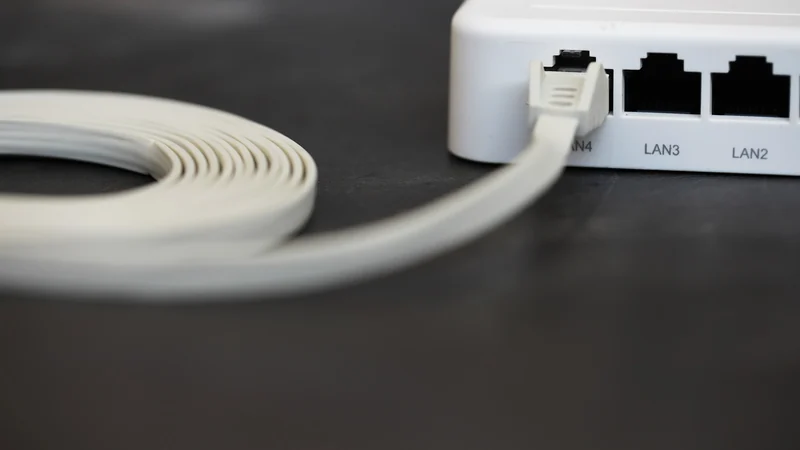
Explore the performance tradeoffs, signal interference risks, and physical durability issues of flat Ethernet cables compared to traditional round ones.
How much does DDR5 RAM speed matter for gaming?
Explore how memory bandwidth and latency impact gaming frame rates, and whether high-end DDR5 RAM speeds are genuinely worth the extra cost.