How to Reuse Your Old Speakers for Your Modern TV
Old speakers sitting in storage can easily upgrade your modern television's sound setup with minimal cost and effort.
 Radwan AbdulhadiEditor and technology writer
Assessing Your Speaker and TV Audio Options
Many households accumulate electronic equipment over time, often keeping old hardware to avoid adding to e-waste or in hopes of future utility. If you have a pair of old speakers stored away, you might be able to repurpose them to enhance your TV viewing experience without a large expense. Alternatively, if you prefer to clear out unused gear instead, you can find guidance on here's where to sell your used electronics to repurpose your space.
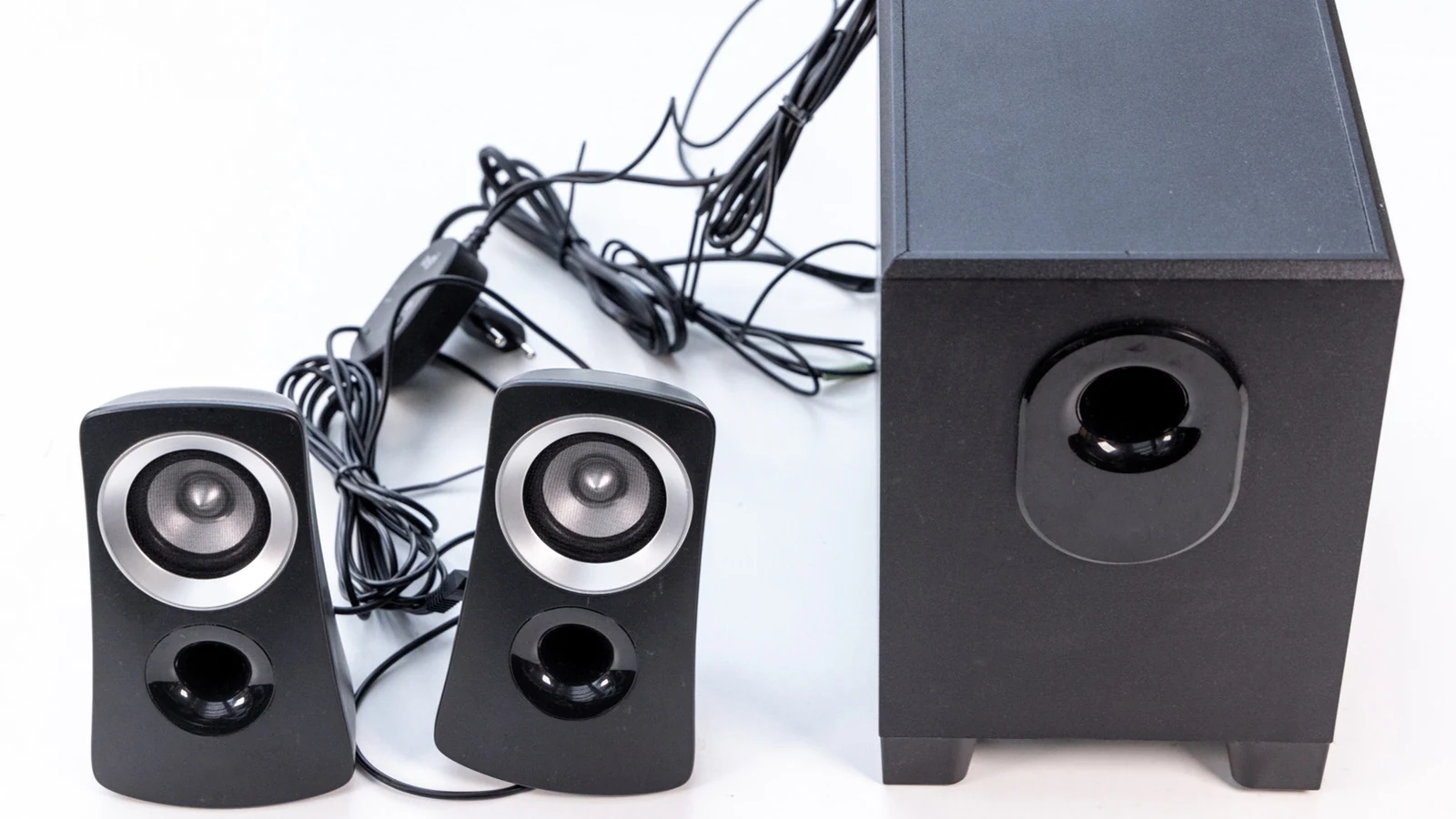
Connecting older audio equipment to a modern TV requires more than simply running a cable, as most modern television sets lack dedicated speaker outputs. Speakers generally fall into two primary categories: active speakers and passive speakers. Active speakers, such as old computer speakers, feature a built-in amplifier and usually terminate in a 3.5mm plug or RCA connection. Passive speakers, like older hi-fi bookshelf models, require an appropriately rated external amplifier to function correctly.
Navigating TV Audio Outputs and Converters
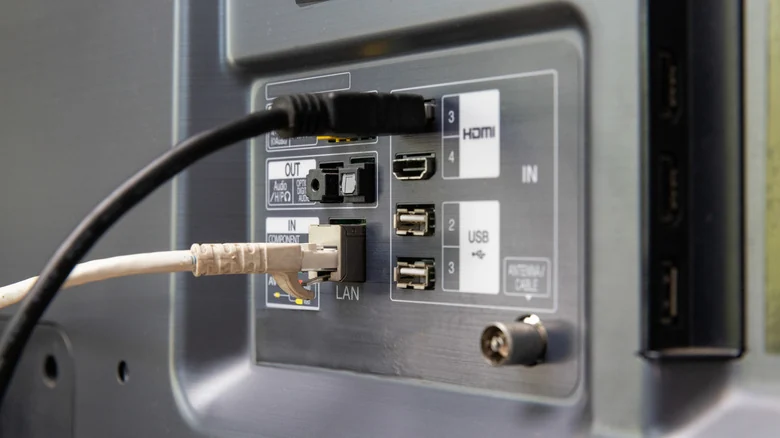
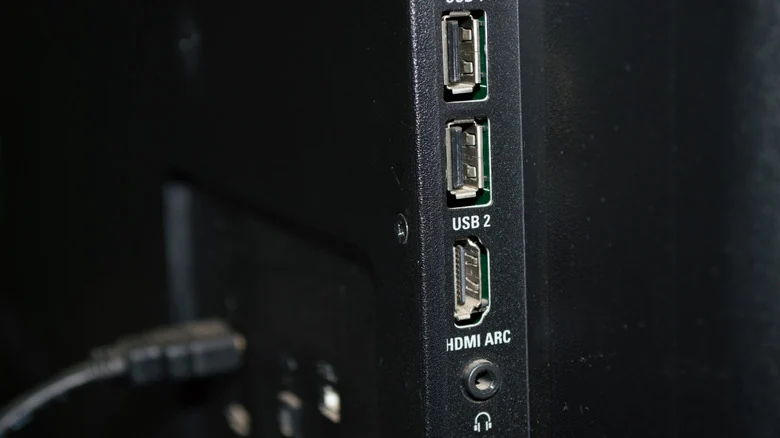
Determining the correct setup depends entirely on the audio ports available on the back or side of the television. If the TV features an analog audio output, users can connect directly using a 3.5mm jack or RCA cables, provided the speakers receive adequate power.
When a television offers only an optical output, a digital-to-analog audio converter is usually required to translate the signal unless the speakers feature their own optical input. If HDMI ARC is the sole available audio output, alternative hardware solutions like streaming amplifiers can handle the conversion.
Understanding USB Power Limitations
Using USB-powered PC speakers with a TV introduces power considerations. While television sets feature spare USB ports, TVs generally don't recognize USB devices that need their own drivers, meaning the USB connection on standard speakers typically serves only to deliver power while sound travels via a separate audio cable.
Standard USB 2.0 ports supply 5V at 500mA, yielding about 2.5W, which is designed for firmware updates and thumb drives rather than heavy audio gear. Drawing excessive power can cause well-designed TVs to trip the port or enter standby. Users can check for ports labeled for hard drives, which may supply higher current, or alternatively power their speakers using a standard USB phone charger.
Step-by-Step Connection Guide
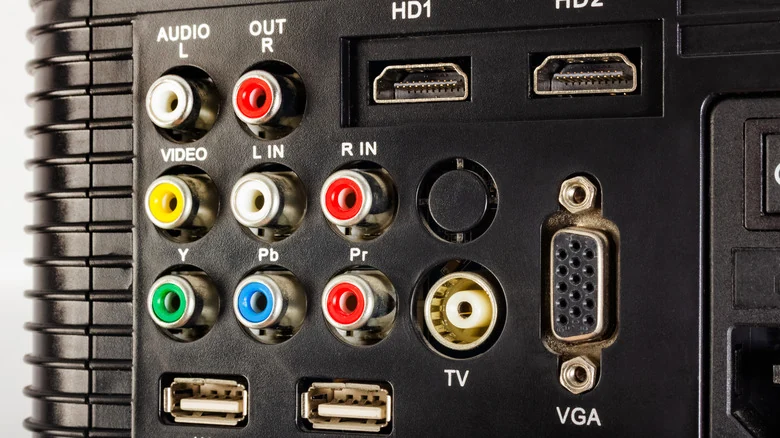
Once power is established, finding the correct output on the TV is the next step. Look for ports labeled audio out, line out, or headphone. Connecting speakers to a headphone jack is entirely acceptable if no other analog options exist. For optical connections, locate the small square digital audio out port.
Users should match plugs appropriately using 3.5mm cables, RCA adapters, or digital-to-analog converters. Passive speakers require connection to an external amplifier matching their rated watts and ohms, taking the audio signal from the TV and driving the speaker wires directly.
Configuring TV Sound Settings
After physical connections are secure, users must navigate to the TV's sound settings menu. The output must be changed from internal speakers to the external option, line out, or headphone jack depending on the port used. When utilizing an optical connection, selecting PCM rather than Dolby Digital or DTS is crucial, as basic converters cannot decode those multichannel formats and will otherwise output silence or noise.
Sources
- EngadgetDon't throw away your old speakers — Use them for your TV instead
Continue chronologically
Related stories
Understanding Audio Amplifiers and Sound System Quality
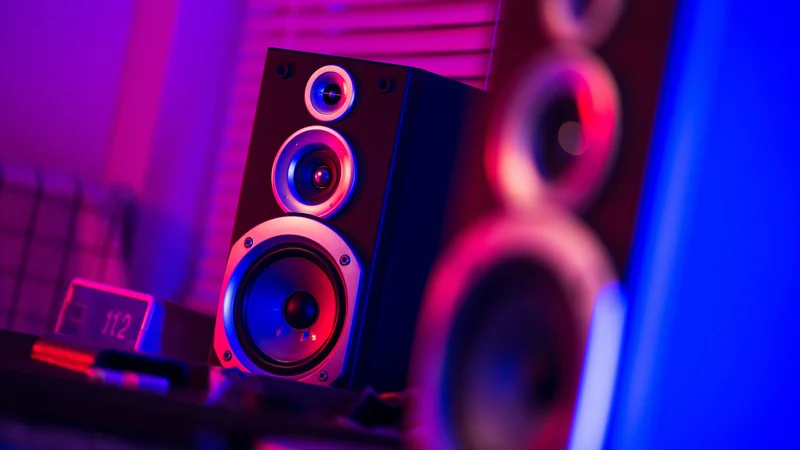
Explore what audio amplifiers do, how they impact your sound system quality, and whether you actually need a separate unit for your home theater.
A Guide to Cleaning Vinyl Records Across Budgets
Discover the right way to clean your vinyl records, from basic carbon fiber brushes and budget wet washing to advanced ultrasonic cleaners.
Smart Switches vs Smart Bulbs: A More Inclusive Home Upgrade
Discover why smart switches offer a more inclusive, practical, and reliable alternative to individual smart bulbs for shared household lighting.
What to Know Before Buying a Wireless CarPlay Adapter
Discover what to look for when buying a wireless CarPlay adapter, including vehicle compatibility, Bluetooth standards, iOS updates, and auto-reconnect features.