Gemini for Android Rolls Out Side Panel and Settings Redesign
Google has brought a fresh look to the Android version of the Gemini app, introducing newly structured side panel navigation and a consolidated settings page following previous updates.
 Radwan AbdulhadiEditor and technology writer
Android App Receives Interface Revamp
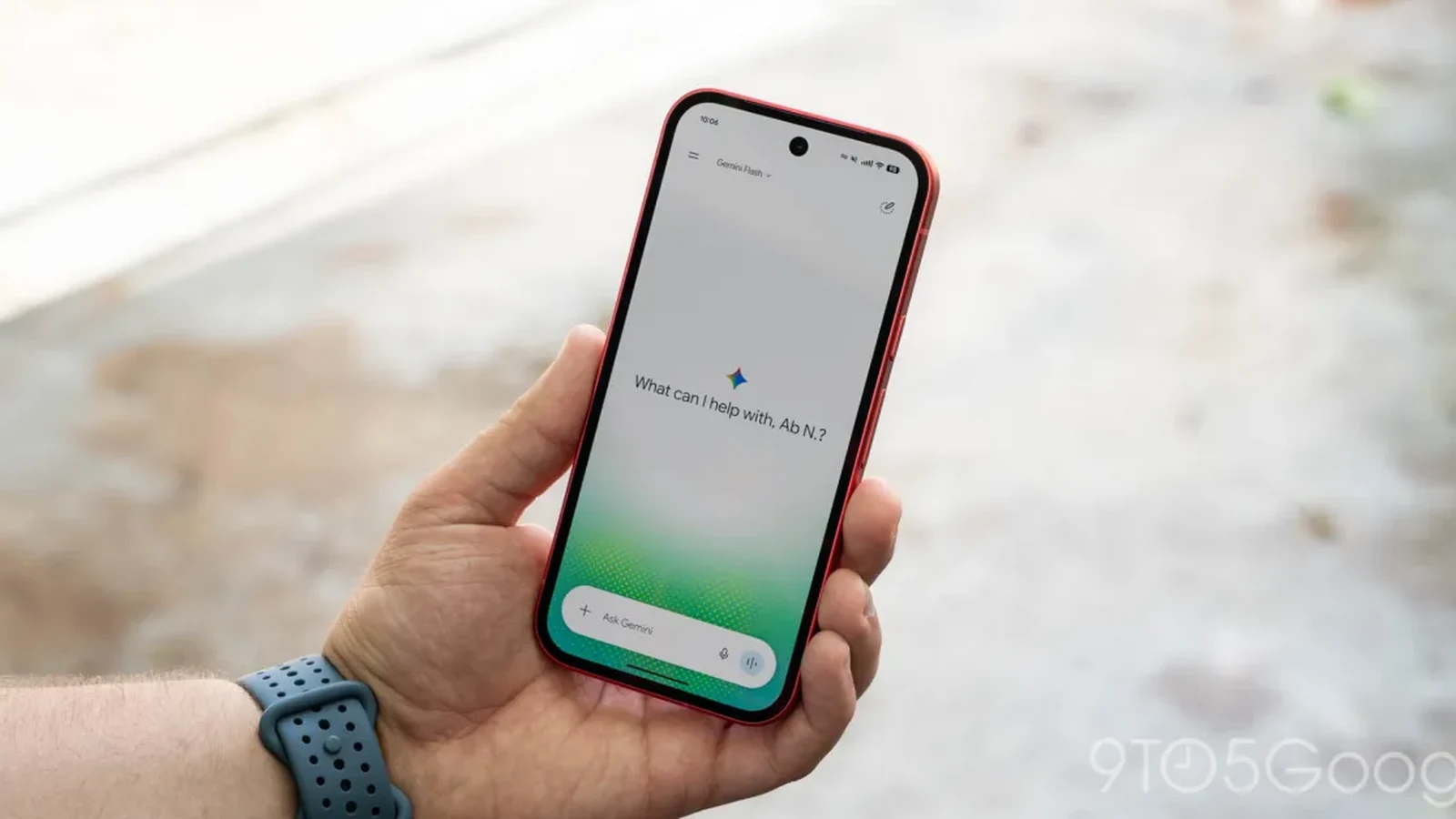
Following the recent Spark-to-Task update reported by outlets like [ 9to5Google ], the Gemini app on Android is now widely receiving redesigns for its side panel and settings menu through a server-side update.
This rollout brings the Android experience closer to other platforms where these interface modifications previously launched alongside the Gemini 4 Argon release.
Side Panel Adjustments and Navigation Changes
The updated side panel begins with Google moving the search feature to the top-right corner of the interface. The first listed item remains New chat, while the Library option now appears right next to it instead of being situated near the bottom of the drawer.
To prevent the navigation drawer from becoming overly cluttered while still giving users access to recent chats, the application displays only five items by default. Tapping a "More" option expands the list to show remaining shortcuts.
For users subscribed to AI Ultra, the complete expanded list includes New chat, Library, Images, Scheduled, Daily brief, Customize, Students, Videos, and Gems.
Consolidated Settings Page
In addition to side panel tweaks, the [ Gemini app ] has overhauled its settings architecture. Preferences are no longer split awkwardly between the account menu and a separate settings section.
Google has successfully consolidated everything into one centralized page. Consequently, the account menu is now dedicated strictly to switching accounts, providing feedback, or accessing help options.
Organized Menu Categories
The newly organized Settings page opens with options for managing the account and checking usage limits. Under the Preferences heading, users can configure Notifications, Personal Intelligence, Avatar, Task settings, a new Theme option, Skills, Voice, Media, Device controls, Cart and orders, and Gemini Notebook.
Two additional dedicated sections round out the unified settings layout. The Data & privacy section contains tools for importing memory, managing contact information from devices, viewing Gemini Apps Activity, checking public links, and visiting the Privacy Help Hub.
Finally, the Get support section supplies links for general help, reporting problems, viewing information about the application, and checking for updates.
Broader Platform Rollout Context
These refreshed user interface elements mirror changes that originally debuted on iOS, macOS, and the web application. With the recent server-side update reaching Android devices globally, Google continues to unify the experience across ecosystems.
Users navigating the [ Gemini ] ecosystem can expect these structured menus to appear automatically as the server-side deployment finishes propagating to all supported Android devices.
Sources
- 9to5GoogleGemini for Android rolls out side panel and settings redesign
Continue chronologically


Related entity coverage
Related stories
Gemini App Updates Bring New Design and File Generation
A pair of new Gemini app updates rolls out the latest overlay design to all Android devices and delivers major upgrades for file generation.
Google Rolls Out New AI Defenses on Android Against Scams
Google is rolling out new AI-powered defenses on Android to combat messaging scams, fake calls, and call-forwarding abuse on eligible devices.

Google Messages Adds Enhanced Protection Mode for Android
Google is introducing an enhanced protection mode in Google Messages and new Android security features for Cybersecurity Awareness Month.
Google's Googlebooks Aim to Bridge Android Phones and Laptops
Google's first Googlebooks go on pre-order October 4, promising deeper Android phone integration, AI tools, and a new Android-based foundation.