Ways to Reuse an Old Chromebook Instead of Discarding It
Even if you are upgrading your hardware, an older Chromebook still retains plenty of utility for various alternative tasks around the house.
 Radwan AbdulhadiEditor and technology writer
Using the Existing Screen for Displays
Chromebooks are known as some of the most appealing low-cost laptops available, but technology eventually outpaces older hardware configurations. Rather than letting an outdated machine collect dust, users can employ several methods to extract extra value from it. Even when a Chromebook is out of date, its display often remains entirely serviceable.
The most effective approach to utilizing the built-in screen is converting the laptop into a secondary monitor. Using a software option like Duet allows individuals to connect their Chromebook to a PC or Mac to either mirror or extend their desktop workspace, though the utility requires a small subscription fee. Alternatively, users who prefer not to set up a dual-monitor layout can repurpose the device as a digital photo frame by loading images, disabling the automatic sleep function, and launching a fullscreen slideshow.
Managing Smart Home Environments
Beyond serving as a standalone display, an old Chromebook can comfortably support or run household smart automation networks. The simplest implementation involves accessing Google Home directly through a web browser or by downloading the official Android application. For households utilizing separate hardware components like a PC or a Raspberry Pi to host automation software, an older laptop provides an ideal interface terminal.
Users can leverage their machine to run Home Assistant by accessing the browser-based interface, turning the laptop into a dedicated touchscreen display for centralized control. A more technically demanding approach involves installing Linux and running the Home Assistant application directly on the Chromebook hardware. Advanced guides provided by projects like Chrultrabook and MrChromebox outline firmware flashing methods to help convert older devices into native Linux environments.
Deploying Linux for Servers and Gaming
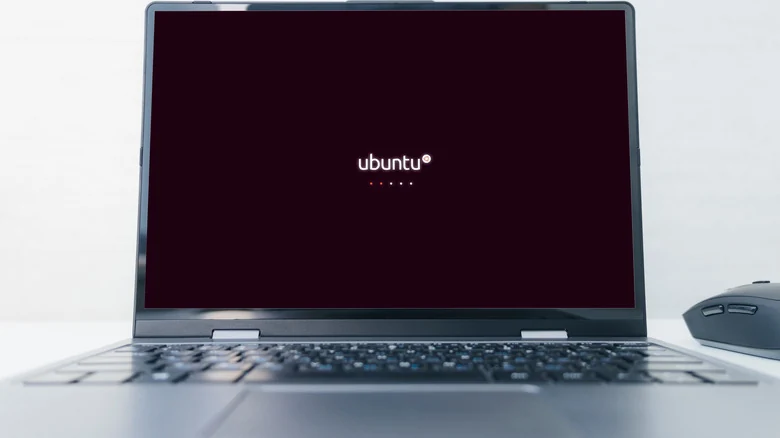
Unlocking the full potential of an older laptop often involves transitioning to a Linux-based operating system. Despite restricted hardware specifications, a repurposed Chromebook can function adequately as a lightweight file server to stream media data across a local network. By deploying applications such as Plex or Jellyfin on a Linux-equipped device, users can maintain a dedicated media streaming station.
Specialized configurations also allow these laptops to operate as dedicated retro gaming units. Software like Batocera brings multiple gaming emulators to low-powered hardware platforms, establishing a portable gaming device that preserves resources on a primary computer. While the emulators themselves remain technically legal, operating systems must account for legal restrictions regarding copyrighted game ROMs.
Native ChromeOS Linux Capabilities
For individuals who prefer to avoid installing a completely new operating system firmware, native tools offer a middle ground. Google includes an official feature known as Linux on ChromeOS, or Crostini, which provides access to a built-in virtual machine.
Although Crostini is primarily designed to support software developer tools, users can run alternative applications inside the virtual environment as well. The primary drawback of this approach is that running a virtual machine demands significantly more system overhead than native installations, which can severely constrain performance and application compatibility on older computer models.
Sources
- EngadgetDon't throw away your old Chromebook (even if you're getting a Googlebook)
Continue chronologically
Related entity coverage
Related stories
What to do with your unsupported first- and second-gen Nest
Discover your options for older first- and second-generation Nest Learning Thermostats after Google discontinued support, from third-party tools to recycling.
Creative Ways to Reuse Your Old Android Phone
Discover how to repurpose your aging Android phone into a handy smart home controller, kitchen display, security camera, and more.
How to Enable Developer Mode on Your Chromebook
Learn how to turn on Developer Mode on your Chromebook, what changes to system security occur, and when advanced system access is necessary.
Google TV Streamer Sequel Highlights Smart Home Strategy Challenges
Google is reportedly preparing a next-generation TV Streamer, but the hardware lineup faces mounting competition and calls for ecosystem updates.