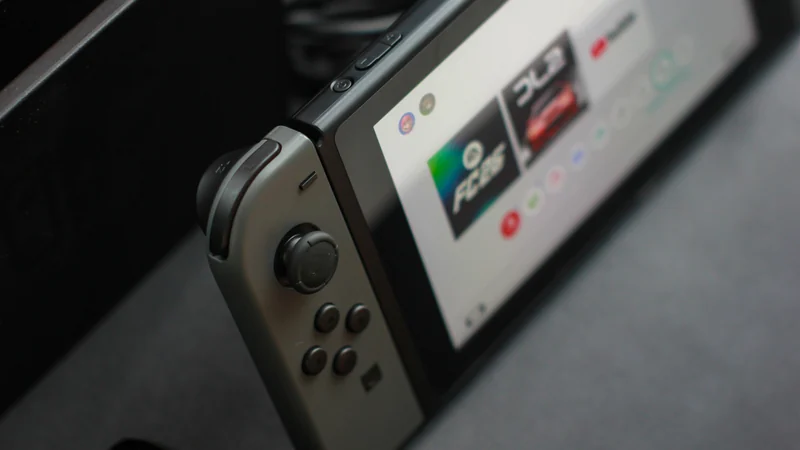
Crkd Nitro Deck 2 Hands-On: A Mixed Switch Accessory
The Crkd Nitro Deck 2 brings cross-generation compatibility to Nintendo consoles, but sacrifices button layout comfort and secure design for broader support.
 Radwan AbdulhadiEditor and technology writer
Introduction and Pricing
The original Nitro Deck served as a notable solution for the original Nintendo Switch by introducing Hall effect sticks to drift-plagued hardware without requiring complex repairs. Building on that foundation, the <a href="https://www.theverge.com/tech/1017508/crkd-nitro-deck-2-nintendo-switch-2-controller-case-hands-on">Crkd Nitro Deck 2</a> has been introduced to support both the original console and the larger Switch 2.
Retailing at $99.99, the new iteration continues the tradition of offering alternative sticks compared to Nintendo's factory Joy-Cons, though these replacements do not feature Hall effect or TMR technology. Despite some welcome upgrades, early hands-on evaluations indicate that the accessory is far from essential.
Button Layout and Ergonomic Concerns
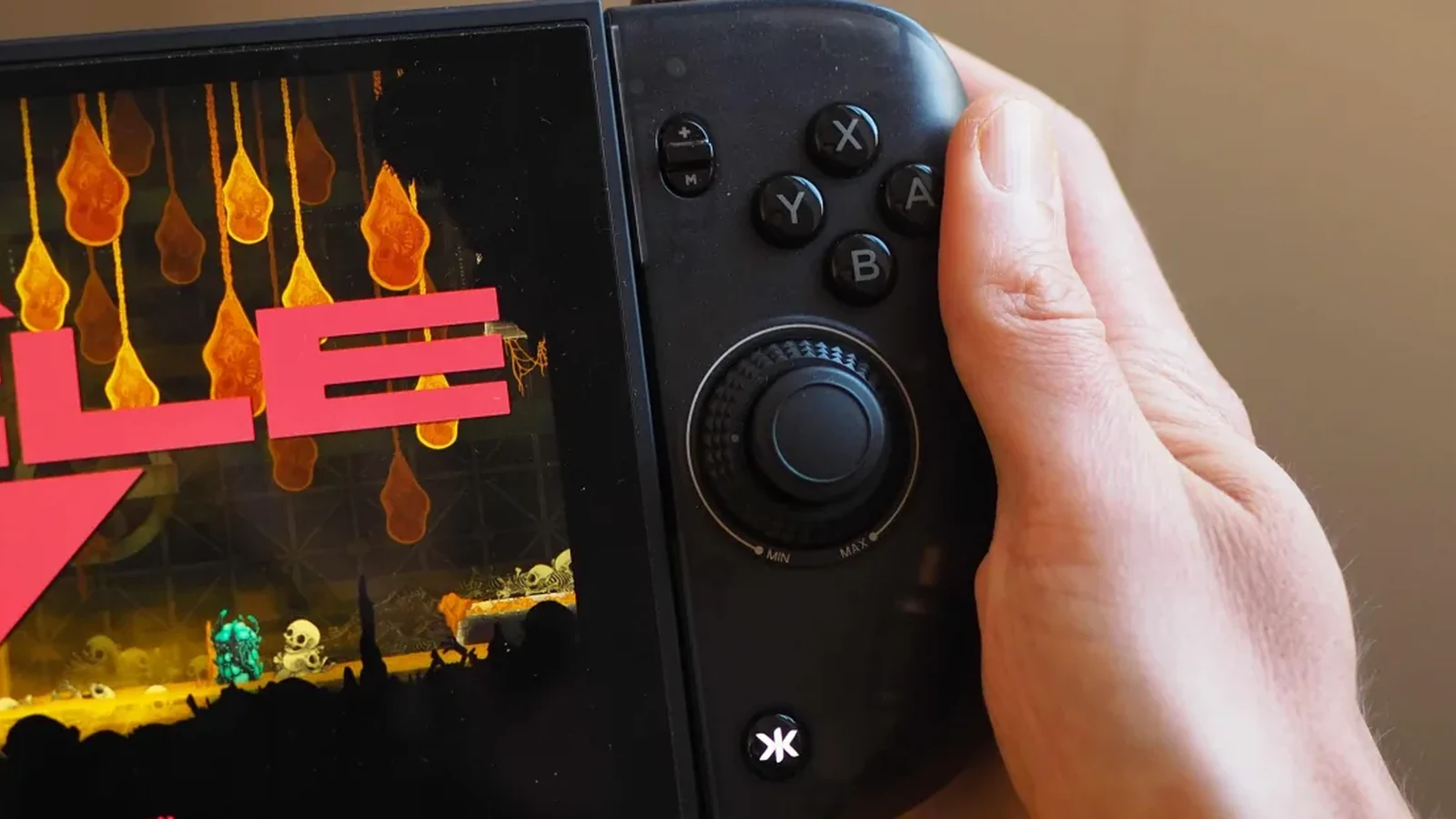
A primary critique of the hardware centers on its button and stick arrangement. Testing revealed that it is excessively difficult to use the ABXY face buttons without the right stick getting in the way. This stick-to-button arrangement represents a step down from the original <a href="https://www.polygon.com/reviews/23870523/nitro-deck-nintendo-switch-review/">Nitro Deck</a> and falls short of the symmetrical, Steam Deck-like stick layout found in the video output-ready Nitro Deck Plus.
Users typically prefer a certain amount of breathing room between the right stick and the face buttons. While some hardware manufacturers space out these inputs or utilize smaller sticks to accommodate natural thumb placement, the layout on the new iteration forces an uncomfortable thumb approach that is described as being a few millimeters off.
Redesigned Mounting and Compatibility Tradeoffs
To accommodate both the newer and older Switch hardware iterations, the original model's slide-in design was traded for a vice-grip mechanism. The hardware incorporates a twisting mechanism on the back that allows users to loosen, tighten, or lock the grip.
While this engineering choice achieves broader cross-generation compatibility, it results in a structure that feels inherently less secure. Asking owners to entrust a heavy twisting mechanism around a high-value console requires considerable faith in the mounting stability, even if the hardware remains relatively stable during testing.
Customization Features and Stick Adjustments
Beyond layout criticisms, the hardware incorporates several notable improvements. The accessory includes adjustable tension on both sticks, giving users the ability to configure how quickly the sticks snap back to their original position compared to default speeds.
Furthermore, the bulkier overall build enhances handheld comfort for medium-sized hands during extended gaming sessions. The device is also equipped with multiple customizable buttons, featuring four inputs located on the back alongside an extra button positioned near the triggers.
Alternative Hardware Options on the Market
The current hardware landscape for this product category features limited direct competitors. Other options tested in the market, such as the <a href="https://www.theverge.com/tech/880971/abxylute-n6-switch-2-hands-on-controller">abxylute N6</a>, have received similar lukewarm feedback regarding overall usability.
Consumers seeking alternative handheld enhancements can also explore protective options like the <a href="https://www.theverge.com/tech/686719/dbrand-killswitch-switch-2-case-review">Dbrand Killswitch 2</a> or the <a href="https://www.theverge.com/tech/1008161/mechanism-basecase-switch-2-case-hands-on">Mechanism Basecase</a>. Alternatively, players can opt for a standalone wireless controller paired with protective cases to improve ergonomics and rumble performance.
Sources
- The VergeThis Switch 2 sequel accessory was a few millimeters away from being good
Continue chronologically

Related stories
How to Fix Nintendo Switch 2 TV Connection Issues
Troubleshoot your Nintendo Switch 2 TV connection problems by checking your dock placement, power cables, HDMI settings, and system updates.
Valve Launches Steam Frame VR Headset Starting at $1,059
Valve has officially released its Steam Frame VR headset. Discover the latest tech news including new RPG titles and compact digital cameras.

Switch 2 security hit as hackers unlock homebrew
Switch 2 security takes a hit as a software-only partial jailbreak allows hackers to run homebrew, mod games, and access peripherals.
Is the Original Nintendo Switch Still Worth Buying in 2026?
Nine years after launch, is the original Nintendo Switch worth the investment? We break down the value of used versus new consoles in the age of Switch 2.