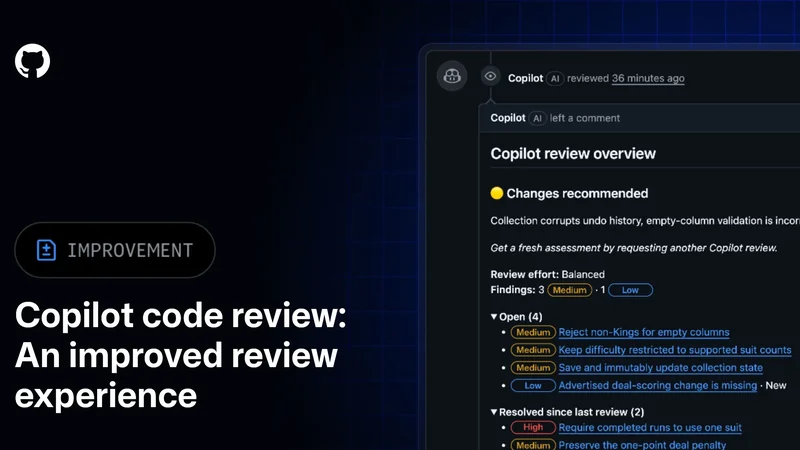
GitHub Copilot App Gains New Security Extension in Public Preview
GitHub has introduced a new security extension for the GitHub Copilot app, currently available in public preview, designed to streamline how developers handle repository code scanning alerts.
 Radwan AbdulhadiEditor and technology writer
Streamlining Code Scanning in the Copilot App
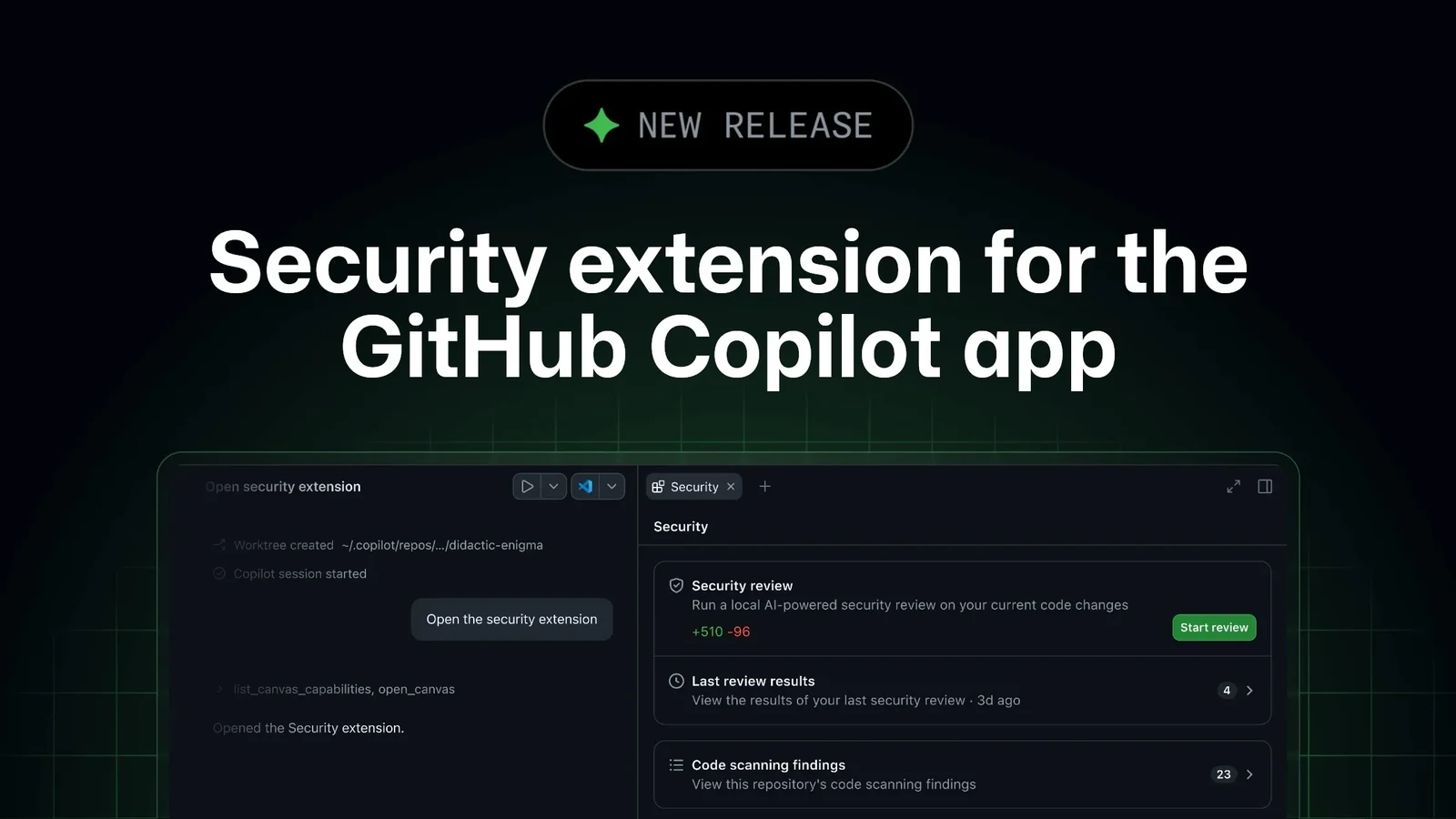
GitHub has announced the release of a new security extension for the GitHub Copilot app, which is now available in public preview. According to the official [GitHub Changelog](https://github.blog/changelog/2026-10-28-security-extension-for-the-github-copilot-app/), developers can now work through their repository’s GitHub code scanning alerts without ever leaving the GitHub Copilot application.
Previously, addressing a code scanning alert required developers to constantly switch back and forth between the alert interface on github.com and their active code editor. With the introduction of this security extension, the process of finding an alert and carrying out a fix is consolidated into a single workspace environment.
Browsing, Filtering, and Resolving Alerts
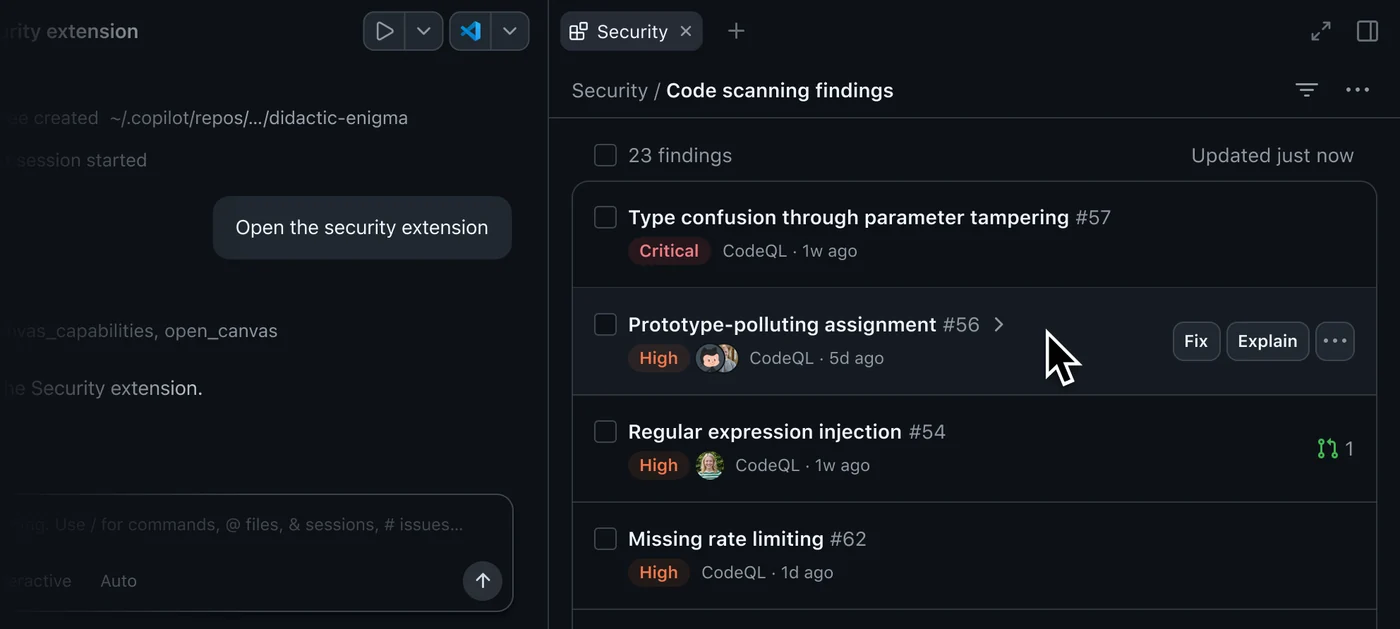
For repositories that already run code scanning, the security extension surfaces all open code scanning alerts directly within the app. Users are able to browse every open alert arranged in order of severity, alongside search and filtering capabilities to narrow down long lists of issues.
Opening an individual alert displays its core details alongside the affected code blocks. When deeper context is required, developers still retain the option to open the full alert page directly on github.com. Furthermore, the extension displays any linked pull requests, ensuring developers can instantly check if another team member is already actively working on a solution.
AI-Powered Explanations and Local Fixes
Developers can select one or multiple alerts and prompt Copilot to either explain the underlying issue or help fix it. GitHub notes that Copilot restricts its modifications strictly to the developer's local working copy, meaning it does not automatically commit or push any alterations. This design allows teams to carefully review and iterate on changes locally inside the app before pushing when they are ready.
In addition to fixing existing problems, users can catch potential issues prior to opening a pull request by executing the /security-review command on current local changes. The extension will display these findings alongside existing alerts and notify the developer whenever the underlying code has changed since the last review.
Chat Integration and Dismissal Management
The integration extends into general chat workflows as well. Users can query Copilot about their active alerts within chat, and Copilot utilizes the security extension's tools identically to any other tool, operating strictly under the user's defined tool permission settings.
Alerts that developers do not intend to address can also be dismissed directly through the app. For organizations utilizing delegated alert dismissal policies, the extension automatically routes the dismissal request through the appropriate approval channels.
Installation and Credit Consumption
Installing the extension can be accomplished via the terminal by running copilot plugin install github-security@awesome-copilot. Alternatively, users can navigate to the GitHub Copilot app, select Customize, search for github-security, and click the install button. Once installed, the extension is enabled automatically, granting immediate access to the Security canvas from any repository session.
GitHub specifies that actions such as Explain, Fix, and /security-review rely on the specific model selected within the app and consume AI credits like standard prompts. Conversely, browsing and dismissing alerts do not utilize AI credits.
System Compatibility and Requirements
The public preview of the security extension is currently accessible on github.com and GitHub Enterprise Cloud environments equipped with data residency features. GitHub Enterprise Server is not supported at this time.
The extension can be installed across any Copilot plan to run /security-review on local modifications. For teams utilizing Copilot Business or Copilot Enterprise tiers, an administrator must explicitly enable the GitHub Copilot app policy, and can utilize enterprise-managed settings to govern which plugins developers are permitted to install. Detailed guidelines can be found by reviewing the official [security extension documentation](https://docs.github.com/copilot/how-tos/github-copilot-app/view-and-fix-security-alerts?utm_source=app-security-extension-changelog-docs&utm_medium=changelog&utm_campaign=universe-2026) and participating in conversations via the [GitHub Community](https://github.com/orgs/community/discussions/210997?utm_source=app-security-extension-changelog-community-discussion&utm_medium=changelog&utm_campaign=universe-2026).
Sources
- GitHub ChangelogSecurity extension for the GitHub Copilot app
Continue chronologically

Related entity coverage
Related stories
GitHub Copilot App Introduces Local Sandboxing in Preview
GitHub has announced local sandboxing for the GitHub Copilot app in public preview, helping to reduce the potential impact of unintended commands.
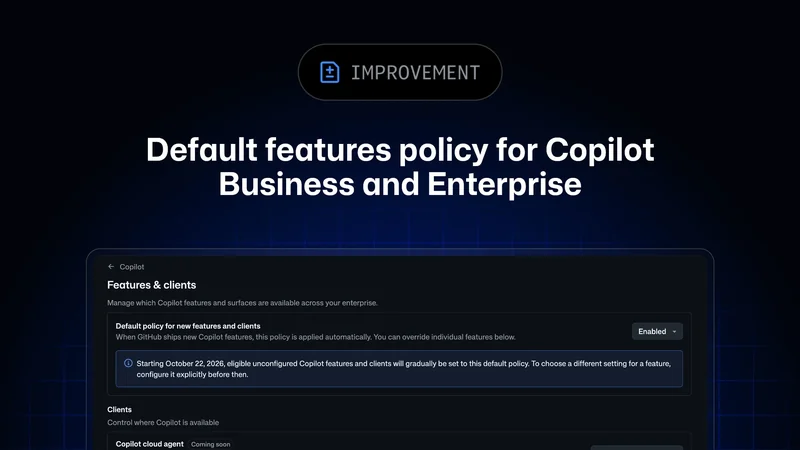
Global Default Policy for GitHub Copilot Features Rolls Out
GitHub begins gradually rolling out enforcement of its global default policy for Copilot Business and Copilot Enterprise plans through October 26.
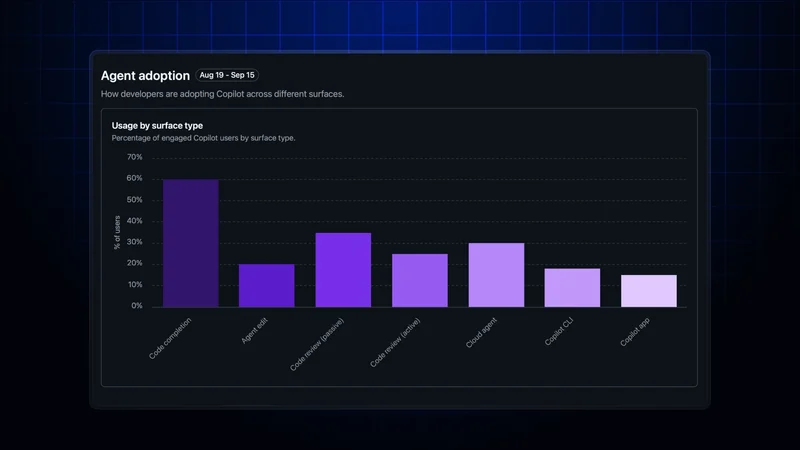
GitHub Adds Feature Engagement to Copilot Dashboard
GitHub’s Copilot impact dashboard now shows regular feature use, while enterprise and organization reports add 28-day engagement data.
GitHub improves Copilot code review with new tools
GitHub has made Copilot code review generally available with clearer review tracking, smarter comment resolution and batch commit messages.