GitHub Copilot Fusion Generally Available for All Plans
GitHub has announced the general availability of GitHub Copilot Fusion, a system designed to intelligently route and orchestrate models for each task without requiring manual switching.
 Radwan AbdulhadiEditor and technology writer
Introduction to GitHub Copilot Fusion
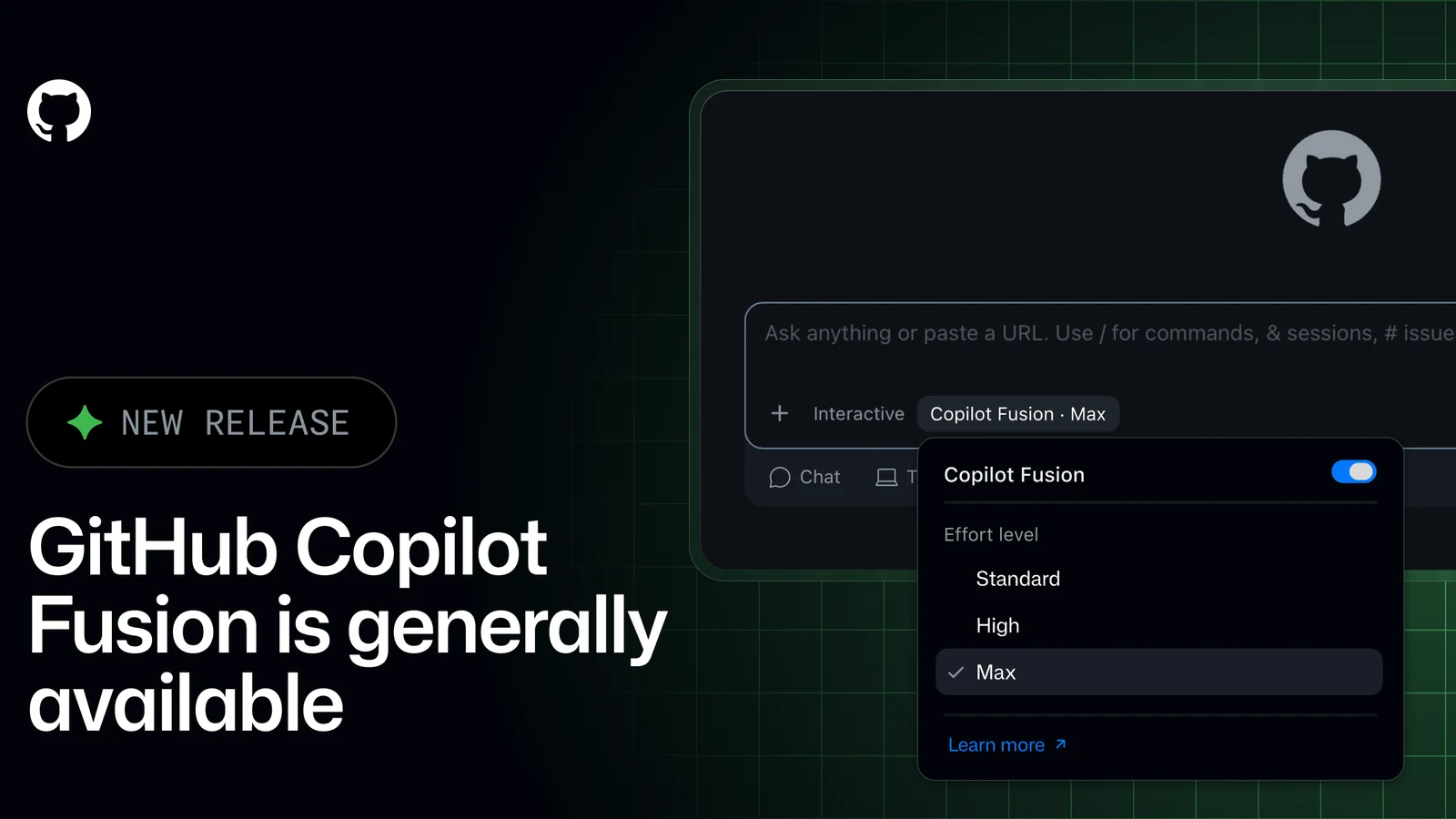
GitHub has officially announced that [GitHub Copilot Fusion](https://github.com/copilot/concepts/models/copilot-fusion?utm_source=changelog-docs-link-fusion&utm_medium=changelog&utm_campaign=universe-2026) is generally available. Instead of forcing developers to manually pick a specific model for each individual task, the system allows Copilot to intelligently route and orchestrate the underlying models it uses.
The new offering brings together the multi-model orchestration capabilities previously found in [Project HydraFusion’s](https://github.blog/ai-and-ml/github-copilot/project-hydrafusion-frontier-quality-via-multi-model-orchestration/) development cycle along with [Copilot auto model selection’s](https://docs.github.com/copilot/concepts/models/auto-model-selection) fine-tuned model selection. By leveraging both approaches, the platform aims to balance high performance with cost efficiency.
Performance and Efficiency Metrics
According to performance metrics shared by the company following improvements made since the initial launch of Project HydraFusion, Copilot Fusion Max scored 60 in the Artificial Analysis Coding Agent Index. This places it within two points of Claude Code with Opus 5.5 Max while delivering results at approximately half the average API cost per task, consuming roughly half as many tokens, and requiring about 40% less time per task.
Enterprise feedback highlights similar operational advantages. Hari Pokhrel, a Principal Software Engineer at AT&T, noted that GitHub Copilot Fusion Standard has improved token efficiency across the organization by automatically selecting the appropriate model for each given task. This reduction in unnecessary spend helps preserve organizational capacity for higher-value engineering work.
Effort Levels and Orchestration Workflows
When utilizing the system, developers select Copilot Fusion in the model picker and then define a preferred level of effort rather than targeting a static model. The available effort tiers include Fusion Standard, which prioritizes versatile models for everyday coding; Fusion High, which focuses on capable models for challenging tasks and deeper reasoning; and Fusion Max, which leverages the most capable models for demanding and complex reasoning workflows.
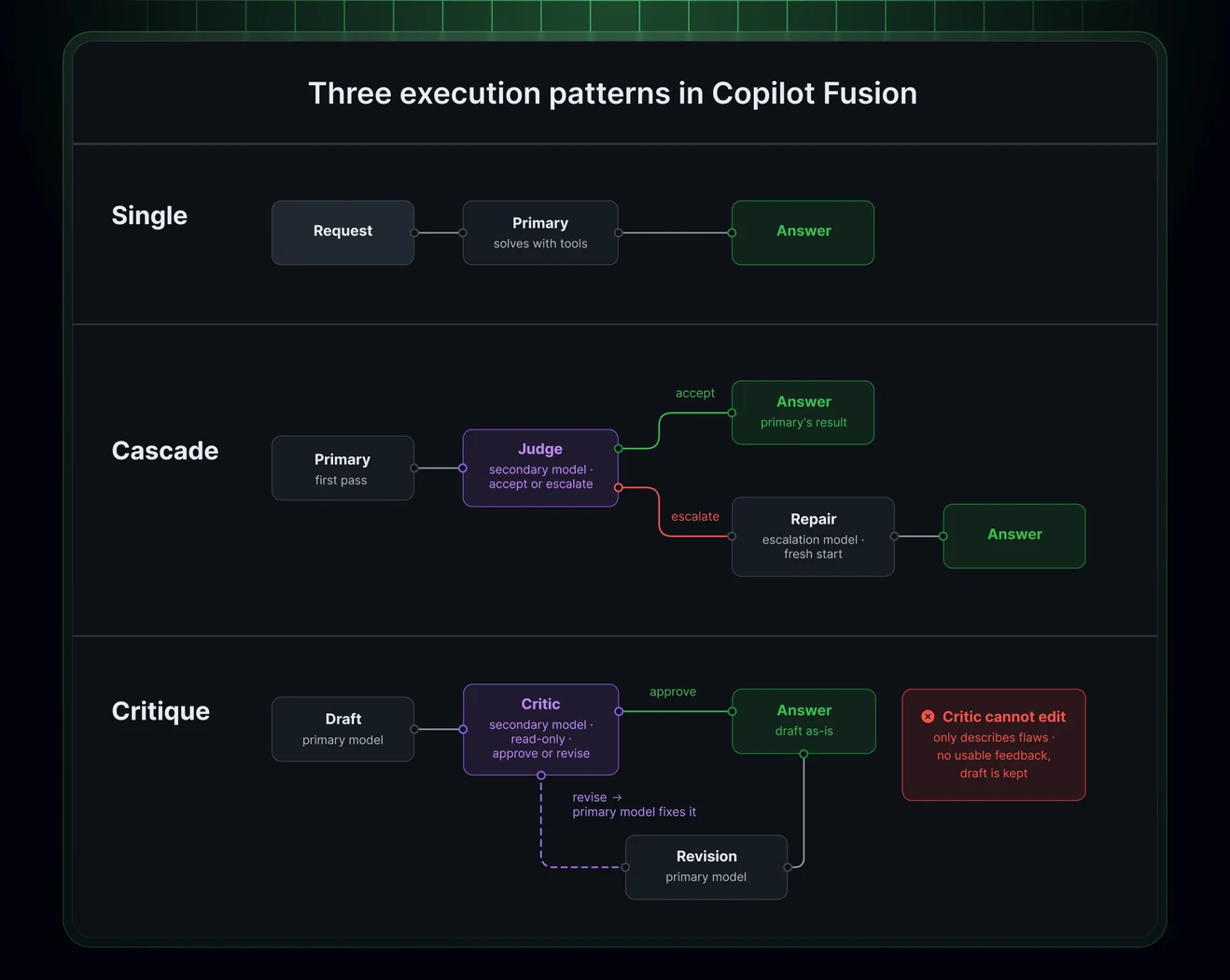
Behind the scenes, the system analyzes each prompt to decide which models to use and how they should cooperate. The orchestration workflows include a Cascade method, where an efficient model drafts a response before a quality check determines whether to accept it or escalate to a stronger model, and a Critique method, where one model drafts an initial response, another model reviews it, and the original model revises the output.
Administrative Controls and Billing
System administrators maintain granular control over the models that Copilot Fusion is permitted to use. Copilot Fusion restricts its selection pool strictly to models that are enabled within the enterprise and organization model policies. Enterprise administrators can review the specific models chosen by Copilot Fusion, set effective policy states independently, and disable individual models for the Fusion tier without disabling those models for all users.
Additionally, administrators can configure Copilot Fusion at any effort level to serve as the default model option for users across the enterprise through [Enterprise managed settings](https://docs.github.com/copilot/reference/enterprise-administrators/enterprise-managed-settings#fusiontier). Regarding billing, users are billed for each model utilized during a session at that model's standard rate, though a temporary 30% discount on model costs is available for a limited time to paid Copilot plan subscribers.
Client Availability and Getting Started
GitHub Copilot Fusion is supported across all Copilot plans within Visual Studio Code, the [GitHub Copilot app, Universe releases](https://github.blog/changelog/2026-10-28-github-copilot-app-universe-releases), GitHub Copilot CLI, and JetBrains IDEs, with additional client support scheduled for future releases. Developers currently participating in the research preview who previously enabled auto, HydraFusion, or HydraFusion Max settings will find that their selections automatically transition to the corresponding Copilot Fusion effort levels.
To begin using the new feature, developers should update their respective clients, open the model picker, choose Copilot Fusion, and select an appropriate effort level. Further technical documentation and community discussions are accessible via the [GitHub Community](https://github.org/orgs/community/discussions/211017?utm_source=changelog-community-discussion-fusion&utm_medium=changelog&utm_campaign=universe-2026) portal.
Sources
- GitHub ChangelogRoute and orchestrate models with GitHub Copilot Fusion
Continue chronologically


Related entity coverage
Related stories
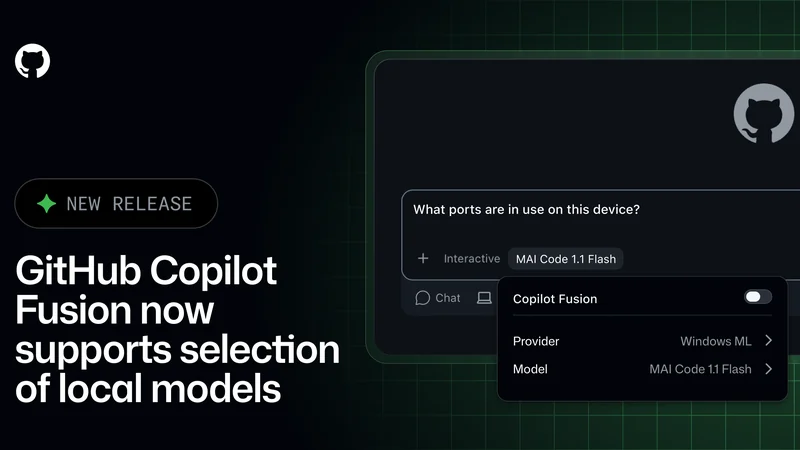
GitHub Copilot Fusion Adds Support for Local Models
GitHub Copilot Fusion now supports intelligent routing for local models in an experimental preview across the Copilot CLI, app, and VS Code.
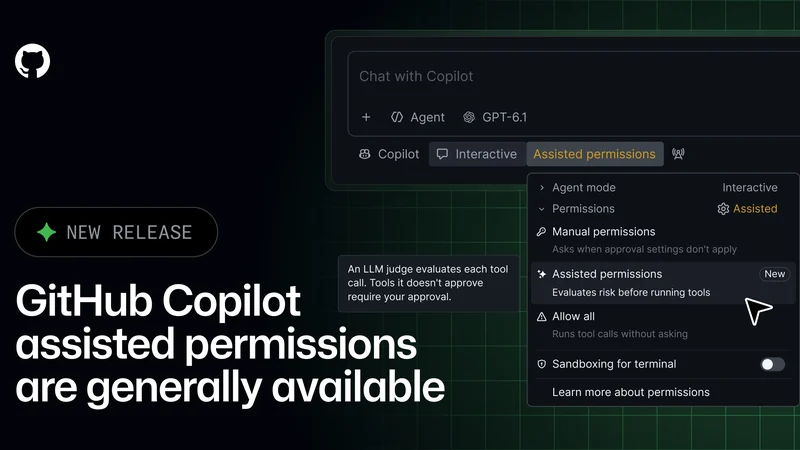
GitHub Copilot Assisted Permissions Generally Available
GitHub Copilot assisted permissions are now generally available in Visual Studio Code, the GitHub Copilot app, and the GitHub Copilot CLI.
GitHub Tightens Enterprise Copilot Settings Enforcement
GitHub is giving enterprise administrators stricter control over Copilot policies with fresh settings checks and minimum client versions.

GitHub Copilot Updates in VS Code Bring New Agent Features
GitHub introduces major updates for Copilot in Visual Studio Code, featuring session continuity, cloud agents, and new customization controls.