GitHub Copilot Assisted Permissions Generally Available
Assisted permissions are now generally available across the GitHub Copilot CLI, the GitHub Copilot app, and Visual Studio Code, introducing a smarter way to manage commands and access requests.
 Radwan AbdulhadiEditor and technology writer
General Availability Announcement
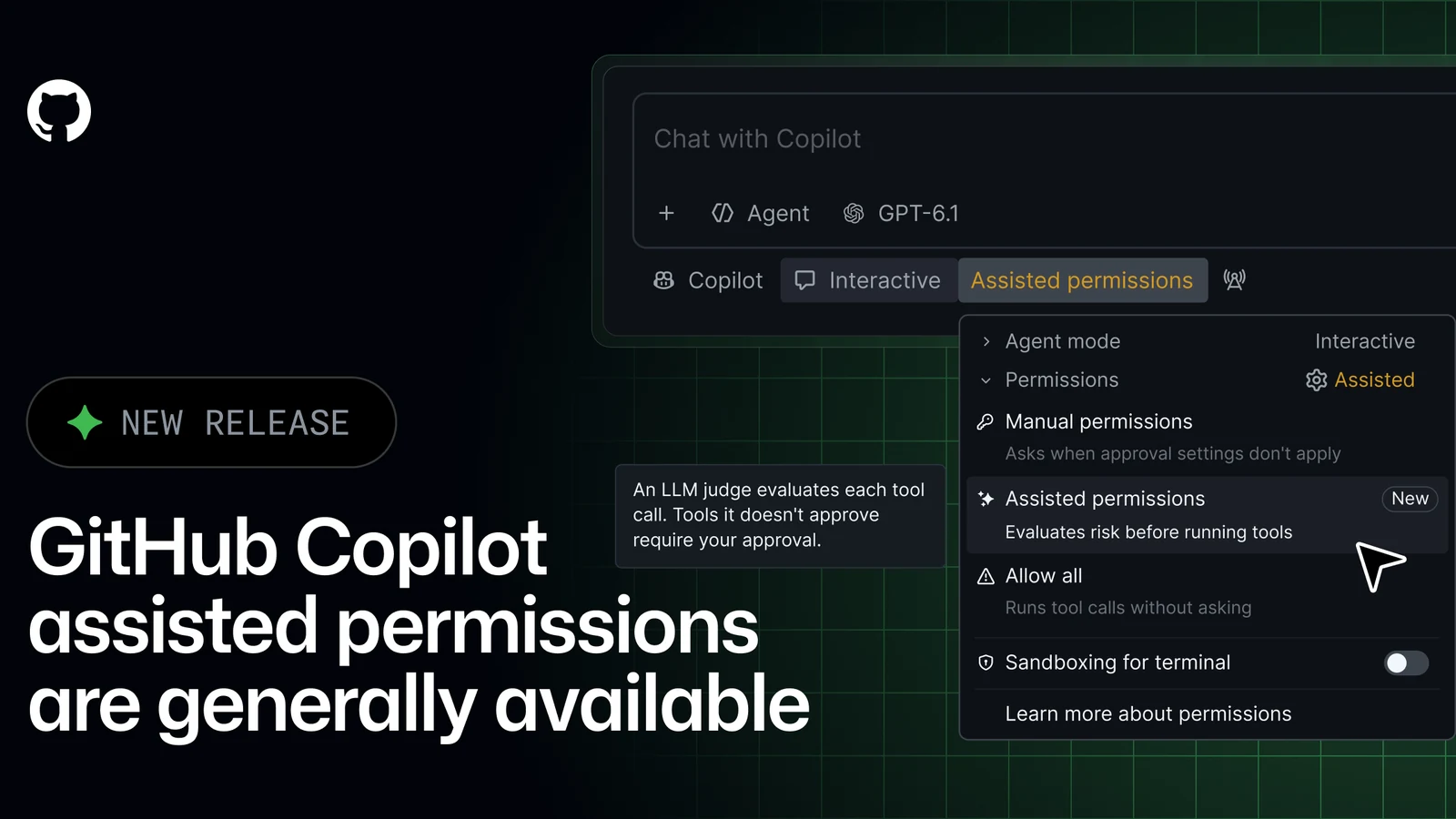
According to the official [GitHub Changelog](https://github.blog/changelog/2026-10-26-github-copilot-assisted-permissions-generally-available/), assisted permissions are now generally available in Visual Studio Code, the GitHub Copilot app, and the GitHub Copilot CLI. This major update brings a more streamlined workflow to developers who rely on these client applications for day-to-day coding tasks, automation, and terminal interactions.
The rollout of assisted permissions aims to reduce friction during development sessions by intelligently evaluating routine requests made by the assistant. Instead of interrupting the developer for every minor action, the system applies automated evaluations to common operations, significantly improving efficiency across supported environments.
Developers using the GitHub Copilot CLI, the desktop app, or Visual Studio Code can immediately begin utilizing these capabilities as part of their standard workflows. The feature integrates directly into existing user interfaces, ensuring a seamless transition to the new evaluation framework.
As development tools continue to evolve rapidly, features like assisted permissions represent a crucial step toward balancing automation with security. By filtering out routine prompts, developers can maintain their focus on complex problem-solving and writing robust code.
How Assisted Permissions Evaluate Requests
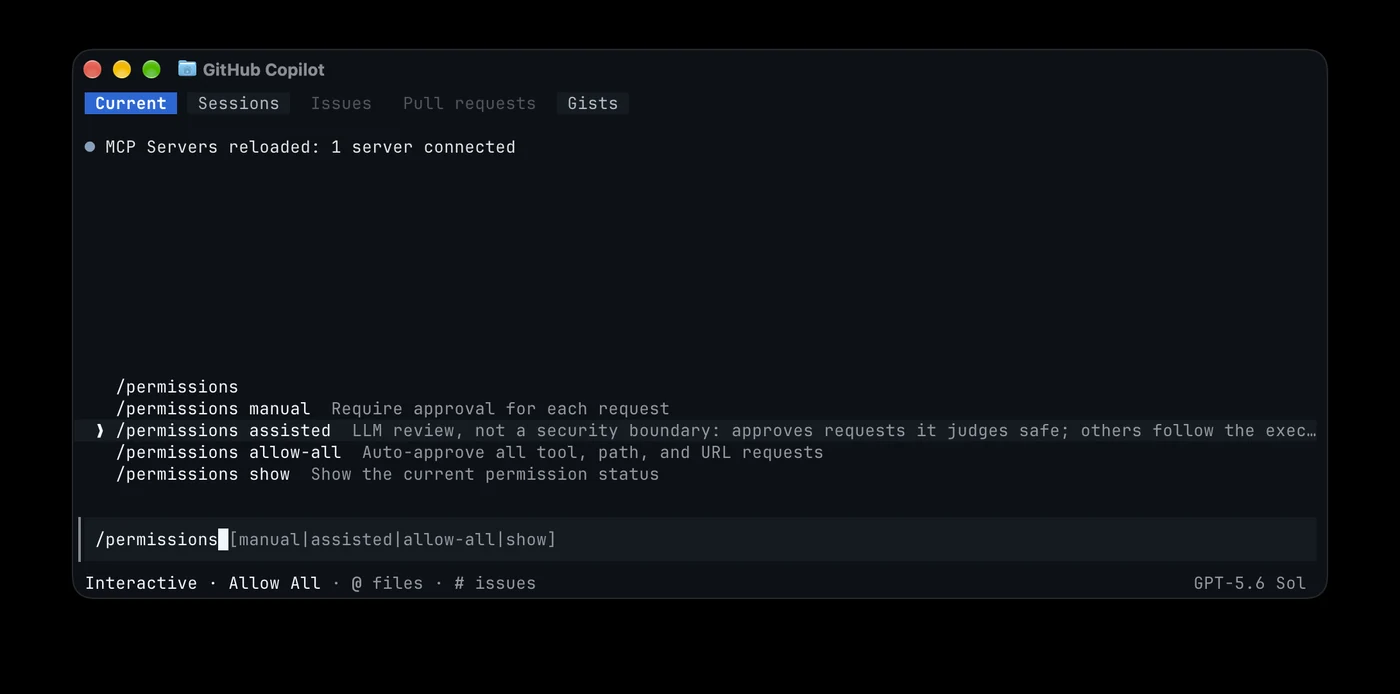
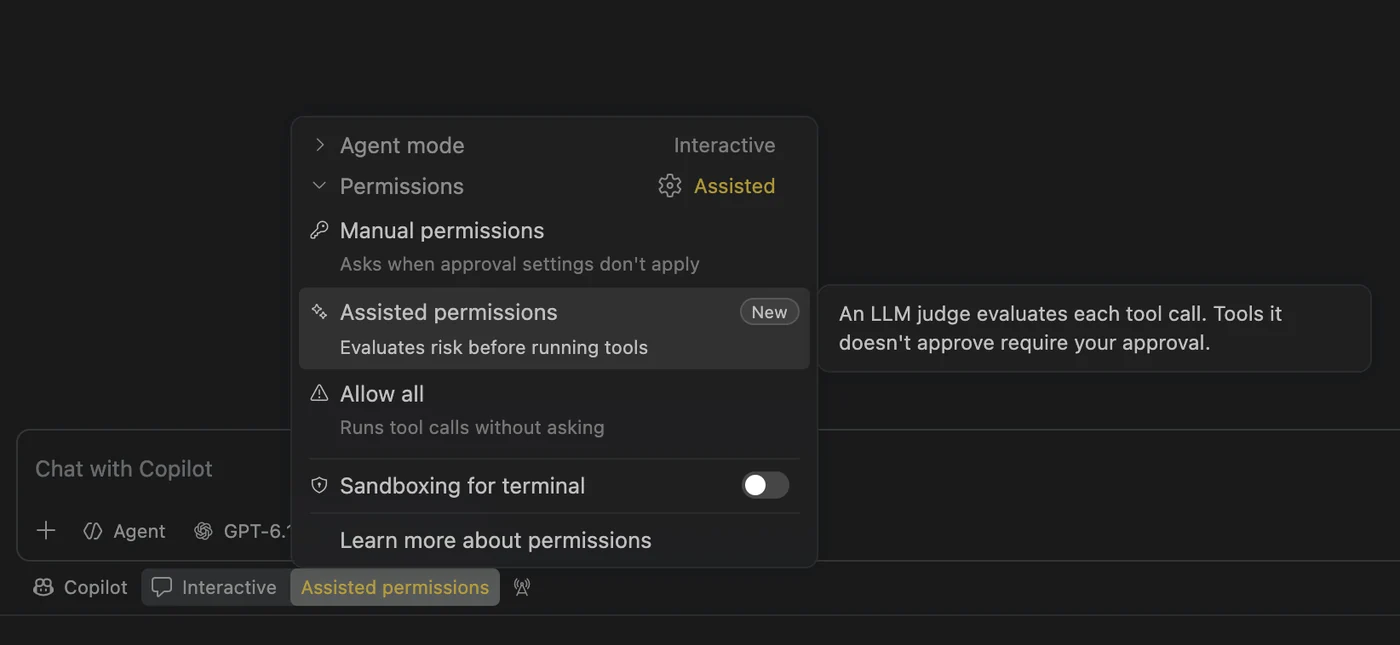
When GitHub Copilot requests permission to execute a command, access a file system path, or open a URL, a large language model evaluates the request in real time. Requests that are classified as clearly safe automatically proceed without requiring manual intervention from the developer.
Conversely, any requests that do not fall securely into the safe category will still require explicit user approval. This ensures that potentially sensitive or destructive actions remain strictly under the control of the human developer, preserving security best practices.
To learn more about the specific evaluation criteria and the exact scenarios where manual approval remains mandatory, developers can consult the documentation on [Allowing safe commands to run without manual approval](https://docs.github.com/copilot/concepts/customizations/allowing-safe-commands).
The intelligent classification model acts as an intermediary layer, reducing alert fatigue while maintaining a high standard of oversight. Developers no longer need to manually approve every single benign command, yet they retain full veto power over ambiguous or high-impact requests.
Configuring and Enabling Assisted Mode
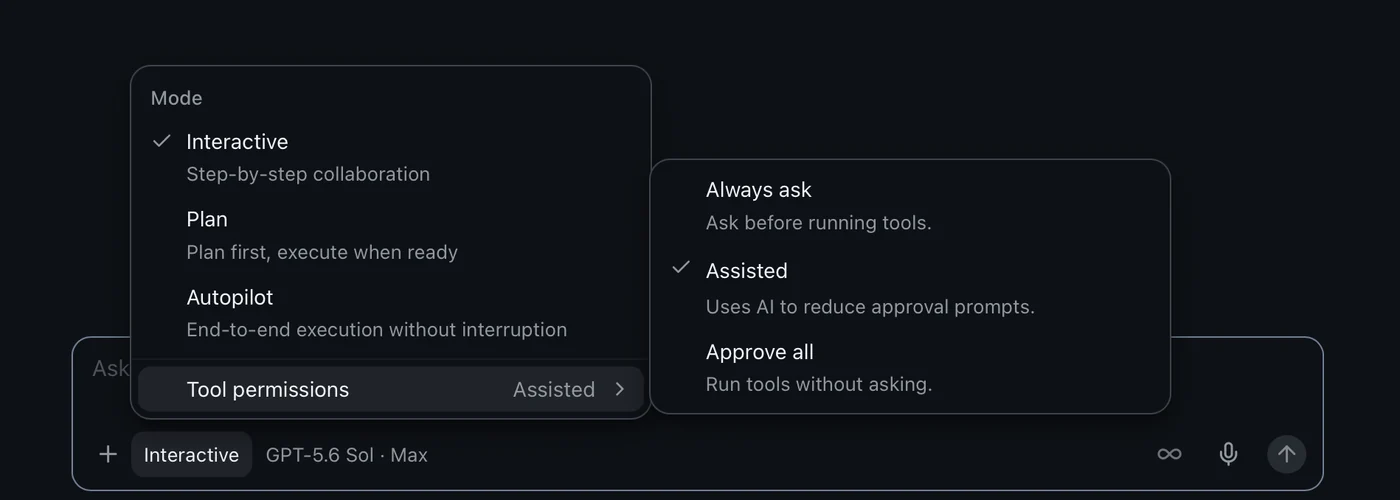
Enabling assisted permissions within supported developer environments is straightforward. Users can open the mode picker, click on Tool permissions, and then select Assisted to activate the feature for their active coding sessions.
Alternatively, users can open the permissions picker and directly select assisted permissions from the available options. This flexibility allows developers to tailor their permission settings according to the specific demands of their current project.
Developers can also choose a default permission mode for all new sessions. While developers are free to select another mode permitted by organizational policy, sessions will default to manual approval if the preferred default mode is unavailable or prohibited.
This granular control ensures that individuals can work at their preferred level of automation while remaining fully compliant with any guidelines established by their engineering teams or corporate IT departments.
Enterprise Controls and Management
Enterprise administrators are provided with robust controls to manage how assisted permissions operate across their organizations. Using [enterprise-managed settings](https://docs.github.com/enterprise-cloud@latest/copilot/reference/enterprise-administrators/enterprise-managed-settings#permissions), administrators can choose to block the Allow All option while keeping assisted permissions available, or they can disable assisted permissions entirely if required by internal compliance policies.
These administrative controls give organizations the confidence to adopt advanced AI tools without compromising security standards or regulatory requirements. Administrators can enforce uniform policies across multiple teams and repositories effortlessly.
By centralizing permission configurations, enterprise security teams can mitigate risks associated with unauthorized command execution or unintended file system access, ensuring a secure software development lifecycle.
The ability to fine-tune these settings ensures that large organizations do not have to choose between developer productivity and enterprise security; instead, both goals are met through thoughtful administrative flexibility.
Broader Context and Ecosystem Updates
The general availability of assisted permissions arrives alongside other notable updates across the developer ecosystem. For instance, recent announcements include the introduction of new language models and expanded API capabilities for usage metrics and team integrations.
As GitHub continues to expand the capabilities of its AI assistant, enhancements like assisted permissions demonstrate a commitment to user safety and workflow efficiency. Developers can expect ongoing refinements as these tools become deeply embedded in modern software engineering practices.
Organizations looking to maximize their adoption of AI-driven coding assistants will find these permission controls essential for maintaining governance. Staying informed about changelog updates helps engineering leaders adapt their workflows safely.
Reviewing official documentation and release notes remains the best way for teams to stay updated on new features, security guidelines, and best practices as GitHub rolls out further improvements to its platform.
Sources
- GitHub ChangelogGitHub Copilot assisted permissions generally available
Continue chronologically


Related entity coverage
Related stories
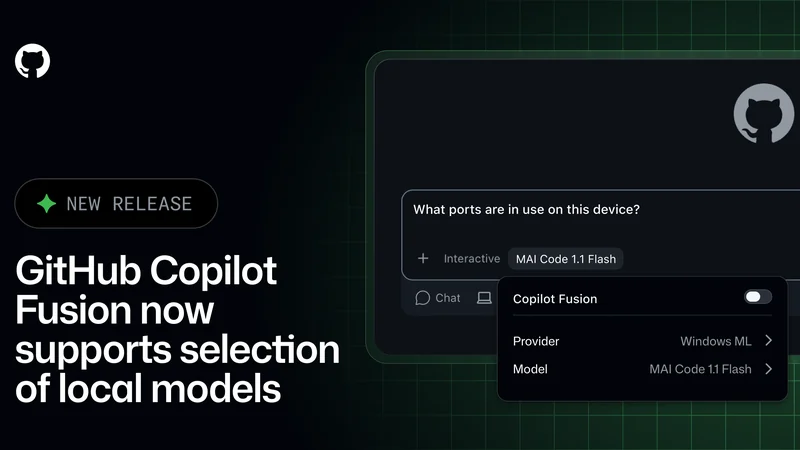
GitHub Copilot Fusion Adds Support for Local Models
GitHub Copilot Fusion now supports intelligent routing for local models in an experimental preview across the Copilot CLI, app, and VS Code.
GitHub Tightens Enterprise Copilot Settings Enforcement
GitHub is giving enterprise administrators stricter control over Copilot policies with fresh settings checks and minimum client versions.

GitHub Fixes Copilot Metrics Bug Affecting Agent Activity
GitHub is rolling out an IDE fix to restore missing agent activity and lines of code in Copilot usage metrics following a recent SDK transition issue.
GitHub Copilot adds model tiers, reviews and Sentry
GitHub Copilot’s latest weekly release adds model-selection tiers, code review improvements, Sentry integration and new agent controls.