GitHub Copilot Fusion Adds Support for Local Models
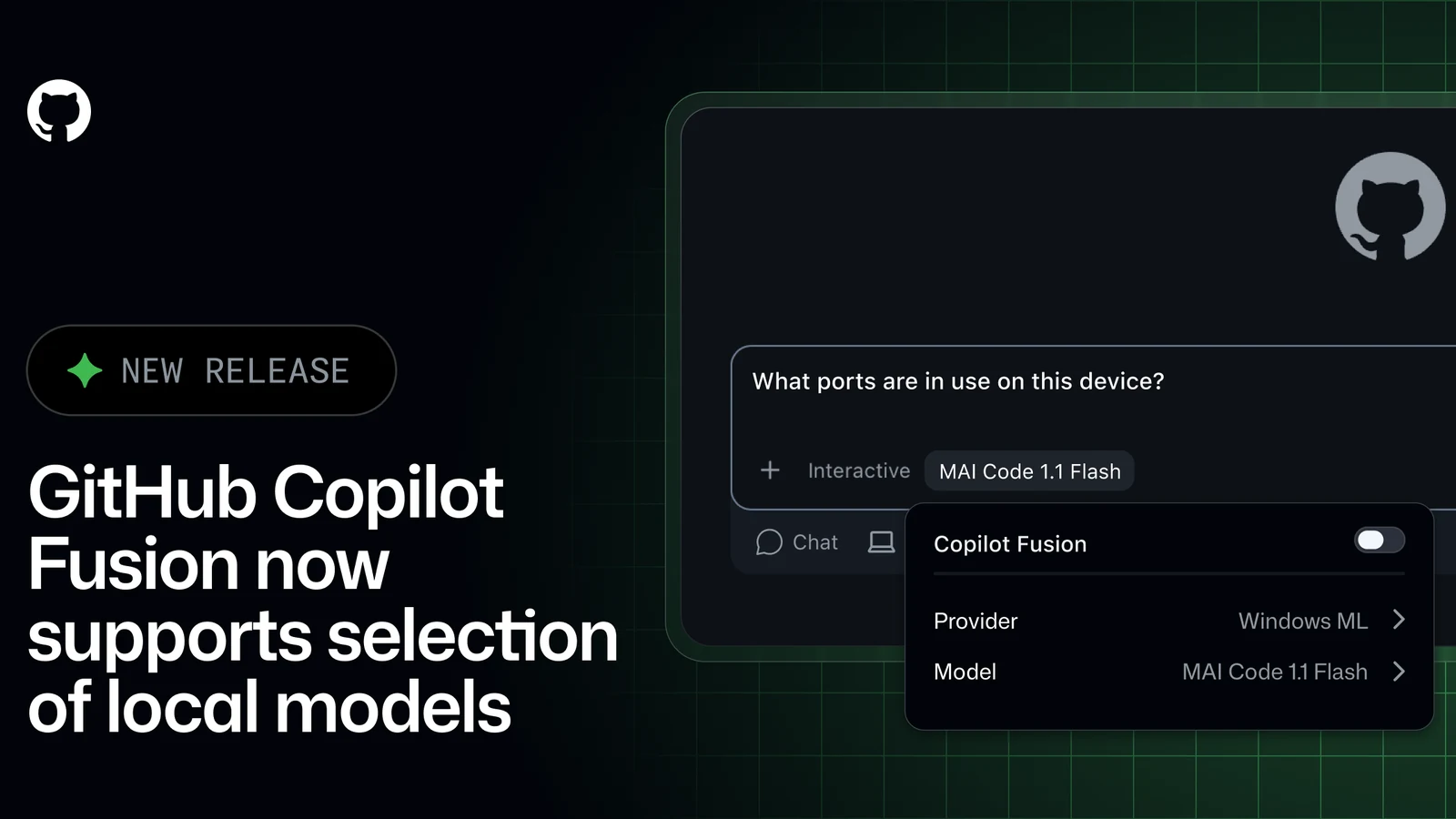
GitHub has shipped intelligent routing for local models into experimental preview, allowing GitHub Copilot Fusion to choose between supported on-device models and cloud models.
 Radwan AbdulhadiEditor and technology writer
Introduction to Intelligent Local Model Routing
GitHub has announced the release of intelligent routing for local models into experimental preview. With this update, GitHub Copilot Fusion can now choose between supported on-device models and cloud models. This capability enables intelligent local model routing across the GitHub Copilot CLI, GitHub Copilot app, and Visual Studio Code, letting users utilize their device’s compute without having to switch models manually for every request.
For a deeper dive into this feature, developers can review the details shared in our original announcement on October 7th.
Setup and Configuration Across Platforms
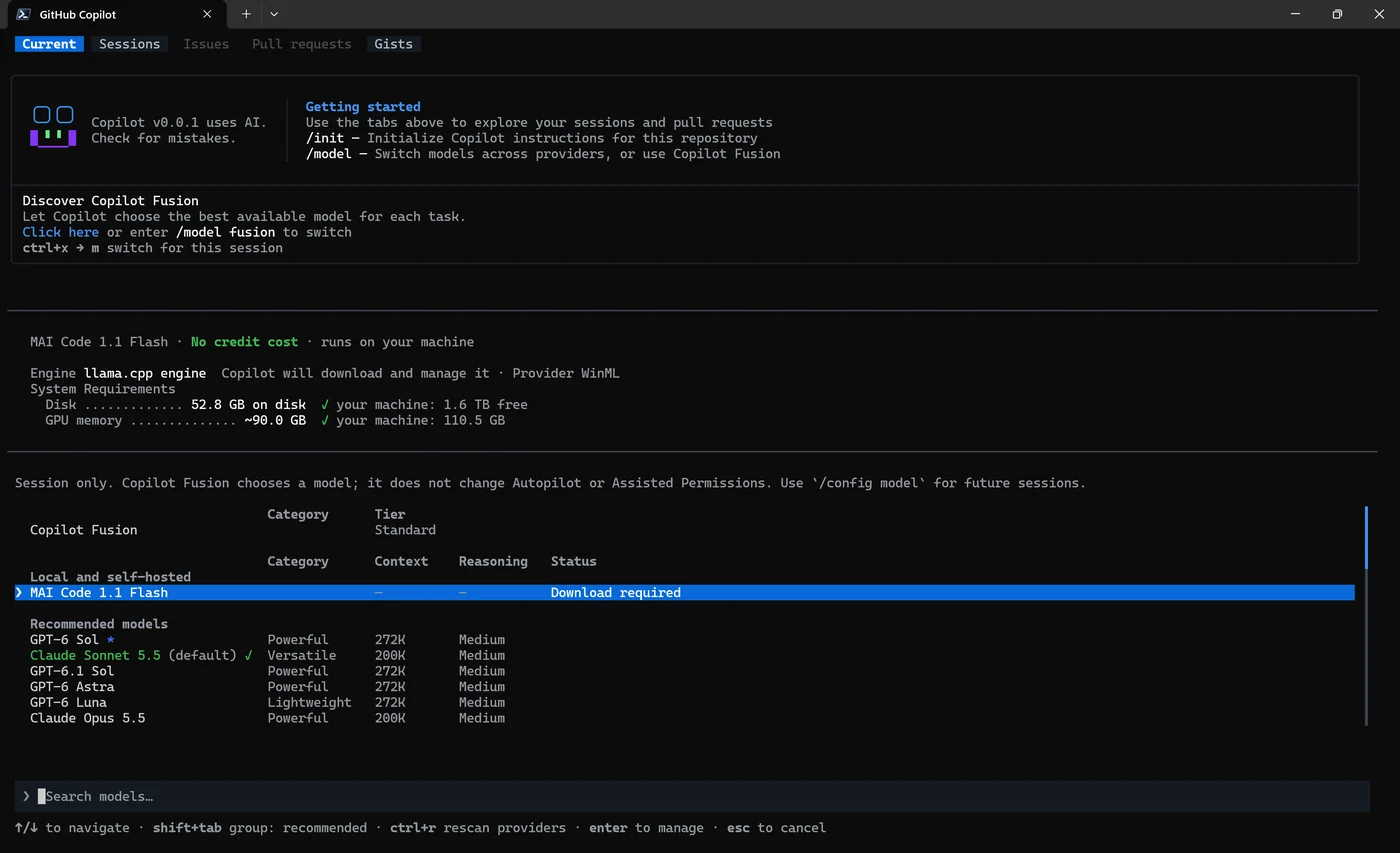
On supported Windows devices, users can download and configure MAI Code 1.1 Flash through the Windows ML provider. In the Copilot CLI, developers must enable experimental mode and open /model to follow the setup prompts. Detailed configuration instructions are available in the documentation for Adding LLM models to GitHub Copilot CLI.
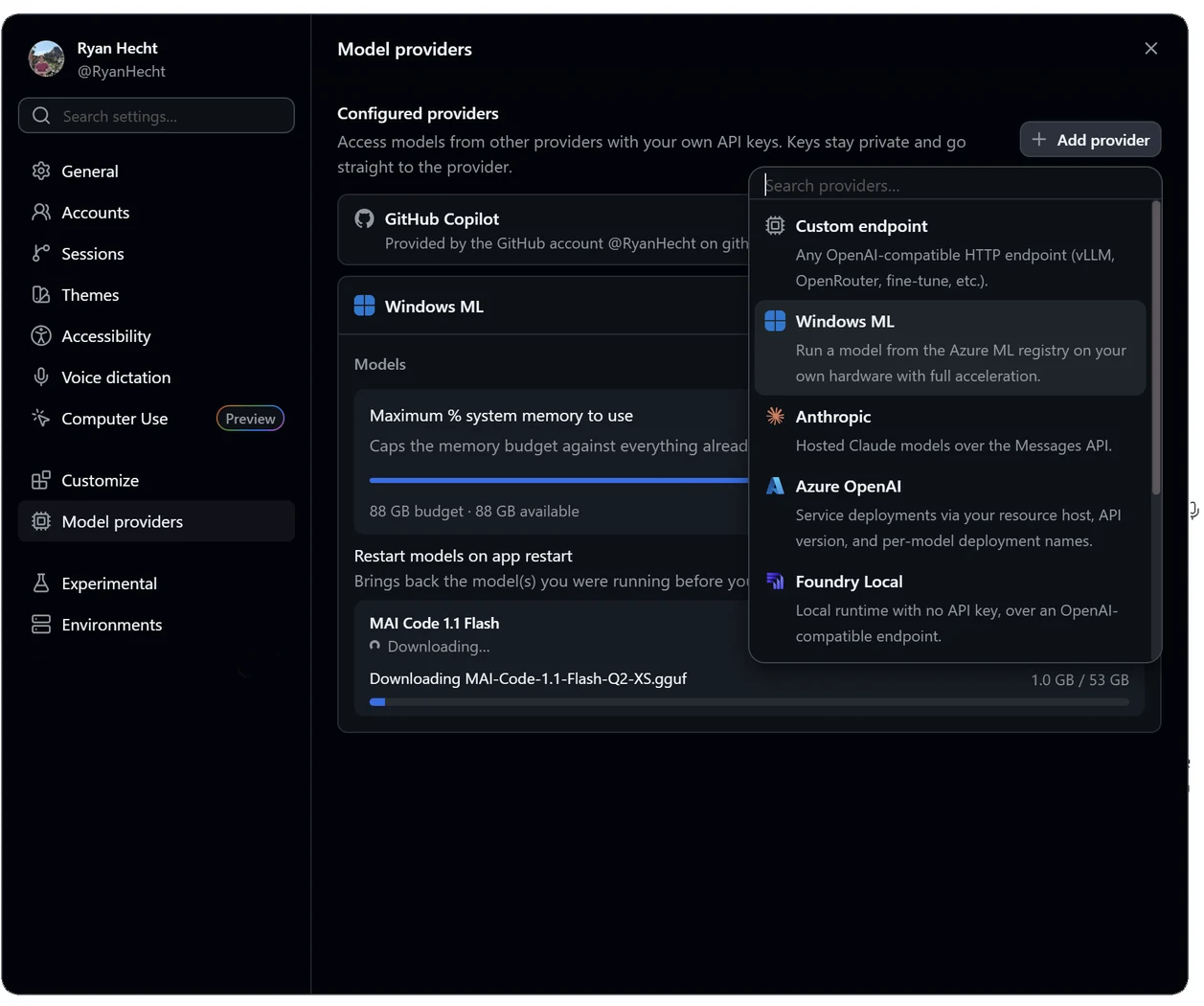
In the Copilot app, users need to configure the Windows ML provider under Settings > Model providers, enable Local model auto routing under Settings > Experiments, and start a new session. Windows ML local models are enabled by default on Windows. For app-specific setup instructions, consult the documentation covering Adding LLM models to the GitHub Copilot app. In VS Code, users simply need to enable chat.copilot.localModel.enabled.
Selection and Managed Experience Details
Once the model is ready, users can select Standard in Copilot Fusion to let Copilot choose between local and cloud models. Alternatively, users can select the local model directly for their session.
While the managed download experience is strictly Windows-only, the Copilot CLI's local Copilot Fusion routing also functions with manually configured models on Windows, macOS, and Linux. Developers can configure MAI Code 1.1 Flash or Qwen3.8 Flash Next through a local OpenAI-compatible server. Users manage the model download and inference runtime directly, provided their device has sufficient resources to run it. Users must configure the model as a supported local-model provider, enable experimental local routing, and select Standard in Copilot Fusion to let Copilot choose between eligible local and cloud models.
BYOK Integration and System Limitations
This release builds on the recent local-model discovery improvements in Copilot CLI. However, adding or discovering a model through bring your own key (BYOK) configuration does not automatically make it eligible for Copilot Fusion.
The Copilot app also supports connecting and directly selecting compatible local models through BYOK, though its intelligent routing currently supports managed Windows ML models only.
GitHub notes that local inference does not render a session offline. Copilot Fusion continues to make routing decisions in the cloud, and local models may feature different safety protections compared to cloud models provided directly by Copilot.
For complete information on routing behavior, users can refer to our docs on intelligent routing to local models.
Sources
- GitHub ChangelogGitHub Copilot Fusion now supports selection of local models
Continue chronologically

Related entity coverage
Related stories
GitHub Tightens Enterprise Copilot Settings Enforcement
GitHub is giving enterprise administrators stricter control over Copilot policies with fresh settings checks and minimum client versions.

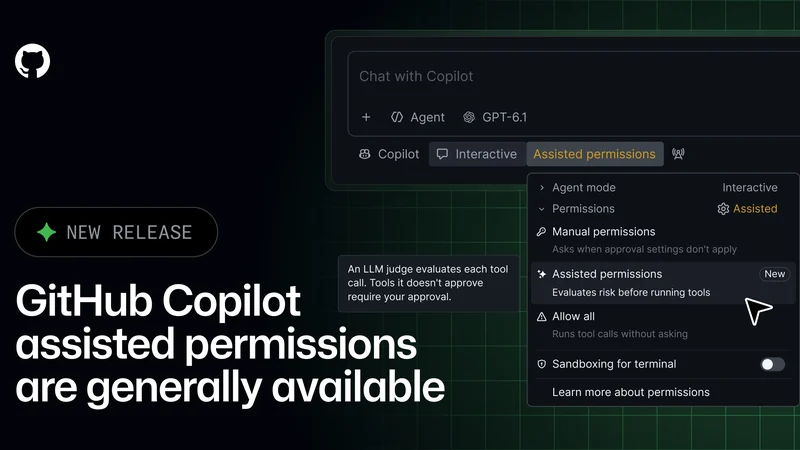
GitHub Copilot Assisted Permissions Generally Available
GitHub Copilot assisted permissions are now generally available in Visual Studio Code, the GitHub Copilot app, and the GitHub Copilot CLI.
GitHub Fixes Copilot Metrics Bug Affecting Agent Activity
GitHub is rolling out an IDE fix to restore missing agent activity and lines of code in Copilot usage metrics following a recent SDK transition issue.
GitHub Copilot adds model tiers, reviews and Sentry
GitHub Copilot’s latest weekly release adds model-selection tiers, code review improvements, Sentry integration and new agent controls.