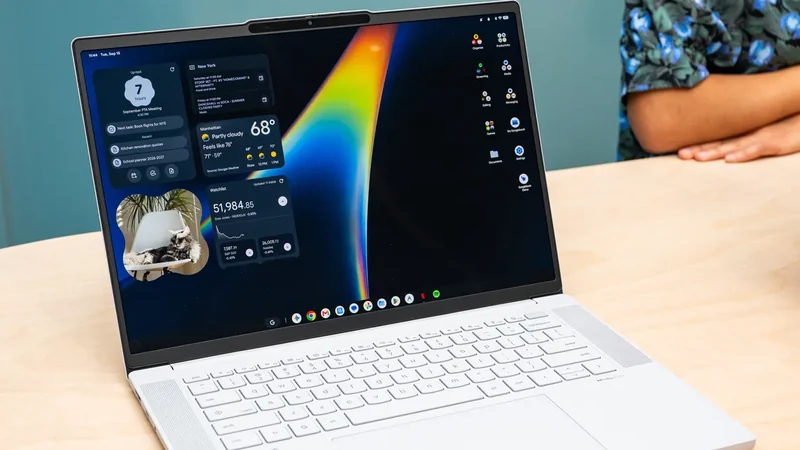
Googlebook OS Review Examines Android-Powered PC Platform
Googlebook OS offers a fresh approach to desktop computing for Android users, combining smartphone familiarity with a traditional PC layout.
 Radwan AbdulhadiEditor and technology writer
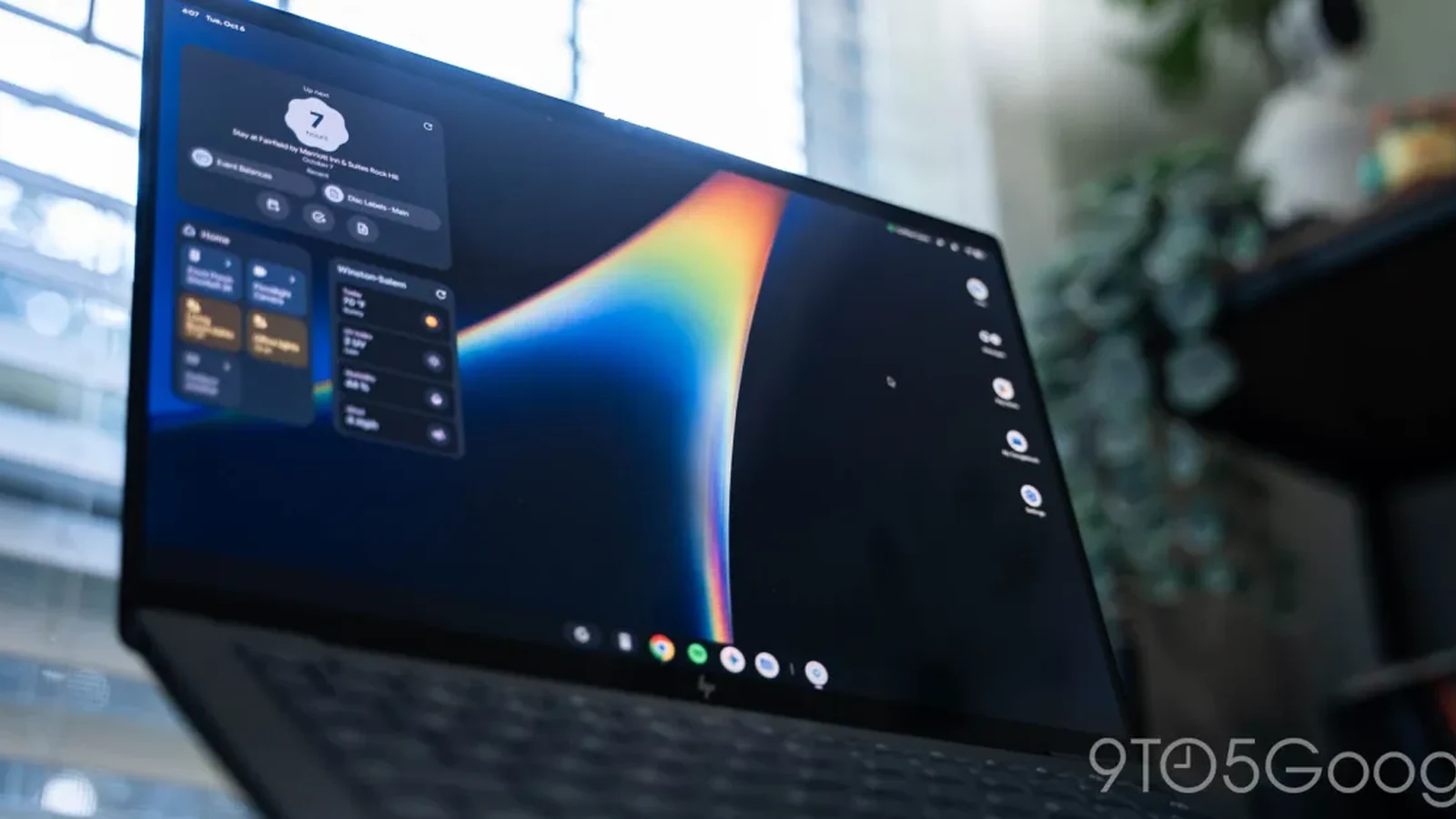
An Android-Powered Desktop Experience
Past attempts to bring touch-era lessons to personal computers have largely fallen short, from Windows 8 to the post-iPad era. While the iPad came closest due to its iOS foundation, it ultimately remained constrained by core limitations. Following a week-long evaluation detailed in a recent Googlebook OS review, observers note that Google has established the groundwork for a desktop platform targeted directly at Android smartphone users, though the underlying strategy reset results in a rough initial iteration.
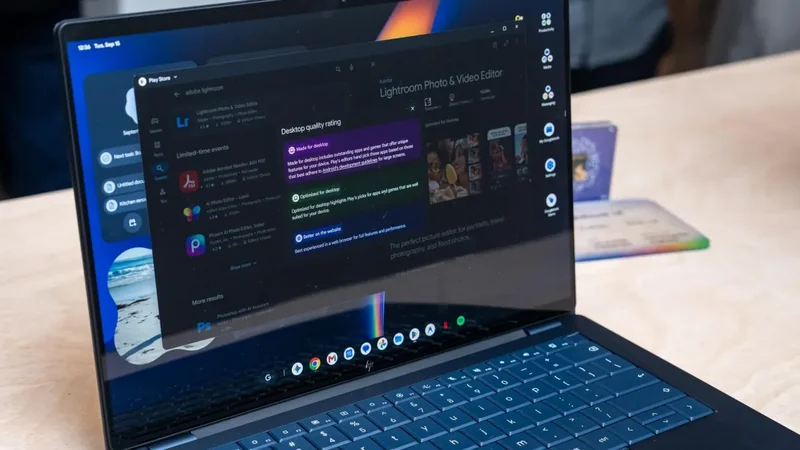
On the surface, Googlebook OS shares visual similarities with ChromeOS, yet it feels fundamentally aligned with Android. Furthermore, it achieves a higher level of optimization than previous large-screen implementations of Android, outperforming foldables and tablets alike. This provides a significantly improved desktop experience compared to plugging a Pixel into an external display.
User Interface and Hardware Integration
For established Pixel users, adapting to the Googlebook interface requires minimal adjustment, with keyboard shortcuts representing the primary learning curve. The top-right corner features recognizable Android status icons and Quick Settings, while the top-left corner displays the date, time, and day, opening a calendar view similar to ChromeOS.
Physical hardware integration on devices like the HP Googlebook 14 incorporates dedicated function keys. The F1 key serves as the Android back button, F2 acts as a Home button, F3 opens Recents, F4 toggles fullscreen windows, and F5 handles partial screen captures. Additional keys control brightness, keyboard backlighting, microphone muting, volume, and voice typing through Rambler.
The Quick Insert key, sharing space with Caps Lock, opens a floating window for emojis, copied text, recent screenshots, and tabs. Integrated with Gboard, it supports GIFs, stickers, and clipboard management. Meanwhile, the stylized Action key invokes the floating app launcher for device and web searches.
Desktop Functionality and Customization
Googlebook OS brings Android widgets to the desktop home screen, offering a surface for passive information displays powered by Dynamic Color. Users can also arrange app icons, folders, and files for fast access. Additionally, corner shortcuts allow users to trigger actions like peeking at the desktop or opening specific Google Keep notes by moving the cursor to any of the four screen corners.
Multi-touch controls and text selection operate similarly to a traditional desktop environment. Three-finger upward swipes on the touchpad reveal a zoomed-out Recents view, and external keyboards function without issue.
However, certain smartphone elements feel less refined when scaled up to a laptop display. Fullscreen screenshots trigger a bright flash across the entire display, and copied text pop-ups in the bottom-right corner can prove distracting. Default tap and click sounds also require manual adjustment.
Cross-Device Services and Launch Constraints
Cross-device features include notification synchronization and app casting tools, though the initial setup period can introduce minor friction. Compounding these early impressions, the platform launched without day-one support for Samsung devices, representing a notable omission for users in the broader ecosystem.
On the software maintenance front, Google retains control over the operating system update process rather than delegating it to original equipment manufacturers. Manufacturer customization remains limited to preloaded OEM applications, such as product registration and warranty utilities provided by Acer.
Sources
- 9to5GoogleGooglebook OS review: A post-smartphone PC, if Google can keep it
Continue chronologically

Related entity coverage
Related stories
Evaluating Googlebooks and the New Android Laptop OS
An evaluation of Googlebooks and the new Android-powered laptop operating system, examining hardware, setup, and current software limitations.
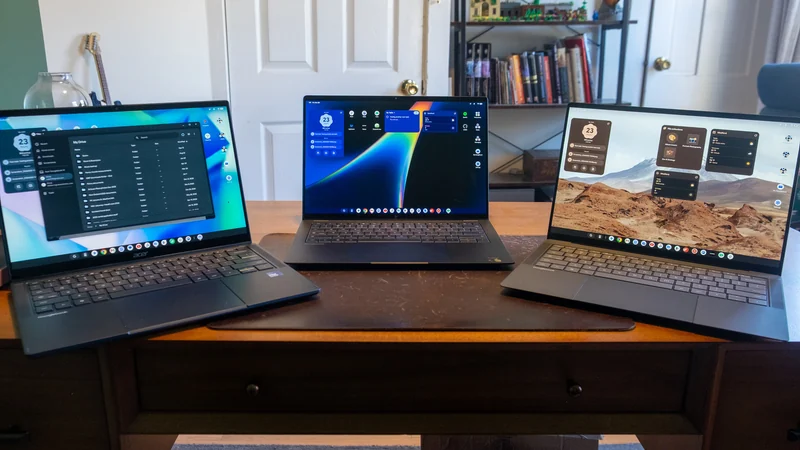
Googlebook OS struggles as apps lag behind hardware
The Verge’s week of testing finds Googlebook hardware impressive but Googlebook OS held back by awkward Android apps, Linux limits and bugs.
Google Unveils New Googlebook Laptop Lineup
Google launches a new series of premium laptops featuring a hybrid OS, deep Android integration, and advanced Gemini AI capabilities to rival Mac hardware.
Google Launches Googlebook Laptops for Android Users
Google has officially unveiled Googlebooks, a new line of laptops designed to provide seamless connectivity and synergy with your Android smartphone.