Google Quietly Links Android Phone Numbers to All Accounts
A default setting active since September 2025 automatically attaches Android phone numbers to every signed-in Google account on the device.
 Radwan AbdulhadiEditor and technology writer

Automatic Phone Number Linking on Android
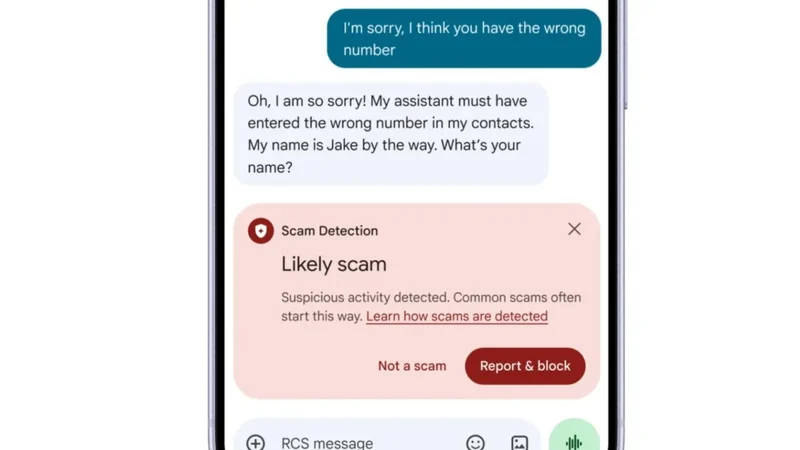
Android phones have been quietly attaching their SIM phone numbers to every signed-in Google account on that device as part of a setting in place by default since September 2025. According to reports from Engadget, adding a new SIM to your phone links it to all Google accounts, and any new Google accounts you add all inherit your phone number. Google's support documentation states that it verifies the number automatically during setup and adds it to every account on the phone, including work and secondary accounts. Detailed findings were initially highlighted by Android Authority regarding how Google's documentation and Play services changelogs reflect this behavior.
Features Enabled by Automatic Verification
According to Google, number verification enables features like account recovery and RCS messaging, although the company does not explicitly explain why the number needs to be added to every single account on the device. Google's support page outlines that the link covers existing and future accounts and numbers alike, meaning a Google account added later will pick up every number on the phone. Furthermore, switching SIM cards also puts the new number on every account. Google and your carrier periodically re-verify those numbers, which can potentially incur carrier charges, and the setting can only be managed directly from the phone itself.
Associated Services and Account Recovery
Turning verification on also enables Better sharing on Google for one of the signed-in accounts. Google notes that this supports video calls, messages, and notifications for content sent to the number, such as photos. Phone number sign-in, finding a lost device, emergency location services, and Quick Share also depend on a verified number. In October 2025, Google introduced Sign in with Mobile Number as an Android recovery tool that auto-identifies Google accounts linked to a phone number and lets the owner back in using the lock screen passcode from their previous device. Additional details can be found on Google's account help pages regarding ad settings.

How to Disable Automatic Linking
To stop the linking process on an Android phone, users can open Settings, go to Google or Google services and preferences, select All services, navigate to Privacy & security, select Phone number verification, and turn off Verify phone numbers automatically. However, Kaspersky notes that disabling verification also means losing RCS chats in Google Messages, which pushes conversations back to SMS. Google's Messages help pages show that RCS waits on phone number verification before it connects. Kaspersky further explains that a number with verification turned off cannot be used for quick account recovery.
Manual Removal and Storage Policies
Turning off automatic verification does not apply retrospectively, which means numbers that have already been attached to accounts must be removed manually. Users can accomplish this by navigating to Personal info and then Phone in each individual account's Google settings. Google states that it does not sell personal data, including phone numbers, to anyone. Additionally, the company previously reported testing a policy in select regions that grants new Google accounts only 5GB of free storage unless a phone number is linked, down from the standard 15GB.
Sources
- EngadgetGoogle is quietly linking your phone number to other Android accounts
Continue chronologically

Related entity coverage
Related stories
What to Look For When Buying a Cheap Android Phone
Discover the essential non-negotiable features you need to look for when shopping for a budget Android phone priced at $300 or less.
Google Fixes Annoying Photos Bug Hiding Edited Images
Google resolves a frustrating bug in its Android image gallery app that caused edited photos to disappear from other applications' image pickers.
How to Improve Audio Quality on Your Android Phone
Learn how to optimize your Android phone's audio settings, choose between wired and Bluetooth headphones, and achieve better sound quality.

Android Introduces Gemini AI Defenses to Google Messages
Google is bringing cloud-based Gemini AI models and on-device features to Android devices to help users evade mobile fraud and detect scams.