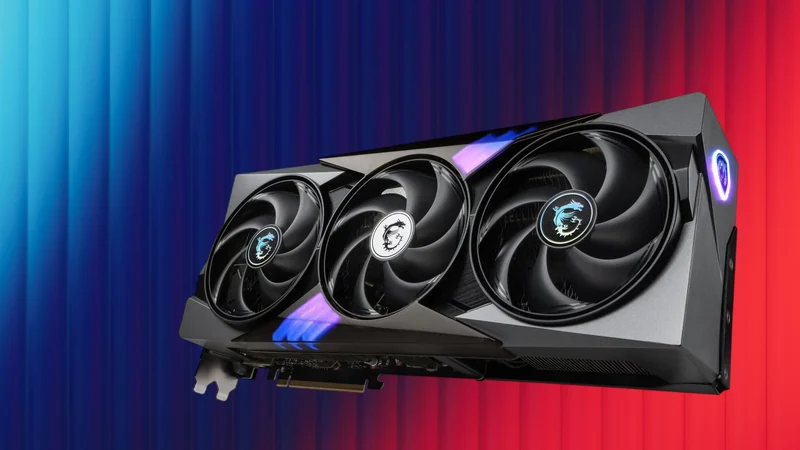
Nvidia vBIOS Modding Tool Lets You Skip Flashing
A newly released utility allows users to configure and override Nvidia gaming GPU vBIOS settings without a traditional firmware flash process, providing a user-friendly interface to adjust parameters safely.
 Radwan AbdulhadiEditor and technology writer
A Safer Approach to Nvidia vBIOS Configuration
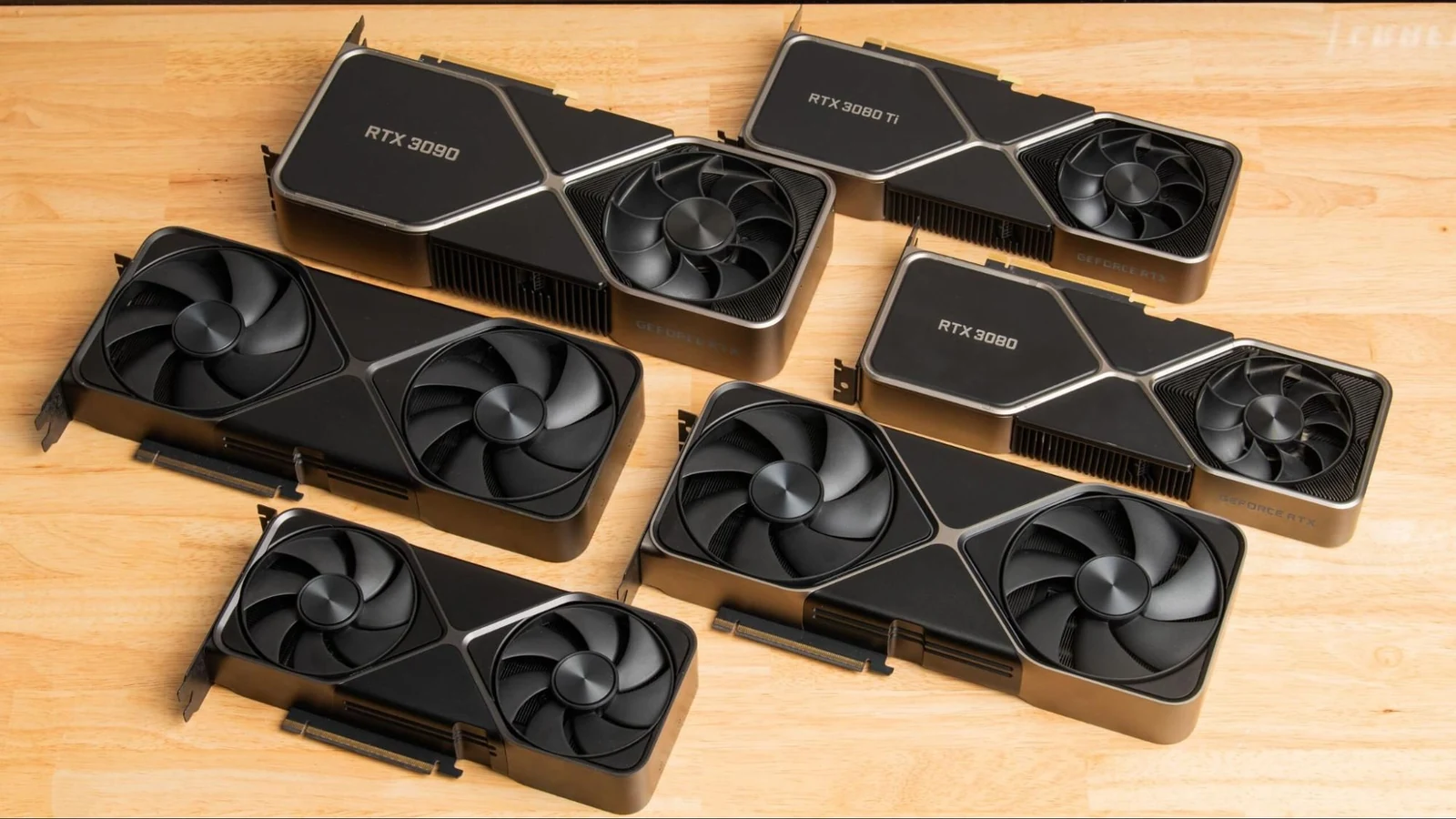
Modifying a graphics card's firmware has traditionally required a risky flashing procedure that carries the potential to brick hardware if something goes wrong. However, a project developed by [Panchovix on GitHub](https://github.com/Panchovix/nvidia-windows-vbios-vix-loader) introduces an alternative approach for Nvidia gaming GPUs. The software provides a dedicated user interface to quickly configure and adjust parameters without overwriting the card's physical flash memory.
According to reports covered by [Tom's Hardware](https://www.tomshardware.com/pc-components/gpu-drivers/vbios-on-rtx-cards-can-be-modified-without-flashing-thanks-to-a-solo-developers-project-provides-a-ui-for-quick-vbios-configuration), the utility is compatible with RTX 30-series, 40-series, and 50-series graphics cards. It aims to lower the hurdles and dangers associated with traditional deep-level firmware modifications by utilizing a completely different software mechanism.
How the Registry Key Override Works
Standard software applications like MSI Afterburner or ASUS GPU Tweak are frequently used to alter graphics card performance, yet these tools often run into strict hard limits imposed by the default firmware. To push hardware parameters past those constraints, enthusiasts typically resort to modifying the vBIOS directly, a process functionally similar to altering motherboard BIOS configurations during system startup.
Instead of executing a traditional flash procedure, this new tool functions by storing a modified vBIOS image directly inside a designated GPU register key. When the Nvidia driver boots up, it checks for a vBIOS override, identifies the stored image, restarts, and applies the custom parameters. Because the onboard flash chip is bypassed entirely, the inherent dangers of a botched flash process are significantly mitigated.
Balancing Convenience and Hardware Risks
While avoiding a permanent flash operation protects the card's primary flash memory, developers and hardware analysts emphasize that the tool does not safeguard electrical components against extreme settings. Pushing voltages or power thresholds too high can still damage a graphics card. Nevertheless, the approach grants a much safer avenue for experimentation, complete with built-in methods to roll back adjustments if system instability arises.
Recovering a bricked flash chip has historically been possible using dedicated SPI programmers or DIY solutions like a Raspberry Pi Pico, but those recovery methods involve tedious electronics work, potential desoldering, and significant inconvenience. Bypassing the flash write process entirely removes those tedious recovery steps for everyday hobbyists.
Practical Applications and System Limitations
Experts recommend that users exercise caution unless they possess deep familiarity with power delivery networks, voltage tables, and prolonged testing cycles. Unprepared adjustments can easily result in hardware failure or severe instability.
Despite these advanced risks, everyday users can still leverage the software safely to enforce persistent preferences—such as custom fan curves that occasionally fail to stick through traditional utility software startup profiles. As long as Nvidia maintains the registry key functionality that permits the override, the software will reliably apply these customized default parameters upon every system boot.
Sources
- Tom's HardwareYou can now modify the vBIOS on Nvidia gaming GPUs without flashing thanks to a solo developer’s project
Continue chronologically

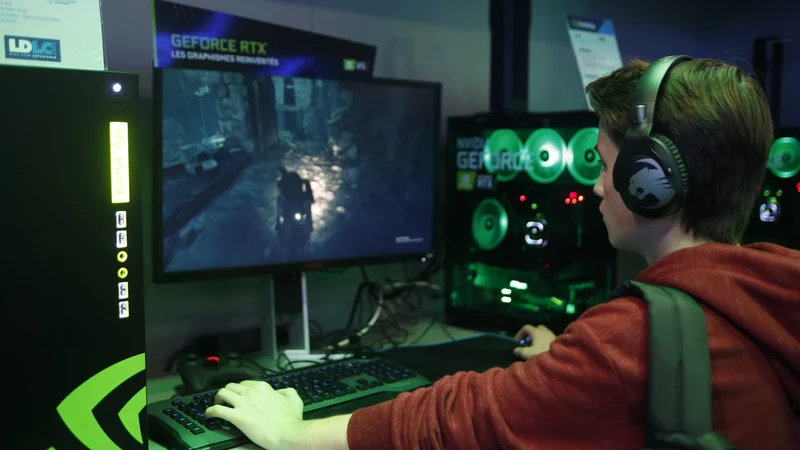
Related entity coverage
Related stories
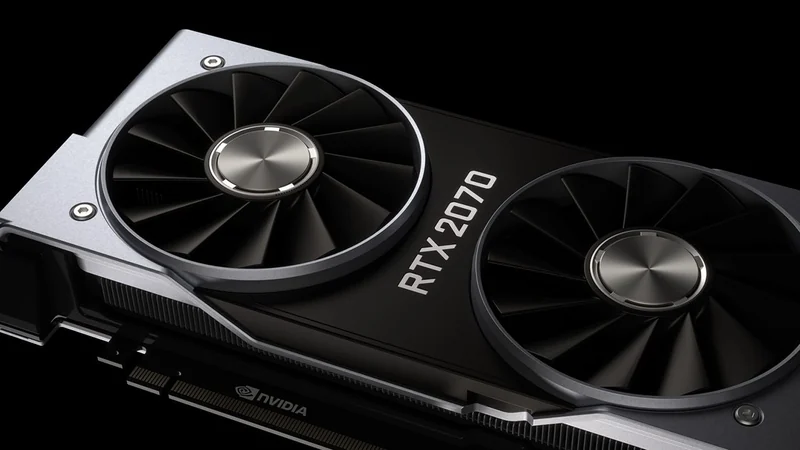
Open-Source Tool Unlocks Nvidia GPU AI Limiter
A new open-source UEFI tool removes Nvidia's half-speed AI tensor limiter on Windows and Linux for RTX 20, 30, and 40-series cards.
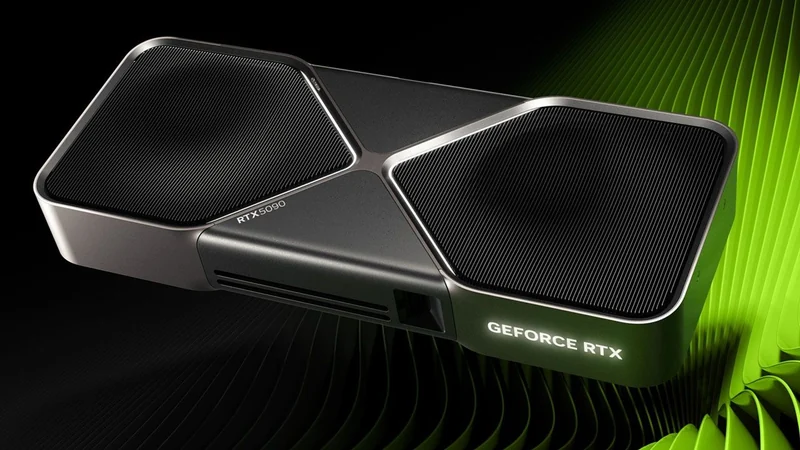
Nvidia RTX 5090 Faces Discontinuation and Surging Prices
Recent rumors suggest Nvidia's flagship RTX 5090 is facing discontinuation with no replacement until 2028, pushing standalone prices past $7,500.
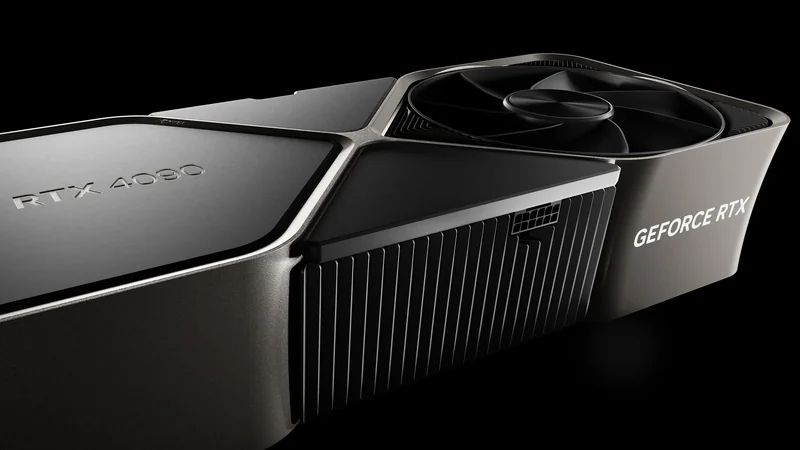
Nvidia RTX 20, 30, and 40-Series GPUs Hacked to Remove AI Throttle
Modders use a firmware exploit to remove half-speed AI performance limits on Nvidia RTX 20, 30, and 40-series graphics cards, boosting tensor rates.
Nvidia Reportedly Halts GeForce RTX 5090 Production
Nvidia has reportedly discontinued GeForce RTX 5090 production, shifting GB202 silicon exclusively toward lucrative AI data center and professional GPUs.