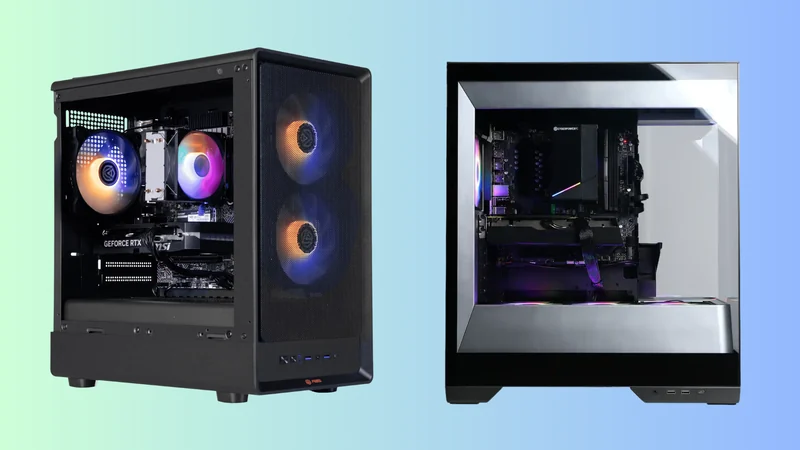
What to Do With Your Old Graphics Card Instead of Trash
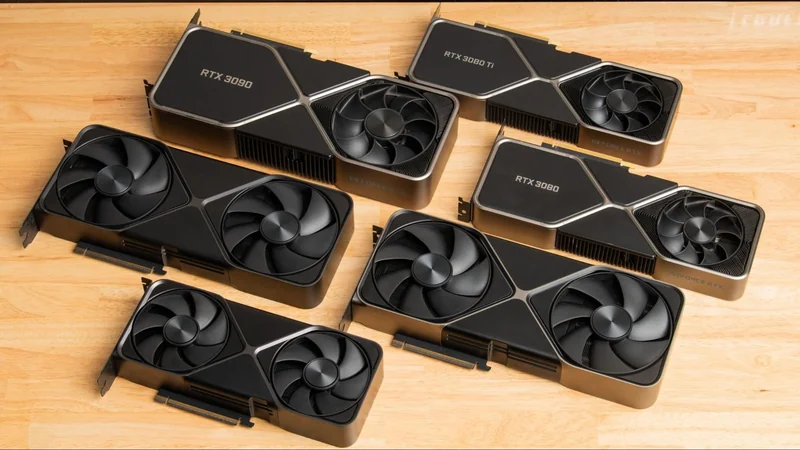
An older graphics card holds plenty of potential for a second life, whether you want to build a secondary machine, upgrade your media server, or get some value back by selling it.
 Radwan AbdulhadiEditor and technology writer
The Rising Cost of Hardware and Extended GPU Lifecycles
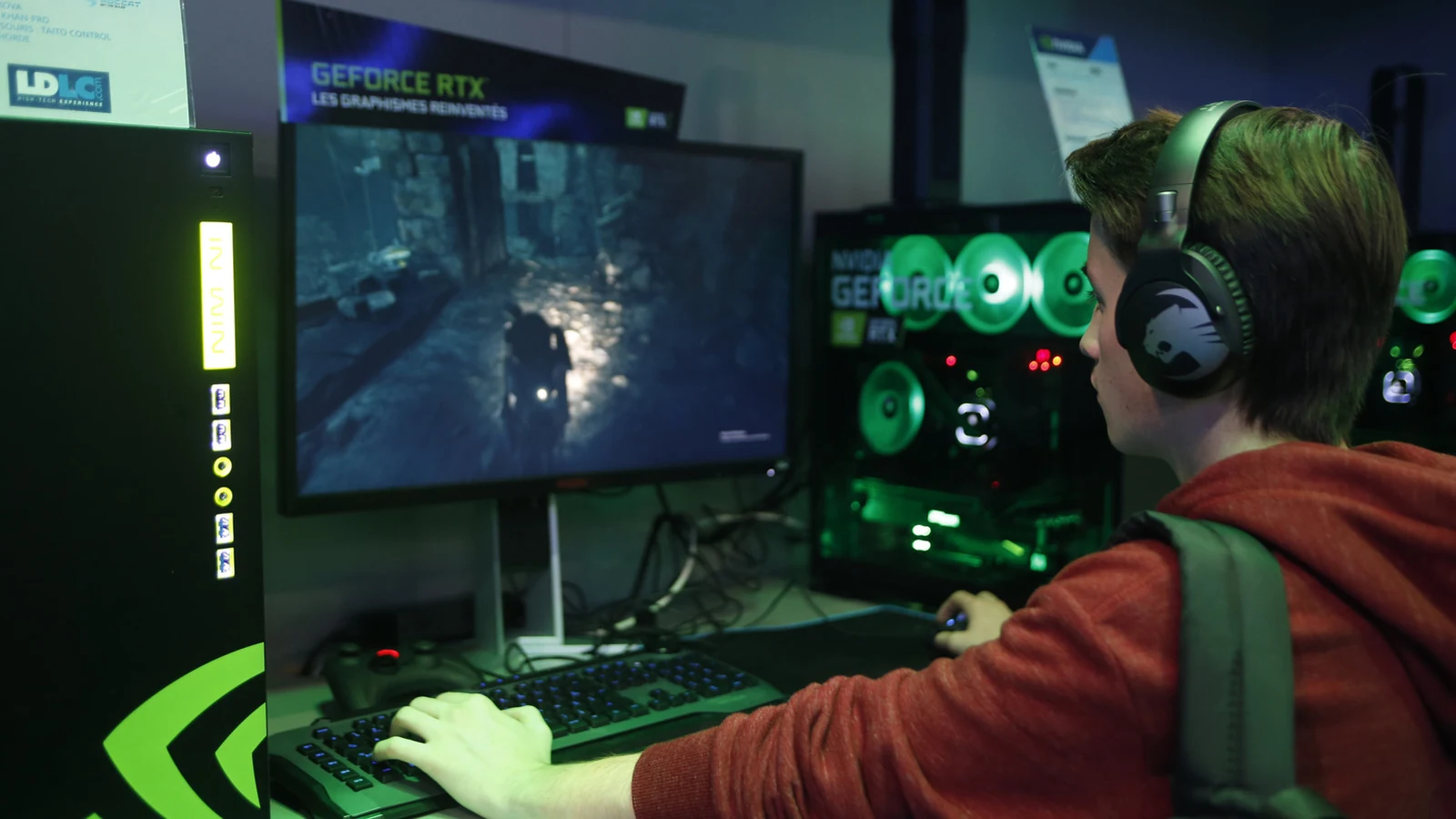
Every three to five years is a common cadence for GPU upgrades, making it important to consider what happens to your investment when the next cycle comes around. With memory and silicon price inflation affecting hardware costs, many users are stretching their upgrade cycles further than before.
Data from the Steam hardware survey indicates that the Nvidia GeForce RTX 5070 has become the most popular card, installed in 6.15 percent of surveyed systems. Having launched at $549, it can now cost more than $800 due to market pressures. Because new hardware is increasingly expensive, throwing away an old video card is a poor choice when it still holds significant utility.
Selling Your Old Graphics Card
Just because you have outgrown a graphics card does not mean everyone else has. Opting for selling your old GPU to get some value back is a practical route to offset the cost of an upgrade.
Market searches show that used RTX 3060 models can sell for almost as much as they originally cost. Even a 10-year-old $249 GTX 1060 in good condition is typically listed between $50 and $100, though these prices remain subject to market fluctuations.
Enhancing a Home Media Server
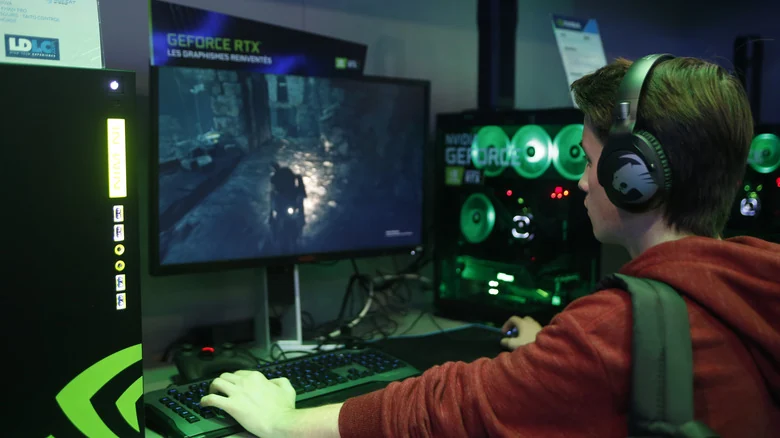
If you do not sell your old hardware, you can repurpose your old graphics card by installing it into your home media server. This setup handles hardware-accelerated video encoding and decoding utilizing Nvidia's NVENC or AMD's AMF.
Platforms like Jellyfin and Plex support hardware-accelerated streaming. This allows an older graphics card to gain new life by converting video codecs in real time, effectively offloading intensive tasks from the main processor.

Building a Secondary Gaming Rig or TV PC
Another option is to build a separate PC connected to your living room television that functions as a gaming console. State-of-the-art performance is unnecessary for light indie games or system emulation. In fact, older hardware often works better with past releases designed around older standards.
You can use the secondary system to run titles built using legacy code libraries, DirectX 9-era games, or simply to gain extra HDMI and DisplayPort connections to drive additional displays around your setup.
Dual GPUs and Advanced Workloads in Your Main PC
Using an old card in a spare slot within your main PC to run legacy software can work, provided you have adequate power and ventilation. However, running two GPUs in one chassis introduces technical caveats.
You require a power supply and motherboard capable of handling dual graphics cards, and you may encounter PCIe lane limits. If your processor utilizes lane splitting, a secondary card can degrade the performance of your primary GPU. Always review your motherboard manual before committing resources to a dual-card project.
Streaming, AI Workloads, and E-Waste Recycling
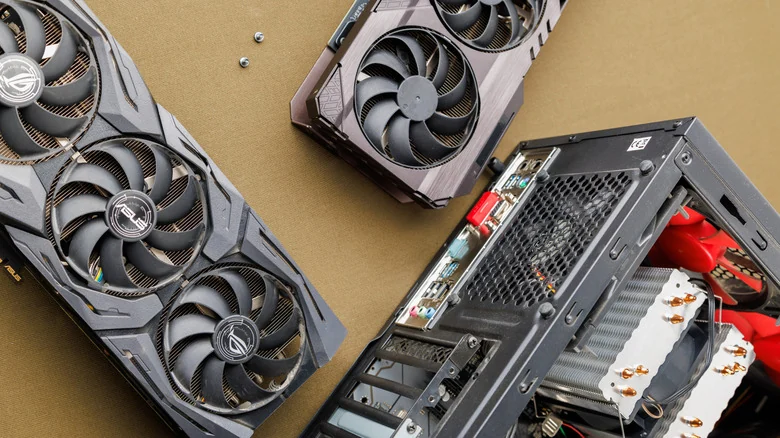
Gamers have further choices for repurposing older hardware. You can run Lossless Scaling to provide secondary support for a new card, or dedicate the old GPU to capturing in-game video while the primary card runs the game. Alternatively, you can assemble a separate PC for capturing video streams or handling video encoding and editing tasks in software like DaVinci Resolve or Blender. Older GPUs are also suitable for running local AI workloads that rely heavily on VRAM.
If you ultimately decide to discard the hardware, remember that electronics should never go into the trash. E-waste recycling companies will take old cards to break them down safely. Even irreparable hardware contains valuable gold, copper, and aluminum, making recycling far superior to sending electronics to a landfill.
Sources
- EngadgetDon't throw away your old graphics card — here's what you can do with it
Continue chronologically

Related entity coverage
Related stories
How to Boost GPU Performance Without Buying New
Learn how to optimize your older graphics card, utilize AI supersampling, and maintain your PC hardware to boost gaming frame rates without upgrading.
Why Hardware-Accelerated GPU Scheduling Hurts Cheap GPUs
Tests show that hardware-accelerated GPU scheduling can consume nearly 1GB of VRAM, posing a major issue for 6GB and 8GB graphics cards.
Understanding Ray Tracing and Its Impact on Gaming Performance
Explore what ray tracing and path tracing mean for gaming visuals, hardware requirements, and how enabling them impacts your frame rates.

Score 1080p Gaming PCs Under $1,000 With Nvidia or AMD GPUs
Discover budget-friendly 1080p gaming PC deals under $1,000 from Walmart and Best Buy featuring modern Nvidia RTX 5060 and AMD RX 9060 graphics cards.