Modder Moves GPU to Unexpected Place for Cooler Hotspot
Challenging decades of conventional PC building layouts, a hardware modder has experimented with unconventional component placement to dramatically lower thermal levels.
 Radwan AbdulhadiEditor and technology writer
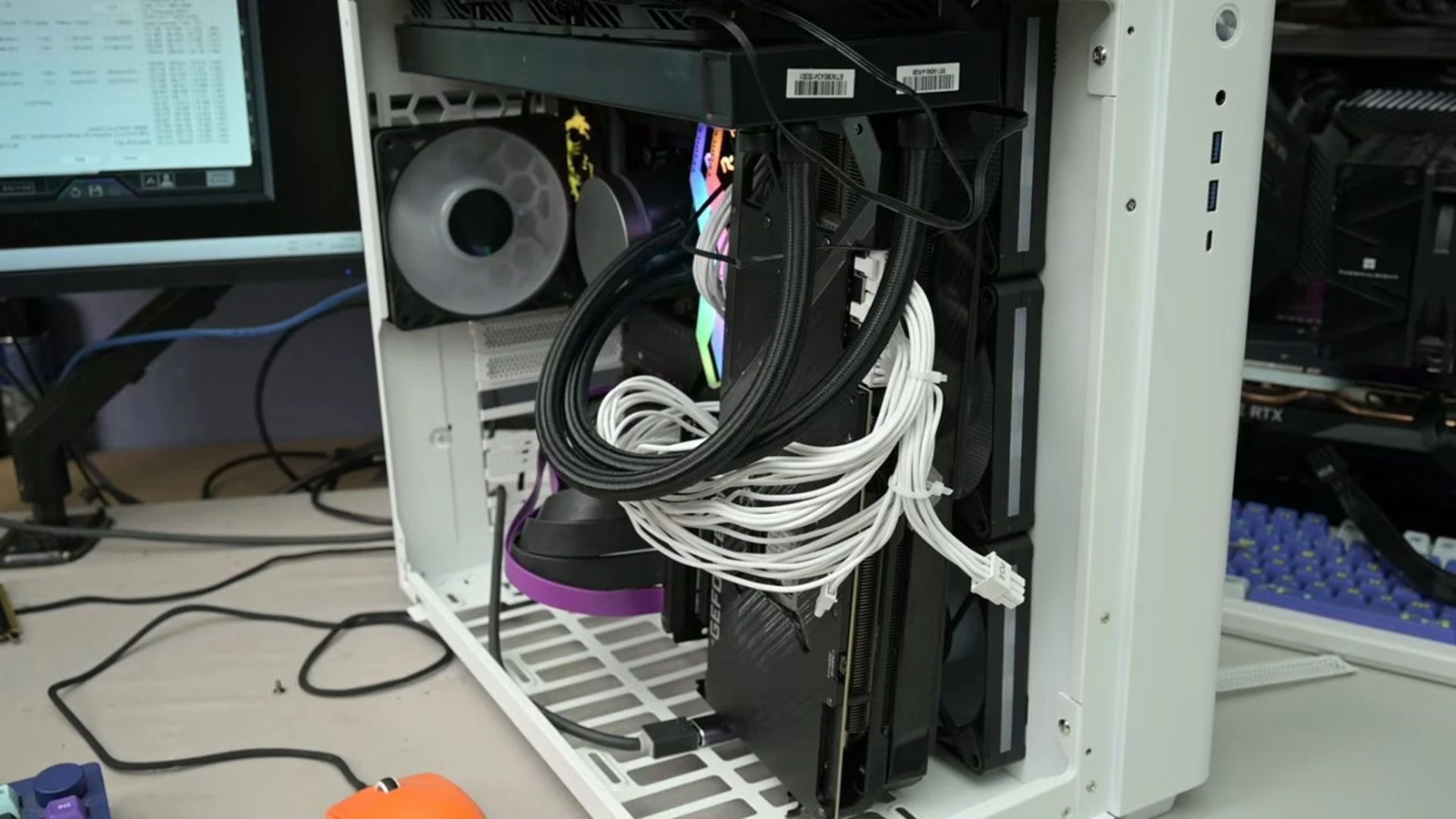
Challenging Decades of PC Building Convention
Desktop PCs have evolved over decades with standard layouts designed to optimize airflow and thermal management. However, hardware modder TrashBench decided to ignore accepted placement norms to test whether traditional configurations are always optimal. As detailed in a report by [Tom's Hardware](https://www.tomshardware.com/pc-components/gpus/modder-discovers-that-putting-a-gpu-in-the-wrong-place-can-deliver-a-19-degree-cooler-hotspot-breaking-convention-can-produce-great-results-despite-decades-of-pc-diy-evolution), challenging these established rules can yield surprising thermal improvements.
The experimental process began with a conventional baseline setup. A triple-fan RTX 3080 graphics card was slotted directly into the standard PCIe expansion slot, while the CPU was cooled using a 360mm all-in-one liquid cooler. This baseline configuration was tested under a constant thermal load by looping 3DMark Time Spy and running the 7-Zip built-in benchmark, with system fan speeds locked to ensure consistency across tests.
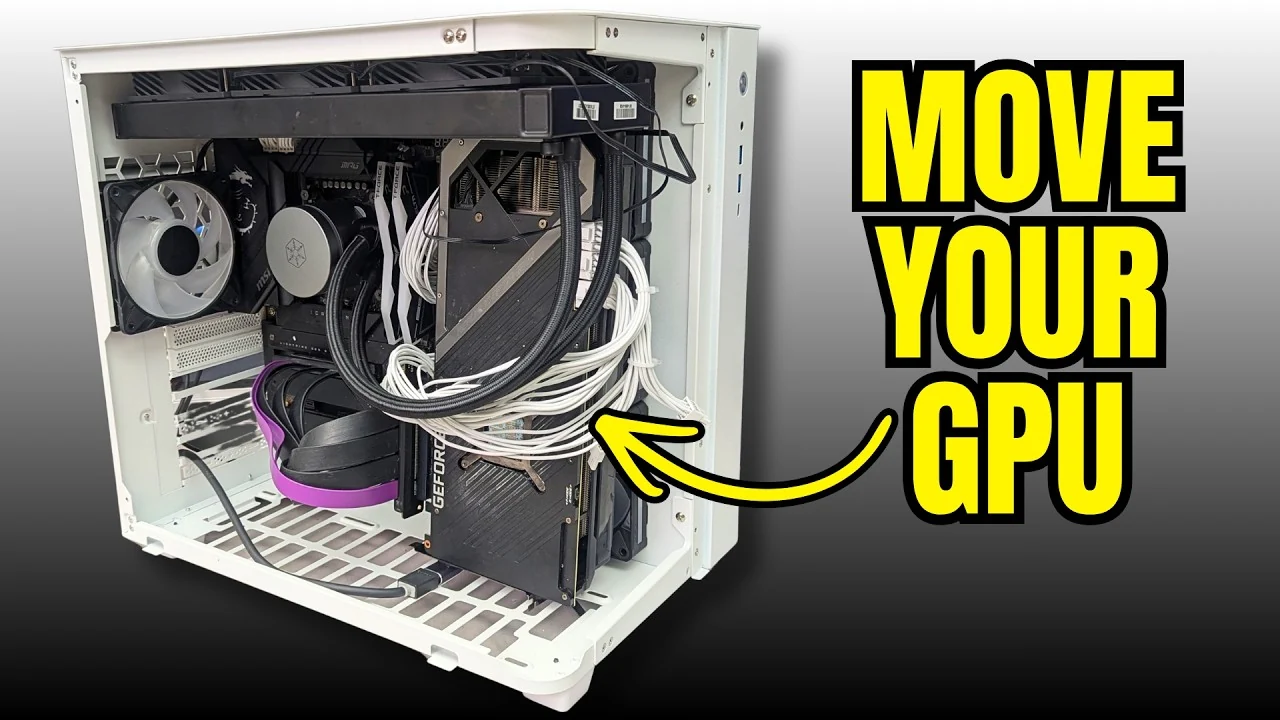
Testing Alternative Component Placements
With the baseline established, the tinkering process began with the modder dismissing traditional cable management and starting to move hardware components around. According to [TrashBench](https://www.youtube.com/watch?v=vQveVO8UTYI), the goal was to investigate whether parts have traditionally been placed in the wrong locations inside standard computer chassis.
The testing protocol involved placing the graphics card at the bottom of the case, vertically to the side in various orientations, and positioned on either side of the triple case fans mounted on the side panel. Additionally, the CPU AIO cooler radiator fans were tested in both push and pull configurations to alter airflow direction. Utilizing a PCIe riser cable in various lengths proved essential for repositioning the graphics card throughout the tests.
Dramatic Temperature Reductions Discovered
The radical repositioning experiments produced dramatic results. Ignoring accepted placement norms delivered up to a 19°C reduction in GPU hotspot temperatures during the initial alternative build layout. However, this specific extreme configuration adversely impacted overall CPU temperatures, demonstrating that prioritizing one component could negatively affect another.
Further refinement and tuning were necessary to find a balanced configuration that benefited both major components simultaneously. By taking lessons learned from the best isolated cooling layouts, the modder developed a reinvented design that achieved a successful compromise between GPU and CPU thermal performance.
Achieving the Optimal Balanced Configuration
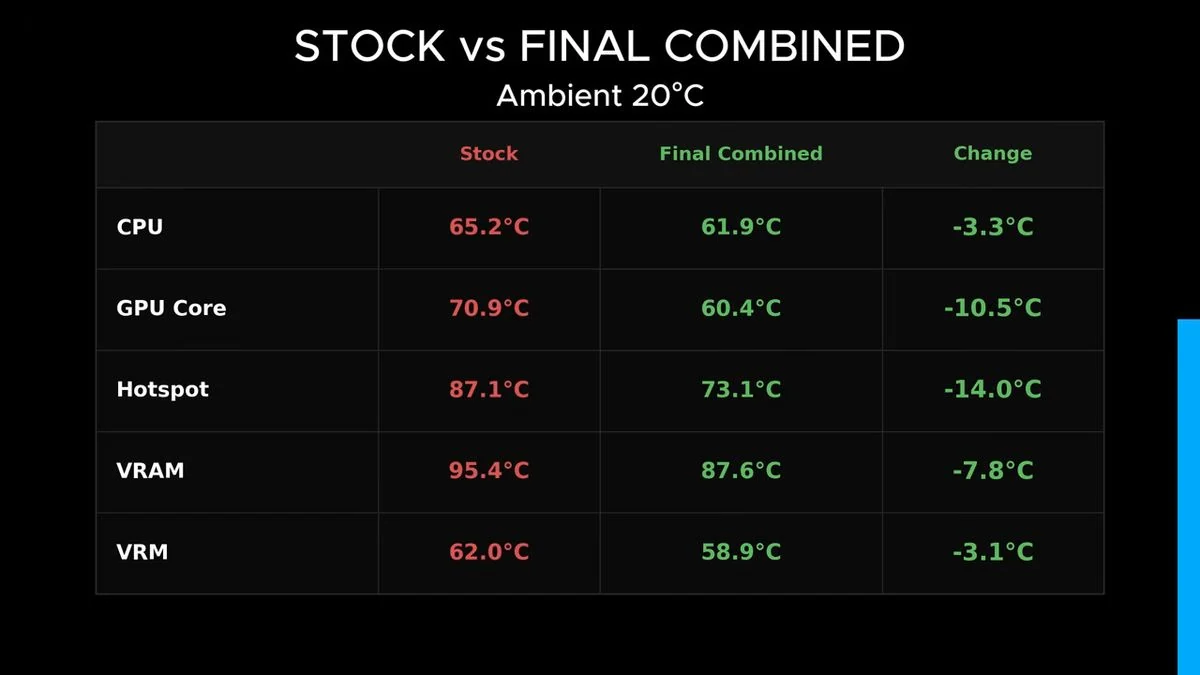
The final optimized setup placed the GPU vertically and directly against the side intake fans, while the CPU AIO cooler radiator remained in a traditional exhaust configuration. This balanced approach proved successful, delivering a sweet spot that simultaneously improved cooling for both parts of the system.
Observational data for this finalized alternative configuration recorded a 3.3°C cooler CPU alongside a GPU hotspot chilled by 14°C. The findings illustrate that even after decades of evolution in PC do-it-yourself design, breaking convention and questioning standard layouts can still uncover valuable performance and thermal optimizations.
Sources
- Tom's HardwareModder discovers that putting a GPU in the 'wrong place' can deliver a 19 degree cooler hotspot
Continue chronologically

Related stories
Modder Straps 360mm AIO to Laptop to Drop Temps Below 40°C
A hardware modder has successfully attached a 360mm AIO radiator to a laptop, dropping temperatures below 40°C and boosting performance.
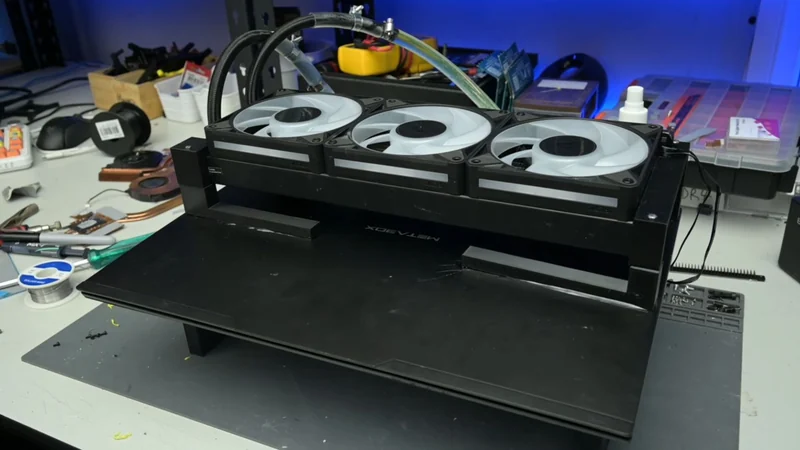
TrashBench Cools PC With Scrapped AC Radiator
Hardware tester TrashBench repurposes a 4-kW air conditioner radiator for a custom water-cooling loop, achieving striking temperatures on an Nvidia RTX 3080.
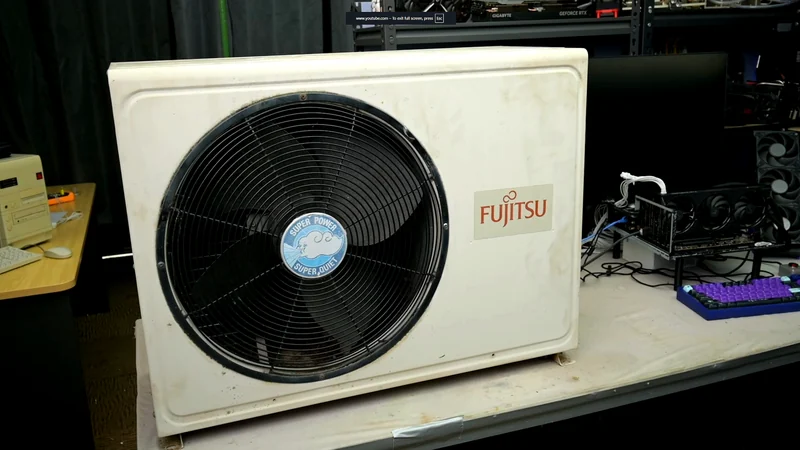
YouTuber Recreates 1996 PC to Escape Modern AI Tech Market
Exhausted by the modern AI-driven tech market and hardware shortages, technology YouTuber TrashBench recreated his very first 1996 PC build.
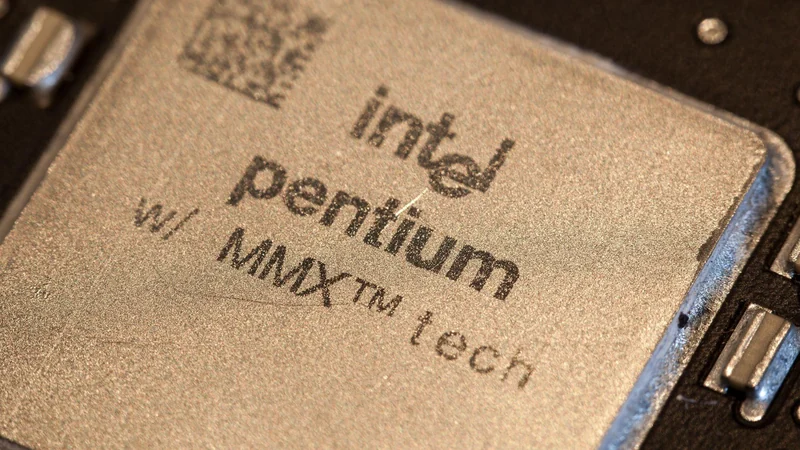
Modders Unlock DLSS 5 and Multi-Frame Generation on Older GPUs
Discover how community modders UncleBurrito and Dashdogy successfully ported DLSS 5 Neural Rendering and Multi-Frame Generation to older GPUs.