Smart TV Wi-Fi vs Ethernet: Speed, Stability, and Streaming
When setting up a home theater, deciding whether to connect your smart TV via Wi-Fi or Ethernet involves weighing raw wireless speeds against wired stability.
 Radwan AbdulhadiEditor and technology writer
Bandwidth Requirements for Streaming Content
Bandwidth matters a lot when streaming movies and TV shows across modern platforms. Services like Netflix and Disney+ typically recommend at least 5 Mbps for 1080p streaming. For 4K HDR content, that requirement steps up to 25 Mbps or better, since 4K resolution is four times that of 1080p. Plus, subscriptions that include 4K HDR typically throw in Dolby Atmos , even if it's just the compressed version.
Because of these demands, the way your TV connects to the internet is important. A local chokepoint can be just as bad as paying for a bottom-of-the-barrel internet plan. That might come in the form of an outdated router, or perhaps an evening surge in congestion if a neighbor decides your movie night would be a perfect time to torrent a few files.
Why Wi-Fi Often Leads on Speed
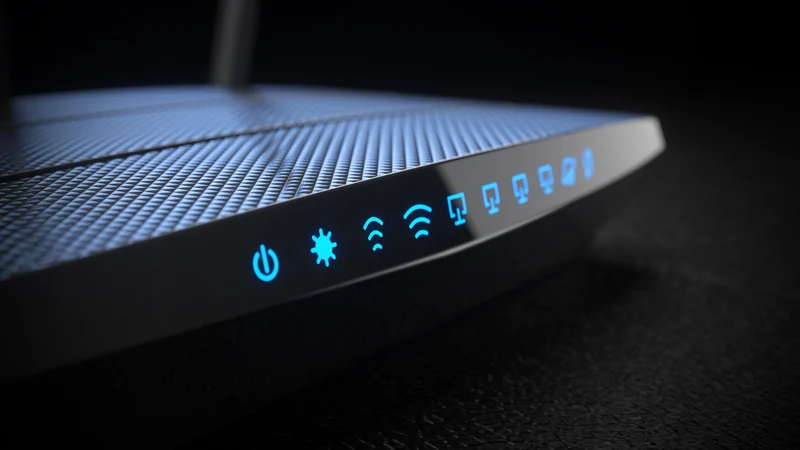
When choosing how to get your TV online, you might be surprised to learn that while Wi-Fi often achieves the fastest speeds, Ethernet can be preferable regardless, assuming your home theater layout accommodates a wired run. Wi-Fi leads on paper because many TVs are equipped with at least Wi-Fi 6, which can exceed gigabit speeds when paired with a compatible router in ideal conditions.
Real-world speeds tend to be lower, naturally, because even a gigabit internet plan still has to be split among all connecting devices in your home. Even so, half a gigabit is more than enough speed for most households . Furthermore, even older or cheaper TVs with Wi-Fi 5 support speeds that are more than sufficient for streaming high-resolution video.
The Limitations of TV Ethernet Ports
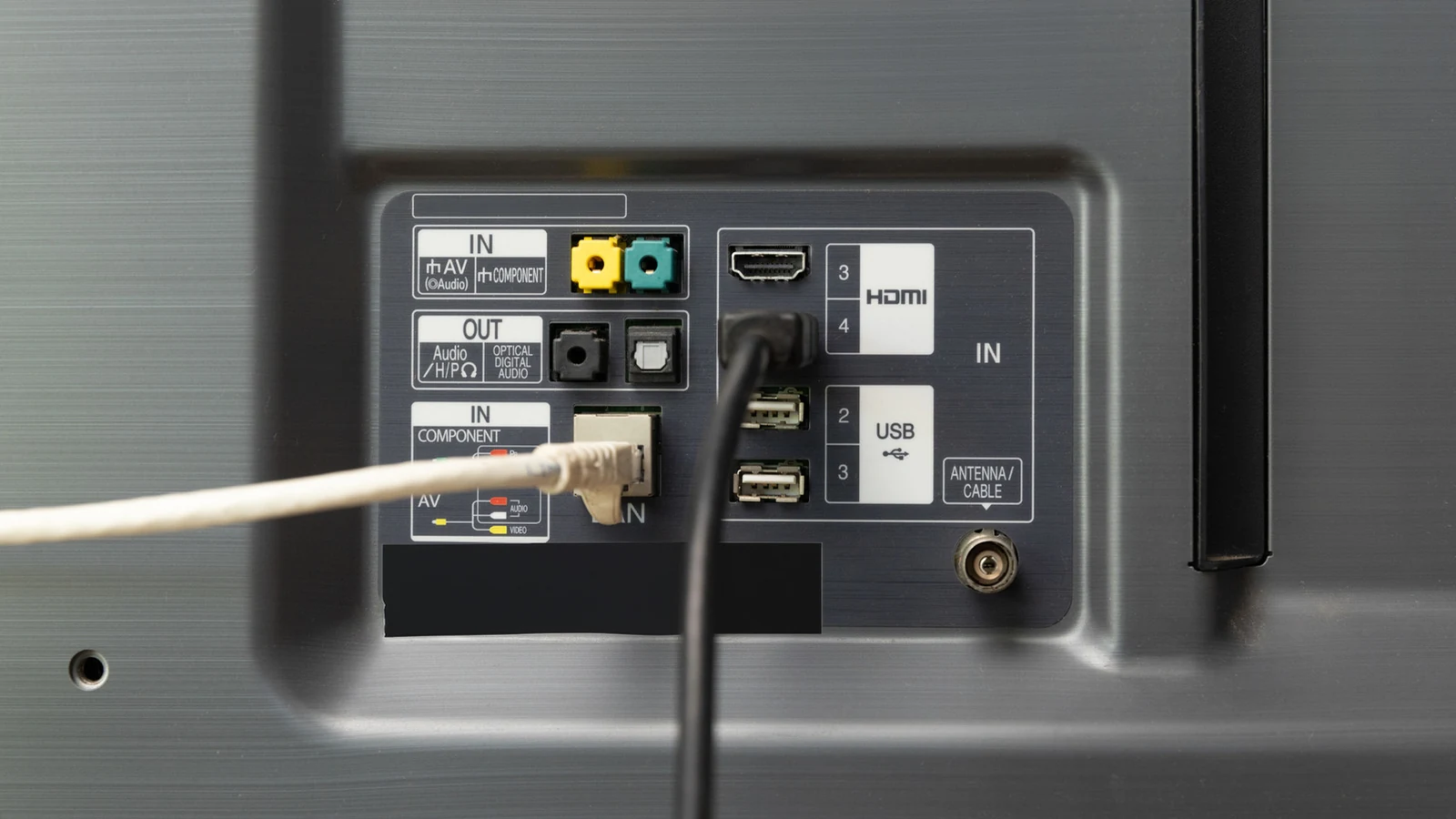
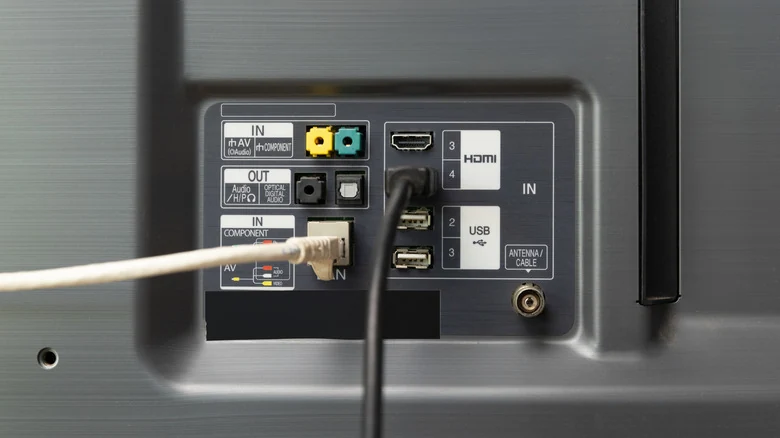
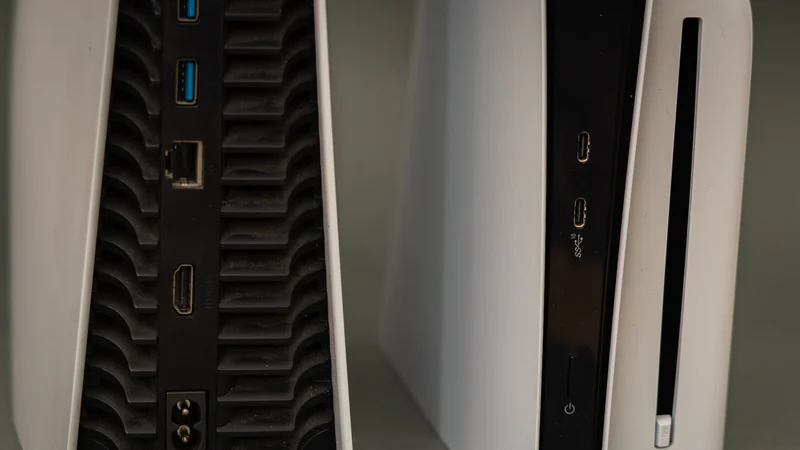
Conversely, a lot of TVs and streaming devices aren't even capable of gigabit Ethernet. Their built-in jacks are frequently limited to 100Mbps, despite the fact that gigabit options have existed for decades. This limitation is clearly a cost-cutting measure, functioning in the same way that many TVs still include HDMI 2.0 long after HDMI 2.1 has been available.
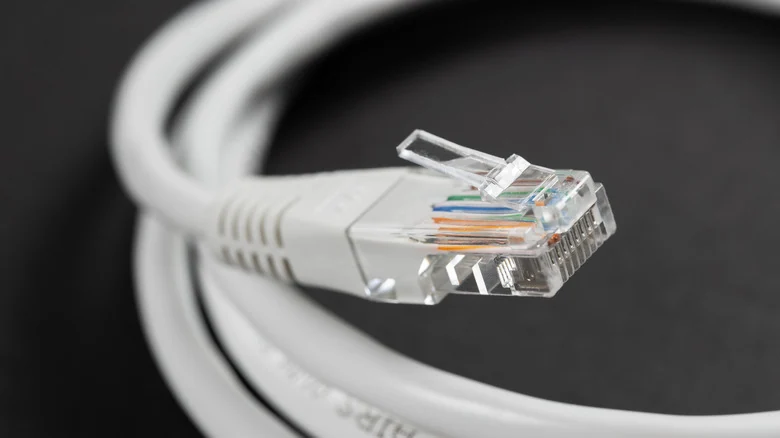
Despite these lower port speeds, the major advantage to using Ethernet is stability. Within the average home, an Ethernet cable is effectively immune to range or interference issues as long as it is decently shielded. A Cat 6 cable can deliver 1Gbps speeds up to 100 meters, whereas a Wi-Fi signal will typically peter out well before that distance unless boosted by a mesh network or extender system.
Stability Versus Raw Speed
Band congestion is a non-issue with wired setups since every Ethernet device gets its own dedicated lane. Stability matters significantly because if a stream is interrupted or loses enough signal quality, it can force an app to re-buffer the feed or downgrade to a lower quality level.
Meanwhile, users do not gain much extra practical benefit from a 500 Mbps or 1 Gbps Wi-Fi connection on a TV, except for faster app and software updates, which are relatively uncommon and small. A standard 4K stream does not come anywhere near tapping the full potential of high-speed wireless networks.
Practical Challenges of Wired Home Theaters
In a lot of cases, wiring up a home theater with Ethernet is entirely impractical. The equipment itself is inexpensive—shoppers can buy a 10-foot Cat 6 cable for less than $10—but if the router is not nearby, users can end up with Ethernet cables snaked around the living room or across hallways. Trying to conceal all of those wires can turn into a project that is more trouble than it is worth.
While flat Ethernet cables sound great, often they do not work as well for complex home routing needs. As a result, experts suggest using Ethernet only if it is convenient or if the household is experiencing serious reliability issues.
Optimizing Your Existing Wi-Fi Setup
If a household is already getting an excellent Wi-Fi connection, the occasional hiccup is likely offset by fast downloads and eliminating the clutter of one more physical wire. There is also little sense in spending more money and effort on cabling than necessary.
Fixing unreliable Wi-Fi can be surprisingly simple in some cases. Making sure your router is off the floor, out in the open, and away from physical obstacles goes a long way toward extending reach and improving performance. Additionally, if you cannot connect your TV directly to Ethernet, try connecting other stationary devices like a laptop via cable to free up wireless bands.
Sources
- EngadgetYour smart TV's Wi-Fi is probably faster than its Ethernet, but speed isn't everything
Continue chronologically

Related stories
How to Add and Rearrange Apps on Your Samsung Smart TV
Learn how to easily download new applications, pin them to your home screen, and rearrange or delete apps on your Samsung smart TV.

Why Wi-Fi Speeds Drop in the Evening and How to Fix Them
Discover why your internet slows down in the evening due to network congestion and Wi-Fi interference, plus practical steps to fix the issue.
Paramount Closes Historic $111B Warner Bros. Sale
Examine the historic $111 billion Warner Bros. Discovery sale, detailing the intense bidding war, regulatory hurdles, debt, and industry impact.

Why Your Home Network Needs Both Ethernet and Wi-Fi
Discover how combining Ethernet and Wi-Fi creates a balanced, reliable home network that balances maximum speed with wireless convenience.